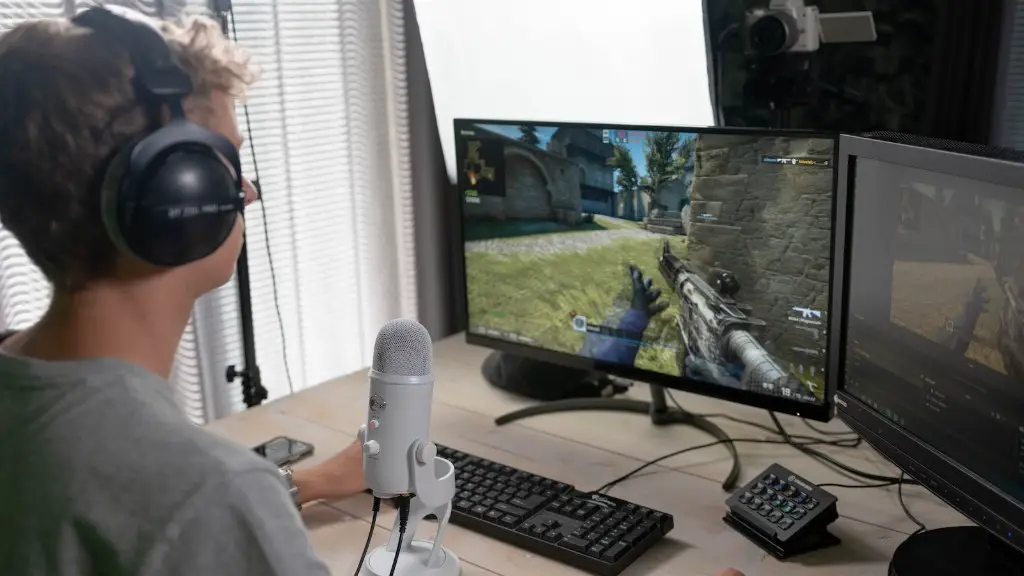
Whether a gaming PC can be used for video editing is a question that many people ask. It is important to note that video editing is a resource intensive process that requires a powerful machine. Fortunately, a gaming PC has the resources to handle video editing tasks. The main difference between a gaming PC and one meant for video editing is that gaming PCs come equipped with powerful GPUs, whereas video editing PCs typically have professional-grade CPUs.
When it comes to gaming PCs, there are different levels of performance, ranging from entry-level to high-end. For video editing, the more powerful the gaming PC, the better the performance. For best results, a dedicated GPU, such as an Nvidia GTX 1060 or better, should be present. Additionally, the amount of memory, storage and CPU clock speed also matter when it comes to video editing on a gaming PC, so consider upgrading those components if needed.
It is important to keep in mind that all GPUs are not created equal. Some GPUs are designed for gaming, while others are designed for video editing. It is important to choose the right GPU for the job, otherwise the performance of the video editing software might be hindered. Additionally, it is important to consider other system components, such as memory and storage, as these can also affect performance.
The good news is that a gaming PC can be used for video editing. With the right components and a powerful GPU, a gaming PC can handle most video editing tasks. Of course, it is important to keep in mind that the components should be chosen according to the tasks at hand.
The bottom line is that a gaming PC can be used for video editing, but it is important to choose the right components and upgrade if necessary. Additionally, it is important to remember that video editing is a resource intensive process that can tax the system, so make sure to have the right hardware for the job.
Pros Of Using A Gaming PC For Video Editing
One of the main advantages of using a gaming PC for video editing is that gaming PCs are typically more powerful than other computers designed for video editing. Gaming PCs are designed for intensive tasks, such as playing latest games, which makes them well-suited for video editing. Additionally, gaming PCs usually cost less than professional-level video editing PCs. Furthermore, many gaming PCs come with removable parts, such as GPUs and storage devices, making them easier to upgrade.
Compared to video editing PCs, gaming PCs are also more flexible when it comes to software support. For example, many newer video editing software programs will not run on older video editing PCs, whereas gaming PCs can run the latest games and video editing software. This makes gaming PCs a good option for users who want to edit videos on their own, but do not want to spend a lot of money on a professional-level video editing PC.
Another advantage of using a gaming PC is that they are often upgradeable, making it easier to increase performance when needed. For example, if a user wants to use more powerful video editing software, they can upgrade their graphics card or memory. This can be done relatively easily on a gaming PC compared to a traditional video editing PC, as many gaming PCs are designed with upgradability in mind.
Gaming PCs also offer additional features that can be useful for video editing. For example, some gaming keyboards have macro keys that can be used to quickly perform tasks, such as adding effects or using keyboard shortcuts. Additionally, gaming mice often have more programmable buttons, which can be useful when editing videos.
Cons of Using A Gaming PC For Video Editing
Although a gaming PC can be used for video editing, there are some drawbacks to consider. For starters, gaming PCs are not designed for professional-level work. In other words, the performance of a gaming PC might not be on-par with a professional-level PC. Additionally, many gaming PCs are not upgradeable or have limited upgradability, making it difficult to increase performance in the long-term.
Furthermore, gaming PCs might not be compatible with all video editing software programs. This is because some software programs are designed for professional-level computers, such as high-end video editing stations. Additionally, gaming PCs tend to run hot, which can cause excessive noise and wear and tear on the system. Lastly, gaming PCs typically have a shorter life span than traditional video editing PCs, as they are not designed to withstand rigorous and continual use.
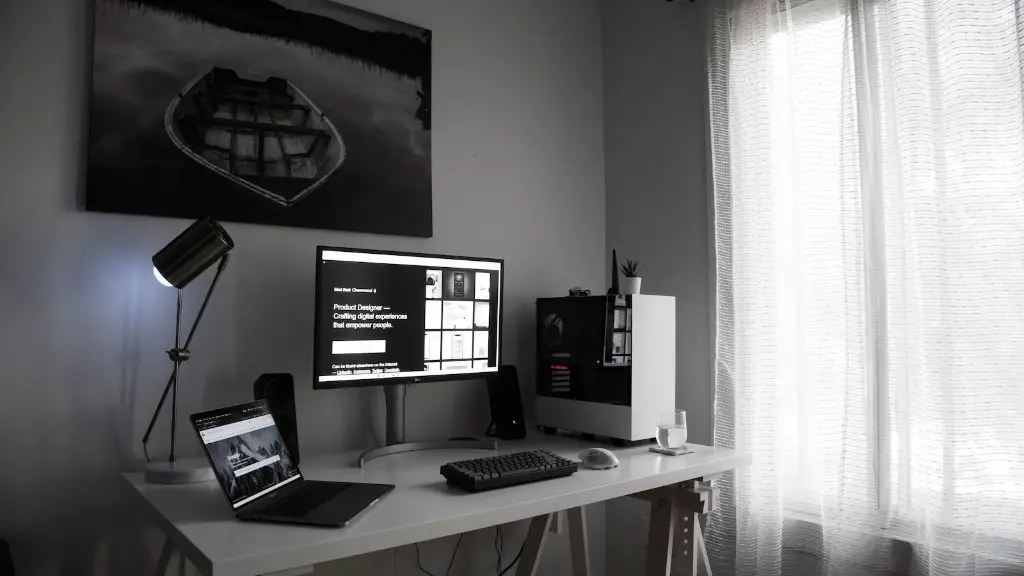
Finally, gaming PCs tend to be more expensive than traditional video editing PCs. This is because gaming PCs come pre-packaged with state-of-the-art components, whereas video editing PCs can be customized on a budget. Additionally, gaming PCs typically require more ongoing maintenance, such as cleaning the fans or changing settings to maximize performance.
Are Gaming PCs Good For Professional Video Editing?
Although gaming PCs can be used for video editing, they might not be suitable for professional-level work. This is because professional-level video editing requires a powerful computer with enough resources to handle the workload. Additionally, professional video editors often require additional features, such as dual monitors and macro keys, which are not typically found on gaming PCs.
For best results, a professional-level PC with a powerful GPU and additional features is recommended. Additionally, professional video editors should consider investing in high-end components, such as high-speed storage devices and expandable RAM. This will ensure that the system can handle any workload, while also providing the performance needed to get the job done.
In summary, gaming PCs can be used for video editing, but they may not be suitable for professional-level work. For best results, invest in a video editing PC with more powerful components, such as a dedicated GPU and extra RAM. Additionally, consider investing in extra features, such as dual monitors and macro keys, to maximize performance.
Upgrading A Gaming PC For Video Editing
Upgrading a gaming PC for video editing can be done relatively easily, as most gaming PCs come with removable components. For example, a user can upgrade their GPU or RAM for increased performance. Additionally, some gaming PCs also allow users to upgrade their storage devices, such as hard drives and SSDs. This can be beneficial if the user wants to store large video files on the system.
In addition to upgrading components, it is also important to consider the other aspects of the system. This includes networking, cooling and the operating system. Networking can be upgraded by adding a faster network card or upgrading to a wireless network. For cooling, additional fans or water cooling can help reduce operating temperatures, while a better operating system can help improve overall performance.
Finally, it is important to consider the software that will be used for video editing. This includes both the video editing program and the drivers for the GPU. For best results, make sure that the chosen video editing software is compatible with the GPU, while also ensuring that drivers are up-to-date. This will ensure that the system can handle the workload, while also providing the best performance possible.
Does A Gaming PC Make Sense For Video Editing?
Whether a gaming PC makes sense for video editing depends on the user’s needs and budget. For those on a budget, a gaming PC can provide the resources and features needed for basic video editing tasks. However, for those looking for professional-level performance and features, a professional-level PC will be required.
It is also important to consider future needs. For example, if the user plans on doing more advanced video editing in the future, a dedicated video editing PC will be the best option. This will ensure that the system can handle the workload without any issues, while also allowing the user to upgrade components as needed.
In summary, a gaming PC can be used for video editing, but it may not be the best option for users seeking professional-level results. Additionally, it is important to consider future needs, as a gaming PC may not be upgradeable enough to handle more advanced tasks. In these cases, investing in a dedicated video editing PC is the better option.
