Are you looking to build a gaming PC from scratch? As a beginner, the process can seem daunting. Fortunately, it does not need to be. With the right information and a few hours of your time, you can build a powerful gaming PC that will last a long time. Here are the steps you need to take to make it happen.
Firstly, you need to decide on which components you want to use. Get up to speed on the latest hardware by researching the specifications, reviews, and capabilities of each component. Depending on your budget, you will be able to craft a gaming PC that is suitable for your needs. Make sure to take into consideration the case, CPU, GPU, RAM, storage, and cooling system.
Next, purchase the components. It is best to buy from trusted retailers with a good return policy, if you need to return the items. Get the right cables and ensure cross compatibility of the components before you start building the PC.
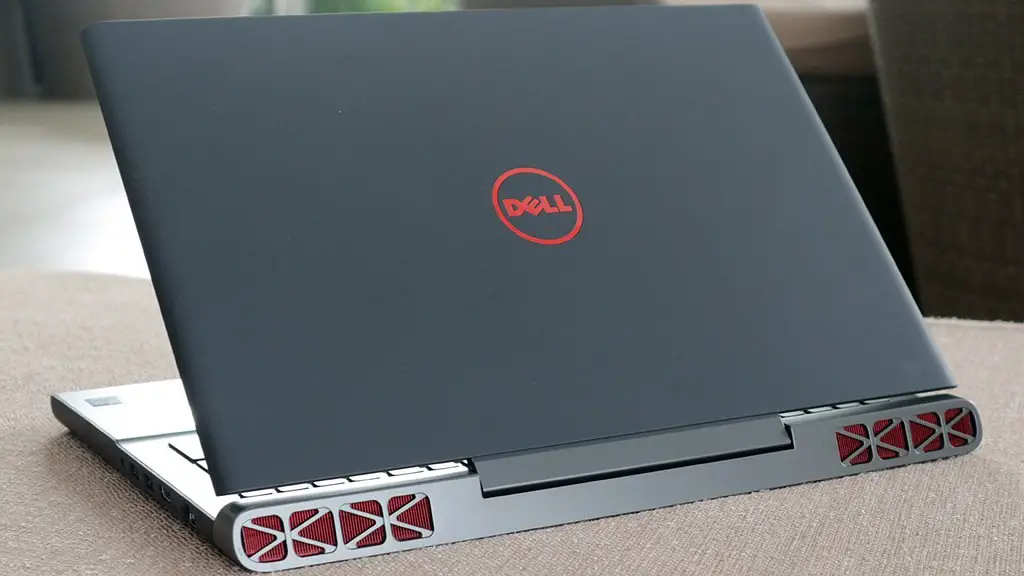
Thirdly, you need to assemble the components. Start by placing the motherboard into the PC case, then attach the CPU, RAM, and GPU. Lastly, add in the storage and power supply. Make sure to double-check the wiring and connections. You may want to consider a cooling system as well.
Fourth, install the operating system. If you are using Microsoft Windows, obtain a copy of the operating system and install it on the hard drive. Make sure to install the correct drivers for each of the components.
Lastly, test the setup. Boot up your gaming PC and check to make sure it is running correctly. You may want to consider running some benchmarks and stress tests to ensure the system is running optimally.
Tips for Building a Gaming PC
If you are a beginner, it is important to keep a few things in mind. Firstly, before buying any components, research the compatibility between each part. Carefully match up the available slots on the motherboard and case with the components. Secondly, label all the cables and connectors to avoid any confusion while wiring. Lastly, be sure to research and invest in a quality power supply. This is often overlooked by beginners and can cause unfortunate damage to the components.
How to Choose the Right Components
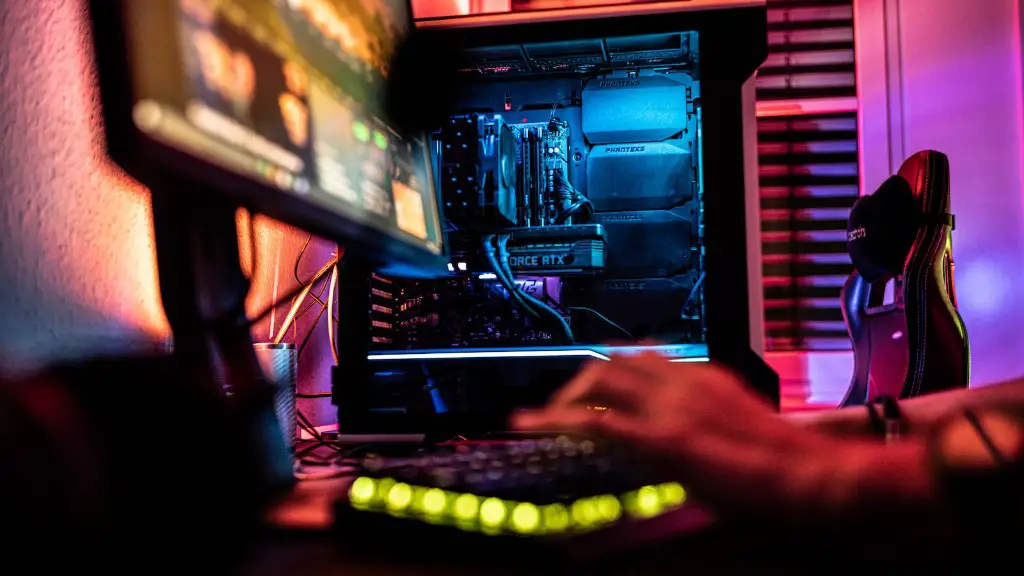
When it comes to choosing the right components, there are a few things to keep in mind. Firstly, in order to get the most performance, you need to match the components to the task at hand. For example, a powerful GPU is essential if you want to get the most out of your gaming experience. Secondly, it is important to consider the price-performance ratio. Great results don’t always come from expensive components. Thirdly, research and read reviews for each component. This will help you to get a good idea of how reliable each piece of hardware is.
What Else You Need to Consider
When building a gaming PC, you need to think about the other peripherals needed. You will need a mouse, keyboard, monitor, and speaker system in order to start gaming. Keep in mind that you don’t need the most expensive peripherals to get good results. For example, a good gaming monitor doesn’t need to break the bank. You could get a great monitor for less than $200. Along with the peripherals, you also need to consider investing in anti-virus software and some games to play.
How To Stay Up-To-Date
If you want to keep your gaming PC up-to-date with the latest technologies, there are a few steps you need to take. Firstly, it is important to research upcoming components, such as GPUs and CPUs. This will help you to determine which components will be the best and most cost-effective upgrade. Secondly, you should keep track of sales and discounts. This way, you can save money and still get quality components. Lastly, it is important to stay up-to-date with the latest gaming news. Pay attention to the reviews, updates, and tips that come with each new game or piece of hardware.
How To Keep Your Gaming PC Running Smoothly
Finally, it is essential to maintain your gaming PC in order to keep it running smoothly. When it comes to maintenance, there are a few tasks you need to do. Firstly, be sure to keep the operating system up-to-date with the latest patch. Secondly, regularly check the system performance, such as the CPU and GPU temperatures and usage. This can help you to identify any problems before they become bigger issues. Lastly, make sure to clean the inside of the case from time to time to avoid any dust buildup.
