
Is a $1000 gaming PC good? Yes, it can be a great purchase. However, the answer to this question also depends on several factors, such as budget, gaming performance, and the games being played. This article will explore the pros and cons of buying a $1000 gaming PC and identify the type of gamer it is best suited for.
If you are considering buying a $1000 gaming PC, it is important to be aware of its associated benefits. One advantage is that this price range will usually be able to run most modern games at high or maximum settings. In addition, these PCs tend to have good cooling systems, reducing their chances of overheating during extended gaming sessions.
On the other hand, there are some potential drawbacks to a $1000 gaming PC. For instance, this tier of PC may not always be able to run the newest games on the highest settings. Additionally, PCs in this price range may not have the best performance when it comes to streaming or online gaming.
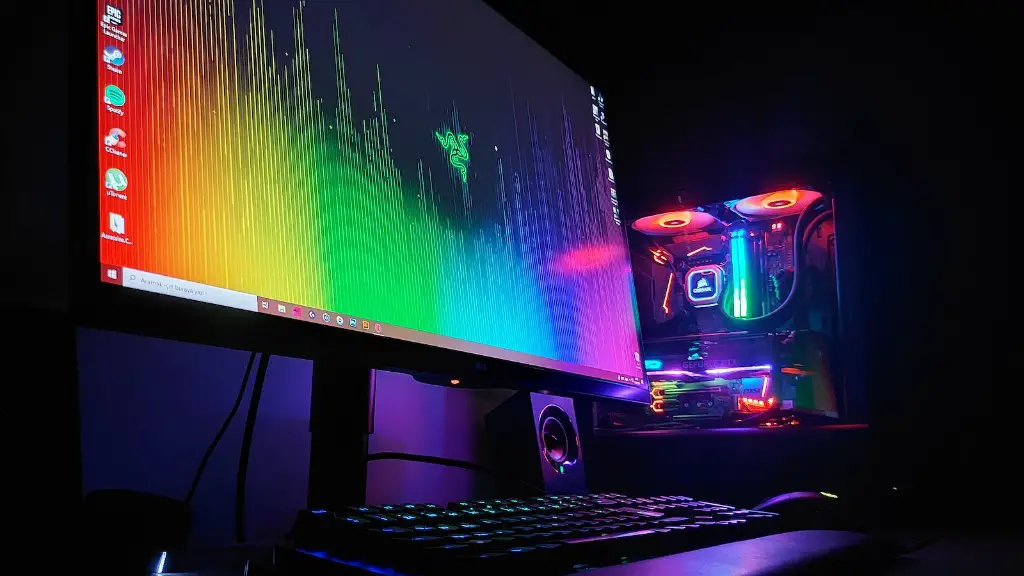
The type of gamer who is best suited to $1000 gaming PCs is the one who is looking to play the latest games on high settings but doesn’t necessarily require a powerful system to do so. These PCs should also be able to handle multitasking and streaming in lower settings. Ultimately, a savvy shopper can find a model in this price range that meets their gaming needs.
Ultimately, if a person is looking to purchase a gaming PC in the $1000 range, they need to consider how they play games and the games they are most interested in playing. Taking these factors into account can help the shopper determine whether or not this type of gaming PC is the right investment for them.
Purchasing Options for Poweful Gaming Machines
When purchasing a powerful gaming machine for $1000, buyers have a few choices open to them. For example, they can buy a good pre-built PC from a major retailer, purchase an individualized computer from a custom PC maker, or build their own custom gaming machine. Each option comes with its own pros and cons and as such, buyers should carefully consider which option best suits their gaming needs.
For those unfamiliar with computers, buying a pre-built gaming PC typically involves little effort but can lead to more expected results. Furthermore, they come with standard hardware and software which makes the upgrade process somewhat straightforward. On the other hand, gaming PCs purchased from a custom PC maker provide buyers with great flexibility, allowing them to select the best hardware and software for their needs.
Finally, those who are knowledgeable about PCs can go down the DIY route and build their own machine. While this method offers the most control over the components and software, it also requires the most work during purchase and in setting up the machine.
How to Choose the Right Components for a Powerful Gaming Machine
Once a buyer has identified the option best suited to them, they will have to determine the components that will best facilitate their gaming experience. For example, they will need to choose a CPU, RAM, GPU, motherboard, and storage device. When selecting components, buyers should take into account their budget, the games they will be playing, and the desired performance settings.
In terms of the CPU, gamers should determine the number of cores and threadson the processor, its clock speed, and the amount of thermal envelop it can handle. RAM is important for multitasking and running multiple programs. Larger capacity RAM typically leads to better performance. Meanwhile, GPU selection depends upon the kinds of games and the desired settings, with processors from AMD or Nvidia usually offering the best performance.
A good motherboard will facilitate optimal communication between other components and support high bandwidths. Storage devices include hard drives and SSDs, the latter being faster and more reliable but pricier. Ultimately, when selecting components for a $1000 gaming PC, shoppers should focus on the elements that will most improve their gaming performance.
Tips for Building a DIY Gaming Machine
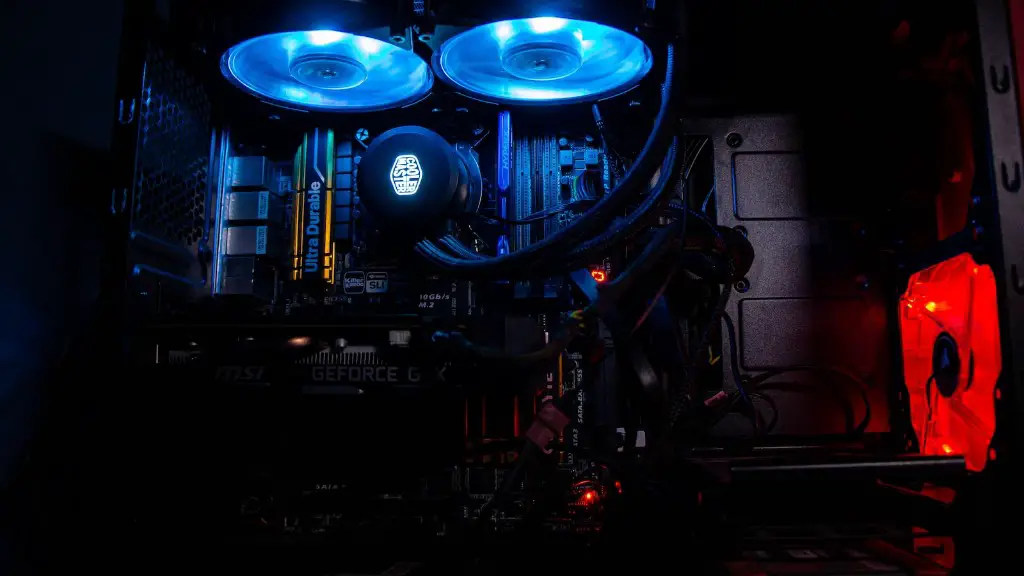
Building a DIY gaming machine is a complex process that requires someone who is comfortable with how computers function. Before starting the build, gamers should research the components they will need and the tools that will be needed to build the machine. There should be an adequate amount of space in the case to fit all the components and users should check compatibility of certain components like the GPU and the power supply.
When it comes to actually constructing the machine, it is important to take every step carefully. Gamers should be sure to ground themselves as static electricity can easily damage components. Furthermore, users should always follow the component manufacturer’s instructions and use appropriate screws when installing elements. Finally, when the machine is up and running, gamers should ensure that all fans are running and that the machine is staying cool.
High-End Games and Recommended Settings for a $1000 Gaming PC
When playing on a $1000 gaming PC, users should have the capability to run many different games, assuming the desired settings aren’t necessarily maximum. For instance, a gaming PC of this price range should be able to easily handle popular games like Ghost Recon, Apex Legends, and Fortnite. These should all be playable at high settings, resulting in a lag-free, smooth experience.
Other graphically intense games can also be enjoyed on a $1000 gaming PC. Games like The Witcher 3 and Cyberpunk 2077 can be played in high settings but with some of the more taxing elements, like GPU particle simulations, turned off. Those playing on a more limited budget should still be able to run the games at medium settings.

Finally, for those using a laptop, it is important to understand that the settings options may differ from a desktop PC. Many powerful gaming laptops may have slightly lower in-game settings or lower framerates due to the reduced power available in comparison to a desktop PC.
Conclusion
Overall, a $1000 gaming PC can be a great purchase for those who are looking for something capable of running modern games on high settings. Shoppers should consider their gaming needs, budget, and gaming preferences when choosing what to buy. There are a few options open to them, including pre-built computers, custom PCs, and building their own machine. With careful research and selection of components, gamers should end up with a machine that meets their gaming needs.
