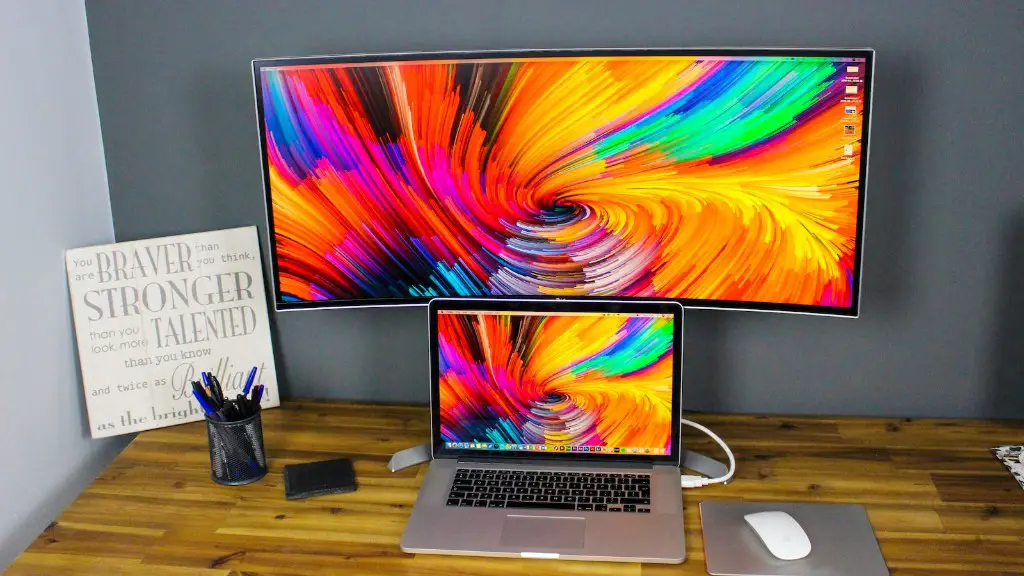
It is no secret that performance of gaming PCs can become outdated quickly. Many gamers find themselves wondering how to improve their gaming PC’s performance in order to stay ahead of the game. Here are a few tips on how to get the best out of your current gaming setup.
The first step is to upgrade the memory in your machine. Even if your gaming PC is relatively new, chances are you still may have less RAM (Random Access Memory) than the minimum recommended for current games. Upgrading your RAM can provide faster loading times and improved performance.
The second step is to upgrade your graphics card. A good graphics card is essential for a gaming machine and getting one with at least 2GB of RAM will ensure you can play any modern game without experiencing any lag.
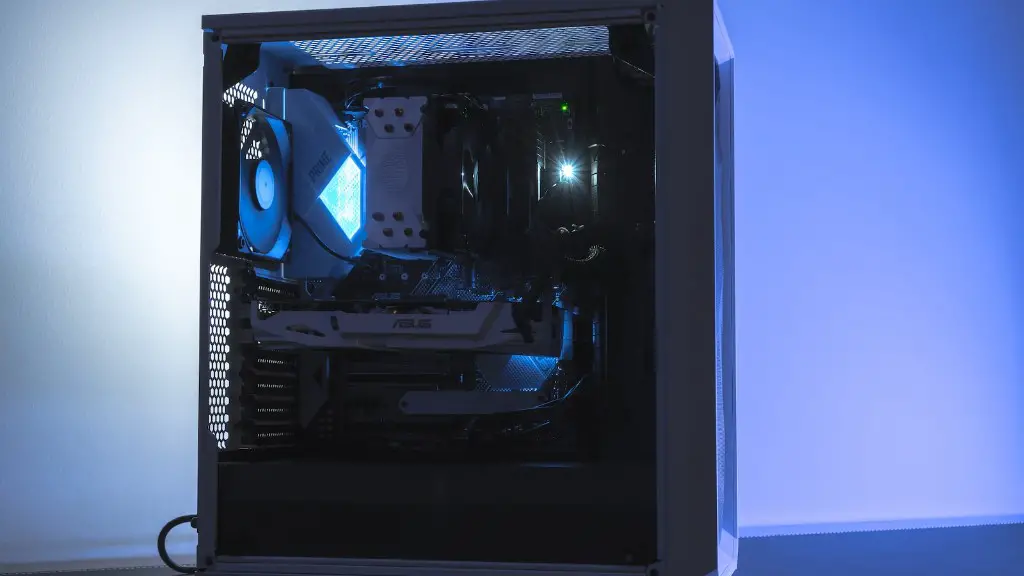
Next, invest in a good cooling system. This can help keep your CPU temperature down so that your machine does not overheat during long gaming sessions.
Fourth, make sure your storage space is up to date. Getting a larger-capacity hard drive will help keep all your gaming games, apps and updates in one place, and having a fast Solid State Drive (SSD) will ensure that your game loads quickly.
Finally, add more USB ports to your machine. If you often forget where your gaming controllers and other peripherals are, adding USB ports can help keep them handy.
Upgrade Your Processor
One of the best ways to improve your gaming PC’s performance is to upgrade its processor. Upgrading your processor will enable your machine to run faster and smoother, allowing for faster loading times for games and apps. When looking for a processor upgrade, bear in mind the maximum recommended clock speed for the processor, and make sure you get something that is powerful enough for your gaming needs.
Install The Latest Software
Making sure to have the latest software and updates on your gaming PC is crucial for good performance. Search for updates and install them regularly, as this will help your machine stay up to date and secure. Additionally, look out for popular optimizations and tweaks to help further improve performance.
Keep Your System Clean
Having lots of unnecessary programs and files on your machine can slow it down significantly. Running regular clean-up tasks such as emptying the recycle bin, clearing the cache, and removing any unwanted apps can help ensure your gaming PC runs at optimal speeds.
Optimize Your Settings
Finally, in order to squeeze the most out of your gaming PC, it is important to optimize its settings. This includes anything from changing the resolution or graphical detail of your games, to disabling background processes or services that are not needed during gaming sessions. Some games also offer in-game options to further tweak your gaming experience.
