When gaming on a PC, it’s important to make sure that you’re getting maximum performance and that your hardware is in line with your goals. But with so many components to consider, deciding which upgrades to prioritize can be difficult. Whether you’re looking at gaming laptops or stationary PCs, these suggestions will help you decide which components to upgrade first to get the best experience.
The first component to consider upgrading is the graphics card. This is especially important for PCs with integrated or low-end graphics cards, as these are unlikely to provide truly immersive gaming experiences. If a decent graphics card is out of your budget, you might consider purchasing a less powerful one and then upgrading later in the future.
Next, you’ll want to consider the processor. If your current processor isn’t up to par, you’ll be bottlenecking your gaming performance. A good rule of thumb is to aim for a processor that at least matches your graphics card in terms of quality.
After the processor, you should focus on upgrading the RAM. This is important for PCs that are running memory-intensive games, or for those with multiple tabs open at any given time. Aim for at least 8GB of RAM if you plan to enjoy a smooth gaming experience.
Finally, you may want to upgrade the hard drive. Whether you’re looking for additional storage space or faster read and write speeds, investing in a better hard drive can go a long way in improving your gaming performance. SSDs are worth considering for a great performance boost.
GPUs
GPUs (sometimes called video cards) are an important component when it comes to gaming on a PC. Depending on the type of games you are playing, choosing a quality GPU can provide a significant boost to overall performance. When evaluating GPU options, you should consider both the types of games you plan to play, as well as their individual graphics settings. Be sure to select a graphics card that’s powerful enough to handle the games you want to play and upgrade if necessary as new titles are released.
Another tip when choosing a GPU is to avoid older cards because they may not support the latest technologies. Additionally, newer cards tend to come with improved driver support, better cooling and varied clock speeds which will improve your gaming experience.
If you’re looking for an even better performance, then you may want to opt for a multiple GPU setup, as this will provide a great boost to gaming performance. However, this is only an option if your computer supports this type of setup.
Power Supply
The power supply is a key component of your PC, and is necessary to keep your gaming setup running without any issues. It is also important to select a power supply that is of a suitable wattage and size for your setup, as the wrong type of power supply could cause custom compatibility issues.
When selecting a power supply, it’s important to choose one that is efficient. That means opting for a power supply with a minimum of 80+ rating, as this will provide a better performance and will help reduce your energy bill at the same time. It is also worth thinking about purchasing a power supply with good ventilation and fans to keep it cool during extended gaming sessions.
For a gaming setup, you’ll typically need a minimum of 600 watts but this can vary depending on the other components you have installed. Also, be sure to check that the power supply is compatible with your other components, and double check the required wattage for each.
Motherboards
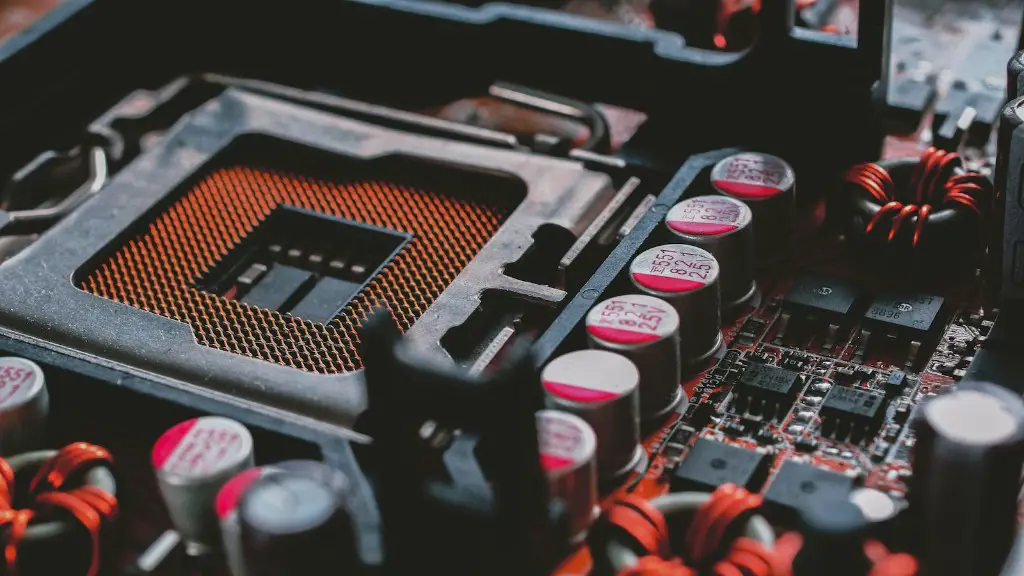
The motherboard is the backbone of your PC, and it’s responsible for connecting all of your other components together. Choosing the right motherboard is important to ensure compatibility with your other components, as well as to get the most from your processor and graphics card.
When selecting a motherboard, think about your budget, number of ports, and type of socket. Additionally, you should consider features such as overclocking, which will allow you to squeeze more out of the processor. Make sure that you choose a motherboard that has enough slots for all of your components.
Furthermore, if you are planning on running multiple GPUs, then you’ll need to make sure that your motherboard supports this feature. Finally, be sure to check the compatibility with your chosen CPU before you purchase a motherboard.
Storage
Storage plays an important role in gaming, as it’s where all your files, records, and saved games are stored. The two common types of storage for gaming PCs are HDD (hard disk drive) and SSD (solid-state drive). When choosing a storage solution for gaming, opt for an SSD that is fast and reliable.
An SSD will provide significantly better performance over an HDD, as its lack of moving pieces means faster read and write speeds. This faster access to data can be seen in the form of faster load times for games, as well as quicker file transfers. SSDs are generally a bit more expensive than HDDS, but the benefits tend to outweigh the cost.
It’s also worth considering purchasing a larger storage drive, as games are becoming increasingly large in size. Look for drives that have at least 256GB of space, but preferably larger. This will be enough space to hold multiple games at once, as well as any other files you may need.
Coolers
In order to ensure that all your components are running as efficiently and reliably as possible, a good cooling solution is essential. And for gaming, an efficient cooler is essential to prevent your components from getting too hot. The two common options for processors are air coolers and liquid coolers.
An air cooler is the cheaper option, and it works by blowing air to keep your processor cool. While this type of cooler is generally more than enough to keep your processor running optimally, it may not be enough if you’re shooting for higher overclocking levels. In this case, a liquid cooler is the better option.

Liquid coolers work by transferring heat away from the processor with a liquid-filled radiator. Generally, liquid coolers are more efficient and quieter than their air-cooled counterparts. Furthermore, they are better for overclocking and can support higher clock speeds for longer periods of time.
Cables
Having the right cables is important for gaming PCs, as it allows components to communicate with each other. Investing in good quality cables also helps with overall performance and prevents potential issues down the line.
The two most important cables for gaming PCs are DisplayPort and HDMI cables. DisplayPort cables are used to connect a monitor to your PC, while HDMI cables can be used to transmit audio and video from the GPU to the monitor. Both types of cables come in different lengths and you should check the specs of your monitor and GPU to make sure they are compatible.
It’s worth noting that DisplayPort cables tend to be more durable and can handle higher refresh rates and resolutions. Additionally, look for gold-plated cables, as these tend to be of the highest quality.
Peripherals
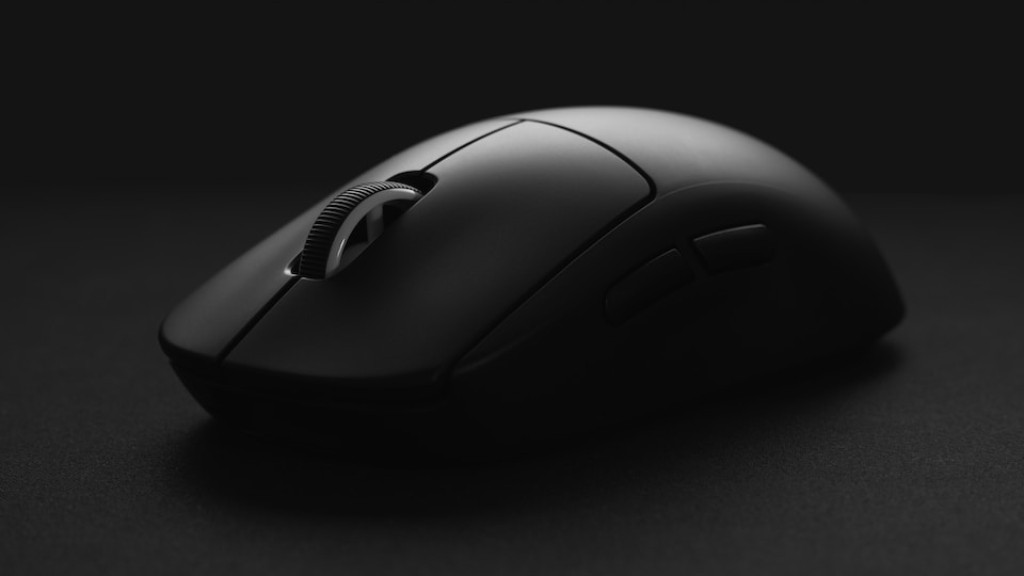
Having the right gaming peripherals can make a big difference to your gaming experience. This includes items such as a mouse, keyboard, headset, and more. When selecting peripherals, think not only about the price, but also about the type of device, the materials used, and whether it is wireless or wired.
For example, for a mouse start by considering the type of grip you prefer when gaming, such as palm or claw. Do your research and look for a device that is comfortable to use, and has just the right number of buttons and features.
For gaming keyboards, look for one that is robust and has a comfortable key layout, good travel distance and durable construction. Likewise, choose a headset that’s comfortable to wear, has good sound quality, and great noise cancellation.
Finally, if you’re looking for the ultimate gaming setup then a decent gaming chair, gaming desk and monitor are all worth considering. Comment down below, what kind of PC upgrades do you recommend?
