Every PC gamer knows the importance of having a good gaming PC in 2019 – and they also know the joy of being able to play the latest AAA titles with the best settings and with no lag. But what makes a good gaming PC in 2019? Is it the latest graphics card? The right processor? Or something else entirely? In this blog post, we’ll delve into what makes a gaming PC great in 2019.
The first thing to consider when building a good gaming PC is the processor. There are a variety of processors available on the market, and they all offer different levels of performance depending on their specs. In 2019, gamers should look for either an Intel Core i7 or AMD Ryzen 7 processor to get the best performance and value for money.
The next thing to consider is the graphics card. Graphics cards have come a long way in recent years, and it’s now possible to get incredibly powerful graphics cards for relatively affordable prices. Nvidia’s GeForce GTX range is probably the most popular amongst gamers today, and the RTX models are even more powerful, albeit more expensive.

For the best gaming experience, RAM is also important. We recommend at least 8GB of DDR4 RAM – 16GB would be ideal though. This will ensure that your PC can run all the latest games without any slowdown. It’s also best to invest in a gaming motherboard, as this will ensure compatibility with all components.
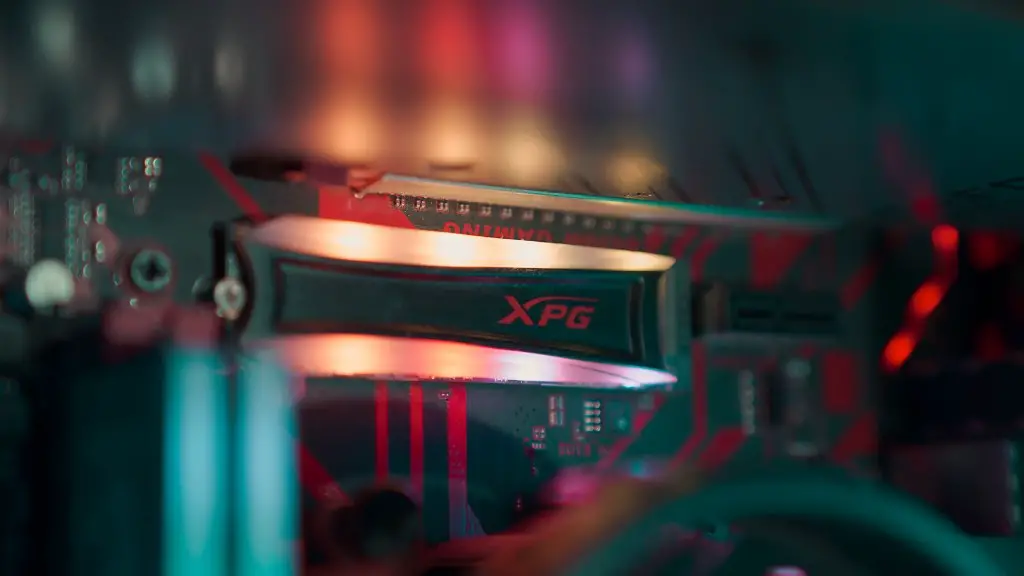
Storage is another important factor to consider when building a gaming PC. If possible, invest in an SSD, as these will offer the fastest loading and boot times. However, the cost of an SSD can be quite expensive – in which case a less expensive HDD may be the best option.
Finally, the case and cooling system are also important factors to consider. A good case should not only look good, but should also be able to keep your components cool. Cooling systems come in a range of sizes and prices – from basic air cooling systems to more expensive liquid-cooling systems. Choosing the right one will depend on the type of PC that you’re building.
Graphics Card Performance and Power
Graphics cards are an essential component of any gaming PC, as they will be responsible for the rendering of games and other visually demanding tasks. Gamers should ensure that the graphics card they choose is powerful enough to run the latest games on the highest settings. GPUs such as the Nvidia GeForce RTX 2080 Ti or the AMD Radeon RX Vega 64 are the most powerful available in 2019 and should provide plenty of power for the most demanding of gamers.

Additionally, gamers should also consider the power draw of their graphics card. While powerful graphics cards may provide excellent performance, they can also draw a lot of power from the other components of the system. It’s best to check the wattage of the GPU and make sure that the power supply can provide enough juice for the entire system.
Finally, the type of connection that the graphics card uses is another factor to consider. Some graphics cards can be connected via the traditional PCI-e interface, while others are designed to be compatible with the Thunderbolt 3 connection found in the latest devices. Again, it’s important to ensure that the graphics card is compatible with the rest of the components in the system.
Motherboard Compatibility and Connectivity
Having a good gaming motherboard is also essential when building a PC; not only will it provide compatibility with the other components of the system, but it will also provide additional connectivity options. For gamers, one of the most important things to consider when choosing a motherboard is the number of USB ports. Many gaming mice, keyboards and headsets require more than the four USB ports that most motherboards provide, so having additional ports can be useful. It’s also worth checking for other connectivity options such as Wi-Fi, Bluetooth and ethernet ports.
In addition to the standard USB ports, some motherboards provide additional USB 3.0 ports that offer faster transfer speeds. This can be useful for gamers that want to make the most out of their system, as it can be used to connect devices such as external hard drives or flash drives. Finally, it’s worth checking the compatibility of the motherboard with the processor, as some older motherboards may not be able to support the latest CPUs.
Optimizing Performance with Windows
While having a good hardware setup is important for gaming, it’s also necessary to optimize the system’s performance with Windows. One of the simplest things that can be done is to disable visual effects, as these can take up valuable resources that could be used to improve gaming performance. Additionally, it’s also important to update all the drivers for the system components to ensure compatibility and optimal performance.
Additionally, Windows allows for the adjustment of power settings. By setting the processor to “High Performance” mode, the computer will be able to utilize its full potential for gaming. For users that need a little extra power, overclocking the processor can also be an option, although this does have the potential to damage the CPU if done incorrectly.
Finally, it’s also important to keep the system free from malware and other malicious programs. This can be done by using an up-to-date anti-virus solution and by running regular scans to check for malware. This will ensure that the system is fast and secure, and will also allow it to run the latest games without any issues.
SSD and HDD: Storage Options
When it comes to PC storage, there are two main options available: SSDs and HDDs. SSDs offer many benefits over HDDs, such as faster loading times and better durability. However, SSDs are more expensive and usually come with less capacity than HDDs. For gamers that need a lot of storage, an HDD may be the better option.
Another important factor to consider is the lifespan and reliability of each type of storage. SSDs are generally more reliable and have a longer lifespan than HDDs, but they are also more expensive. If possible, it’s best to invest in an SSD for your system – even if it means sacrificing some storage capacity.
Finally, it’s also important to consider the size of the drive. HDDs come in a variety of sizes – from 1TB to 8TB and beyond – so it’s best to choose one that will fit the gamer’s needs. For most gamers, a 1TB or 2TB HDD should be sufficient, although users with larger libraries of games may want to go for a larger HDD.
RAM and Cooling System: Important Components
Finally, gamers should also consider the amount of RAM in their system. We recommend at least 8GB of DDR4 RAM for most gaming PCs, although 16GB would be better for more demanding games. RAM is important for ensuring that the computer can run the latest games without any slowdowns.
The cooling system is also an important factor to consider when building a PC. A good cooling system will ensure that your components stay cool and will also prolong their lifespan – something that is especially important for processors and GPUs, which can become damaged if they get too hot. Air cooling systems are often sufficient, but liquid-cooling systems are also available for more demanding systems.
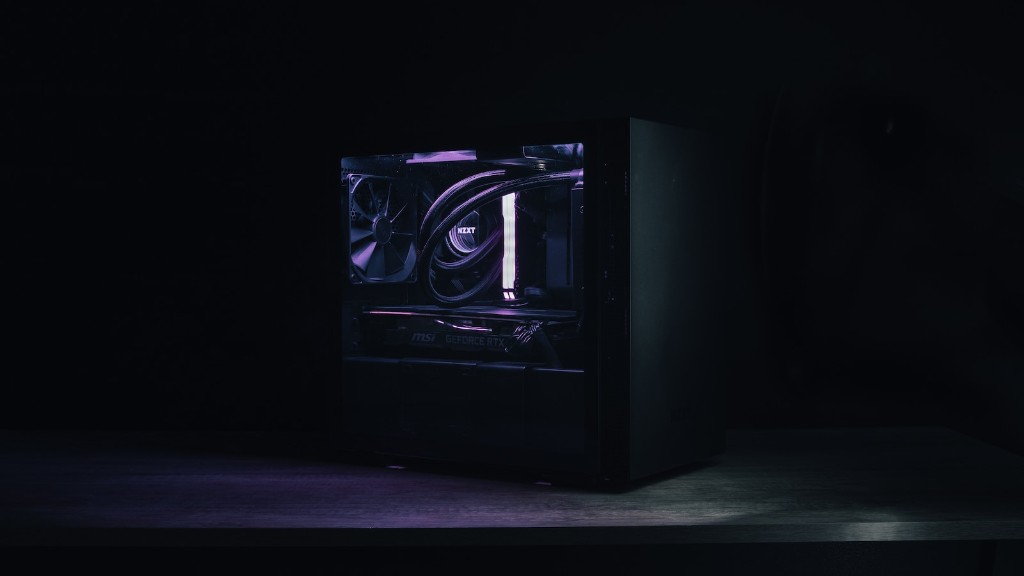
Finally, it’s also important to choose a good case. Cases come in a wide variety of styles and sizes, and some of them are designed to keep components cool and quiet. Gamers should choose a case that offers good airflow and is also big enough to fit all their components. It’s also worth considering the aesthetics, as a good-looking case can really enhance the overall look of the PC.
