
If you’re looking to get into virtual reality (VR) gaming, then you’ll need the right setup to do it. While you’ll need a compatible headset, a good gaming PC is also essential if you want a smooth experience. So what do you need for a VR-ready gaming PC?
First and foremost, you need good hardware. You’ll need a powerful CPU to keep up with the demands of the game, and a gaming-grade GPU such as a GeForce GTX or RTX for smooth, low-latency visuals. You’ll also need at least 8GB of RAM and high-speed storage options like an SSD. Additionally, a compatible motherboard and compatible ports on the GPU are also essential for your gaming setup.
With the hardware already sorted, you’ll need to make sure that your PC is compatible with your particular headset. Both the Vive and Rift headsets, for example, require at least one USB 3.0 port for the headset itself and sufficient graphics power to meet the recommended specifications. It’s also important to check the frame rate requirements of the game, as many VR games require a minimum of 90 frames per second (FPS) to run smoothly.
To ensure a good experience in VR, you’ll also need to consider other data-related aspects. Keeping a good signal-to-noise ratio is essential, and having at least two good-quality USB 3.0 ports along with an HDMI or DisplayPort connection can also help. If you don’t have the right ports on your GPU, you’ll need to use an adapter.
If possible, you should also try to go for a machine that has a good cooling system. Heat buildup can slow down your machine and cause lag in games. A good gaming case with good ventilation can help in this regard.
Finally, you’ll also need to make sure you have the right peripherals for the games. Most VR headsets come with their own controllers, but you may need additional equipment such as flight simulators or motion controllers depending on the type of game you’re playing. Ideally, your gaming setup should also be in a comfortable environment with plenty of space.
Types of Gaming PCs
When it comes to selecting the right gaming PC for VR gaming, there are some considerations to be made. Do you want a desktop PC or a laptop? Depending on your preferences, you may opt for either one — both offer their own advantages and disadvantages.
For desktop PCs, the main benefit is that you can easily upgrade components as you wish. You can also purchase powerful components if you want to take your gaming to the next level. On the downside, they take up more space and cost more than laptops.
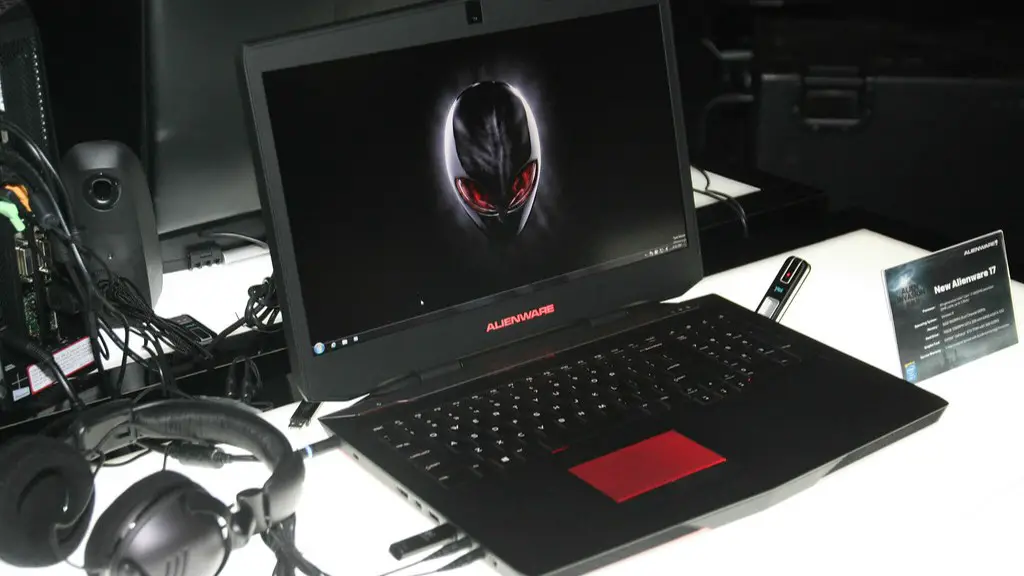
Laptops, on the other hand, are more portable and can be taken anywhere. They also come in different form factors, so you can choose one that offers the right balance of price and performance. But they may be more limited in terms of upgradability, and their components may be a bit more expensive than desktops.
If you’re looking for a powerful gaming system that you can take with you, then a high-end gaming laptop may be the way to go. However, if you’d prefer to have the power and convenience of a desktop PC but with the portability of a laptop, then a gaming laptop with an external GPU enclosure could be the solution.
Best Components for VR Gaming
When it comes to choosing the best components for your VR gaming setup, there are a few things to keep in mind. First, the more powerful components you have, the better your gaming experience will be. You’ll want a fast CPU and powerful GPU for a smooth experience.

If money isn’t an issue, then you may want to go for the best components you can find. A GeForce 1080 Ti or RTX 2080 is a good choice if you want to take your gaming to the next level. If you’re on a budget, then you’ll want to go for a mid-range GPU such as the GTX 1060 or 1070.
In addition to your GPU, you should also consider the storage and RAM. You’ll want at least 8GB or RAM and an SSD for fast loading times. Additionally, you’ll want to make sure that you have a good-quality power supply to provide enough power for your components.
When it comes to peripherals for VR, you’ll likely need a headset and controllers, but you may also want to consider motion trackers and other accessories. The controllers should be compatible with the headset, and you may need additional accessories such as base stations for room-scale gaming.
Budget for a VR Gaming Setup
The cost of building a VR gaming setup can vary greatly, depending on the components you choose. The most basic setups should cost somewhere in the ballpark of $600-$700, while higher-end ones can cost upwards of several thousand dollars.

If you’re looking for something on the budget side, then you may want to get a gaming PC with a mid-range processor and a mid-range GPU. You’ll also want to make sure that you get a good-quality gaming PC case with good ventilation, and enough RAM and storage for your needs. This should set you back around $700-$800.
For higher-end setups, you’ll want to invest in a high-end CPU, a more powerful GPU such as an RTX 2080, and faster RAM and storage. For peripherals, you’ll need to buy a compatible headset and controllers. This will likely amount to at least several hundred dollars, and you may need to purchase additional accessories depending on the type of games you’re playing.
How To Test the VR Gaming Setup?
Once you’ve built your VR gaming setup, you’ll want to make sure it’s up and running properly. To do this, you can run a few tests. First, make sure that all the components are plugged in properly and that all cables are securely connected.
Next, you’ll want to check the games you want to play. Test out each game and make sure they’re running properly on the machine. If you’re a beginner, you may want to try out some of the simpler games to get used to the setup.
Finally, you should also look into any software that may be required for your VR gaming setup. For example, the Rift requires a particular software for setting up the headset and controllers. Likewise, the Vive requires its own software for setting up and calibrating the headset.
If you run into any problems during setup, it’s best to consult the manual or do an online search for help. With the right setup and dedication, you can enjoy a smooth and immersive VR gaming experience.
