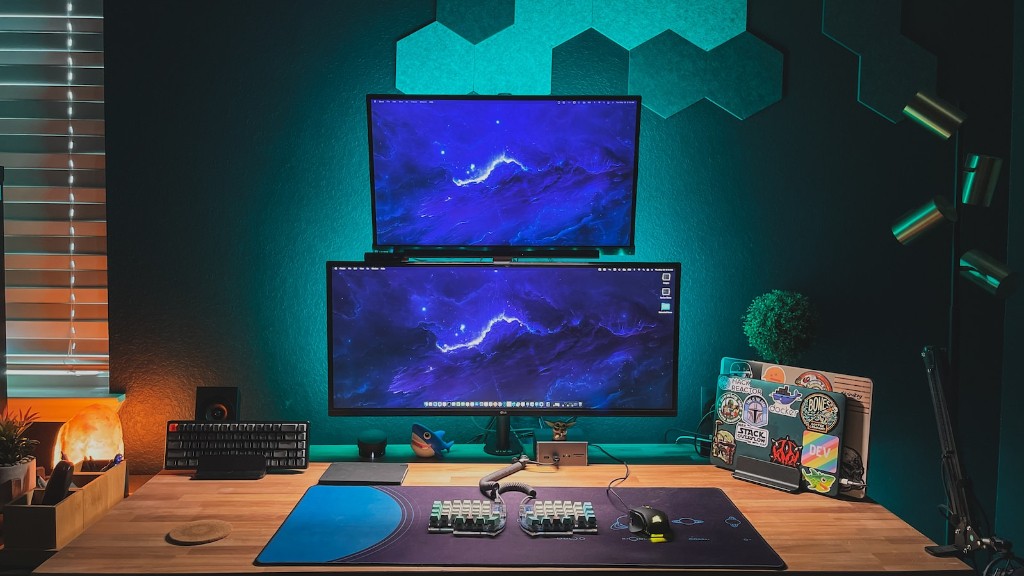
A gaming PC is a powerful machine, but you may be wondering how many amps gaming PCs require to be powered. Different types of PCs can use different wattage, depending on the type of components and their performance needs, so it’s important to understand the basic requirements of your specific gaming set-up before you buy. We will discuss what you need to know when considering how many amps your build needs.
Powering a gaming PC requires more electricity than most other devices, and the power required is measured in units of amps. Different components in your gaming PC require varying amounts of amps and can affect the total number of amps your build requires overall. Before you purchase any components for your PC, you’ll need to know how many amps each will draw, and how that rate affects the total wattage of your choice.
to determine the total amps required by a gaming PC, you need to consider the individual components and calculate their amp rate. Graphics cards are among the highest amp drawing components on a gaming PC, as they have to process high-end graphics and visuals. Processor chips like to Intel’s i7 also require higher amp levels than components like the RAM or hard drive. If you’re unsure, research individual components to determine their power requirements.
calculating amps isn’t always easy with gaming PCs, because different components can require different wattage requirements when in full load. Additionally, the total wattage required from your components can change as you upgrade or add different pieces in the future. It’s important to plan for future upgrades as much as you can and calculate the amp draw for each component.
Consider how many amps each component needs and add them together for the total required for your gaming PC. Then make sure that your chosen power supply can provide that much power. It’s best to err on the side of caution, as you want your chosen power supply to be the same wattage or higher than the wattage rating of your specific PC. That way, you can be sure your machine gets the power it needs to perform at its best.
Power Supply Capacity
Picking the right power supply is also important; many don’t realise that a larger capacity isn’t necessarily better for gaming PCs. Overbuying can lead to unnecessary cost and won’t provide a better performance. Over-buying a power supply means you’re wasting energy and paying for something you don’t need when you could be saving money and helping the environment. Before you buy your power supply, make sure you’re calculating your wattage needs accurately.
Additionally, you need to consider the capacity of your chosen power supply. Look for a power supply with more than enough capacity to meet your PC’s power requirements. If you’re ever in doubt, buy a power supply with a slightly higher capacity than you need, but don’t over-buy. Aim to get the best blend of quality, performance, and value. Some power supplies are more efficient, which means they require less wattage than traditional supplies.
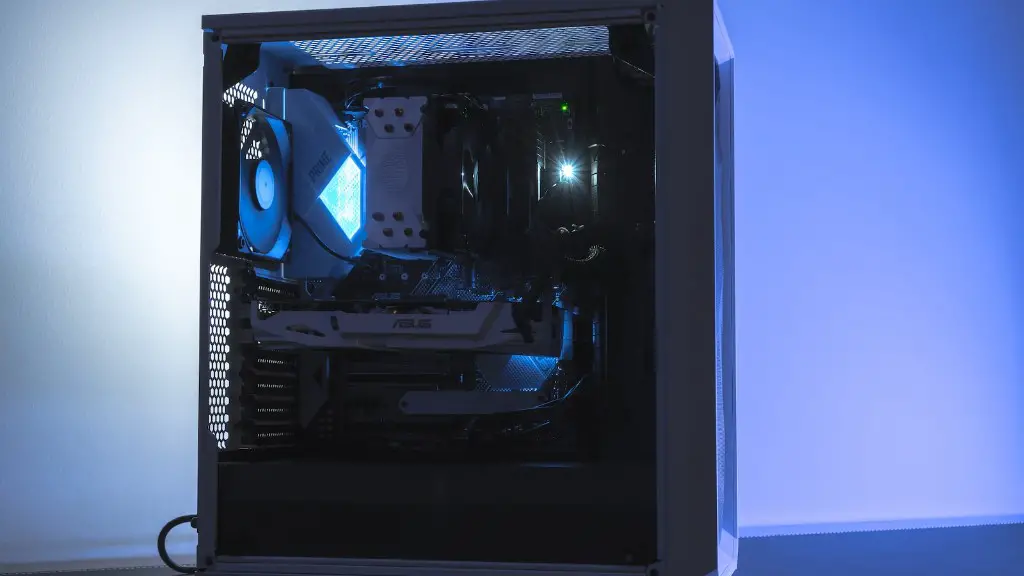
Finally, other factors come into play when figuring out how many amps your gaming PC requires. Make sure you consider how much wattage is needed for other components in your system such as lights, fans, and other peripherals. Consider whether it’s worth upgrading components to reduce amp draw. That way, you can be sure you’re getting the most from your gaming PC without impacting performance.
Power Quality
The quality of your power source also needs consideration when exploring how many amps your gaming PC requires. Low-quality power supplies generally have a shorter lifespan and can be less reliable. The insulation on these power supplies can also affect an electrical outlet and cause safety hazards. Poor power quality can even damage components in a gaming PC, leading to further problems like delays, reduction in efficiency, or even faulty components.
Therefore, it’s important to ensure you pick a power supply with the best features and of good quality, too. That way, you can be sure you’re getting the safest and most reliable performance from your power source. Expert advice may be needed if you’re in any doubt about how many amps is best for your gaming PC. That way, you’re sure the financial and environmental costs remain practical.
Finally, don’t forget the number of output connections, either. Make sure you check how many connections your components need, then count them up and see which power supply works best for you. Sometimes, modular power supplies can be more cost and energy efficient as they only provide the connections you need.
Under-Voltage and Over-Voltage Protection
The last item to consider when determining the right power supply for your gaming PC is voltage protection. When it comes to protecting your PC, it’s important to consider voltage protection features such as under-voltage protection, over-voltage protection, and over-temperature protection. These features ensure your power supply maintains optimal levels during use and prevents any damage to your components.
These features are also important for maximising performance too, as they ensure that your PC enjoys the right type of power during use. Poor power quality and bad connections can impact performance in gaming PCs, so it’s important you look for the best voltage protection. Good quality power supplies help you maintain the best wattage for your system and for your gaming experience.
Finally, it’s important to research the correct wattage for your gaming PC to keep it running smoothly. Make sure you know how many amps each component requires and plan for any future upgrades that could affect the power requirements. Understand the capacity of your power source and what sort of voltage protection is offered as standard.
Conclusion on Power Management
Leveraging power management is also a key part of understanding how many amps your gaming PC requires. Power management helps save energy, which in turn helps protect the environment and your wallet. It’s important to look for power supplies with the right features such as green mode, auto off, and the ability to turn off specific components when they’re not needed. That way, you can manage the power on your gaming PC and enjoy enhanced performance at the same time.
Equally important is deciding which graphics card you choose. Graphics cards are among the most power-hungry components in any gaming PC, so it’s vital to understand the wattage and amperage requirements of your chosen GPU. Make sure you research any power requirements for any model you choose and compare different cards before you buy.
Finally, the number of connected peripherals should also be taken into account. Different peripherals such as external hard drives, audio equipment and additional cooling fans will all have an effect on the total wattage your gaming PC requires. Make sure you research these items before investing in a new power supply.
