
Gaming PCs are becoming increasingly popular as technology advances and gamers become more sophisticated. Knowing how often to upgrade your gaming PC is one of the most important decisions when building or buying a gaming computer. Here, we’ll explore the pros and cons of upgrading and discuss the best times to upgrade your gaming PC.
A gaming PC should be able to provide an excellent gaming experience for several years. Depending on the quality of hardware, a gaming PC may last up to 4-5 years before needing to be upgraded. Upgrading to newer hardware can enhance the gaming experience with improved performance and features. However, there are also some downsides to upgrading such as the cost, effort and time required.
It is recommended that gamers upgrade their gaming PCs when their current machines are no longer able to keep up with the latest games. This typically happens every 2-3 years, as newer games require more powerful hardware. There is also the option to upgrade only specific components such as the graphics card or processor, rather than an entire system. This can be a cost-effective measure for those who are looking for better performance without breaking the bank.

For those who want to make sure their gaming PC performs to its best ability, regular maintenance is key. Regularly checking for hardware and software updates can ensure that your system is running smoothly and up-to-date. Additionally, a clean-up of the system’s internal components and dust can help maintain performance and extend its lifespan.
Aside from upgrading and maintenance, other ways to boost the performance of your gaming PC include overclocking and fine-tuning. Overclocking is the process of increasing the speed of a processor, graphics card or other components above its rated speed. Fine-tuning involves tweaking system settings to get the best performance out of your gaming PC. Both of these may require a bit of knowledge, as overclocking and fine-tuning can be very technical. However, it can be a great way to get the most out of your gaming PC.
At the end of the day, it is up to you to decide how often you upgrade your gaming PC. Taking into account the cost, time and effort required, it is important to think carefully before making the decision. It should be noted that the more powerful the gaming PC, the shorter its usable life will be. Therefore, if you want to get the most bang for your buck, considering the long-term investment of a gaming PC is something to consider.
Overclocking Benefits
Overclocking is a great way to get the most out of your gaming PC and maximize its performance. It involves increasing the speed of a processor or graphics card above its rated speed. This process can be done manually, however, it is recommended that you seek advice from an IT professional or an overclocking expert to do it correctly. Doing so can lead to increased frame rates, improved gaming performance and smoother frame rates. Additionally, this process may also increase the lifespan of your gaming PC as it lessens the strain on the hardware.
Hardware Compatibility
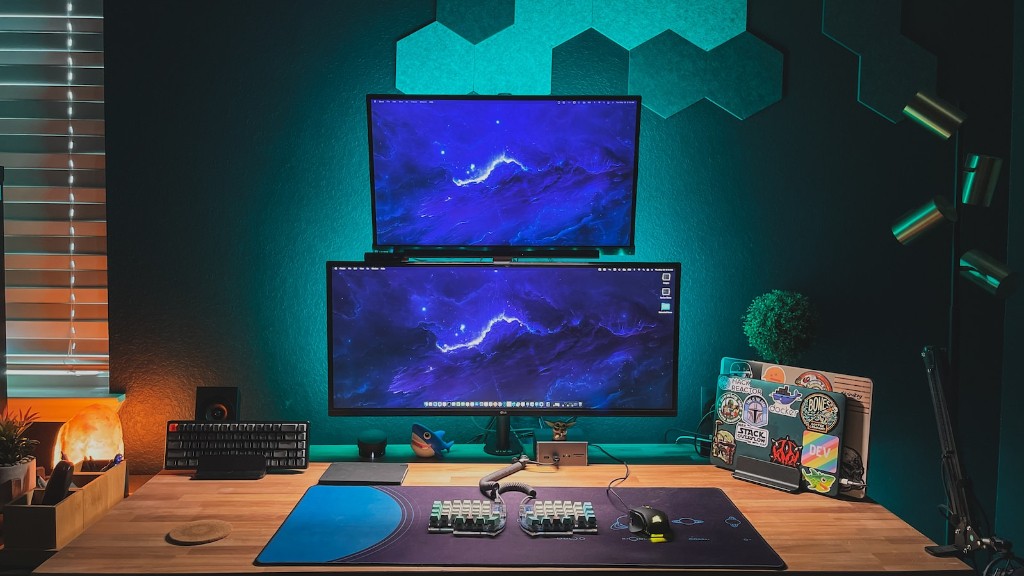
When making any changes to your gaming PC, it is important to make sure that all the components are compatible with each other. Otherwise, installing a new part may cause your system to become unstable or not work correctly. To ensure that hardware is compatible with each other, research online and cross reference the model numbers and performance specs. Additionally, purchasing parts from the same brand and series may be beneficial as many times they are designed to work together.
Custom Build Vs Pre Built
When upgrading your gaming PC, you have the option of purchasing parts and building it yourself or buying a pre-built machine. Building your own gaming PC can be very satisfying and provide a unique sense of pride, however, it is important to consider your level of knowledge and experience. If you are not confident with building your own gaming PC, then it is best to stick with pre-built machines, as it is much less risky and is often cheaper in the long run.
Power Load Tester
A power load tester is a device that helps to identify potential faults in components such as voltages, currents and power loads. This device will help to identify any signs of power failure before it happens. It can be a great way to test the condition of your gaming PC and determine any potential issues with the components. It is important to note that this device requires extensive knowledge to operate.
Budget Vs Performance
It is recommended that when choosing new parts for your gaming PC, pick the best parts within your budget. This may mean that you have to compromise on certain features such as performance or build quality. However, this can be beneficial if you are working with a tight budget, as you can still get good performance without breaking the bank. Taking time to research and compare components can help you find the best option possible.
Know Your System
Finally, one of the most important things to consider when deciding on a gaming PC upgrade is to know your system. Taking the time to learn about the different components and their specifications can help you make an informed decision about which parts are right for your gaming PC. Knowing the necessary internal hardware and the differences in performance specifications can help you get the best performance out of your gaming PC.
