
Gaming PCs are becoming more and more popular in the tech industry, but what is the minimum requirements for a gaming PC? With different generations of consoles and generations of PC components, this may be a difficult question to answer. However, we can suggest minimum requirements that should enable a gaming PC to function properly.
The first and most important requirement is a dedicated graphics card. This is a must-have component since modern gaming is all about the visuals. A mid-range dedicated graphics card from a major manufacturer such as Nvidia or AMD should be enough to meet the minimum requirements for most modern games. Additionally, gamers should consider purchasing a processor that is at least able to run the game at high settings.
The next important requirement for a gaming PC is sufficient RAM. This ensures that the computer is able to run at a smooth framerate, so 8 GB of RAM are a must for gaming purposes. Gamers should also consider investing in a good quality power supply, as this ensures the system can support any upgrades. Last but not least, gamers need to make sure they have enough storage room to install their games and save progress.
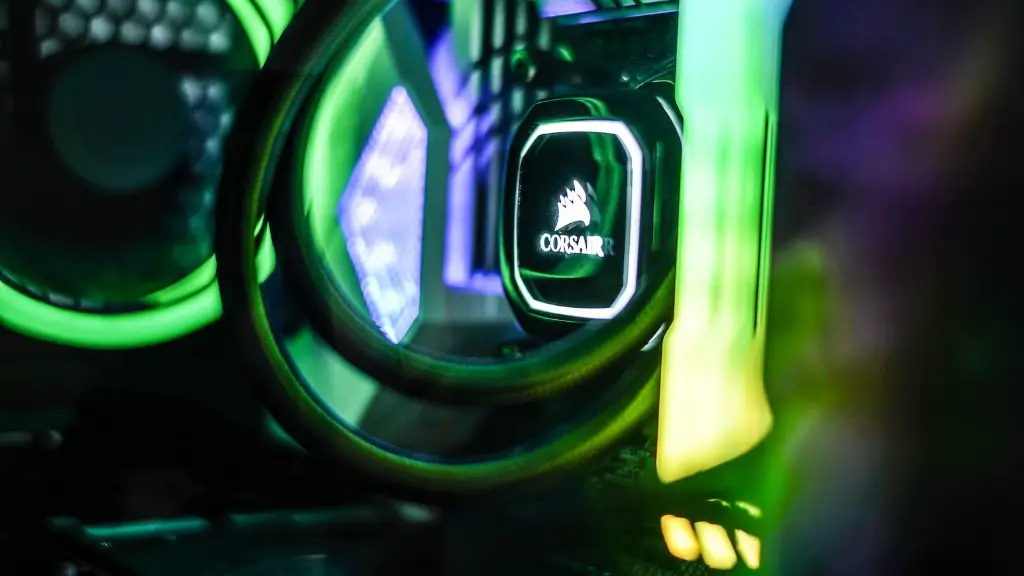
Finally, gamers need an appropriate mouse and keyboard combo. It is recommended to buy gaming specific peripherals, as these keyboards and mice are specifically designed for gaming. These peripherals are usually more responsive and have additional features such as macro keys or adjustable weights.
The Benefits of a Good Quality Gaming PC
A gaming PC with the right components can bring many advantages to gamers, such as improved framerates, higher quality visuals and smoother gameplay. Moreover, gamers can also benefit from an overall better gaming experience, thanks to the increased responsiveness and customization options that come with Gaming Peripherals. Furthermore, a gaming PC can also improve one’s productivity. It can be used for tasks such as video editing, animation, and even streaming.
Moreover, having a gaming PC can improve gaming skills, as the improved responsiveness and performance of the computer can make a difference in competitive gaming. Additionally, having a computer designed for gaming gives gamers more freedom to upgrade components when needed. As technology progresses, gamers can upgrade individual components as needed, instead of having to buy a brand-new gaming PC every few years.
Finally, dedicated gaming PCs are more resilient and require less maintenance than regular computers. Since they are designed for gaming and many components are optimized for gaming performance, gamers can enjoy trouble-free performance.
Tips For Choosing The Right Gaming PC

When looking to purchase a gaming PC, gamers should consider spending more on the components that matter. A mid-range GPU and processor can handle most games but will require some compromises in order to fully enjoy the game. Therefore, gamers should try to balance the budget between components for a more enjoyable gaming experience.
Furthermore, gamers should also check if their gaming PC has upgradable components such as the GPU, RAM and storage. Having a modular design makes it easier and more affordable to upgrade components, making a gaming PC more future-proof. Lastly, gamers should do their own research to make sure their gaming PC meets the minimum requirements of their desired games.
The Benefits of A Mid-Range Gaming PC
A mid-range gaming PC is an ideal choice for gamers who want to get a great gaming experience without breaking the bank. This type of gaming PC is usually hidden in a discrete case and takes up minimal space. Furthermore, these PCs also come with improved cooling components, which can come in handy in heated matches. Additionally, all the components are designed and tested to deliver the best possible performance. This makes them ideal for gamers who want to enjoy their games at ultra-settings, but don’t want to sacrifice performance for affordability.
Mid-range gaming PCs are also ideal for streaming, as they have powerful processors and GPUs which are able to do both tasks without sacrificing performance. Furthermore, mid-range PCs also come with custom toolbars, so gamers can easily access their favorite programs with a simple click. Finally, these gaming PCs also come with custom illuminated panels, which can give gamers the aesthetic they want to stand out from the crowd.
The Limitations of A Mid-Range Gaming PC

Despite the advantages of a mid-range gaming PC, there are some limitations that gamers should consider. Despite the fact that these PCs can handle most games at high and ultra-settings, some games may require even more powerful components to run smoothly. Additionally, the components in mid-range gaming PCs have a mid-range quality that does not reach the level of more expensive gaming PCs.
Mid-range gaming PCs may also have limited upgradability, as overpowered components may not fit in the chassis. Furthermore, some gaming PCs may come with only a single set of memory, making it difficult to expand the RAM in the future. Additionally, these PCs may come with limited customization options, so gamers may not be able to change the color with LED lights.
Tips To Improve A PC’s Gaming Performance
Upgrading a PC’s components is one of the best ways to improve its gaming performance. GPUs, CPUs and RAM are the most important components to upgrade, as they are the “brains” of a gaming PC. Additionally, gamers can opt to upgrade the storage and get an SSD instead, which can improve the loading times of games. Other components such as the power supply and cooling system can also be upgraded, which can make a difference in gaming performance.
Another way to make a gaming PC more responsive is to install certain programs such as Nvidia’s GeForce Experience, AMD’s Radeon Software or Razer Cortex. These programs optimize the gaming experience for various games, so gamers can get the most out of their hardware. Additionally, updating drivers can also be beneficial, as updated drivers can provide better performance and prevent in-game issues. Lastly, certain tasks like deleting temporary files, defragmenting the hard drive, and disabling background applications can also help improve gaming performance.
