When building a gaming PC, there are various components you will need to consider before making your purchase. Your budget, the type of games you wish to play, and the type of graphics and processing power you want all will contribute to the types of components you buy. One of the most important purchases to consider when buying parts for a gaming PC is the video card, as it will determine how fast games will run and how smoothly they will look.
Ram is the second important purchase for any gaming pc build. The more ram you have, the faster your pc will be able to access files, apps and games. 8gb of ram at a minimum is recommended, and 16gb is ideal for most gaming rigs. Stick with brands like Corsair, Gskill, Ballistix or Kingston for best performance.
Processor is another important factor to consider when building a gaming pc. While there are different processors from AMD and Intel, Intel generally offers better performance in gaming. It is recommended to go with an Intel processor such as the Core i5 or i7, depending on your budget and the types of games you want to play.
Storage is an important consideration when selecting components for a gaming PC.HDD (hard disk drive) is the most common form of storage. SSD (solid state drive) is also becoming increasingly popular due to its faster speeds, making it a great choice for gaming machines.
A reliable power supply is an absolute necessity to build a solid gaming PC. You’ll want to look for a quality power source that is rated with at least 80 PLUS Gold efficiency. It is also important to get a power supply that is rated with enough wattage to power all of the components of your gaming rig.
A monitor is the last piece of hardware you will need in order to build a complete gaming machine. A gaming monitor should have a high refresh rate of 144hz or higher, with a resolution of 1080p or higher. It is also important to make sure you get a monitor with compatible ports to connect your video card.
These are the components you should start with when building a gaming PC. With these components, you can build a gaming PC that will let you enjoy the latest games with no lag or stuttering.
What other components should I buy for my Gaming PC?
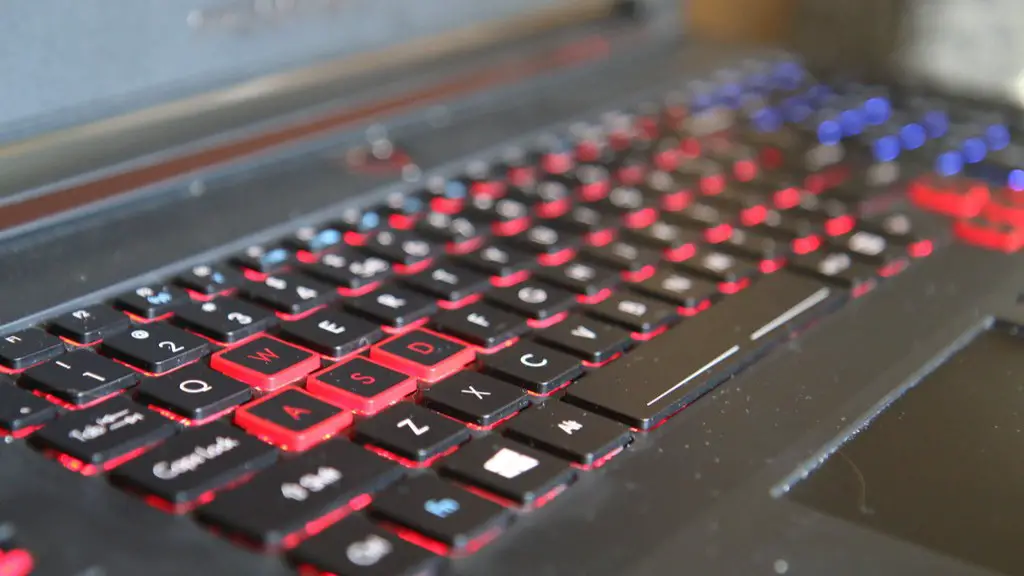
Once you have acquired the key components for your gaming pc, you can begin considering additional add-ons for your rig. A good gaming mouse and keyboard are essential for any computer enthusiast. Mice and keyboards with features like RGB lighting, adjustable DPI, and mechanical switches will help you customize the look and feel of your gaming experience.
A sound system is also highly recommended when gaming on a PC. Surround sound headsets or speakers provide better audio than standard headphones or speakers with a few speakers. Audio plays an important role in many games, so investing in a good sound system will help you to better enjoy the gaming experience.
Headsets are also an important addition to any gaming PC, as they will give you the ability to communicate with your friends while playing online. Headsets with noise cancellation, 7.1 surround sound and higher quality headsets with a microphone will give you the best experience.
If you are looking to upgrade your gaming PC for the latest titles, then a good cooling system is something you should consider. A CPU cooler is a great way to keep your processor temperatures under control, ensuring smooth game performance.
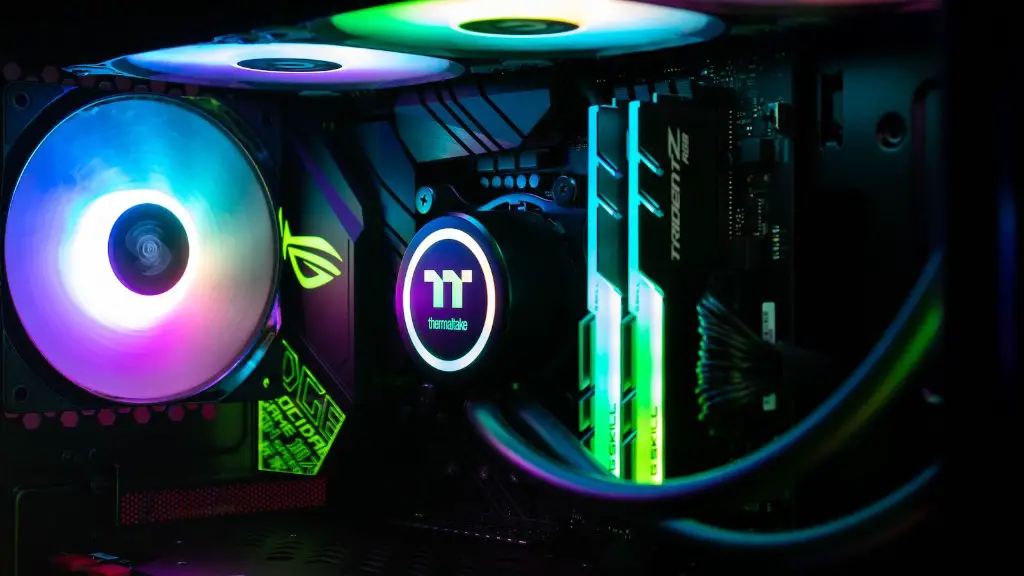
Finally, if you plan on attempting overclocking your gaming components, a water cooled system is a must. Overclocking is the process of increasing the clock speed of the core components in the CPU and GPU to increase performance, and the best way to do this is with a water cooled system.
Which operating system should I choose for my gaming pc?
Choosing the right operating system is essential for any gaming pc setup. Windows 10 is currently the most popular operating system on the market, and is the OS of choice for most PC gamers. Windows 10 offers ease of use, a massive library of games, and a multitude of customization options so you can make your machine your own.
If you are looking for a free operating system, Linux is a great option. While the selection of games is smaller than what you would find on Windows 10, there are still plenty of games compatible with Linux. Plus, Linux offers a more secure environment than Windows, and is more lightweight making it more efficient for gaming.
Another popular operating system for gaming is macOS. While macOS does have a much smaller selection of games than Windows, Apple’s operating system is great for those who are looking for a more visually appealing gaming experience. Plus, there are many gaming-specific features that macOS offers such as Game Center and Apple Arcade.
It is important to research and decide the operating system that best suits your needs when deciding on what to buy for your gaming pc. With the right operating system, you can make the most out of your gaming setup.
Which peripherals should I buy for my gaming pc?
Peripherals are add-ons that enhance or complete your gaming experience. A gaming mouse, gaming keyboard, and gaming headset all help to improve accuracy and provide feedback when gaming. There are also gaming controllers and flight sticks that help to make your gaming experience smoother.
External hard drives are another important peripheral, as they provide additional storage for games or even extra room to store videos and music files. You can also look into external optical drives if you need to transfer data from CDs or DVDs.
If you are looking to game on multiple devices, a gaming router is an ideal peripheral. A good gaming router will provide increased speed and better stability for gaming. It will also help reduce networking issues when playing on multiple devices.
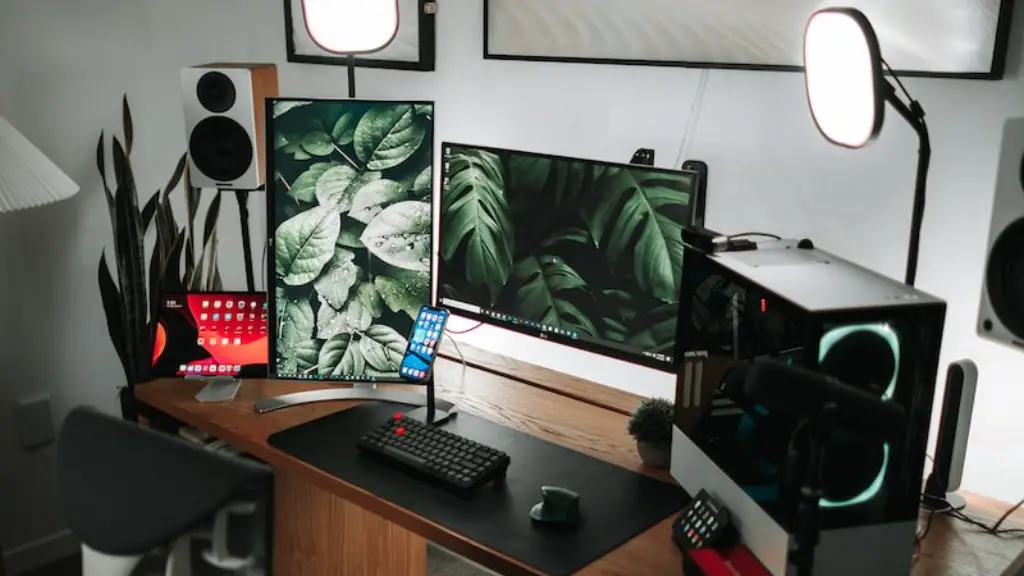
A good gaming monitor is also necessary for a great gaming experience. Look for features like a high refresh rate, low response time, and multiple connectivity options. Also make sure you match a monitor’s resolution with the graphics card of your gaming PC.
Finally, a gaming chair is another great peripheral to complete your gaming setup. A gaming chair can provide enhanced comfort while you game, helping to make your gaming experience even more enjoyable.
What accessories should I consider for my gaming pc?
In addition to the key components for your gaming pc and its peripherals, there are a large number of additional accessories you can buy to customize your gaming experience. These can be as simple as a mousepad and keyboard cover to ward off dust and scratches, or as complex as bass shakers to provide tactile feedback.
Monitor arms are another great accessory if you want to free up desk space while maintaining a comfortable playing experience. There are stands available to mount the monitor at the perfect height and tilt, making long gaming sessions much more comfortable.
Streaming accessories can also make your gaming experience easier and more enjoyable. Webcams and green screens allow you to stream your gaming sessions with a professional setup. Elgato streaming devices allow you to easily livestream or review gameplay recordings, while blue snowball mics allow you to communicate clearly while playing online.
Finally, custom cables and LED lights can give your build a unique look. Custom cables will improve your system’s cable management, allowing a clutter-free look. LED lights are also a great way to customize your rig to achieve a unique style.
