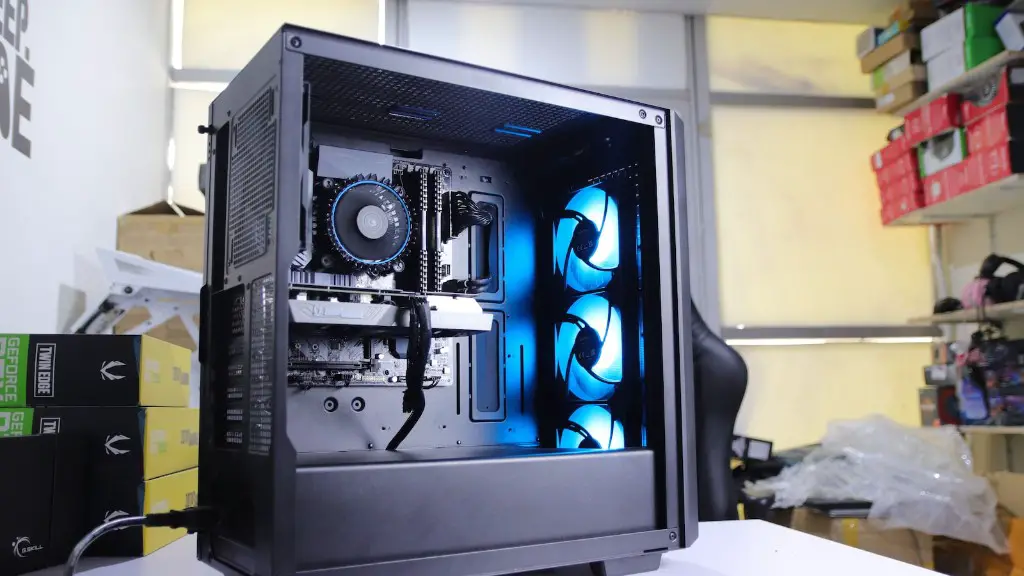
How To Make Your Laptop A Gaming Pc
As gaming laptops become increasingly popular, more and more people are looking for ways to make their existing laptops into gaming PCs. Converting your laptop into a gaming PC can provide a more powerful and immersive gaming experience, as well as the ability to play the latest games. Here are a few steps you can take to make your laptop a gaming PC.
First and foremost, you need to upgrade the RAM. Having enough RAM will ensure your laptop can handle the latest games. It’s also important to upgrade the internal hardware, such as the processor and graphics card. These components are essential for running the latest games in the highest settings. If you’re not comfortable upgrading these components yourself, then you may want to consider purchasing a laptop specifically designed for gaming.
Then, you should look into adding a dedicated cooling system. Gaming laptops need extra cooling to prevent them from overheating while playing the latest games. You can purchase a cooling pad or, if you’re feeling adventurous, you can build your own. Either way, having extra cooling will ensure your laptop will continue to run smoothly while playing the latest games.
Next, you should invest in a good mouse and keyboard. A good mouse and keyboard combo will give you more control during gaming sessions and will help improve your gaming experience. Many gaming mice and keyboards come with extra buttons, which can be programmed to perform various tasks. This will give you an edge when playing action-packed games like FPS and RPG games.
Finally, you should install some of the best gaming software available. This includes updaters, performance boosters, and other gaming-related software. Installing these programs will ensure your laptop is always up-to-date and running the latest games in their optimum settings. You should also consider investing in a good anti-virus software to ensure your gaming PC is protected from malicious software.
Upgrade the RAM
Upgrading the RAM is necessary if you want to make your laptop into a gaming PC. Having enough RAM will ensure your laptop runs smoothly and can handle the latest games in the highest settings. The minimum requirement for gaming PCs is 8GB of RAM, although 16GB is ideal. If you’re looking for a good RAM upgrade, consider going with a brand like Corsair or G.Skill, as they are the best when it comes to RAM.
You should also make sure you purchase RAM that is compatible with your laptop’s hardware. For example, if you have a laptop with an Intel processor, then you should purchase DDR4 RAM, whereas if you have a laptop with an AMD processor, then you should purchase DDR3 RAM. Additionally, you should also take note of the RAM’s clock speed, as this will determine how fast the RAM can run. The higher the clock speed, the better the performance.
Finally, when purchasing RAM make sure to purchase a matching pair. That is, if you purchase 2x 4GB RAM sticks then make sure they are the same type and speed. This will ensure your laptop has the best possible performance when playing the latest games.
Upgrading the Internal Hardware
Upgrading the internal hardware of your laptop is essential if you want to make it into a gaming PC. This includes the processor and graphics card, which are the two most important components when it comes to gaming. It’s best to invest in the latest generation processor and graphics card if you want your laptop to be future-proofed. When it comes to graphics cards, look for models with the most cores and highest clock speeds.
Upgrading the internal hardware can be tricky, as you have to ensure the components you purchase are compatible with your laptop’s hardware. Additionally, you may have to take apart your laptop in order to access the internal components. If you’re not comfortable doing this, then you may want to consider purchasing a laptop that’s designed specifically for gaming.

Lastly, it’s important to budget for your upgrades. The latest processors and graphics cards can be expensive, so you need to make sure you don’t blow your budget on them. It’s best to do some research into the best components for your particular laptop, as well as their prices, to ensure you get the best bang for your buck.
Adding a Cooling System
Adding a cooling system is important when it comes to gaming PCs, as the latest games can be resource intensive and may cause the laptop to overheat. While there are some laptops that come with built-in cooling systems, most do not, so you’ll have to purchase a cooling system separately. You can purchase a cooling pad, or you can build your own if you’re feeling adventurous.
Keep in mind, however, that cooling systems are only as effective as their size. That is, a bigger cooling system will be more effective than a smaller one. So if you’re looking to get the best performance out of your gaming PC, then consider investing in a large cooling system. Additionally, you should also make sure the cooling system is compatible with your laptop’s hardware.
Invest in a Good Mouse and Keyboard
A good mouse and keyboard combo are essential for achieving the best gaming experience. Many gaming mice and keyboards come with extra buttons, which can be programmed to perform various tasks. This will give you an edge when playing action-packed games like FPS and RPG games. Look for a mouse and keyboard combination with ergonomic design, as this will help reduce fatigue and give you more control during gaming sessions.
When it comes to keyboards, mechanical keyboards are the best when it comes to gaming. Mechanical keyboards are designed to be durable and responsive, which is essential for gaming. Additionally, look for keyboards that come with customisable lighting, as this will give your gaming setup a more immersive feel. Lastly, consider investing in a wireless mouse and keyboard combo for a more streamlined gaming setup.
Gaming Software
One of the most important things to do when converting your laptop into a gaming PC is to install the best gaming software available. This includes updaters, performance boosters and other gaming-related software. Installing these programs will ensure your laptop is always up-to-date and running the latest games in their optimum settings. Additionally, you should also consider investing in a good anti-virus software to ensure your gaming PC is protected from malicious software.
Finally, if you want to optimise your gaming PC’s performance, then look into the possibility of overclocking. Overclocking your laptop can increase its speed, which will result in a smoother gaming experience. However, overclocking is a tricky process and should not be attempted unless you’re confident in your skills. Additionally, you may void your laptop’s warranty, so you should do your research before attempting to overclock.
