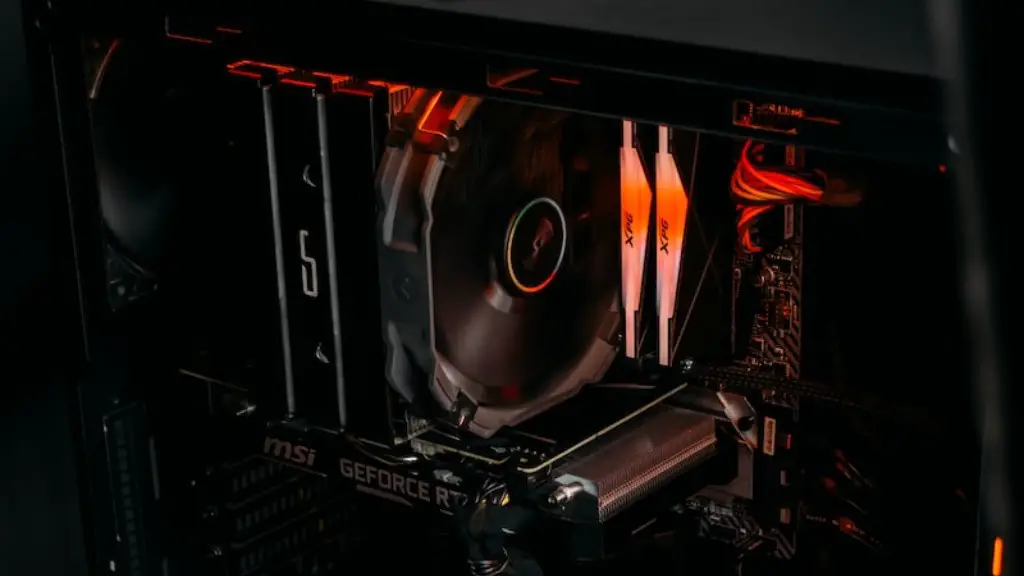
Building a gaming PC from scratch is an achievable dream for gaming enthusiasts, no matter your budget or level of experience. To help you get started, here are a few pointers for building your own gaming PC in 2017. Firstly, determine what type of games you want to play. Once you have decided on your desired games, research the minimum requirements and the recommended specifications for that game. Knowing this information makes it a lot easier to decide the components you should get for your system.
For a smooth gaming experience, aim for at least 8GB of RAM and a video card or graphics card with dedicated GDDR5 type video RAM. Choose a processor with a higher number of cores or a gigahertz (GHz) clock/processing speed that can at least match the recommended requirements of the game. Select a motherboard that will fit your processor, memory and graphics card. Consider its expansion slots, ports, and overall features. Select an adequate power supply that can provide consistent and suitable power to your components.
When it comes to the monitor or display, you’ll want to obtain a quality screen that has a high refresh rate of at least 60Hz. Aim for a response time of 5ms (5 milliseconds) or less to provide smooth graphical movements and to enjoy a lag-free game. Quality sound should also be a priority, so consider getting a good pair of gaming headphones or speakers.
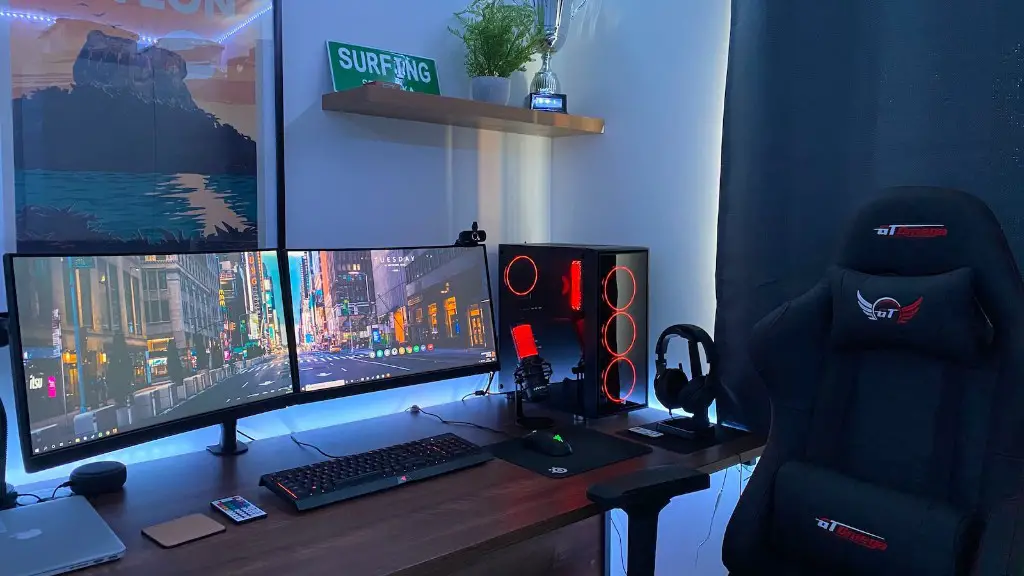
Shop around for the best deals, taking into account all the important factors such as quality, compatibility and cost. Once you have all the parts, the actual assembling process is fairly simple. Read up on instructions regarding connecting the components and cables to their respective slots on the motherboard. Pay extra attention when handling sensitive components since static electricity can easily damage them. Install the most recent drivers and BIOS, as well as the latest versions of your favourite games. Congratulations! You have successfully built your own gaming PC.
Installing a Quality CPU
The central processing unit (CPU) of a gaming PC is the single most important component. Having a quality processor is essential for making sure your gaming experience is smooth and uninterrupted. Core i5 or Core i7 are the processor of choice for gaming, while younger users can also look into AMD Ryzen to save costs. There is usually not a dramatic difference in either performance or power efficiency between 4, 6 and 8-core processors, so aim for what is necessary for your planned games.
Your desire to optimize speed and performance might make you consider pushing the speed of your processor (clocking), but it should be avoided as it may lead to overheating, which can decrease its lifespan or cause other components to fail. Installing a capable cooling system instead is recommended to keep your gaming PC running in optimal conditions.
To increase the lifespan of the CPU, make sure that the liquid cooling system is kept clean, as dust and dirt particles may build up in its tanks over time. Schedule regular maintenance checks to keep them in top form, and install the most up to date drivers from the processor manufacturer’s website.

Though buying the most expensive CPU does not necessarily equate to a gaming powerhouse, it is important to choose a capable system for a smooth gaming experience. Do your research, select the processor that fits your budget and game requirements, and get ready to get your game on.
Selecting a Motherboard: Form Factor & Processors
The form factor of the motherboard denotes its shape and size, which are determined by the case, power supply, and processor that it supports. The most common type is the ATX (Advanced Technology eXtended) motherboard, which is larger and is considered the standard size. The Micro-ATX and Mini-ATX are smaller and are suitable for cramped cases. Each of these then has multiple sockets available depending on the type of processor.
The most popular choice is the Intel LGA 1151 socket, which is compatible with the 6th and 7th generation Intel Core processors, and the AMD LP4 socket, which supports AMD Ryzen and 7th generation A-Series processors. Indeed, it is important to make sure that your motherboard has the right socket for the CPU you choose to prevent any compatibility issues. Once you have selected the form factor and processor, check for what types of memory slot and expansion slots are available.
DDR4 type memory is the current standard for gaming PCs and should be what you aim for when selecting the motherboard. As for expansion slots, check for the number of PCI express slots available for your graphics card. PCI-Express x16 is the most popular choice for a quality GPU shown by its availability on most gaming PCs.

On top of that, you should also take note of the number of USB ports that are available on the motherboard, as some gaming peripherals may require one or two USB ports. Most important of all, check the warranty that is granted with the motherboard to use as a reliable assurance of quality.
Selecting the Right Graphics Card
One of the most important factors when building a gaming PC is selecting the right graphics card. A video card or graphics card is the piece of hardware responsible of processing and rendering the graphics in video games. Know the game requirements and aim for at least its recommended specifications when selecting the GPU.
For high-end gaming, the NVIDIA graphics cards including the new GTX 1060 and 1070 along with AMD’s Radeon RX 470 are the best choice. Look for the amount of GDDR5 type Video RAM and make sure it has enough to meet the game’s minimum requirements – 4GB is recommended for most modern games.
It is also important to understand what types of ports are available on the graphics card and make sure you have the right monitors to fit them. The most popular ports right now are HDMI, DVI and DisplayPort, with HDMI being the most versatile. Consider the actual size of the card when selecting a tower case, as some can get large.

To continue cooling your system during intense gaming sessions, look into aftermarket coolers that can help reduce fan noise and increase overclocking potential, though it is important to make sure it matches the size of your GPU. Also consider getting a SLI or CrossFire-ready card to expand your gaming performance with an extra graphics card if your requirement arises.
Selecting the Right Storage and Network Connectivity
Storage is the major factor to consider when building a gaming PC, as you will need space to install the operating system, games, drivers and applications. Hard disk drives provide much more storage for a lower cost for the budget-minded, but for faster reading and writing speeds, solid state drives are the way to go.
Look for the type of connection, either Serial ATA 3 (SATA 3) or Non-Volatile Memory Express (NVMe). NVMe type drives are the faster and more effective choice, with reading and writing speeds exceeding the 600 MB/s mark. However, they are pricier than the SATA 3 variant. For those who still want the traditional drive, opt for a 7200 RPM drive over the slower 5400 RPM drives to maximize speed.
It is also a good idea to get a USB flash drive for quick and easy storage of your data, and for transferring files quickly between computers. As for networking, make sure your motherboard supports 1Gb/s of network speed and Wi-Fi of either 802.11n or 802.11ac standards.
Monitoring Performance & Enhancing Your Experience
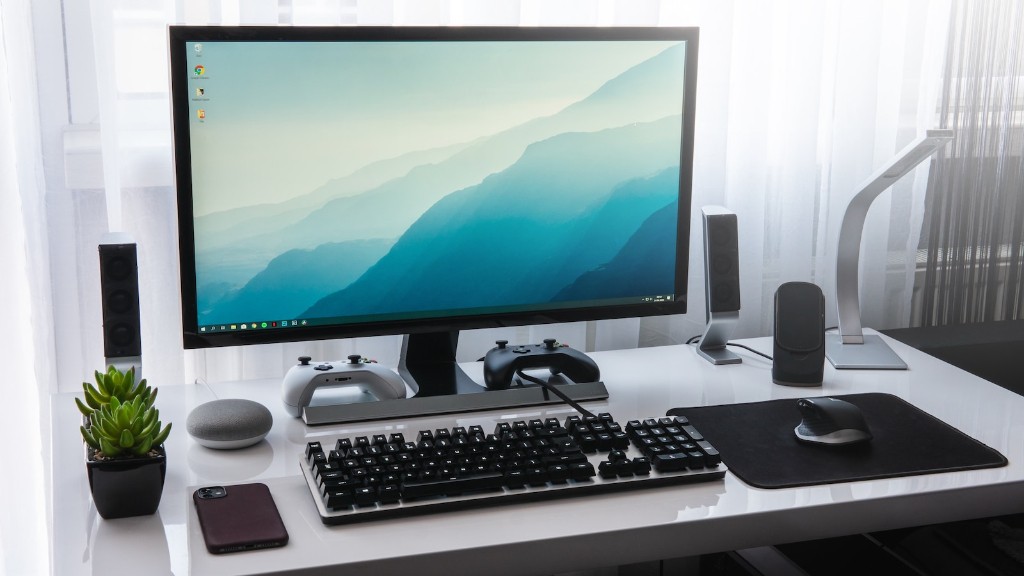
When building a gaming PC, it is important to pay attention to how it performs and how to get the most out of it. This means making sure the cooling performance is excellent, the fans are working and the hardware components are up to date. You could also look into upgrading your components or over- and underclocking the processor.
Other ways to improve your gaming experience would be investing in a good gaming mouse, keyboard and headphones or headset. These peripherals can enhance your gaming experience and will help you get the most out of your games. Look for advanced features such as macro programming, extra buttons and sensitivity setting to improve your gameplay. Furthermore, having a good antivirus software is essential for keeping your gaming PC safe from malware and online threats.
From selecting the components to implementing maintenance checks, building a gaming PC from scratch requires some patience and commitment. But with the necessary research and preparation, you can easily put together an affordable and capable gaming PC capable of playing the latest games.
