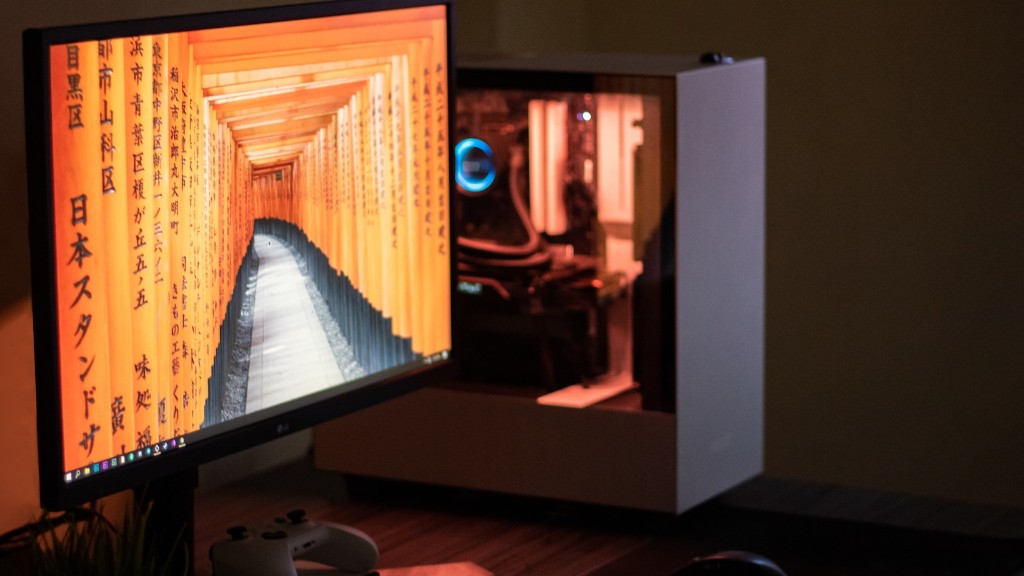
Gone are the days when gamers had to purchase pre-built, expensive PCs from a store. With the rise of flexibility and innovation, gamers can now easily build their own gaming PCs all by themselves. If you’ve been wanting to build your own custom gaming rig, 2015 is the perfect time to do so. Here are the steps you need to take to get started:
1. Get the right components: You’ll need a motherboard, processor, graphics card, RAM, power supply, storage and a case to build your gaming rig. It’s important to get the right components as they need to be compatible with your system. When selecting these components, make sure to check the quality and specifications so you get the most bang for your buck.
2. Research: Research is the key factor when building your PC as it’ll give you a better understanding of the components you’re buying. Research will also provide you with more insight on the different brands, specifications and what type of components you’ll need.
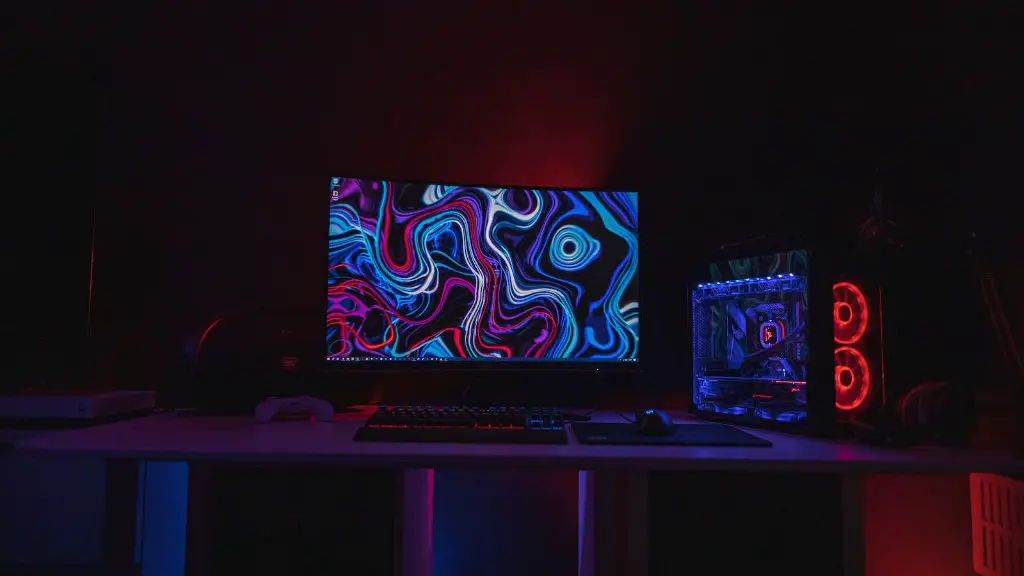
3. Read reviews: Read reviews of the components you’re interested in buying. Reviews from people who’ve used the components will give you an idea if the product will be suitable for your needs.
4. Choose the right OS: Your gaming PC needs an operating system, such as Windows 10 or Linux, to work. It’s important to select the right operating system as it needs to be compatible with all the components you’ve chosen or else you won’t benefit from the gaming performance you seek.
5. Prepare your tools: Have a flat surface to work on, a variety of screwdrivers, thermal compound and other tools handy. Make sure you have all the necessary tools before you start building or else the job won’t be easy.
6. Start building: Once all of your components have arrived and you have selected an OS, you can start building your gaming PC. Make sure to refer to the instructions from the manufacturer to ensure a smooth build.

7. Test and customize: Once your PC is up and running, test it out to make sure everything is running as it should and then customize it to your liking. With a customized PC, you’ll be able to maximize its performance for a truly customized gaming experience.
Identifying the Components
Identifying the components is crucial when you’re in the process of building your own gaming PC. You should know all the basic parts you need to build a good gaming rig and understand how each component works together, as well as its specifications. Your motherboard will determine what processors and graphics cards you’ll be able to use and therefore it’s essential to choose one that meets your needs. Likewise, your RAM and graphics card should be powerful enough for smooth gaming performance, but also dependable and reliable.
Your storage should have a good capacity and you should be comfortable with its speed. A fast SSD will be better than a traditional HDD in terms of boot times and short loading screens while a good capacity HDD will give you more than enough space to store all your games. You’ll also need a power supply that can accommodate all of the components in your system so make sure you pick a reliable one with the right wattage.
Furthermore, you’ll need to find a case that not only looks good, but also offers adequate airflow in your system. It needs to be large enough to fit all the components while being able to handle the thermal specs of your system as well.
Research and Read Reviews
Research should come before spending money on components and research is quite important when it comes to components like the processor and graphics card. You’ll need to get an understanding of the different brands and specifications of the components you’re considering. Additionally, read reviews from others who have purchased the same components as this will provide you with an insight into the product.
You can refer to reliable websites or blogs and find out which components are widely recommended for gaming. Also, make sure to consider the cost and price of the components you’re buying. The better components tend to be more expensive so it’s best to set a budget beforehand and stay within it. Once you’ve determined your budget, you can shortlist a few components based on your needs.
Preparing the Tools and Building
Now that you’ve researched and shortlisted the components you’ll need, you can start to assemble them. Before you do that, make sure you have all the necessary tools like screwdrivers and thermal compound. This will make the job of building your PC much easier. Once you’ve identified the tools, read up on the manufacturer’s instructions for each component before assembling them. This will ensure your components fit together properly.
It’s important to read the instructions properly before starting the building process. Usually, the components are labeled at one end, which makes assembling them easier. Start by screwing each component into the case and then connect the cables from the power supply to the various components. If you’re confident with your building skills, you could also think about overclocking certain components to increase their performance.
Testing and Customizing
Once you’ve assembled all the components, you’ll need to test them to see if they are working properly. You can do this by booting your system and performing some basic tests. Make sure the processor and graphics card are running as they should and the RAM is performing its task properly. Once you’ve done that, it’s time to customize your PC and make sure it looks its best.
Start by installing your operating system, like Windows 10 or Linux. Once you’ve done that, you can customize the software and hardware according to your own tastes. Get themes, new desktop backgrounds, customize your games and pick out an appropriate cooling fan for your system. All this will help your custom gaming PC stand out from the crowd.
Finalizing the System
When all the components are installed and the PC is up and running, it’s time to finalize the system. This includes updating drivers, gathering the necessary software and installing antivirus, as well as performing some system cleanups and defragmentations. This is important to ensure performance and stability in your system. Once you’ve taken care of this, you can install your favourite games and start gaming.
Making Sure Your Rig Stays in Shape
Finally, you’ll want to make sure your gaming PC stays in its best condition. This means regularly checking and cleaning it to ward off dust and dirt that can accumulate over time. You should also check for faulty connections or cables and make sure all the components are running correctly. Also, monitor the system’s temperature as it should not run too hot or else it could cause damage to the hardware. A good cooling fan will help keep the components cool.
Finally, try to update your games regularly and uninstall applications that aren’t needed. This will help keep your gaming PC running smoothly and at its best. With these tips, you’ll be able to build a powerful gaming rig that looks great and performs even better.
