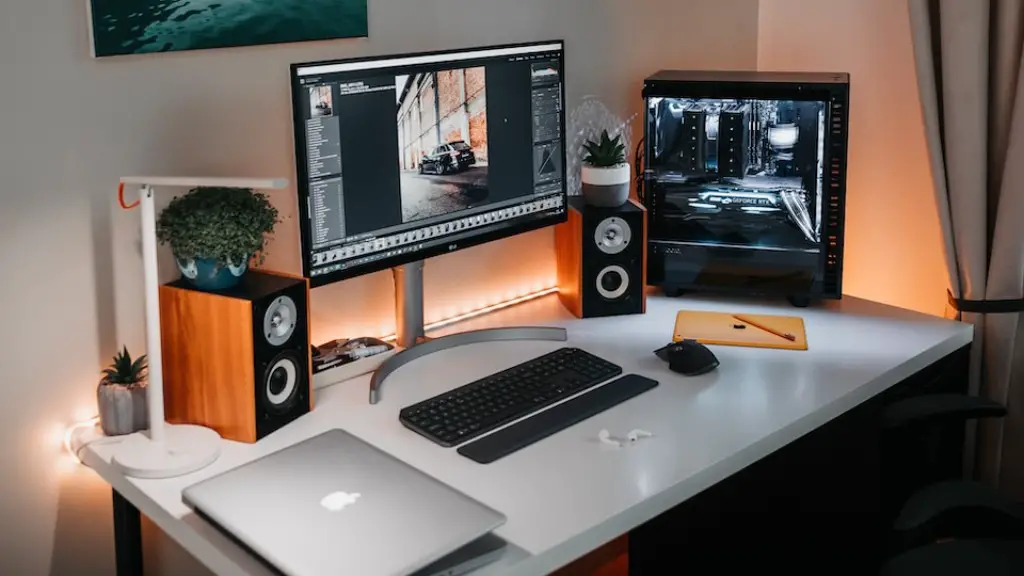
Gaming enthusiasts are always looking for the latest and greatest in their gaming rigs. Building a small form factor gaming PC can be tricky, but it can also be rewarding. Here are some tips to help you get started.
First and foremost, you need to choose the right components for your gaming rig. Determine the kind of processor, graphics card and RAM you need to support the games you play. Make sure you choose components compatible with your motherboard and case. Don’t forget a compact power supply, to ensure enough energy is supplied to your components.
Next, pick your case and make sure it fits your motherboard and components. Don’t skimp on price here, as the wrong case can compromise your gaming rig’s performance, as well as its appearance. Consider the number of fans you’ll need to keep your PC cool, as well as the space you’ll need for storage, sound cards, and other peripherals.
Now you’re ready to pick out the hardware. Choose components that are capable of delivering performance, as well as add-ons that are compatible with them and your motherboard. Don’t forget to check for cooling solutions that will keep your components from overheating. Consider extra features, such as built-in Wi-Fi, Bluetooth, and USB slots.
After your hardware is all in place, it’s time to install the OS and software. Here, you’ll want to make sure your OS is up to date, and any specific game requirements are met. Check with the game provider’s website to see if they offer official hardware compatibility guidelines.
Finally, you can put it all together and turn your gaming PC on. Make sure all the components are securely in place and that nothing is loose or disconnected. Once your PC is running, you’ll want to check for any issues such as graphics or sound. If everything is running smoothly, you’re all set for gaming!
Upgrading The PC
When it comes to gaming PC’s, performance is always key. Over time, you may want to upgrade the components to ensure your gaming rig is able to handle the latest and greatest games. Consider upgrading your processor, graphics card and RAM, to get the most out of your gaming experience.
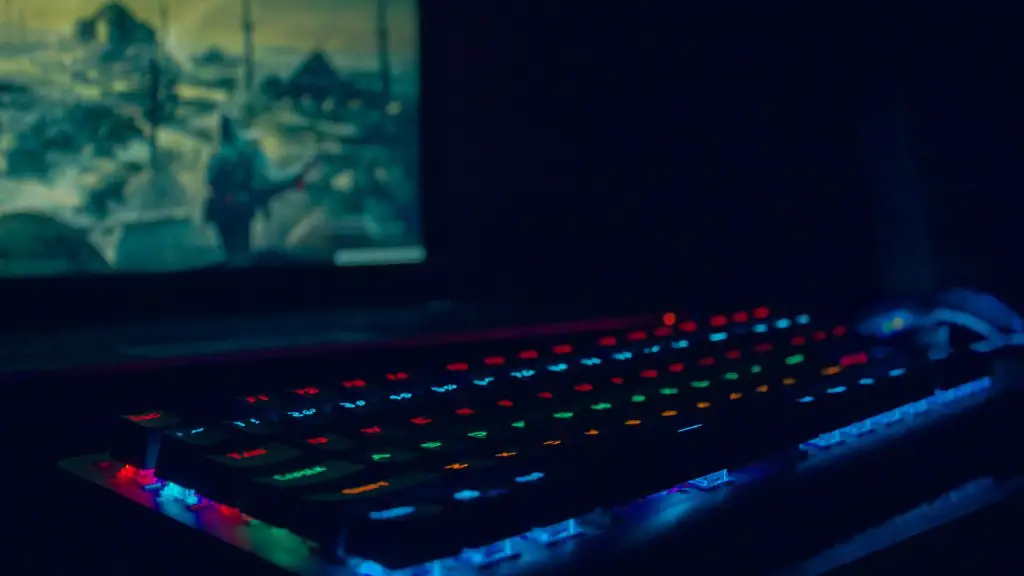
Finally, adding new peripherals can help enhance any gaming rig. Consider upgrading to a better monitor, as well as a more ergonomic chair and gaming keyboard. Finally, consider upgrading your storage space and sound system, to ensure your gaming experience is both immersive and responsive.
Testing and Maintenance
The upkeep and maintenance of your gaming PC is essential. Regularly check your gaming rig for dust, as well as any loose connections or components. Consider doing a regular checkup on all your components, to make sure they’re working properly.
You should also regularly test your gaming PC for performance issues, to make sure it’s always running smoothly. Use benchmarking tools to ensure your components are still capable of delivering excellent performance.
Finally, consider investing in a gaming PC monitoring software, to ensure that your PC is running optimally. Doing so gives you valuable insights into your gaming PC’s performance, as well as the best ways to increase it where possible.
Building a PC for VR Gaming
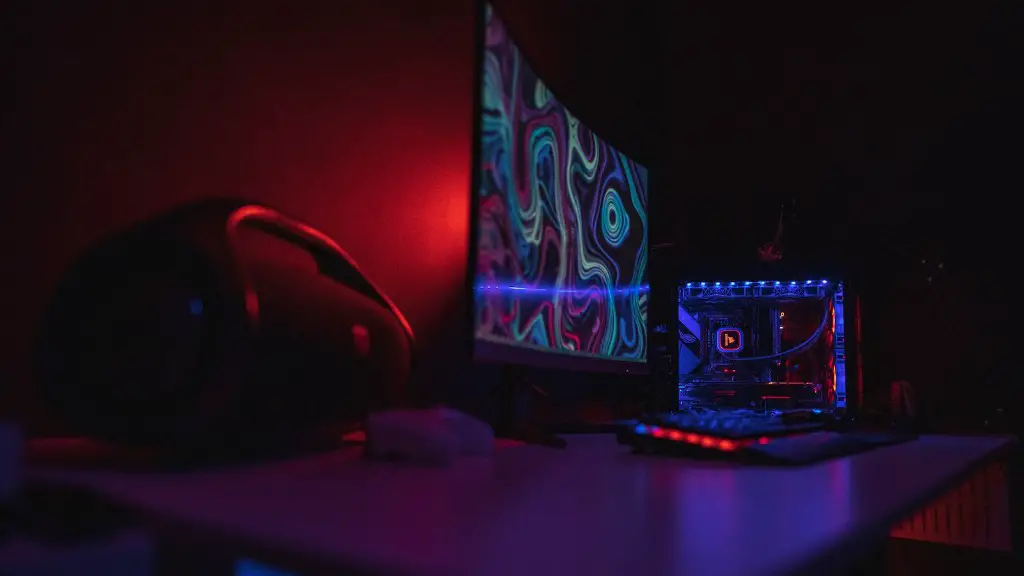
Building a gaming PC for VR (virtual reality) requires special considerations. Even though most VR headsets require only medium-high-end hardware, to really get the most out of your VR experience you’ll want to invest in higher end hardware.
A powerful processor, graphics card and DDR4 RAM are essential for smooth gameplay. Core components aside, make sure your power supply can supply enough energy for your components, a compatible motherboard for your GPU and CPU, as well as the ability to install a dedicated VR headset driver.
It’s best to keep your components as compact as possible, to reduce the overall size of your gaming rig. Additionally, consider investing in a good cooling system to ensure your VR-ready gaming rig stays at a safe temperature.
Using a Compact Case
Using a compact case is an appealing option for gamers wanting to put together their own small form factor gaming PC. Compact cases offer a great combination of form and function, while still giving you the ability to include a powerful gaming system that won’t take up much space.
Although it can be tricky to fit components into a small case, there are a few things you can do to make your small form factor gaming PC fit into its case. Choose a case with plenty of cable management and small form factor components such as mini-ITX motherboards. Make sure to measure your components thoroughly to ensure they fit in the case and check for compatibility with the case.
Investing in a good case cooler is also essential for keeping your PC cool, as well as managing airflow in and out of the case. Finally, make sure to check for clearance height and width, to ensure you don’t run into cooling or space issues with your gaming rig.
Installing a Wireless Network Card
Network cards are essential for gaming, as they allow you to connect to online gaming networks without wires. For smaller gaming PCs, consider investing in a wireless network card, to avoid having to clutter up your case with wires and cables.
Make sure to pick the right wireless card for your gaming rig. Check the card’s specifications to ensure it’s compatible with your motherboard and other components, as well as the games you play. Don’t forget to check the maximum network speed, to ensure you’re getting optimal performance from your connection.
Also, make sure to research the wireless technology for the card you want to purchase. Wireless cards come in several types, such as 802.11a/b/g/n or 802.11ac, with latter offering higher speeds and greater range than the former. Finally, consider investing in a router that is compatible with the card and offers a secure connection.
Improving Performance and Stability
Small form factor gaming PCs can often run into performance issues due to their size. However, there are a few things you can do to improve performance and stability. Consider upgrading your BIOS, to get the latest bug fixes and performance improvements.
You may also want to consider over clocking or under clocking your processor and GPU, as well as adjusting fan speeds, to ensure your components are running at an optimal temperature. Finally, make sure to regularly update your drivers, to ensure your gaming rig is optimized and running at its best.
