Gaming keyboards come in a variety of shapes and sizes, and range in price depending on the features they offer. How much should you be spending to get a good gaming keyboard? It all depends on your budget, gaming needs, and preferred features.
When looking for a gaming keyboard, the main features to consider include mechanical switches, RGB lighting, programmability, and anti-ghosting. Mechanical keyboards are preferred for gaming, as they offer a smooth typing experience with high sensitivity, allowing for fast keystrokes and crisp action. RGB lighting allows you to customize the look of your keyboard to fit your gaming setup.
Programmability is another feature to look for when choosing a gaming keyboard. This allows you to customize key bindings and profiles for different games, giving you the advantage in gaming scenarios. Anti-ghosting technology is important for preventing accidental key presses, which can be disruptive when gaming.
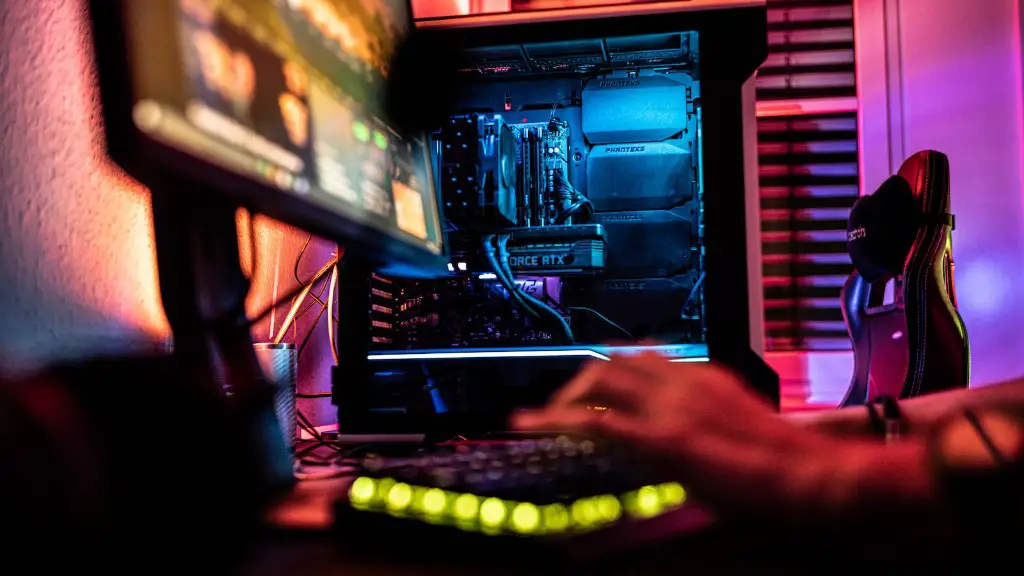
When it comes to budgeting for a gaming keyboard, you can expect to pay anywhere from $50 to $200, depending on the features you’re looking for. The most basic mechanical keyboards start around $50, while higher-end models with RGB lighting, programmability, and anti-ghosting will cost more. It’s best to get an idea of what your budget is and determine what features are important to you.
If you’re looking for a good gaming keyboard and don’t want to break the bank, it’s possible to find models that deliver excellent performance for around $100. These types of keyboards are usually equipped with mechanical switches and some form of RGB lighting. Programmability and anti-ghosting features may be more limited, but they still provide a good gaming experience for the price.
When shopping for a gaming keyboard, it’s important to evaluate each keyboard based on your needs and budget. Don’t be tempted to overspend on additional features if you don’t need them. You can still find an appropriate keyboard that won’t break the bank.
RGB Lighting
RGB lighting is one of the most common features found on gaming keyboards today. This technology allows users to customize the look of their keyboard through a variety of different colors. RGB lighting also adds functionality to the keyboard by lighting up specific keys or highlighting specific combinations, making them easier to find in the heat of battle.
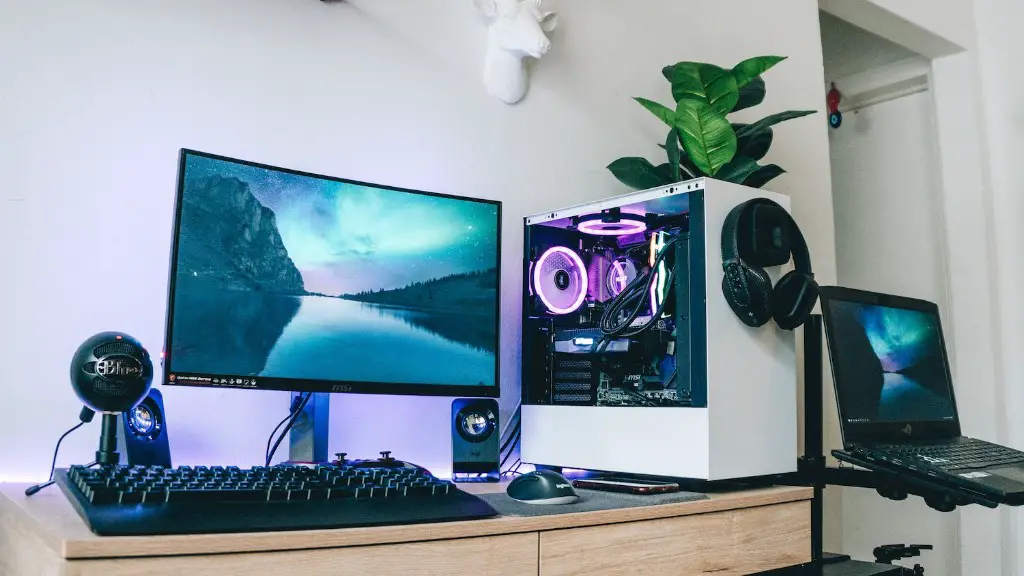
In addition to giving your keyboard a striking look, RGB lighting can make it more functional as well. It can be used to distinguish key bindings for different games and make sure you hit the right command in a pinch. This allows for a more efficient gaming experience, as you don’t have to worry about hitting the wrong key.
RGB lighting systems also come in a variety of set-ups. Most gaming keyboards will have static lighting, with a few having per-key or zone RGB lighting that can be customized individually. Per-key lighting is the most versatile, as it allows for maximum customization. However, it can also be the most expensive option.
When deciding which type of RGB lighting system to opt for, it is important to consider your needs and budget. If you’re looking for a gaming keyboard with basic RGB lighting, it is best to stick to the static lighting systems, as they are the most cost-effective. For those who want more customization, per-key lighting is the way to go.
Programmability
Programmability is another feature to look for when choosing a gaming keyboard. Programmable keys allow for more complex key bindings, allowing you to customize your keyboard to suit a specific game or genre. This allows you to target specific commands or control combinations quickly and effectively.
Most gaming keyboards come with either dedicated macro keys or some type of programmability software. Dedicated macro keys are easier to program, as they are assigned to specific commands, while software-based programmability is more versatile, allowing you to choose exactly which keys to use for the commands you need.
Programmability is especially useful for gamers who play multiple genres or who prefer a certain control scheme. With a programmable keyboard, you can quickly switch between control schemes and customize your keyboard for specific needs. This eliminates the need for multiple gaming keyboards, saving you both time and money.
When you’re shopping for a gaming keyboard, be sure to look for one with either dedicated macro keys or programmability software. This could make the difference between winning and losing in a game, as you will be able to quickly access the commands you need most.
Anti-Ghosting
Anti-ghosting is an important feature to look for when choosing a gaming keyboard. This technology ensures that all keypresses that you make are properly registered, without conflicting with or overriding other commands. This is especially important in games where quick reflexes are needed, as accidental keystrokes can disrupt the flow of the game and cost valuable time.
When shopping for a gaming keyboard, you should look for keyboards with N-key rollover, or NKRO. This feature ensures that all keystrokes you make will be registered accurately, without conflicting with one another. Some manufacturers advertise “Full-key rollover,” which is just another term for NKRO.
NKRO is especially important for gamers who use multiple keys at the same time. By ensuring that your keystrokes are properly registered, it eliminates the risk of accidental keystrokes and allows for faster, more accurate gaming. This could give you the edge you need to get the win in a heated match.
When looking for a gaming keyboard, be sure to look for one with anti-ghosting features such as N-key rollover. This feature will ensure that all of your keystrokes are properly registered and that you execute commands accurately and quickly.
Budget
When it comes to budgeting for a gaming keyboard, it’s important to determine what features you’re looking for and what your budget is. The price of gaming keyboards can range from as low as $50 to as high as $200, so it’s important to have an idea of what you’re looking for and what you’re willing to spend.

If you’re on a tight budget, it’s possible to find gaming keyboards with basic mechanical switches and some form of RGB lighting for around $100. These types of keyboards deliver good performance and usually offer enough features for most gamers. For those who want extra features, such as programmability and anti-ghosting, it’s best to look for keyboards closer to the $150 to $200 range.
When shopping for a gaming keyboard, it’s important to evaluate each one based on your gaming needs and budget. Don’t be tempted to overspend on features that you don’t need. With a little research, you can find the perfect gaming keyboard for your budget.
Durability
It’s also important to consider the durability of the gaming keyboard when selecting one. Many gaming keyboards are made with mechanical switches, which are known for their durability and long lifespan. You should also look for keyboards with double-shot keycaps, as these are more resistant to keyboard flex and wear and tear.
The construction of the gaming keyboard is also important to consider. If you’re looking for a keyboard with a slim form-factor, there are keyboards with a low profile design that may be more suitable. For a more robust keyboard, look for one with a solid aluminum build, as these tend to be heavier and more durable.
It’s also important to look for keyboards that come with a warranty. Most gaming keyboards are covered for at least one year, and some may be covered for up to three years. This gives you peace of mind that your keyboard will remain covered in case of malfunction or wear and tear.
When selecting a gaming keyboard, it’s important to look for one with a durable construction. Look for keyboards with mechanical switches, double-shot keycaps, a solid aluminum build, and a warranty. This will ensure that your keyboard will last and give you an enjoyable gaming experience.
Comfort
Comfort is another important factor to consider when selecting a gaming keyboard. There are a few features to look for that will help ensure that your gaming keyboard is comfortable to use. Firstly, look for keyboards with a wrist rest, as this will help keep your hands and wrists from getting fatigued.
You should also look for keyboards with adjustable key heights, as this will help to reduce wrist fatigue and help you type with better precision. If you play for long periods of time, you may want to look for keyboards with low-profile designs that are easy on the fingers and wrists.
You should also make sure that the keys on the gaming keyboard have enough resistance and travel time. If the keys are too stiff, they may cause fatigue; if they are too soft, they may be difficult to press accurately. Look for a keyboard that strikes a balance between the two.
When selecting a gaming keyboard, make sure to choose one that offers both comfort and performance. Look for keyboards with wrist rests, adjustable key heights, low profile designs, and keys that have the right amount of resistance and travel time.
