Connecting a gaming keyboard to a PlayStation 4 can be quite a daunting task for some gamers, but with a few simple steps it can be done quite quickly and easily. Controllers come in many shapes and sizes, and the ability to hook up various gaming peripherals such as keyboards is just one of the many ways the PlayStation 4 offers gamers an enhanced and unique gaming experience. Here are the steps to take to connect your gaming keyboard to a PS4.
Steps on How to Connect Your Keyboard
1. Check if your gaming keyboard is compatible. Most keyboards are supported by the PS4, but for older models you may have to have the latest patch installed to get the full functionality. If this is the case, you will need to update the firmware of your gaming keyboard to meet the latest standards.
2. Connect your gaming keyboard to a USB port on your system. This can be done either directly into the console or via an external USB hub. If you are connecting through a USB hub, make sure it is a high-powered hub.
3. Once you have your gaming keyboard connected, you will need to configure it. On the PlayStation 4 dashboard, go to ‘Settings’ and then ‘Devices’. You then need to select ‘USB Keyboard’ as the device you wish to configure. Select the keyboard from the list of available devices. This should tell you what functions your gaming keyboard has.
Setting Up Your Keyboard with the PS4
1. Now that you have your gaming keyboard connected and configured, it’s time to use it. Depending on the type of gaming keyboard you have, you may need to map some keys. This is done by selecting ‘Options’ on the dashboard and then ‘Button Configuration’. This lets you remap the buttons to different functions.
2. Many gaming keyboards come with additional features such as macro mapping and programmable keys. To make use of these features, you will need to enable them through the ‘Options’ menu. Once enabled, you can assign various functions to certain keys.
3. Once you have your gaming keyboard configured and set up, it’s time to test it out. Fire up your favorite game and give your gaming keyboard a whirl. You should notice that the buttons respond quicker, with more control than using a regular controller.
Using a Mouse with Your Gaming Keyboard
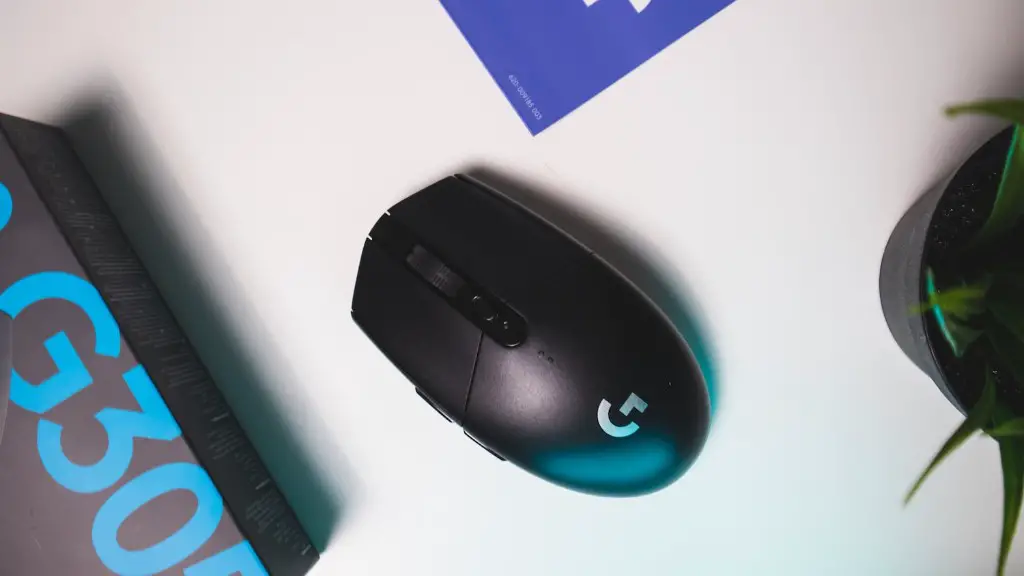
1. Some controllers can also be used in conjunction with a mouse. This allows gamers to move the cursor around on screen with greater precision than a controller. To use a mouse with your gaming keyboard, you will need to purchase an adapter that allows you to connect it to the USB port on your PS4.
2. Once you have the adapter, you can set up the mouse by going to the ‘Settings’ menu and selecting ‘Devices’. Next, select ‘Mouse’ and then ‘Setup Mouse’. Here you can adjust the sensitivity and pointer speed, as well as assign buttons to specific functions.
3. With your mouse and gaming keyboard correctly configured, you will find that you have much more control over your games. You can move the cursor around the screen with relative ease and switch between different input devices almost instantly.
Using a Headset with the Gaming Keyboard
1. The majority of gaming keyboards also have a built-in headset port. This allows gamers to use their keyboard as a communication device, enabling them to chat with their teammates and opponents. To use a headset with your gaming keyboard, you simply need to connect it to the port, and you’re ready to go.
2. If your gaming keyboard doesn’t have a built-in headset port, you can still use a headset by connecting it to the PS4 controller. Headsets with a 3.5mm jack can be connected directly to the controller, while those with a USB connector will require a USB adapter. Once the headset is connected, you can adjust the settings and start chatting away.
3. With a headset connected, you can enjoy a much more social gaming experience. You can chat while playing and coordinate with other players, all without ever having to take your hands off the gaming keyboard.
Using a External Hard Drive with the Gaming Keyboard
1. Some gaming keyboards also have ports for external hard drives. This allows gamers to store large amounts of data, such as game save files, on a separate device. To use an external hard drive with your gaming keyboard, you will need to have the latest PlayStation 4 update installed. Once the update is installed, you can connect the external hard drive to the port on the keyboard and it will be recognised by the system.
2. With the external hard drive connected, you can now store large amounts of data on it. This makes it easy to transfer data between different consoles or back up your game save files. You can also copy downloaded games to the external hard drive, so you can play them directly from the keyboard.

3. Once the data is stored on the external hard drive, it can easily be accessed via the PlayStation 4 dashboard. This allows you to access the data quickly and easily, without having to disconnect the drive or swap physical media.
Using a Controller with the Gaming Keyboard
1. Some gaming keyboards come with a controller port, allowing gamers to use a controller as well as a keyboard. This makes it easy to switch between games that require different input methods. To use a controller with your gaming keyboard, you will need to connect it to the USB port. Once connected, the controller will be recognised by the system and you can begin using it in games.
2. Using a controller with a gaming keyboard can be beneficial for some games. For example, driving games may require you to use a controller for precise control of the vehicle. You can also use the controller to access the in-game menus or perform actions such as entering chat rooms or customizing options.
3. If you are playing a game that requires precise movements, a controller can be invaluable. You can create custom control schemes, allowing you to switch between the keyboard and controller without having to switch devices.
