The length of a gaming keyboard and mouse wire is an important factor to consider when selecting a gaming set-up. A gaming mouse or keyboard that are too long can cause issues with clutter and responsiveness. Conversely, too short a cord may work against you in gaming, as it may not be long enough to reach your device. The ideal length of a gaming keyboard and mouse wire depends on the type of games one plays and their devices set-up.
Wired gaming mice and keyboards used to be the norm, but with advancements in wireless technology, gamers are now afforded more options. Wired gaming mice and keyboards are still commonplace, however, as they offer a stronger connection and more reliable latency. A wired gaming mouse and keyboard cable should be about two meters in length, but it depends on the type of game you’re playing. For example, a professional FPS player needs their gaming setup to be within arm’s reach and may opt for a 1.5-meter cable.
Wireless mice and keyboards are generally easier to use as they do not require any installation and are portable. The distance between the wireless mouse or keyboard and the devices they are connected to depends on the quality of the devices and the wireless technology used. For instance, Bluetooth connections have a shorter range, while radio frequency or dedicated wireless connections have a longer range. It is also important to consider the environment of use, as walls or other physical objects can slow down the wireless connection, resulting in a drop in performance.
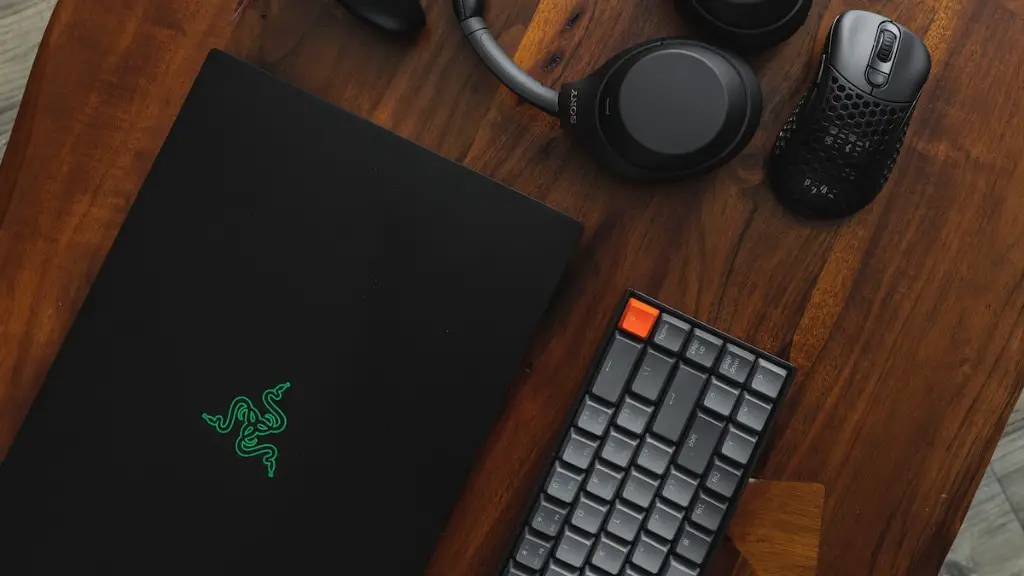
For smooth gaming, it is important to synchronize a gaming mouse and keyboard, so that both respond reliably at all times. This is especially true for genres that are heavily dependent on fast reflexes, such as FPS or MOBA games. To ensure both devices remain responsive – even in intense gaming sessions – you should consider a shorter cord that is more durable, as it will be less prone to tangling.
The ideal way to keep your gaming mouse and keyboard cables in check is to select a gaming setup with customizable wire length and an adjustable mouse sensor. This not only helps with cable management, but it can also improve your gaming experience significantly. That said, it is important to check your device compatibility first, as most gaming components are designed to work with certain types of hardware. Moreover, the compatibility of gaming keyboards and mice may vary according to the type of game or gaming genre.
Different Types of Cabling
The type of cabling used on gaming keyboards and mice will affect the length of the wire. Wired keyboards and mice come in USB and PS/2 varieties, and USB cabling is more commonly used. USB cabling is more resistant to wear and tear and does not require soldering, making it an ideal choice for gaming. USB cables may generally measure up to 6m in length, depending on the manufacturer.
PS/2 cables, on the other hand, are more durable, but require the connection and rearrangement of several wires. PS/2 cables are considered to be the most reliable type of cabling and may come in lengths of up to 8m. However, they are becoming less common as they lack modern features such as plug-and-play capabilities and Bluetooth connectivity.
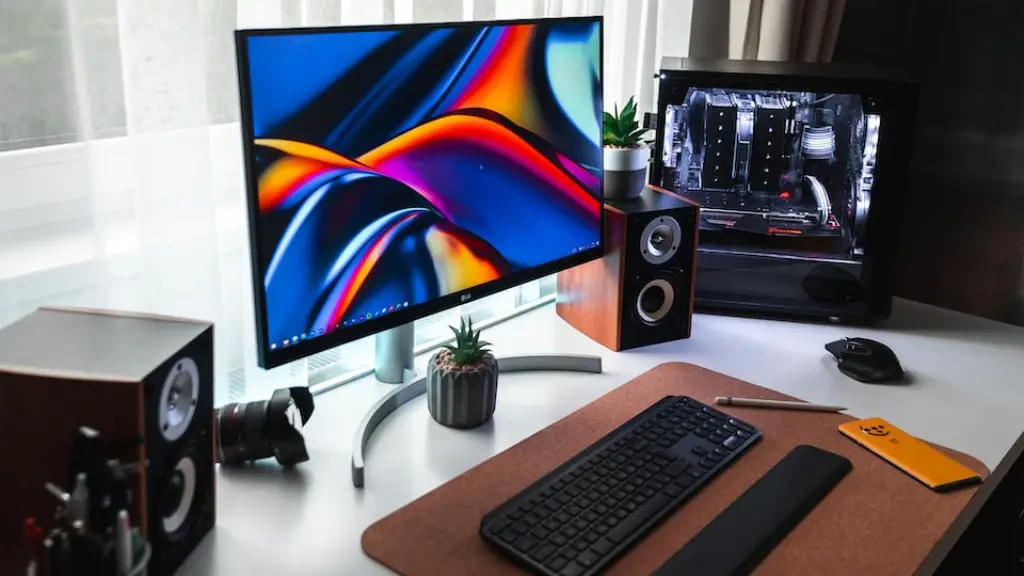
USB-C cables are increasingly popular with gaming setups as they provide a reversible connection, and can transfer both audio and video simultaneously. USB-C cables are relatively short, so it is important to consider the distance between your gaming mouse and keyboard and your device. Good quality USB-C cables may measure up to 1m in length.
Micro-USB cables are more commonly used with gaming controllers, as they are easier to transport and setup than larger-formatted cables. Although Micro-USB does not support the same data transfer speeds as USB-C, it is still a popular choice for gaming. Most Micro-USB cables measure around 1m in length.
Wire Materials
The type of material used for the gaming mouse and keyboard cables may also affect the cable length limit. For example, gaming peripherals with braided connectors have a longer lifespan, as they are more resistant to wear and tear. However, braided cables tend to be quite stiff and may be harder to work with. Rubber-coated wires are more flexible, but may be prone to fraying or snapping over time.
In terms of data transfer, shielded cables are considered to be the most reliable option. Shielded cables are made with mirror-like material that works to reduce interference and latency. This type of material allows the cable to transfer data faster, with less disruption. Shielded cables may measure up to 8m in length, but it depends on the type of device and connection used.
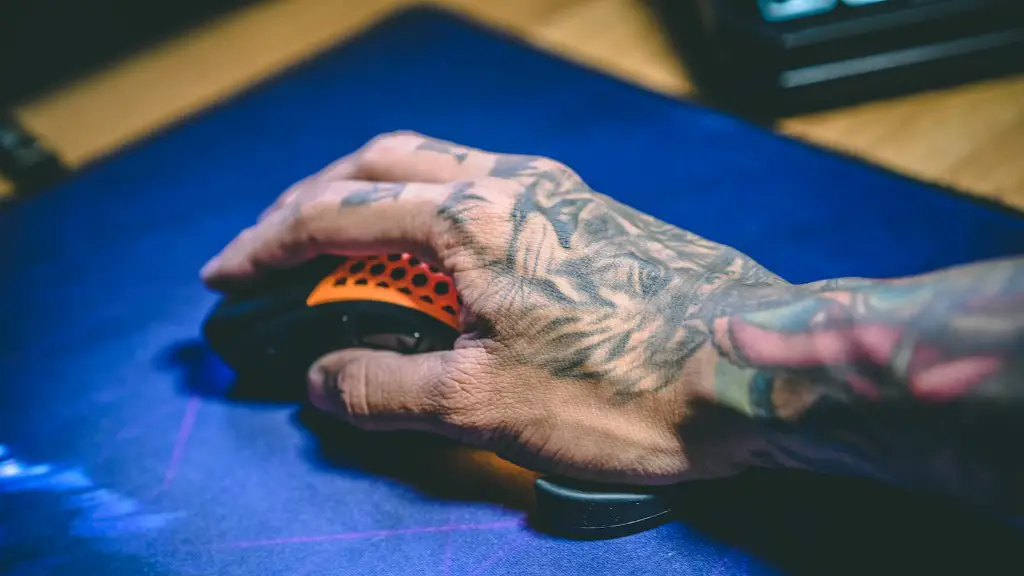
Wireless technology has reduced the need for long cabling. That said, for serious gaming, wired connections are generally considered more reliable. The ideal length of a gaming mouse and keyboard cable will depend on the type of game, the device set-up, and the type of cabling used.
Wire Maintenance
Cable maintenance is essential for gaming mice and keyboards. Storing them properly and unplugging them when not in use can help to increase the lifespan of the cables. Wrapping the cables neatly and using zip ties or cable organizers will help to keep them neat and organized, while avoiding over-bending or yanking that could damage the wiring.
Regularly checking gaming mice and keyboards for signs of damage, such as fraying or burn marks, should be done to ensure they remain in good shape. If you notice any damage, it is best to get it replaced as soon as possible, in order to avoid any performance issues during gaming.
It is also important to check for signs of interference – for example, a wireless connection may suffer from poor latency and lag if the cables are exposed to heat, magnetic fields, or air molecules. If the connection is too poor, you can try relocating the devices or replacing the cables.
Important Considerations
The length of gaming mice and keyboard cables does not just depend on the type of cable and material used. There are also several important factors to consider, such as your device set-up and the type of game you’re playing. Moreover, periodic maintenance and proper storage can help to extend the lifespan of the cables, while also improving their performance.
If you’re struggling to find the right length of cable for your gaming set-up, be sure to consult a professional. They may be able to help you figure out the right length of cable for your gaming needs.
Wire Protection
It is important to protect your gaming mouse and keyboard cables in order to maintain optimum performance. Using zip ties and clips to bundle your cables together can also help to reduce clutter and make it easier to transport your gaming devices. Wire guards and cable protectors can also be used to keep the wires intact, while preventing tangling and snagging.
Using good quality materials for the cabling helps to ensure the wires remain resistant to damage. Higher quality materials are usually more expensive, but they will last longer and provide a better gaming experience.

Finally, even when using high-quality components and protecting cables with cable guards, it is important to avoid over-bending, as this can damage the wires and result in poor latency during gaming.
Cable Length Benefits
Choosing the right cable length can have several advantages for gaming. For starters, shorter cables are less prone to tangling and snagging, which can reduce latency during gaming. Shorter cables are also easier to work with, making it easier to transport your gaming devices.
Longer cables may be beneficial for certain genres, such as RTS and MOBA where movement and gaming actions are less dependent on speed.Longer cables may also be beneficial for those with multiple monitors, as the extra length allows for more space to maneuver between devices.
When selecting a gaming mouse or keyboard, consider the type of gaming you are likely to play and the distance between the device and the gaming devices. These factors will help to determine the ideal cable length for your gaming needs.
