Can you use a gaming keyboard with an Xbox One? The short answer is yes. Many gamers, who prefer a more comfortable set-up, are now utilizing gaming keyboards with their Xbox One. There are a few aspects to consider when doing this, but it is possible to make use of the device for a better gaming experience.
Firstly, the controller that comes with the Xbox One is not the same one as the keyboard. Most gaming keyboards use a different interface than the controller, so they are not compatible without some specifically designed software and hardware that can bridge the gap. This software and hardware, such as the Xbox One Adapter, can be purchased and installed to allow gamers to use their gaming keyboard and mouse on their Xbox One.
Secondly, the gaming keyboard and mouse may need to be configured. The buttons, the keystroke force and the mouse sensitivity, which are all adjustable, can be adjusted to a preference. This means the gaming keyboard and mouse will then behave like a controller, with the buttons controlling the on-screen action.
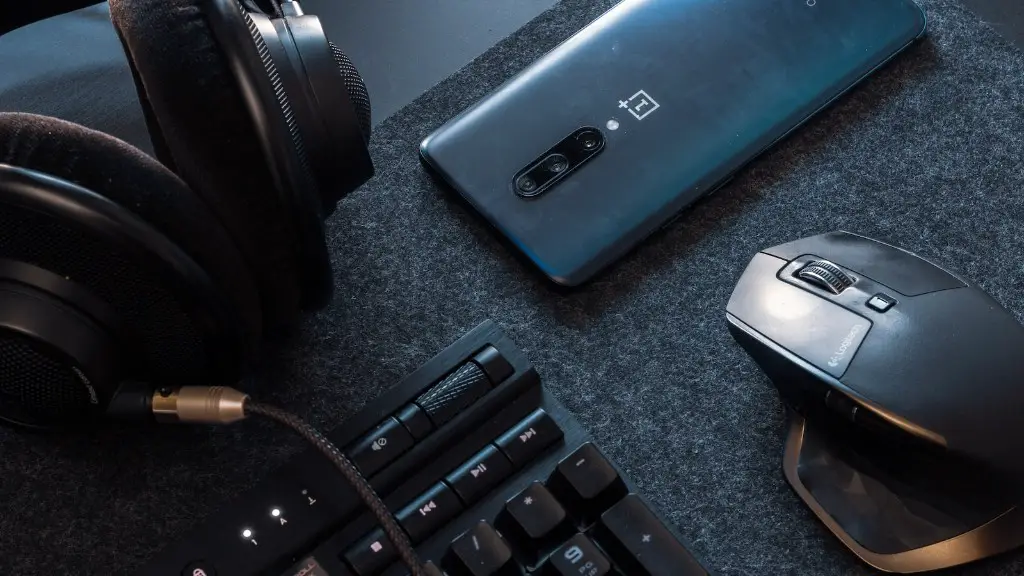
Thirdly, there is a wide range of gaming keyboards and mice compatible with the Xbox One. Each of these provides a different experience, so research is necessary to determine which gaming keyboard or mouse is best for the gamer’s needs. It is also important to consider which games the hardware is intended to be used with, as some titles may require specific hardware.
Lastly, it should be noted that there are some games that cannot be played with a gaming keyboard and/or mouse. This is because these games are designed specifically to work with the Xbox One controller. Games such as Fortnite, however, allow gamers to use a gaming keyboard and mouse to gain a competitive advantage in the game.
Location and Wi-Fi Connectivity of Gaming Keyboard with Xbox One
Aside from the keyboard and mouse, there is another important factor when using a gaming keyboard with an Xbox One – where to place it. Other than running the necessary cables, gamers must consider their environment. One way to ensure a comfortable playing position is to buy a long enough cable to place the keyboard in the optimal position. It is also important to consider Wi-Fi Signal strength when gaming remotely, as a weak signal could cause lag.
One option for gamers is to purchase a gaming keyboard that is wireless, as this removes all the clutter from the wires running around the desk. The second option is to invest in a wireless gaming headset. Headsets offer the gamer a more flexible and comfortable gaming experience, which is of equal importance. There is also the option of investing in an audio splitter box, which allows for the headset and the gaming keyboard to be connected simultaneously.
Thirdly, some gaming keyboards come with a dedicated gaming Wi-Fi card. This allows the keyboard to be connected to a stronger Wi-Fi signal and provides gamers with a better connection. This is especially useful if the router is located in another room. Lastly, the range of any keyboard can be improved by using a high-gain antenna. This can extend the range significantly and ensure a reliable connection.
Types of Gaming Keyboard with Xbox One
When using a gaming keyboard with Xbox One, it is important to choose the right type. Not all gaming keyboards are created equal, so it is important to find the one that best suits the gamer’s needs and budget. There are three main types of gaming keyboards; mechanical, rubber dome, and membrane.
Mechanical keyboards require the most amount of force to activate a key and are the most expensive option. These keyboards are more durable and come with a multitude of features, such as backlighting and customizable buttons. Rubber dome keyboards are cheaper and provide a softer feel when pressed. Finally, membrane keyboards are the most basic of the three and can be effective for casual gaming.
Another factor to consider is the type of switch used. The tactile switch is generally considered the best for gaming, as it provides the most accurate feedback from keystrokes. Additionally, the ‘flowery’ or ‘mechanical’ switch is less common than the other types, but is preferred by some, as it offers a lower profile and a quieter sound.
Direct Input and Keyboard Mapping for Xbox One
When using a gaming keyboard with an Xbox One, another aspect to consider is the direct input of the keyboard. This allows the gamer to map specific buttons to their Xbox One controller, making playing games more comfortable and efficient. Direct input is not always supported by the gaming keyboard, but can be enabled with the right software.
Keyboard mapping is a tool that allows gamers to use the gaming keyboard to simulate an Xbox One controller. This can make playing games more comfortable and efficient, as the gamer can remap all the buttons on the Xbox One controller to the gaming keyboard. All of these features can be enabled with the right software.
Finally, it is important to make sure the gaming keyboard and mouse are ergonomically designed. An ergonomic design helps gamers stay comfortable and reduce strain when playing for a long time. This is especially important for those who game for hours or play hard-core titles, as the physical stress placed on the body can be avoided with a comfortable design.
Compatibility and Cost of Gaming Keyboard with Xbox One
When considering buying a gaming keyboard and mouse for an Xbox One, it is important to check the compatibility. An Xbox One is designed for use with a controller, so it can be difficult to find gaming keyboards and mice that are compatible. However, there are several options that are specifically designed to work with the Xbox One. These devices are usually more expensive, but worth the money since they offer the most seamless gaming experience.
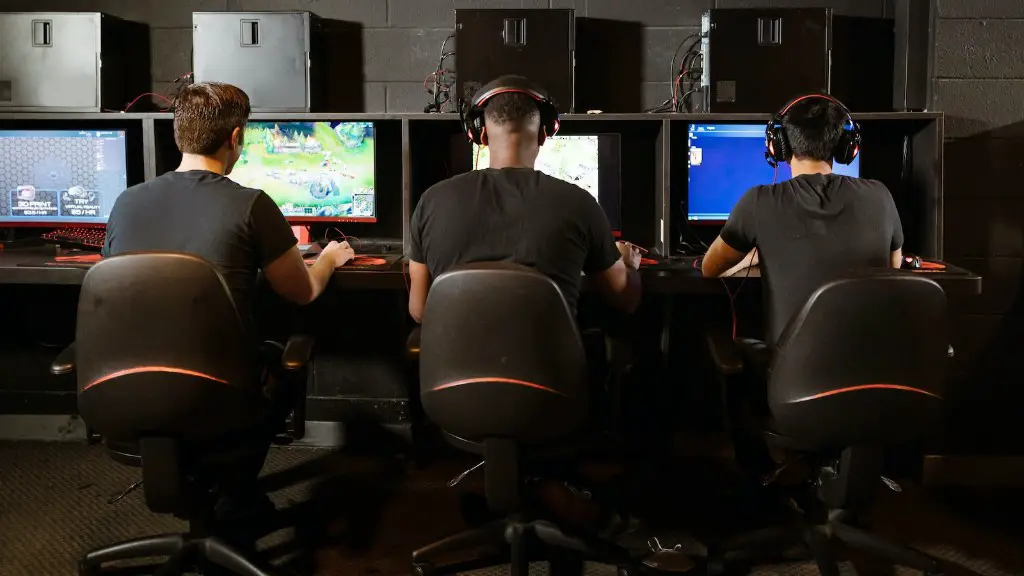
Additionally, there are some gaming keyboards and mice that are compatible with both PC and Xbox One. These devices offer gamers the best of both worlds – the flexibility of using the same keyboard and mouse on both platforms. These keyboards and mice may be slightly more expensive, but they make gaming on both platforms easier.
When buying gaming keyboards and mouse for the Xbox One, it is also important to consider the cost. It is possible to spend a lot of money on gaming keyboards and mouse, so it is important to compare prices and find the best value for money. Additionally, some gaming keyboards and mice come bundled with mouse pads, wrist-pads, or even headsets, which can offer great value for money.
Performance and Versatility of Gaming Keyboard with Xbox One
When looking for a gaming keyboard for an Xbox One, it is important to consider the performance. An premium keyboard is one that offers fast switch-rates and precise travel of the keys. This allows gamers to be precise while playing and ensure they get the most out of their gaming experience. Additionally, the durability of the keys is also important, as this will help ensure the gaming keyboard will last a long time.
Versatility is also an important factor when buying a gaming keyboard and mouse for an Xbox One. As mentioned earlier, some gaming keyboards are compatible with both PC and Xbox One. This offers gamers the flexibility to play on two different platforms without having to worry about buying separate hardware. Additionally, some devices also offer additional features such as programmable buttons, adjustable sensitivity, and backlighting.
Lastly, it should be noted that not all gaming keyboards are designed to work with the Xbox One. It is important to check the compatibility of the gaming keyboard and mouse before buying, to ensure the hardware will be compatible with the console. Additionally, it is also important to look at the reviews of a gaming keyboard and mouse before investing, to ensure gamers get the best performance from their chosen device.
