Are you having trouble activating the lighting in your gaming keyboard? If so, then you’re not alone. Many users struggle to activate their gaming keyboards’ LED lighting and are unable to get the desired effect.
Before getting into the troubleshooting procedure, it’s important to understand why your gaming keyboard may not light up properly. One of the common reasons why your gaming keyboard won’t light up is due to compatibility issues with your computer or laptop. If you’re using an outdated laptop or computer, it may not be compatible with your gaming keyboard, preventing it from lighting up properly.

Another issue could be the drivers aren’t installed correctly or they’re out of date. So, make sure to update your gaming keyboard drivers to the latest version. This can help resolve any compatibility issues and make sure the keyboard is working properly. If the drivers aren’t up-to-date, your computer won’t be able to recognize the device and thus, the LED lights won’t light up.
If the problem persists, then you may need to check the wiring and connections. Make sure all the cables are securely connected to the gaming keyboard, as well as your computer or laptop. If the connections are not secure, it can cause issues with the LED lighting. Check the power source as well and ensure it is fully connected and powering on properly. You may also want to check the firmware, as this can also cause issues and prevent the LED lighting from working properly.
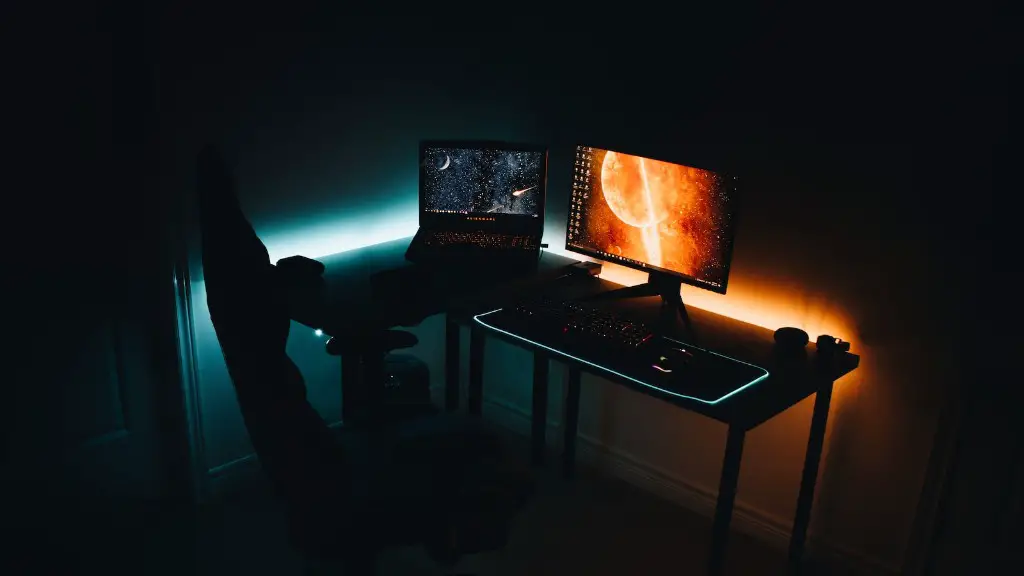
It is also important to check the settings of your gaming keyboard. Some gaming keyboards have options for controlling the lighting, so make sure you’re familiar with the settings. Also, make sure the settings are adjusted properly and that the LED lights are activated by default. If all of these settings are correct, and you still can’t get the lighting to work properly, it may be time to contact customer service.
Types of Gaming Keyboards
Different types of gaming keyboards have different features and capabilities, which means they may need to be handled differently when it comes to lighting up. Mechanical keyboards are popular because they are durable and responsive, but they also come with individually lit keys that need to be adjusted correctly in order to work properly. Some keyboards may also come with RGB lighting, which has to be programmed correctly in order to get the desired result. Also, make sure your gaming keyboard is compatible with the specific lighting controls or software, as this can also make make a difference in how the lights work.
Importance of Lighting
Lighting is an important part of any gaming experience, and it can significantly enhance the gaming atmosphere. Gaming keyboards that light up can give the extra element you need to stay focused on gaming and improve your overall performance. It can also provide game-specific effects such as backlighting for specific combinations or features. As such, it is important to be able to customize the lighting to your liking, ensuring that it fits with the theme of the game and brings out the best in your gaming experience.
Pros and Cons of LED Lighting
LED lighting has its pros and cons when it comes to gaming keyboards. On the positive side, LED lighting is energy-saving, long-lasting, and can be easily customized. The downside is that they can be expensive, and they may not be compatible with all gaming keyboards. Another downside is that they can produce too much glare on the screen, which can hurt the eyes if not properly adjusted. Finally, they may not be compatible with certain gaming accessories, so make sure to check before investing in an LED gaming keyboard.
Troubleshooting Tips
If your gaming keyboard’s LED lights still won’t activate, there are a few steps you can take to troubleshoot the issue. First, make sure all the cables are properly connected and secure. If the cables are loose or disconnected, it can prevent the lights from activating. Also, make sure the power source is functioning properly, and the gaming keyboard is compatible with the computer or laptop, especially if you’re using an older model. Additionally, make sure to check the drivers and firmware, and update them if necessary.
Replacing the LED Lights
If the LED lighting still won’t activate, you may need to consider replacing the lights or upgrade to a new keyboard. It is important to avoid tampering with the internal circuitry, as this can damage the keyboard and void the warranty. Instead, you can purchase individual LED strips or lights and install them yourself. If you choose to do this, make sure to purchase LED strips that are compatible with your gaming keyboard, as generic LED strips may not be compatible and may not yield the desired two effect. To ensure compatibility, it is best to purchase LED strips from the same manufacturer as your gaming keyboard.
Customizing the LED Lights
In addition to purchasing and installing LED lights, you can also customize the existing ones to get the desired effect. This involves setting color, speed, and intensity through the gaming keyboard’s settings. The process for adjusting these settings will vary depending on the make and model of the gaming keyboard, so make sure to consult the user manual for more information. Generally, setting options involve choosing from pre-set modes or creating specific color combinations to suit your gaming needs.
Understanding the Settings
The settings of each gaming keyboard will vary from model to model, so it is important to understand them in order to get the most of the LED lighting system. There are various presets available to choose from, including modes such as solid, flash, and ripple, as well as a multitude of color combinations. You can also adjust the brightness and speed of the lights, as well as switch between single and dual colors. Understanding the settings can help you get the most out of the LED lighting system and customize it to your own liking.
