Can you use a gaming keyboard to play Xbox One? Absolutely! It’s now possible to use a compatible gaming keyboard and mouse on your Xbox One console. A gaming keyboard and mouse will give you an advantage over other players and make navigating the game more efficient. It is also important to note that while you can connect a gaming keyboard and mouse to your Xbox One, not all games are optimized for it. Some will require a controller in order to play them properly.
Using a gaming keyboard and mouse on your Xbox One is simple. All you need is the correct adapter, which is designed specifically for the Xbox One platform. It’s important to make sure you buy the specific adapters that allow you work with both the keyboard and mouse. Once you have the adapter and the gaming keyboard and mouse connected, it’s just a matter of navigating the Xbox One’s settings.
The key features of using a gaming keyboard and mouse on Xbox One are accuracy and speed. With a gaming keyboard it is much easier to type in text messages, as well as commands for certain games. A mouse is also great for navigating menus and maps. The precision a mouse provides is unmatched compared to a controller. It’s much easier to get to specific points on a map and click on elements that would otherwise take more time with a controller.
Gaming keyboards come in different shapes and sizes, with mechanical or membrane switches. Mechanical keyboards are notorious for their improved responsiveness and durability. Most of these keyboards offer a number of additional features, such as backlighting and programmable keys. If you’re looking for an edge in-game, these are great choices as they provide an unprecedented level of control over your gaming sessions.
Once you have your gaming keyboard and mouse plugged in and configured, you’re ready to get started. It’s recommended to test out the set up with a few simple games first before tackling more complex and challenging titles. It takes a bit of time to get used to the controls, but it will surely pay off in the long run.
Keyboard and Mouse Customization
When using a gaming keyboard and mouse on Xbox One, you can customize the settings to your liking. This gives you the ability to change the sensitivity of the mouse and the settings of the keyboard. You can also assign different keys to interact with the game elements. Many gaming keyboards and mice also have additional keypads that can be programmed to do a variety of tasks.
It’s also worth noting that many gaming keyboards offer macro settings. Macros are pre-programmed sequences of keypresses that can be used to perform several different tasks at once. For example, you can use macros to quickly access certain items or trigger certain actions. You can create and assign your own macros for specific actions or use pre-made macros, depending on the game.
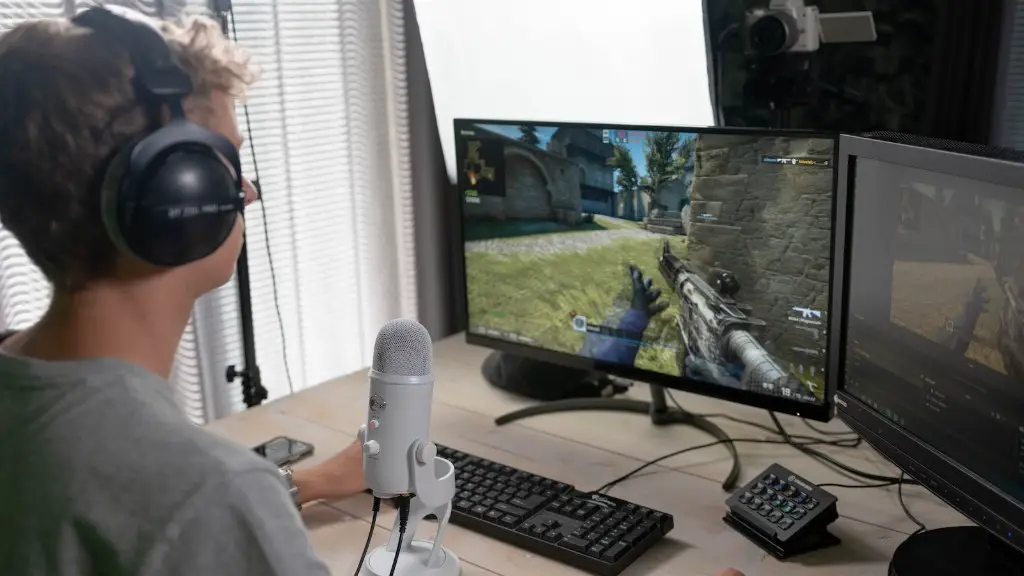
Last but not least, many gaming keyboards and mice come with a number of extra features that can make your gaming experience more fun and efficient. Many come with extra buttons and even LCD screens that can display information regarding the game. In addition, there are options to add things like extra memory and other components.
Character Profiles and Adaptive Settings
Another great feature of some gaming keyboards is the ability to save game profiles with specific settings. This is great for games with multiple characters, as you can save each character and the settings associated with them. You can then quickly switch between different characters without having to manually set up the controls for each one.
On top of that, some gaming keyboards allow you to create adaptive settings that adjust to your style of play. This way, the keyboard will automatically adjust to how you are playing, making the experience even more enjoyable. You can also customize the lighting effects for your keyboard, adding even more flair to your gaming setup.
Conclusion
In conclusion, a gaming keyboard and mouse are a great way to enhance your gaming experience on Xbox One. They provide greater accuracy and speed while also offering additional features such as macros and character profiles. Furthermore, they can be customised to meet your specific needs and preferences. So, if you’re looking to take your gaming to the next level, a gaming keyboard and mouse are definitely worth considering.
Compatible Brands and Games
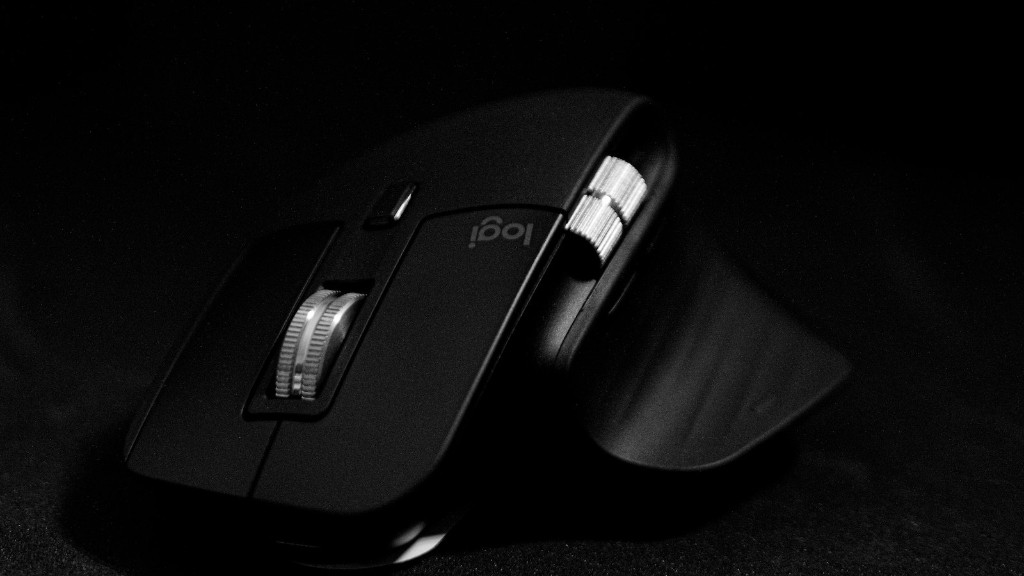
It’s important to note that not all gaming keyboards and mice are compatible with the Xbox One platform. Many popular brands such as Razer, Logitech, and Corsair offer models specifically designed for Xbox One. Additionally, some games also have their own specialised accessories that allow for higher levels of performance and accuracy.
It’s also worth mentioning that some games are designed specifically for the use of a gaming keyboard and mouse. These titles take full advantage of the extra buttons and features of gaming keyboards and mice, providing a more immersive and higher-quality gaming experience. Additionally, games such as Fortnite and Warzone also support gaming keyboards and mice, giving players a big edge over those using a controller.
Advantages and Disadvantages
Using a gaming keyboard and mouse on the Xbox One comes with both advantages and disadvantages. One of the main advantages is that they provide an unprecedented level of control and accuracy, making it easier to navigate menus and maps. Additionally, the extra buttons can be used for macros and for quickly switching between profiles or games.
On the other hand, there are a few drawbacks to using a gaming keyboard or mouse. For one, you will need to buy the correct adapter for it to work on the Xbox One. Additionally, not all games are optimized for the use of a gaming keyboard and mouse, so you might find yourself stuck in a game that requires a controller.
Different Types of Mice
When it comes to gaming mice, there are many different types available. There are wired, wireless, and even wired wireless models. Wired wireless mice are perfect for people who need to move around a lot, as they provide more freedom while still ensuring a stable connection. Additionally, there are gaming mice that come with adjustable settings and buttons, allowing you to customize the sensitivity of the mouse as well as assign keys to different actions.
Wireless mice also come with similar features, but provide even more freedom. They are perfect for people who want to be able to move anywhere without having to worry about the connection being disrupted. However, wireless mice usually require more maintenance than wired models, as they need to be charged more often.
Finally, there are gaming mice specifically designed for certain games. These mice offer an increased level of accuracy and comes with features such as adjustable weights and anti-slip surfaces, making them ideal for gamers who want the best performance possible.
