How To Change Color On Rainbow Gaming Keyboard
Choosing the right colors on a rainbow gaming keyboard is an important part of the gaming experience. Fortunately, changing the colors of a rainbow gaming keyboard to fit with a gamer’s preference is easy and straightforward. Here’s how to change the color of your keyboard in a few easy steps.
First, determine the desired color scheme or mood of your rainbow gaming keyboard. Consider your gaming setup and the atmosphere you want to create. RGB keyboards come in a variety of different colors, so experiment with different shades and intensity until settling on the desired color.
Once a color scheme has been decided, open the software designed for your keyboard. This can usually be found on the keyboard’s website or on the box itself. Then use the software to adjust the color settings for each key individually or for the entire keyboard.
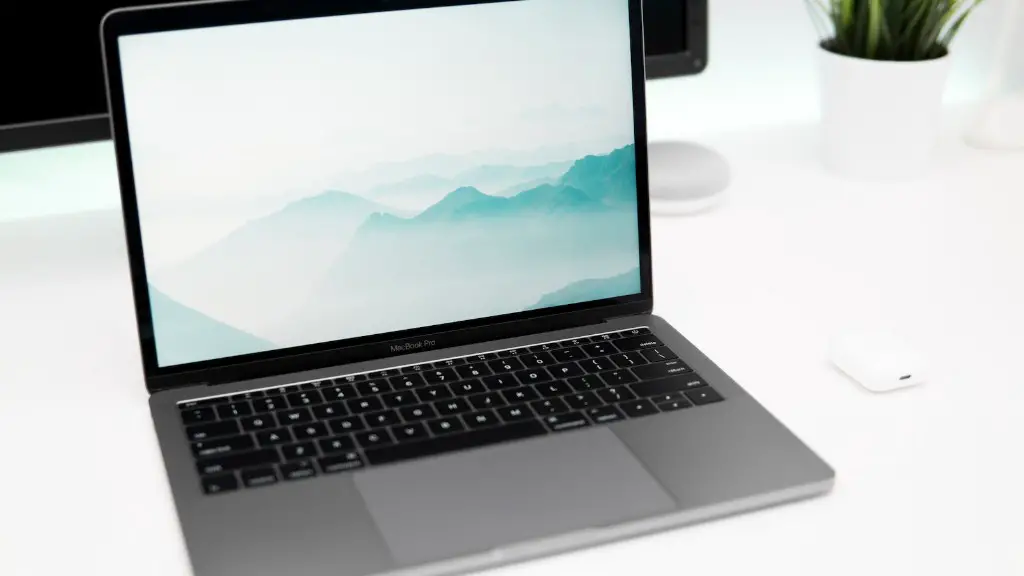
Thirdly, configure the settings to the preset leds, or personalize each keypad with a color palette. If a custom image is desired, then it can be imported and the keyboard will be changed to match the imported image.
When finished, the RGB settings can be saved, allowing the gamer to quickly set the lighting back up to their preferred settings. Take some time to play around with the settings and customize the look of the keyboard to the gamers preferences.
Finally, if the settings are not immediately visible after the changes have been made, it is possible that the settings must be reset. To do this, simply disconnect the keyboard and reconnect it, at which point the settings should take effect.
Advanced Customization for Rainbow Gaming Keyboard
Beyond just choosing a set color for each individual key, many RGB keyboards are now capable of customizing how your keys light up with the help of additional software. This can help create a truly unique gaming experience, with the keyboards lighting up in step with the game.
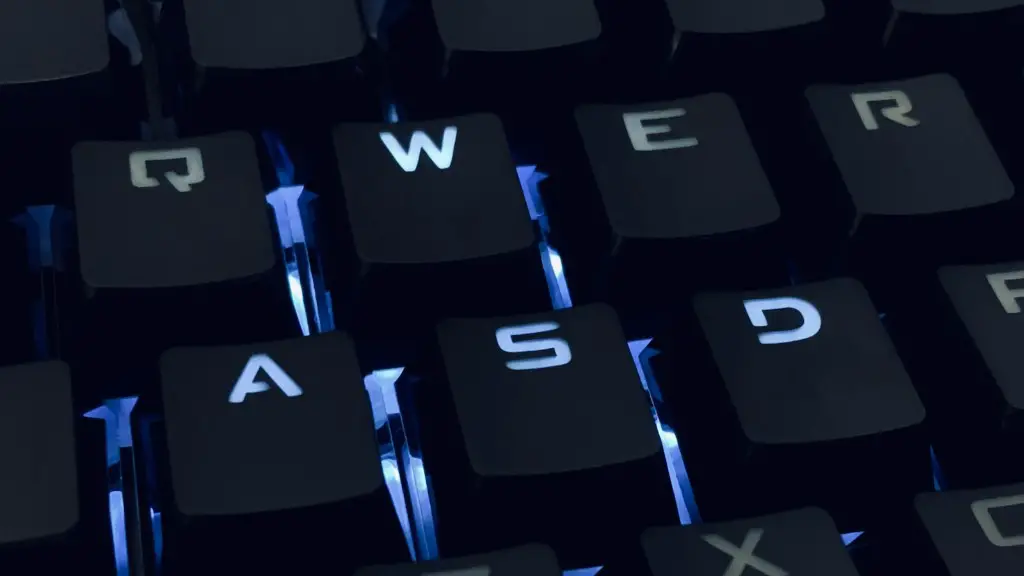
For example, many keyboards offer a “breathing” effect where certain keys will become brighter and darker based on the actions in the game you are playing. This can be quite rewarding, as it adds a dynamic element to the game that can draw you in further.
Additionally, programs can also be used to make elaborate patterns out of the individual keys, creating custom designs that the gamer can customize to their liking. This makes it possible to turn the keyboard into a truly unique work of art tailored to the individual user’s style.
To customize the lighting of a keyboard, simply open the RGB software and explore the different settings until landing on a pattern or design. It may take some practice to get the perfect design, but the results are worth it.
Keep in mind that many keyboards come with presets that make this process easy. Consult the built-in software to find out what options are available and make sure to take advantage of everything the keyboard is capable of.
Animations and Themes for Rainbow Gaming Keyboard
In addition to customizing the lighting and color of each individual key, there are now software programs available that allow gamers to create animations and themes that live on the keyboard. These add yet another layer of personalization to the gaming experience, allowing the gamer to truly customize their gaming setup to the highest level.
When creating an animation for the keyboard, one of the first steps is to create a refresh frame. In this frame, the user will set the color and intensity of each key on the board. This frame will be repeated every time the animation is run, so it needs to be carefully chosen.
Once a refresh frame has been created, animations can be designed and saved for later use. This allows the user to choose from and switch between different animations on their gaming keyboard, creating the perfect atmosphere for any gaming experience.
Finally, themes fit even further in personalizing the gaming experience, as they can be used to control the refresh rate, time, and other basic settings of the board. This makes it easy to sync the keyboard up with the game, and really make the most out of the RGB lighting experience.
Performance and Maintenance Of the Rainbow Gaming Keyboard
Above all else, it is important to make sure the Rainbow Gaming Keyboard is running at peak performance. This includes keeping the keyboard clean, and making sure all parts of the board are satisfying the desired lighting effects.
To keep the keyboard running at peak performance, make sure to clean it regularly with compressed air. This will make sure it remains free from dust and dirt, as this can eventually build up and prevent the lights from working correctly.
Additionally, if certain keys are failing to activate properly, it may be necessary to replace them. This can be done with the help of a soldering tool, or by purchasing a pre-wired replacement from the manufacturer.
In the event that the software for the keyboard glitches or fails, it may be necessary to reinstall it. To make sure the keyboard performs as expected, double-check the settings before use, and make sure there are no conflicts in the software.
Finally, periodically check the board’s firmware itself. Firmware updates are often released to fix software bugs and add new features, so make sure to keep it updated with the latest changes to get the most out of the board.
Temperature Settings of the Rainbow Gaming Keyboard
When using a Rainbow Gaming Keyboard, it is important to consider the surrounding lighting and temperature of the environment. Lower temperatures can cause the lights to dim, and high temperatures can lead to faster degradation of the components.
To make sure the lights always look their best, consider setting up a temperature-controlled PC in the gaming room. This will reduce the temperature of the board, extending its lifespan and helping it reach its full potential.
Additionally, lower temperatures can also make the lights more vibrant and easier to the eyes. Experiment with different temperatures to discover the optimal setting for your gaming environment.
To setup a temperature-controlled gaming PC, start by measuring the temperature of the game room. Take temperature measurements before and after use, and purchase an air-cooled gaming PC to bring down temperatures if necessary.
Once the necessary setup has been complete, monitor the temperature of the room with a thermometer. Take corrective action if the temperatures become too high, making sure to take care of the keyboard and keep the environment as cool as possible.
RGB Key Cap Tips for the Rainbow Gaming Keyboard
As with any gaming setup, it is essential to make sure the keyboard looks its best. One way to do this is by investing in special RGB key caps to replace the standard ones. This can dramatically increase the appeal of the board, creating a visual statement and making the board showcase ready.
When customizing the key caps, take into consideration the size and shape of the keys. Certain keys may look better with a rounder shape, while others may be better suited for a longer design. Experiment until the optimal key cap shape has been achieved.
Additionally, choose keycap materials that best suit the gaming environment. Some materials may be helpful in reducing audio feedback, while others may be better suited for the overall look and feel of the board.
To further customize the board, consider investing in light diffusion film. This film will layer the keys and give them a more vibrant and dynamic appearance that can elevate the overall look of the gaming setup.
Finally, take the time to clean and polish the key caps every twice a month or so. This will ensure that the lights remain vibrant, and will reduce the amount of dirt and dust that builds up in the course of regular use.
