Customizing your gaming keyboard can be a fun and exciting experience. Making it light up is one of the most creative and enjoyable ways to add unique flair to your setup. There are multiple ways to make a gaming keyboard light up, and this article will explore the different methods of achieving this.
The first option is to get a gaming keyboard with LED lighting. This is an easy solution as the LED lights come pre-installed. Usually these come in various shades, so you can have your keyboard light up in your desired color. The downside to this is that the LED lighting may take away from other features that the keyboard possesses, such as mechanical switches, excellent keystroke accuracy, etc.
The second option is to use aftermarket LED lighting strips. These are basically LED strips that you can attach to the underside of your gaming keyboard. You will need to make sure that your gaming keyboard has enough space for the LED strip to fit in. You can also control the settings of the LED strip by connecting it to a software program. In addition, you can also use multiple LED strips if you want different sections of your keyboard to light up in different colors.

The third option is to use custom-made backlit gaming keyboards. This is a great solution if you want more control over the settings of the lighting on your gaming keyboard. You will have to purchase an entire back-lit gaming keyboard, which may be a bit expensive, but it is worth it in the end. You can customize your keyboard to fit your taste perfectly, allowing you to increase the brightness level and even set the color to different shades.
The fourth option is to install custom lighting under each key of your gaming keyboard. This is great for those who want to have total control over their gaming keyboard. In order to do this, you will need a soldering iron and a variety of wires. This method is a bit more time consuming, but can you give you a unique look by having custom illumination underneath each key.
Enhancing Your Gaming Keyboard With LEDs
Adding LEDs to your gaming keyboard is a great way to give it a unique and personal touch. There are several ways that you can do this, depending on your budget and preference. It is important to make sure that you get the right type of LED strips, as some may require more power than others. You will also need to make sure that the LED strips fit your gaming keyboard snugly, so that it does not get in the way of any other components.
You can also enhance your gaming keyboard by adding multiple LED strips. This will allow you to personalize the lighting of your gaming keyboard in a way that suits you best. You can mix and match different shades to create a unique and brilliant effect. Be sure to connect the LED strips to a software program so that you can adjust the settings according to your needs.
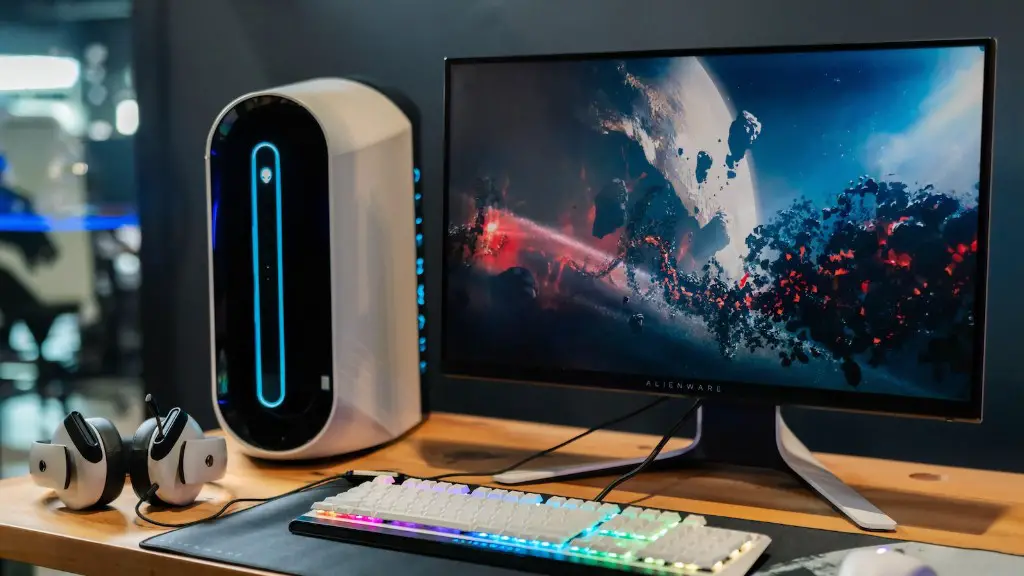
If you want a more permanent and professional look to your gaming keyboard, you can install custom LED lighting. This will give you the ability to have more control over the color and brightness settings. You can even customize each key of your keyboard to have its own unique lighting, allowing you to create unique patterns on the fly.
Finally, if you have access to a soldering iron, you can even make your own custom backlit gaming keyboard. This is a great way to get creative and have one-of-a-kind lighting design. This method is a bit more time consuming, but it can result in a stunning and unique gaming keyboard.
Purchasing the Right Gaming Keyboard
To ensure that you get the most out of your gaming keyboard, it is important to purchase the right kind. Look for gaming keyboards that come with LED lighting, as this will save you both time and money. You can also get aftermarket LED lighting strips to add onto your gaming keyboard, allowing you to customize the look and feel of your set up. Make sure to research different gaming keyboards and read reviews in order to make the best decision.
If you want a truly unique gaming keyboard, you can also look into custom-made gaming keyboards that come with LED lighting. This allows you to have a personalized lighting system and allows you to control every aspect of it. However, this kind of gaming keyboard can be very expensive. Additionally, if you want to go for the DIY approach and make your own gaming keyboard, you can look for tutorials online that will help you build your own custom backlit gaming keyboard.
Whatever option you choose, it is important to make sure that your gaming keyboard is able to keep up with the high intensity of gaming. Look for gaming keyboards that come with mechanical switches that provide excellent keystroke accuracy and feedback. Additionally, you will want to make sure that your gaming keyboard can handle the extra load of the LED lighting.
Installing the LEDs
Once you have purchased your gaming keyboard with LED lighting, it is time to install the lights. Depending on the type of LED lighting you have, the installation process may vary. If you have aftermarket LED lighting strips, make sure to connect them to a software program to control the lighting settings. Additionally, if you have custom-made LEDs, you will need to solder them onto the back side of the gaming keyboard.
Once the installation is complete, you will then be able to customize the lighting on your gaming keyboard. This can be done by connecting the LED strips to a software program. You will also be able to control the brightness settings and even change the color of the LEDs to different shades. Additionally, if you have custom LEDs beneath each key of the keyboard, you can adjust the color and brightness settings of each key individually.
To get the most out of your gaming keyboard, make sure to research gaming keyboards and read reviews before choosing the right one for your needs. Additionally, you will want to make sure that the LED lighting you purchase can handle the load of the gaming keyboard. Finally, make sure to install the LED lighting properly, paying attention to the instructions that come with the LED strips.
Connecting the Software

Once your LED lighting is installed, the next step is to connect them to a software program in order to control their settings. This step is fairly simple, but depending on the type of LED lighting you have, the instructions may vary. Generally, it involves connecting the LED strips to the computer via USB or Bluetooth. Once the LED strips are connected, you can then open up a software program that allows you to customize the lighting of your gaming keyboard.
The software program will give you the ability to adjust the brightness, change the color of the LED strips, as well as create custom lighting patterns and effects. Additionally, you will be able to store your settings so that you can easily re-apply them at any time. This can be especially useful when you want to recreate a particular lighting scheme for gaming or even create the perfect atmosphere for a late-night streaming session.
In order to keep your gaming setup looking up-to-date, you will also want to keep up with any updates that the software program offers. This will help ensure that you have the best possible experience when customizing your gaming keyboard. Additionally, it will help prevent any compatibility issues with future gaming systems. Finally, always make sure to back up your settings in case the software program ever gets corrupted or you accidentally delete your settings.
Choosing the Right Colors
When customizing the lighting on your gaming keyboard, it can be easy to get overwhelmed by the wide variety of colors available. To ensure that your gaming setup looks as good as possible, you will want to choose colors that look good together and match the overall theme of your setup. Additionally, it is important to consider the colors that work well for your specific gaming keyboard. This will ensure that the colors blend well with the colors on the keys and the lighting does not become distracting or overwhelming.
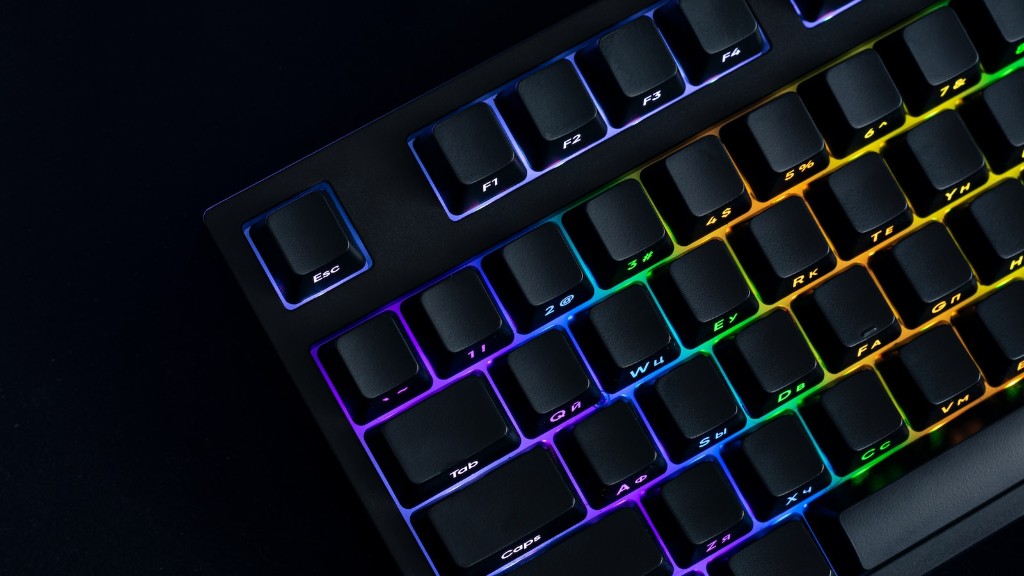
You can also use complementary colors to make the colors on your gaming keyboard stand out. For example, if you have a black and blue color scheme, you can choose a shade of orange or green as a complementary color. This will create a high contrast between colors, making them stand out more. Additionally, you can also create lighting effects that transition between colors, allowing you to create unique lighting patterns.
Another option is to match the colors on your gaming keyboard to the colors in the game or application that you are playing. This is a great way to make your gaming experience more immersive and exciting. Additionally, you can also use a color pallet to create lighting effects that represent the mood or theme of the game you are playing. This is a great way to get creative and personalize the lighting of your gaming keyboard.
Finally, you can use the colors of your gaming keyboard to represent different keys and functions that you use often. For example, you can set the WASD keys to light up in a different color than the rest of the keys to make them easier to find. Additionally, you can also use different colors to represent specific gaming genres or types of games. This way, you can instantly recognize which type of game you are playing without having to look at the logo.
