Software Enhancements
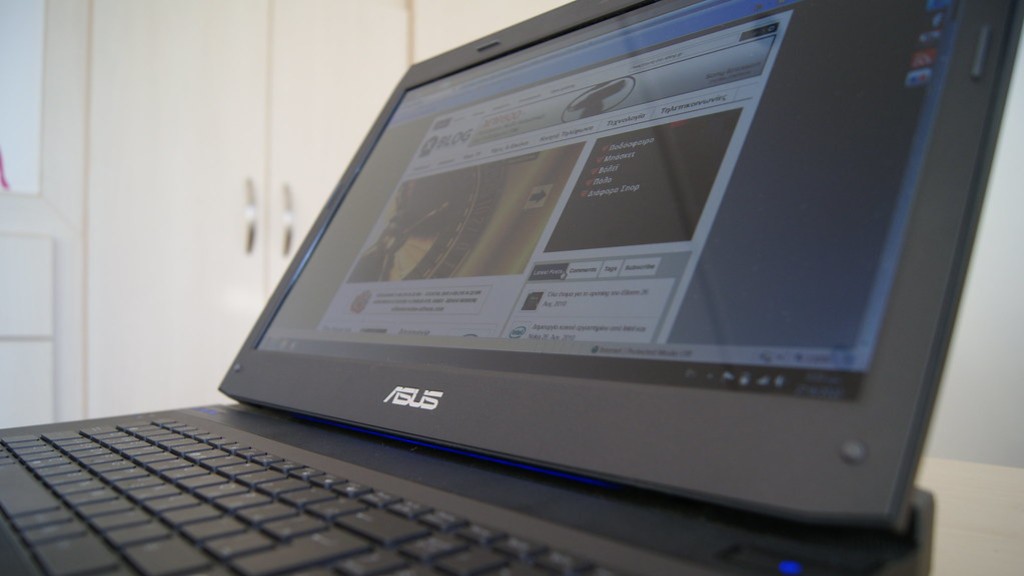
Laptops were originally designed for convenience and not for gaming. But with improved hardware and software, almost any run-of-the-mill laptop can be transformed into a gaming laptop. Software-based upgrades are an easy and cost effective way to make your laptop a gaming powerhouse. Gaming performance can be improved by tweaking many settings ranging from the operating system to hardware optimization and overclocking.
To get the best gaming performance out of your laptop, you will need to make sure it is running smoothly and without any hiccups. The first step is to make adjustments to the operating system. This includes updating your drivers, reducing background processes, and disabling any unnecessary services. All of these steps can help improve overall system performance, including when gaming.
Once you have the operating system running optimally, you can move on to hardware optimization. This includes using performance-enhancing software, such as Nvidia GeForce Experience, to automatically adjust settings for the best performance. You can also use software to overclock your CPU, boost memory, and increase the frame-rate of your games.
In addition to boosting gaming performance, you can also utilize special software programs to customize or improve the gaming experience. This includes programs like Razer Cortex and Steam which allow you to customize your gaming experience. You can tweak settings, control hotkeys, adjust visuals, and more, all from within the comfort of your own laptop.
Hardware Upgrades
If you want to get even more performance out of your laptop, you may need to consider a hardware upgrade. This includes boosting the laptops RAM, adding a dedicated graphics card, or purchasing a higher-end processor. All of these upgrades can help increase gaming performance.
RAM is one of the most important components in optimizing laptop gaming performance. It allows games to run faster and more efficiently. Increasing the amount of RAM can help your laptop run games faster and more smoothly. This upgrade can also make multitasking easier, allowing the laptop to handle multiple tasks simultaneously.
A dedicated graphics card is another great upgrade for gaming. Dedicated graphics cards are more powerful than built-in solutions and offer improved visuals, faster speeds, and more efficient performance. If you are serious about gaming, a dedicated graphics card is a good investment.
Lastly, you may want to consider purchasing a higher-end processor. CPUs are responsible for nearly everything your laptop does and are the backbone of PC gaming. They provide the power necessary for processing data and running games. Faster, high-end processors will provide improved performance and allow your laptop to run the newest games.
Cooling Enhacements
Another great way to make your laptop a gaming machine is to add a cooling system. Heat is your laptop’s enemy, so investing in cooling solutions can help extend the life of your machine. Proper cooling solutions can also help increase overall gaming performance by keeping the laptop’s internal temperatures cool.
Cooling solutions range from laptop stands and cooling pads, to more sophisticated solutions such as liquid cooling. If you are looking for a budget-friendly solution, cooling pads are a great option. They serve as an additional barrier between your laptop and the surface it sits on, helping dissipate heat and reduce wasted energy.
For more serious gamers, liquid cooling is the best option. Liquid cooling systems utilize fans and radiators to reduce the laptop’s temperatures by several degrees. This helps games run more efficiently and increases the life of your laptop. Liquid cooling systems are also quieter than traditional fans, giving you an uninterrupted gaming experience.
Accessories
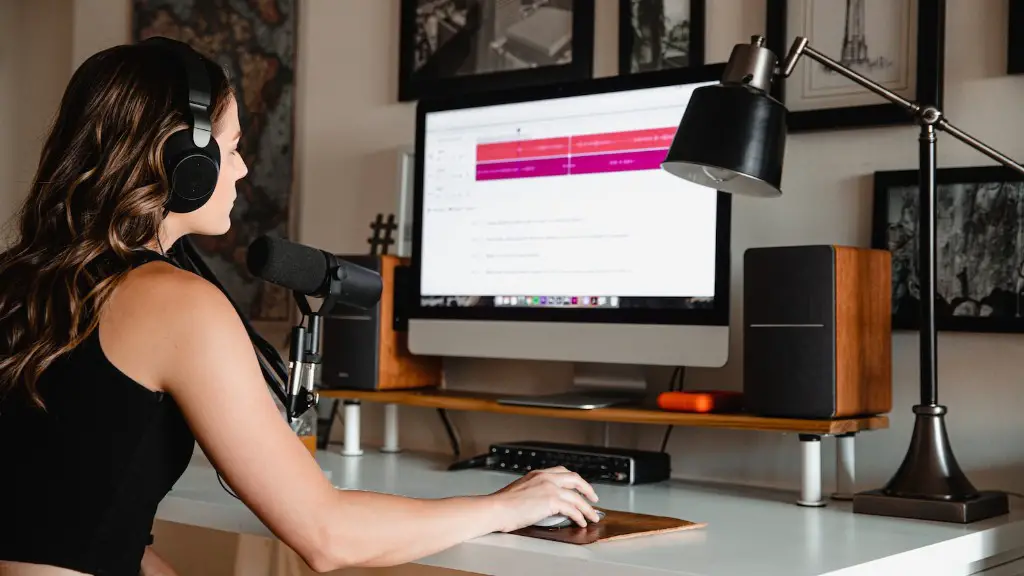
There are also a variety of accessories that can give your gaming laptop an edge. These include gaming mice, keyboards, headsets, and more. By investing in quality gaming accessories, you can give yourself an advantage when playing.
Gaming mice are especially beneficial for gamers. Gaming mice are designed to be more precise and responsive than traditional mice. They often come with extra buttons which can be programmed to perform complex actions, giving you an advantage in first-person shooters and real-time strategy games.
Another great accessory is a gaming keyboard. Gaming keyboards are made with the gamer in mind and are designed to be more durable and resilient than traditional keyboards. They come with a variety of features such as programmable keys and macro recording, making them invaluable for gamers wanting to get the most out of their laptop.
Lastly, gaming headsets provide an immersive sound experience and can bring your gaming laptop to life. Gaming headsets are designed to block out external sound and provide an immersive gaming experience. With quality headsets, you can hear subtle in-game audio that you may have otherwise missed.
External Displays
Using an external monitor or television is another great way to improve the gaming experience. By connecting your laptop to an external display, you can get a much bigger and better gaming experience than you would get with a laptop’s built-in display. With an external display, you can play games at higher resolutions, take advantage of bigger screens, and enjoy a more immersive experience.
External displays also provide gamers with a more comfortable gaming environment. Laptops are great, but they can be uncomfortable to use for extended periods of time. An external display gives you the freedom to customize your gaming setup the way you want and allows for more space and freedom of movement.
Lastly, connecting an external display can also help increase gaming performance. Most laptops are designed to optimize power usage and this often results in lower gaming performance. By connecting to an external display, you allow your laptop to run at its full gaming potential.
Wireless Connections
Wireless connections can also improve gaming performance. By connecting to a wireless router or access point, your laptop can benefit from the improved bandwidth and access speeds it receives. This can lead to better, faster gaming, as your laptop won’t be competing with other connected devices for bandwidth.
Wireless connections can also help reduce latency and lag. With a reliable connection, your gaming laptop can communicate with the game server faster, reducing the amount of time it takes for data to be sent and received. This can help make your gaming experience smoother and more enjoyable.
Lastly, a wireless connection can make your gaming laptop more portable. Without being tethered to a wired connection, you can game anywhere without worrying about running out of cables. This gives you the freedom to game on the go and not be tied down to a single location.
Power Management
Finally, power management plays an important role in gaming performance. Gaming laptops tend to put a strain on the battery, so proper power and thermal management is essential for keeping your laptop running efficiently.
Using your laptop’s power management settings, you can cycle the processor frequency, manage the thermal fan speeds, and adjust the brightness of the display. This can help reduce the amount of electricity and heat that your laptop produces, helping it to run more efficiently and with better performance.
Power management tools can also help increase battery life. By managing your laptop’s power settings, you can make sure it is using the optimal amount of electricity, allowing you to game longer without having to worry about running out of juice.
Overall, power and thermal management is essential for getting the best performance out of your gaming laptop. By taking the time to adjust your laptop’s power settings, you can make sure it runs smoother and cooler, giving you the best gaming performance possible.
