Hardware Upgrades
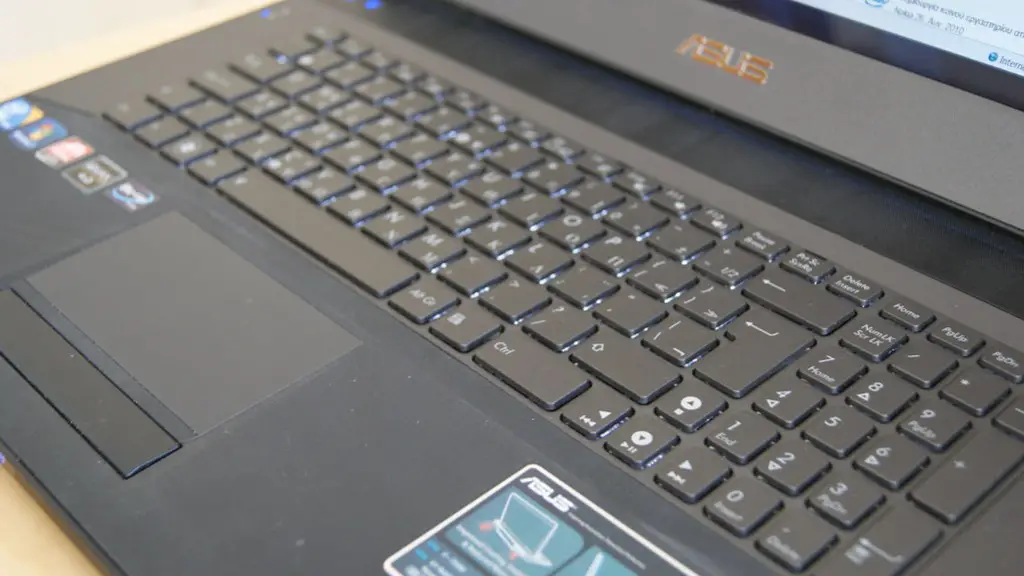
Upgrading the hardware on an old laptop can be an effective way to turn it into a gaming laptop. However, it is important to note that the type and age of the laptop may limit the types of hardware components that can be upgraded. For example, if the laptop is more than five years old, it might not have the type of connection necessary to support more modern RAM, which may not be compatible with the outdated processor. To further complicate matters, some of the components may be difficult to access, depending on the model of the laptop. It is essential to do research to determine compatibility and ensure that the right hardware upgrades are purchased.
One of the most important hardware upgrades is the Graphics Processing Unit (GPU). A GPU is responsible for rendering images and videos, so a high-end GPU is essential if the laptop is intended for gaming purposes. It is also important to make sure that the GPU is compatible with both the processor and motherboard. Additionally, it is extremely beneficial to increase the laptop’s RAM, Camera, Hard-drive, and Wi-Fi units. Increasing the RAM, hard drive, and Wi-Fi units can help improve the overall gaming performance.
Software Upgrades
Software upgrades are also necessary when turning an old laptop into a gaming laptop. One of the most important software upgrades is an operating system. An up-to-date operating system is essential for gaming performance. It is beneficial to purchase a gaming-specific operating system which is optimized for gaming purposes. It is also important to ensure that the laptop has the necessary drivers installed. If the laptop lacks the latest drivers, it is essential to download and install the latest version prior to gaming. Additionally, upgrading the various software applications and programs such as Web browsers, media players, and antivirus programs.
It is also important to invest in a gaming software suite. A good gaming suite should include game-specific controls, visual effects, and customization tools. Additionally, it is beneficial to purchase and install a gaming-specific anti-virus program. This will help to protect the laptop from potential infections or malicious software.
Accessories
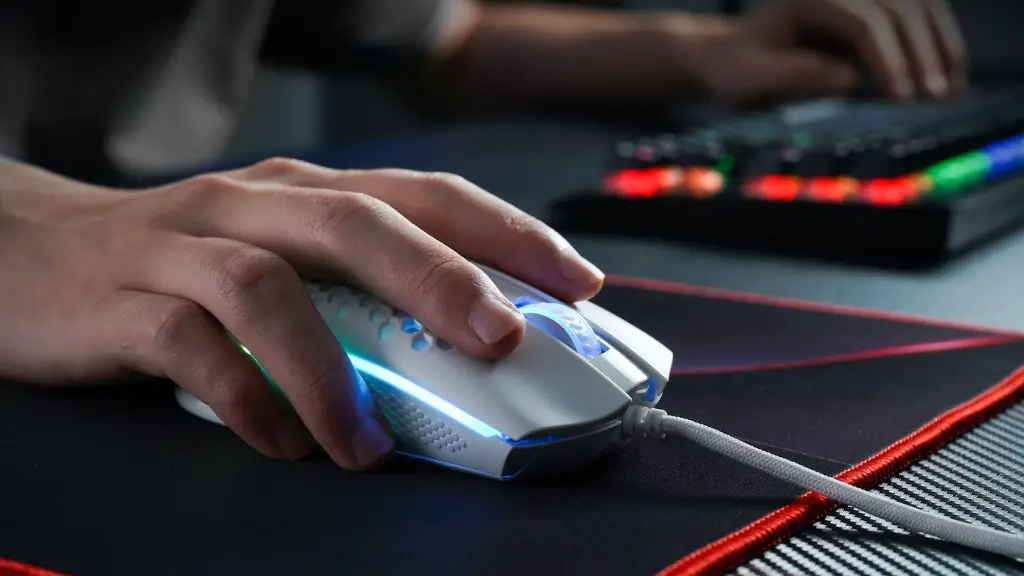
Another important part of making an old laptop into a gaming laptop is purchasing certain accessories. It is important to invest in an ergonomic gaming mouse and a gaming-specific keyboard. Ergonomic mice are designed to provide more precision and accuracy while gaming, while gaming-specific keyboards have extra keys and macro keys which are beneficial for gaming purposes. Additionally, it is beneficial to purchase a gaming headset for voice communications. Headsets come in a variety of styles and are designed to provide gamers with a more immersive gaming experience.
It is also beneficial to invest in a laptop cooling system. A laptop cooling system will help to reduce the laptop’s temperature, which is essential for gaming purposes. Furthermore, investing in a laptop board, which is a type of flat board that can be connected to the laptop to provide extra space for gaming peripherals such as the keyboard, mouse, and headset.
Laptop Settings
It is also essential to adjust the laptop’s settings when making it a gaming laptop. It is beneficial to adjust the power settings to maximize performance and reduce power consumption. Additionally, it is important to adjust the heat management settings. Most laptops will have built in settings which are designed to automatically adjust the laptop’s temperature. It is beneficial to adjust these settings to ensure that the laptop stays cool while gaming.
It is also important to adjust the laptop’s display settings. It is beneficial to increase the display’s saturation and brightness to ensure that games appear vibrant and colorful. Additionally, it is beneficial to adjust the sound settings. It is important to maximize the sound levels and increase bass levels to ensure that sound effects can be heard clearly.
Purchasing Games
Of course, purchasing games is the most important aspect of making an old laptop into a gaming laptop. It is important to purchase the latest and highest quality games. While some older games may still be compatible with the laptop, they may lack the features of newer games. Also, it is beneficial to research the game’s system requirements to make sure that it is compatible with the laptop.
It is also beneficial to purchase gaming peripherals such as steering wheels and joysticks. These peripherals are often optimized for particular types of games and can greatly improve the gaming experience. It is also beneficial to purchase gaming accessories such as headsets, gaming chairs, and monitors. These accessories are designed to improve the overall gaming experience.
Internet Connectivity
Finally, it is essential to ensure that the laptop is connected to the internet. It is beneficial to purchase a high-speed internet connection if possible. This will ensure that games can be downloaded quickly and gaming processes are not delayed due to slow internet speeds. Additionally, it is beneficial to invest in a gaming router. Gaming routers are designed to prioritize gaming traffic and reduce latency.
It is also important to invest in anti-virus and firewall programs. These programs will help protect the laptop from malicious software and potential hacks. Additionally, it is beneficial to purchase a Virtual Private Network (VPN). A VPN helps to reduce lag and improve gaming performance by encrypting data and providing an additional layer of security.
External Components
Finally, it is also possible to connect external components to the laptop to further enhance the gaming experience. External hard drives, monitors, and headphones are all possible components to consider. External hard drives can provide additional space for storing more games. Monitors can provide a larger gaming experience while headphones can provide gamers with a more immersive experience. Additionally, it is possible to connect consoles such as the Xbox One or PlayStation 4 to the laptop.
In conclusion, it is possible to turn an old laptop into a gaming laptop. By upgrading the laptop’s hardware, software, and accessories, gamers can enjoy a modern gaming experience. It is also important to adjust the laptop’s settings and purchase the latest gaming applications and games. Additionally, investing in an internet connection, anti-virus software, and external components can also improve the gaming experience.
Battery Life
For gamers, battery life is an important consideration. Gaming on battery power can place an extra strain on the laptop’s battery, which can lead to the battery draining faster than usual. To help extend battery life, it is beneficial to reduce the laptop’s brightness settings and to invest in a laptop cooling system. It is also important to invest in a power bank, which is a device specifically designed to charge laptops on the go.
It is also important to ensure that all unnecessary programs are closed and that the laptop is not running any processes in the background. These processes can consume a significant amount of battery power and should be closed when not in use. Additionally, investing in an external power source can help to extend battery life and is an essential purchase for any gamer.
Heat Management
Heat management is essential when it comes to gaming on an old laptop. Laptops can become hot when running intensive gaming applications, and this can be harmful to the laptop’s components. To help keep the laptop cool, it is important to invest in a laptop cooling system. These systems are designed to help reduce the laptop’s temperature, and they can be purchased at a relatively low cost.
It is also important to ensure that the laptop is not placed in direct sunlight, as this can also cause the laptop’s components to overheat. Additionally, it is beneficial to ensure that the laptop’s vents are free from dust and debris. This will help to allow air to circulate more freely, which can help to reduce the laptop’s temperature.
Maintenance
Finally, it is important to keep the laptop regularly maintained. It is recommended that the laptop is cleaned every few months to remove dust and debris. Additionally, it is beneficial to regularly check the laptop’s settings to ensure that it is optimized for gaming. It is also beneficial to regularly check for driver and software updates, as these updates can often improve the gaming experience.

It is also important to regularly test the laptop’s performance. This can help to identify any issues that may be preventing the laptop from running optimally. Additionally, investing in a laptop repair kit can help to ensure that any necessary repairs can be carried out quickly and easily.
