
Can A Gaming Laptop Melt
Gaming laptops have revolutionized the gaming world in the past few years, becoming more and more popular in the process. But the question remains: can gaming laptops melt?
To answer this question, it’s important to first understand how a gaming laptop works. A gaming laptop is designed to handle intensive tasks, such as complex graphics and gaming. It features a high-powered processor, a large amount of RAM, a powerful graphics card, and other advanced components to help it run faster and provide a better gaming experience.
The laptop also has a built-in cooling system to dissipate heat. This is necessary because of the increased power and the strain put on the internal components. The cooling system consists of several components, including fans, vents, and heat pipes.
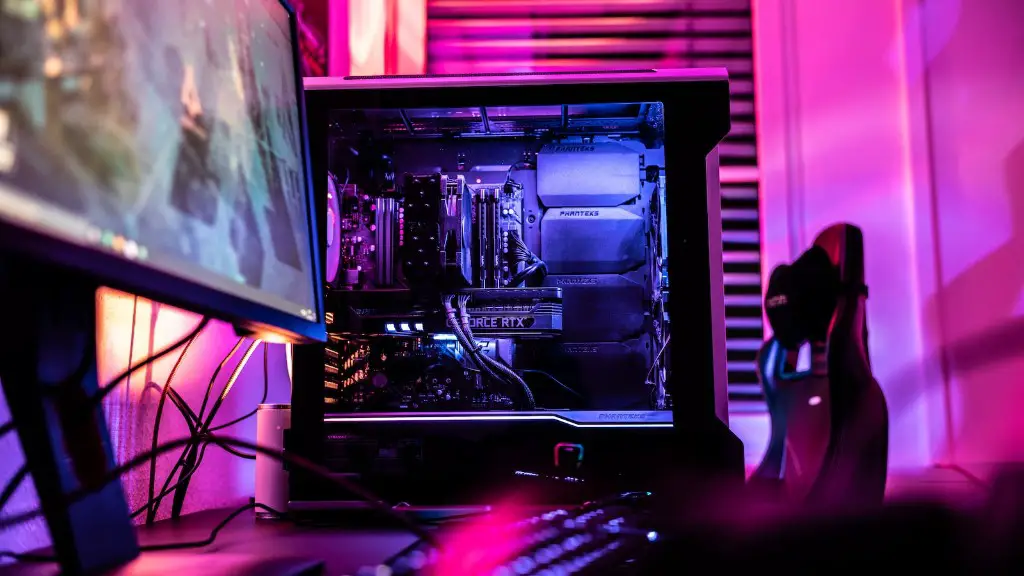
If these components are not working properly, the internal components of the laptop can become overheated. This could potentially result in the laptop melting, though it’s not a common occurrence. In most cases, a laptop will shut itself down when it reaches a certain temperature to prevent damage.
There are certain things that can increase the chances of a laptop melting, however. One of the most important is proper care and maintenance. If a laptop is running too hot or is being used heavily, it’s important to clean the fans, vents, and other areas of the laptop to ensure they remain free of dust and debris.
It’s also important to give the laptop rest periods, where it is not used intensively. This helps to cool the laptop down and prevent it from getting too hot. Additionally, it’s important to purchase a laptop with a good cooling system. This ensures that the laptop can handle heavy loads without running the risk of melting.
In general, a gaming laptop won’t melt just because of intensive gaming. However, it is still important to take good care of the laptop and give it proper rest periods to prevent overheating. This will help to ensure the laptop can handle whatever tasks you throw at it without risk of melting.
How does Heat Affect Laptops?
Laptops are sensitive to heat, and this is especially true for gaming laptops. Heat causes the internal components of the laptop to expand, which can cause problems and lead to the laptop breaking down. Additionally, it can damage the underlying components, potentially resulting in data loss or the laptops not working correctly.
Heat can also cause the laptop to run slower. If the computer is running too hot, it may be working too hard to dissipate the heat and this can lead to decreased performance. As a result, the laptop may not be able to run as fast as it should or can.
Finally, heat can cause physical damage to the laptop. Extreme temperatures can cause the internal components to warp or even melt, which can cause the laptop to stop working entirely. It’s important to take precautions such as using a cooling pad or making sure the laptop is in a cool environment to prevent this from happening.
Are Gaming Laptops Prone To Overheating?
Due to the high-powered components and the intensive applications they are designed to run, gaming laptops are more prone to overheating than traditional laptops. This means that they tend to need more cooling and proper maintenance to ensure they remain in good working order.
The most important thing to do to prevent gaming laptops from getting too hot is to give them regular rest periods. This helps to cool down the laptop and also prevents it from running too hard for too long. Additionally, it’s important to keep the laptop in a cool environment and to clean the fans and vents regularly to keep them free of dust and debris.
Finally, it’s important to invest in a laptop with a good cooling system. This can help the laptop to handle intensive tasks without the fear of it getting too hot and potentially melting. By following these steps, gamers can ensure that their laptop remains in good condition and can handle anything they throw at it.
How Can You Check if a Laptop is Overheating?
Fortunately, there are several ways to tell if a laptop is overheating. The most common symptom of overheating is that the laptop will become excessively hot to the touch. Additionally, the laptop may be slower than usual or may shut down unexpectedly.
Another way to tell if a laptop is overheating is to check the system temperature in the performance tab of the control panel. If the temperature is too high, then it’s likely the laptop is experiencing a heat issue. And finally, the laptop may display an error message related to the temperature.

If any of these symptoms are present, it’s important to take action as soon as possible. The most important thing to do is to give the laptop a rest period and check to make sure the fans and vents are clean. Additionally, make sure the laptop is in a cool room and consider investing in a cooling pad or better cooling system for the laptop.
How to Prevent Laptop from Overheating?
Preventing a laptop from overheating is not difficult. The main thing to remember is to give the laptop regular rest periods and clean it regularly. Additionally, make sure the laptop is in a cool room and invest in a decent cooling system.
It’s also important to use the laptop as intended. Don’t overwork the laptop by running too many programs at once or playing games for hours on end. Additionally, keep the laptop away from direct sunlight and avoid placing it on surfaces that may trap heat.
Finally, make sure the laptop is up to date. Installing the latest software updates and drivers can help the laptop to run more efficiently and help to prevent it from overloading. This can help to keep the laptop cooler and prevent any risk of it melting.
What Happens When a Laptop Overheats?
When a laptop overheats, several things can happen. The most common is that the laptop turns off or shuts down unexpectedly. This happens in order to prevent any further damage to the laptop. Additionally, the laptop may run slower than usual or display an error message related to the temperature.
In some cases, the laptop may become inoperable. The overheating can cause physical damages to the internal components, resulting in the laptop not working. In this case, it’s important to take the laptop to a professional to have it fixed as soon as possible.
Finally, in extreme cases the laptop may melt. This is not overly common and usually only happens when the laptop is severely overheated and the cooling systems are failing. If this is the case, it’s important to be extremely careful and to take the necessary precautions to prevent the laptop from overheating in the future.
How to Effectively Cool Laptops?
When a laptop is getting too hot, it’s important to take steps to cool it down. The most common way to do this is to place the laptop on a cooling pad. Cooling pads provide additional fans to help dissipate heat and keep the laptop cool. Additionally, some cooling pads have built-in stands to help improve air flow.
It’s also important to make sure the fans, vents, and other components of the laptop are clean and free of dust. Clogged fans and vents can prevent air flow, resulting in overheating. This can be done by taking apart the laptop and cleaning the components with compressed air.
Finally, it’s important to invest in a good cooling system. Good cooling systems feature multiple fans, larger vents, and other advanced components to help keep the laptop cool. This can help to prevent the laptop from overloading and melting.
