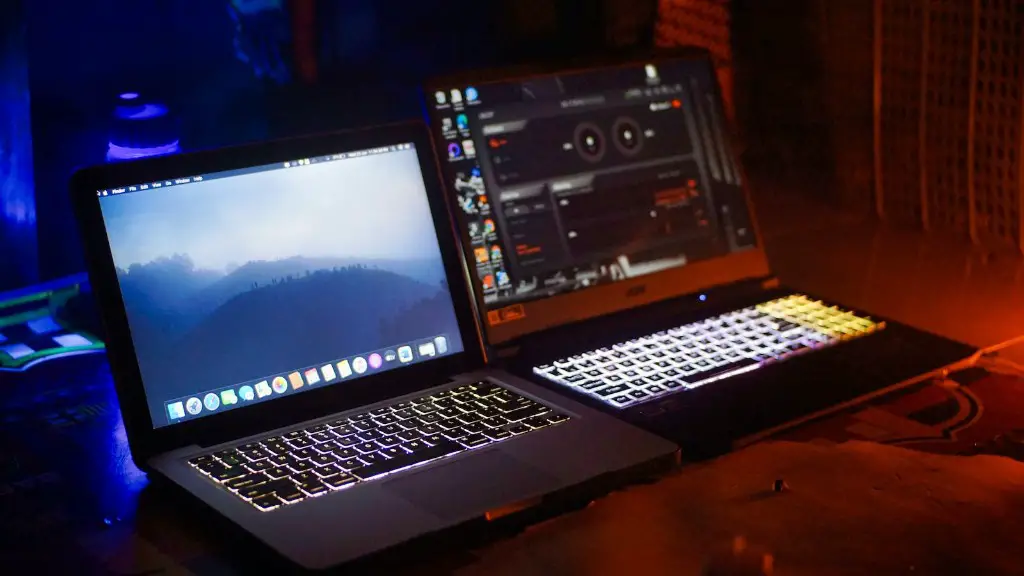
Many gamers and online enthusiasts ponder over the issue of the battery drain of gaming laptops.Whether a laptop is used for gaming or for browsing the internet, battery life is a vital factor that must be taken into consideration.
Gaming laptops bring with them a plethora of stunning features.From stunning graphics and immersive sound quality to powerful processor and RAM, they provide a truly engaging gaming experience.As a result, they have become invaluable devices that gamers use to level up their gaming sessions.
However, there have been some reports of battery drain in these devices.The question that arises when gamers consider buying one, is whether gaming laptops really have poor battery life.

Before we answer this question, let’s discuss the factors taking part in battery life.Firstly, the age and health of the laptop batteries play a major role.Those that are older, tend to have less overall charging capacity.Another factor to consider is how intensively modern games are built.Apart from looking great and providing smoother gaming, graphics in modern games are very detailed and intense which is the prime reason for energy consumption.In addition to this, those of you who game on external displays will be using more battery power compared to gamers who play on their laptop displays.
Now that we are aware of the factors affecting laptop battery life, we can answer the question: Does gaming laptop battery drain fast? The answer to this will depend on a laptop’s specs and hardware.Especially power hungry games like Call of Duty, Red Dead Redemption and Witcher 3 will have a dramatic effect.On laptops with dedicated GPUs, such as the Nvidia GeForce GTX series or the AMD Radeon RX series, the battery life can last up to 3-4 hours with intensive gaming.However, on leaner laptops with integrated GPUs, such as Intel HD Graphics, the battery life can be as low as 1-2 hours.
Software-Level Optimizations
Aside from hardware, software optimisations can also result in a significant increase in battery life.There are many software-level settings such as disabling visual effects, reducing screen brightness, and disabling Wi-Fi, Bluetooth and other wireless connections when not in use that can help boost a laptop’s battery life.Also, to reduce the strain on your battery during gaming, you can prevent applications from running in the background and unplug your laptop while it’s in use.
By making use of software-level settings and optimisations, you can keep your laptop battery in good condition and make sure it lasts for a long time.Another good practice is to run routine battery maintenance checks from time to time which can help diagnose and repair any battery-related issues.
When used to its full capacity, a gaming laptop’s battery life can last for a decent amount of time.However, for those who game for longer periods at a single stretch, purchasing an external battery pack would be a great way to get more power for your gaming laptop.This will be more convenient and will also save you from having to constantly recharge your laptop’s battery.
Overheating Issues
One of the other major concerns with gaming laptops is the potential of them overheating.Although gaming laptops have powerful cooling systems, they can still become hot due to the intense multitasking and gaming sessions.High temperatures will degrade a laptop’s battery life in the long run and make it run out faster.This is why laptop coolers can help to keep the laptop temperature below the critical threshold, thus reducing the chances of your laptop’s battery draining faster.
In conclusion, gaming laptops can suffer from battery drain, but this can be easily countered by making a few changes such as adjusting in-game settings, reducing screen brightness and other easy to execute tweaks.Moreover, laptop coolers help to keep your laptop cool and enhance battery life, making the device more viable for gaming sessions.
Portability Vs Preformance
Another factor to consider when buying a gaming laptop is the amount of portability it offers.Many gamers opt for laptops that are light and portable to make it easier to move and transport.The downside of this is that it does not offer enough performance for running more demanding games.Alternatively, gaming laptops that offer more power will be heavier and not as portable.So gamers have to make a decision between portability and performance.
In this case, it all boils down to individual preferences.An individual should carefully analyse the games they play, the graphics settings they prefer, and the overall features they desire in a laptop.
The takeaway is that gamers should determine what their needs and specifications are and look out for laptops with the right GPU, processor and RAM that could sufficiently run their games without having to worry about battery drain.
Alternative Tech
If you are in the market for a gaming laptop and are concerned about battery life, there are other options available.Prefabricated gaming desktops offer great performance for gaming purposes, but their portability is a major issue.An alternative to this are external GPUs (eGPUs) which can be connected to a laptop via a Thunderbolt 3 port.An eGPU can greatly increase a laptop’s gaming performance, as well as its battery life, but these devices can be quite expensive.
Finally, if you want more portable gaming devices, there are laptops available with specialised graphics cards and processors.Although they are not going to provide the same level of performance as a gaming laptop with a dedicated GPU, they are more than capable of running less hardware-intensive games such as Team Fortress 2 and Counter Strike.These laptops will provide a smoother gaming experience and have longer battery life.
Battery Maintenance
The last piece of advice when it comes to gaming laptops and battery life is to maintain your laptop’s battery.Avoid exposing the battery to extreme temperature and humidity conditions and make sure to keep it away from metal and water.It is also recommended to discharge and recharge the battery on a periodic basis to get the best performance out of it.
The best way is to completely discharge the battery and recharge it to the full level.This process can help extend the battery’s life and maintain its performance.It is also wise to check the laptop’s power management settings to reduce the strain and charge loss from the battery.
High Quality Parts
When choosing a gaming laptop, it is important to consider the durability of its parts.You want a laptop with high quality components that will last for a longer period of time.This is especially important for high-end gaming laptops as they require more power.Check the warranty details and ratings of the components to ensure that they are long-lasting and have a longer lifespan.
You should also make sure that the laptop comes with quality GPUs, processors and RAMs.These components are important for driving the battery performance.You can check out reviews from customers and experts to gain insight on battery performance and other important specs.
Power Supply Matters
Last but not least, it’s important to choose a laptop that has an efficient power supply.A gaming laptop’s power supply determines how it will deliver the power to its components.An efficient power supply is vital for longer battery life as it prevents excessive battery drain and ensures that the laptop’s specifications are running correctly.
When choosing a laptop, make sure to opt for one with a good power supply and the right battery.Also, make sure that the laptop has good ventilation as this can help to prevent it from overheating.These factors combined can significantly increase the longevity and battery life of the laptop.
