Hardware Performance of Gaming Laptops
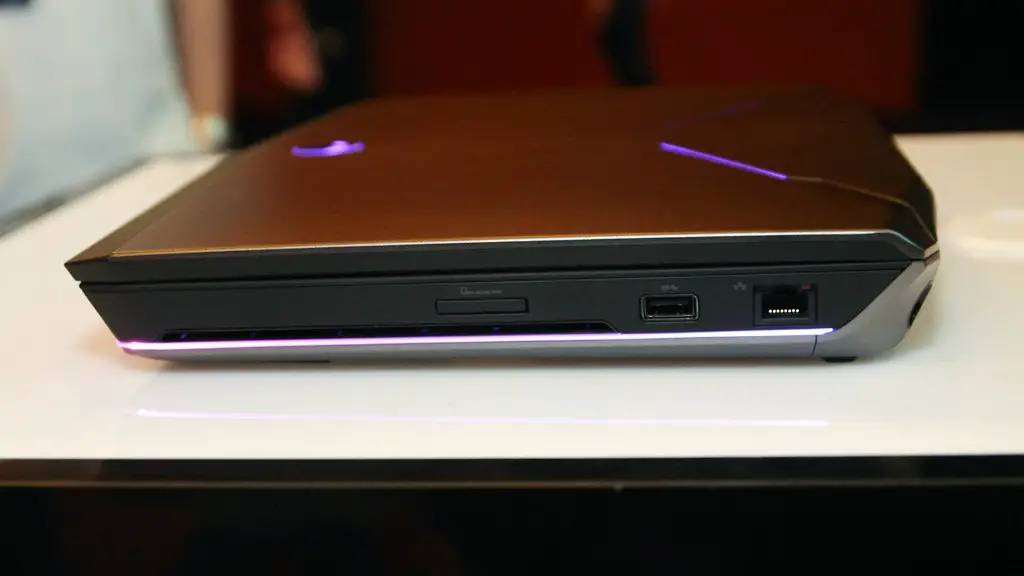
Making the decision to purchase a gaming laptop can be quite a difficult task. These machines tend to come with a wide range of components, from processors to graphics cards, and knowing which ones to prioritize can often be confusing. One factor that many gamers take into consideration is whether it is possible to buff a gaming laptop and why it is necessary to do so.
When a laptop is buffed, it is essentially upgraded to the latest hardware version and the performance of the laptop is improved significantly. The gaming laptop can then be used for the latest games or applications, helping the user get the most out of it.
One of the primary benefits of gaming laptops is their portability and lightweight design. Not only can they be easily carried around, but they also have a much better battery life, which is great for on-the-go gamers. However, they also have their downsides, such as limited storage space, lower resolution screens, and lower clock speed processors.
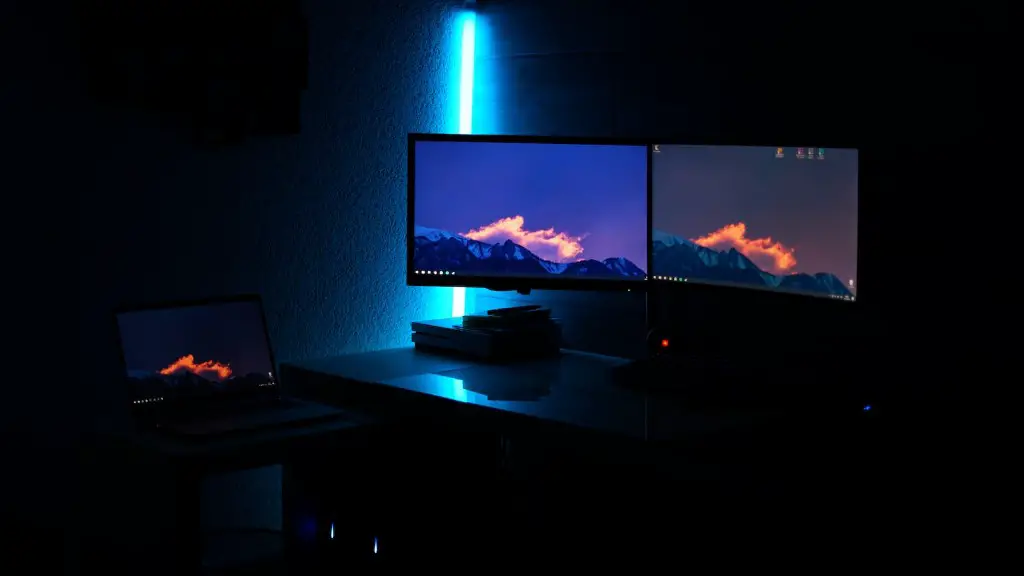
Similarly, compared to desktop gaming rigs, gaming laptops are usually more expensive, have shorter lifespans, and require more frequent upgrades. Furthermore, desktop gaming rigs usually come with more RAM and better clock speed processors.
Many experts agree that buffing a gaming laptop is quite a difficult task, as a laptop’s components and tweaks cannot be changed in the same way a desktop gaming rigs can. The main reason behind this is that laptop manufacturers tend to prioritize portability and battery life over performance, meaning that laptop components are often low-powered and unable to be buffed.
On the other hand, certain gaming laptop models can be buffed to an extent, such as the Razer Blade Pro 17 and MSI GS65, which come with Intel Core i7 processors and 16GB of RAM. This can be helpful for people who often carry their gaming laptops around and need to be able to quickly play the latest games.
Graphics Settings in Gaming Laptops
Another way to improve the performance of a gaming laptop is by adjusting the graphics settings. This can be done by changing the resolution of the game, the texture quality, frame rate, and other settings, giving gamers control over how their game looks and performs. Generally, lowering the graphics settings reduces the hardware load on the laptop, allowing them to run more smoothly and achieve better performance.
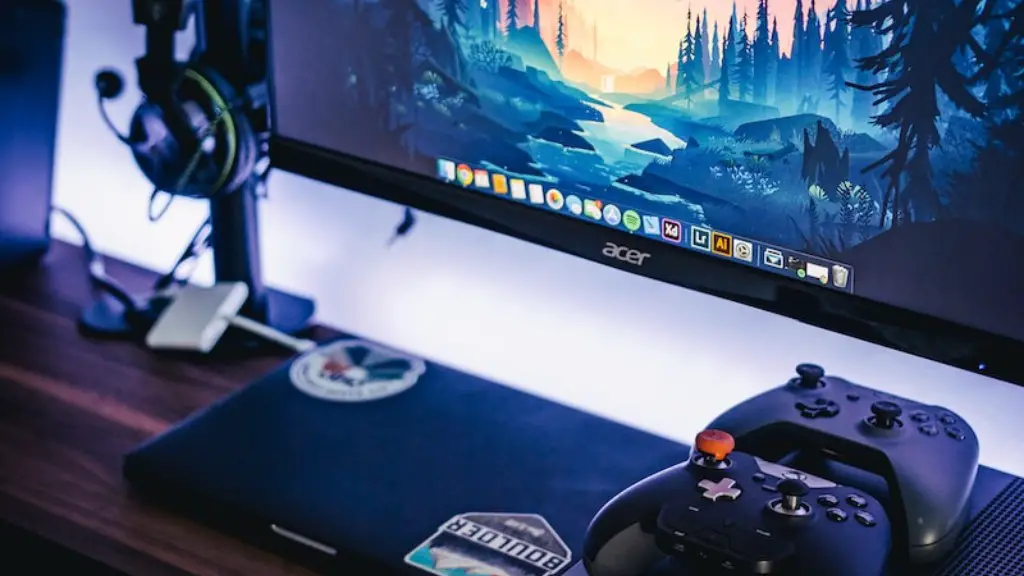
Many gaming laptop manufacturers also provide special software and tools that allow users to easily adjust their graphics settings. For example, the MSI Afterburner software allows users to quickly switch between different graphics modes and apply different settings to their games. This can be particularly helpful for people who want to be able to switch between different graphics settings for different games.
In addition, users can also opt for a gaming laptop with dedicated graphics memory. This is a special type of memory that is used to store graphical information, such as textures and models. Having dedicated graphics memory on board a laptop allows it to handle games with more complex graphics and run them at higher settings with better results.
Overall, buffing a gaming laptop is generally quite a difficult task. However, it is possible to improve its performance by making use of special tools and software, as well as adjusting the graphics settings of games.
Advantages of External GPUs
Another option for gamers looking to get the most out of their laptops is to invest in an external graphics card. External GPUs, also known as eGPUs, are dedicated graphics processing units that can be used to boost the performance of a laptop. They are typically connected to the laptop via a Thunderbolt 3 port and are designed to provide extra graphics performance, allowing the laptop to run more demanding games and applications.
External GPUs are particularly useful for people who want to get the best out of their laptop, but don’t need the extra portability that a gaming laptop offers. They can also be used to boost the performance of a laptop that is unable to be buffed due to its hardware limitations.
Furthermore, external GPUs are relatively affordable compared to other options, such as buying a new gaming laptop. They also come in a range of sizes and styles, so it’s easy to find one that suits the user’s needs and budget. As an added bonus, the extra graphics capabilities of an external GPU can also be used to boost the performance of a desktop gaming rig.
Overall, external GPUs are a great option for gamers who want to get the most out of their laptops without breaking the bank. They allow gamers to extend the life of their existing gaming laptop and gain access to the latest games and applications.
Cooling for Gaming Laptops
Gaming laptops can get quite hot during intensive gaming sessions, which is why proper cooling is important. There are a variety of options available when it comes to cooling, such as cooling pads, cooling fans, and liquid cooling solutions.
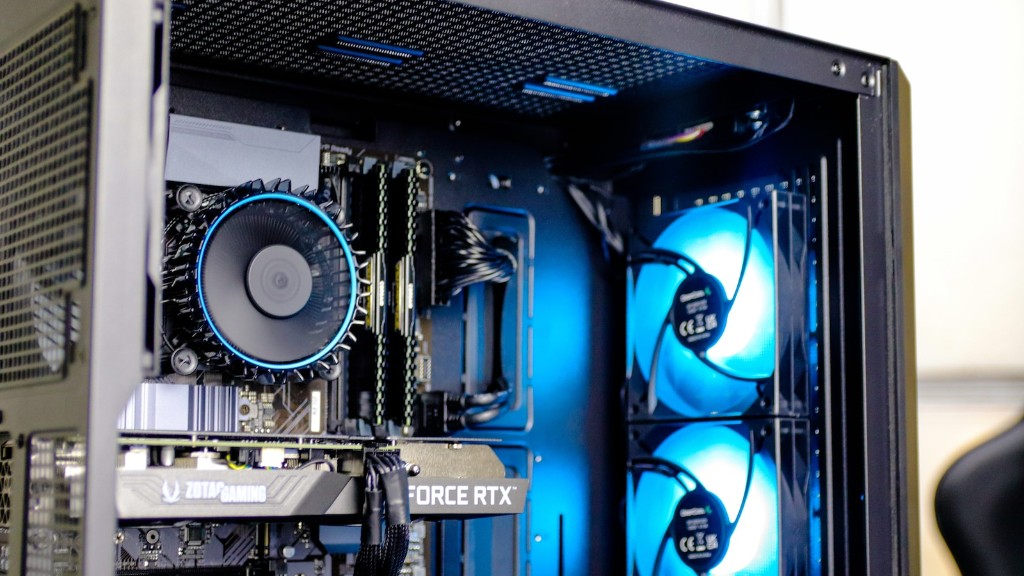
Cooling pads are one of the most popular cooling solutions, as they are relatively affordable and easy to set up. They provide additional airflow to a laptop’s components and help to keep them at an optimal temperature. Additionally, some cooling pads also come with adjustable fan speeds, allowing users to adjust the intensity of the airflow.
Cooling fans are also an effective solution for cooling gaming laptops. They can be installed directly onto the laptop’s chassis, providing direct airflow to the laptop’s components. Furthermore, some cooling fans also come with adjustable fan speeds, allowing users to adjust the intensity of the airflow.
Liquid cooling solutions are generally considered to be the most effective cooling system for gaming laptops. They work by using liquid to dissipate heat away from the laptop components, which helps to keep them from overheating. Liquid coolers are generally more expensive than other cooling solutions, but they are often the best choice for gamers who need to keep their laptops cool during intensive gaming sessions.
Overall, proper cooling solutions are essential for gamers who want to get the best out of their gaming laptops. There are a variety of solutions available, from cooling pads to liquid cooling systems, and it is important to choose one that is best suited to the user’s needs.
Improving App Performance
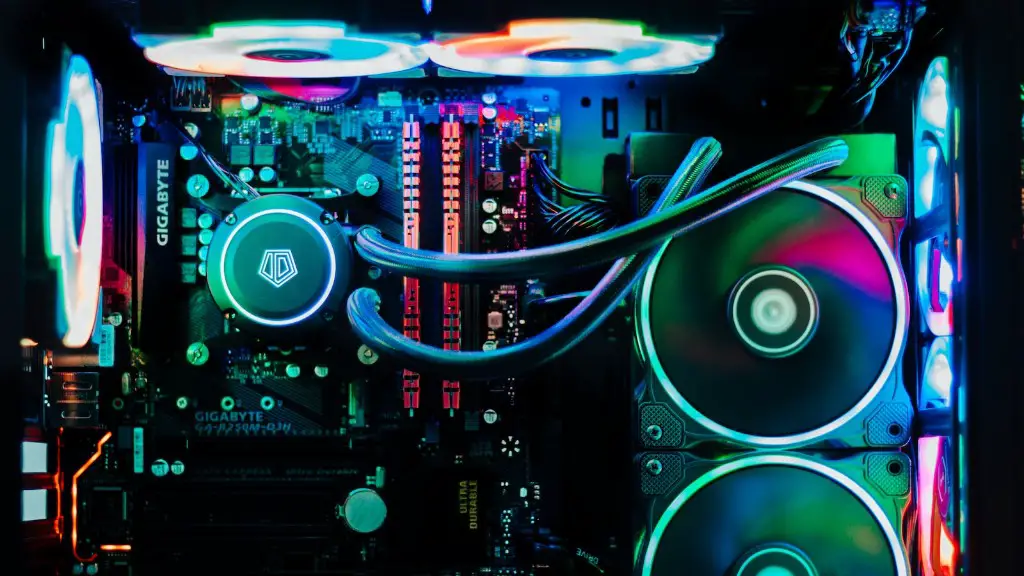
In addition to buffing hardware performance and cooling gaming laptops, there are also many software-based solutions to improve the gaming experience. Many games and applications come with options to adjust the graphics and performance settings, allowing users to choose the best settings for their needs.
Some games also come with specific presets for different hardware configurations, allowing users to quickly and easily adjust the graphics and performance settings. Additionally, some games also come with special tools that allow users to tweak the graphics settings in real time and analyze the performance of their gaming laptops.
In addition, tweaking the system settings of a gaming laptop can also improve the gaming experience. While many of these system settings are hidden by default, they can be easily accessed and tweaked with the help of third-party software and tools. For example, adjusting the CPU clock speed and the amount of RAM allocated to games can have a significant impact on performance.
Overall, there are many software-based solutions to improve the gaming experience on gaming laptops. These solutions range from adjusting graphics settings to tweaking system settings and can have a big impact on gameplay.
External Monitors and Keyboards
Finally, many gamers opt to supplement their gaming laptops with external monitors and keyboards. External monitors can be helpful for gamers who want a larger display for their games, as gaming laptops often come with smaller displays. Furthermore, external monitors can also provide gamers with better visuals, as many gaming laptop displays are limited in terms of color performance.
Similarly, external keyboards can be helpful for gamers who want more control and accuracy when gaming. Gaming laptop keyboards often have limited key travel and are not as comfortable to use compared to external keyboards. Additionally, some external keyboards also come with additional features, such as adjustable backlighting, which can be useful for gamers who play in low-light environments.
Overall, external monitors and keyboards can be helpful for gamers who want to get the most out of their gaming experience. They can provide gamers with larger displays and more comfortable keyboards, as well as additional features, such as adjustable backlighting.
