What is a Gaming Laptop?
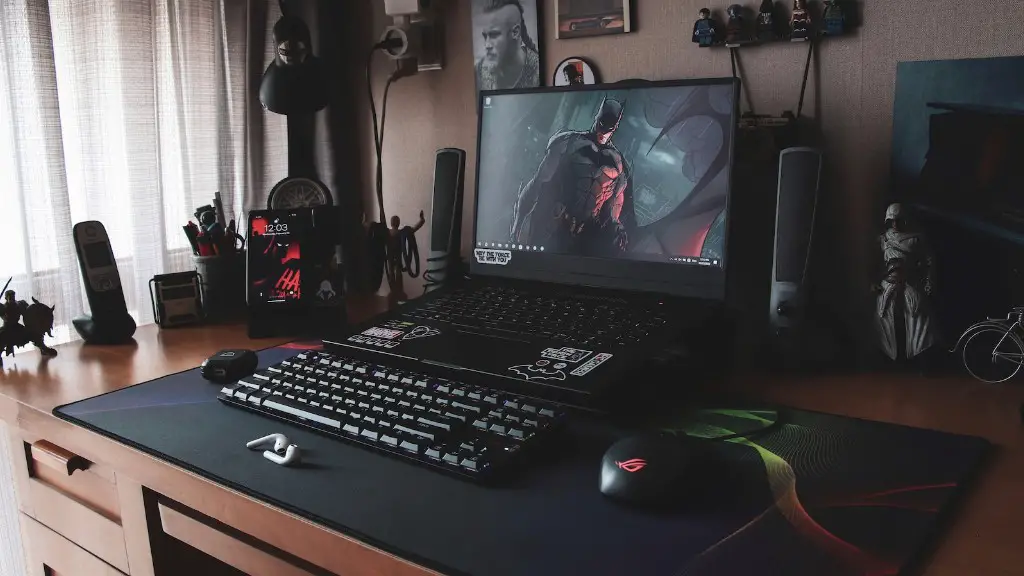
A gaming laptop is a personal computer designed for playing video games. The majority of gaming laptops are designed by the major companies that make computers and laptops, such as Dell, HP and ASUS. Gaming laptops are typically more powerful than regular laptops and feature higher-end hardware components to deliver amazing gaming performance.
Hardware Requirements for Gaming Laptop
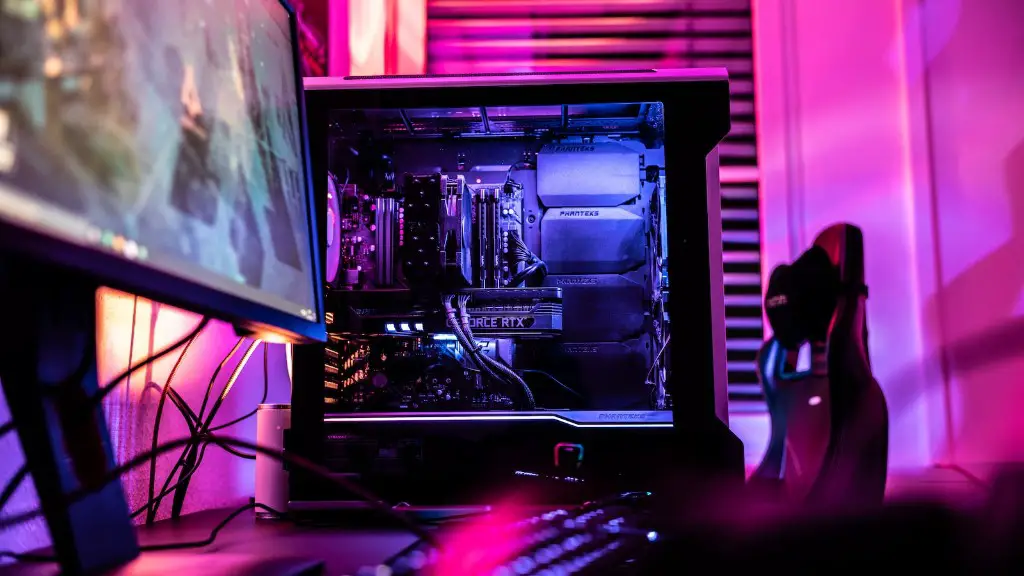
A gaming laptop needs powerful hardware components to be able to run video games. It should have a powerful processor, plenty of RAM, a good graphics card, and a high-end display. The processor should have 4 or more cores and be capable of running multiple programs simultaneously. A minimum of 8GB of RAM is recommended, although 16GB is the ideal amount. The graphics card should be a dedicated card from either NVIDIA or AMD, with at least 4GB of VRAM and a minimum of 3,000 GFLOPS. The laptop should also have a high-resolution display with a refresh rate of 120Hz or higher.
Can Gaming Laptop Edit Videos?
Yes, gaming laptops are more than capable of editing videos. As gaming laptops are equipped with powerful components, they are able to easily handle tasks such as video editing. High-end laptops are capable of running professional video editing software such as Adobe Premiere Pro, Final Cut Pro X and Davinci Resolve with ease. The powerful processors, large amounts of RAM and dedicated graphics cards allow gaming laptops to smoothly edit videos while maintaining high image quality. However, gaming laptops are not necessarily better at video editing than regular laptops, and the performance of video editors depends on the specific laptop’s hardware.
Advantages and Disadvantages of Using Gaming Laptop for Video Editing
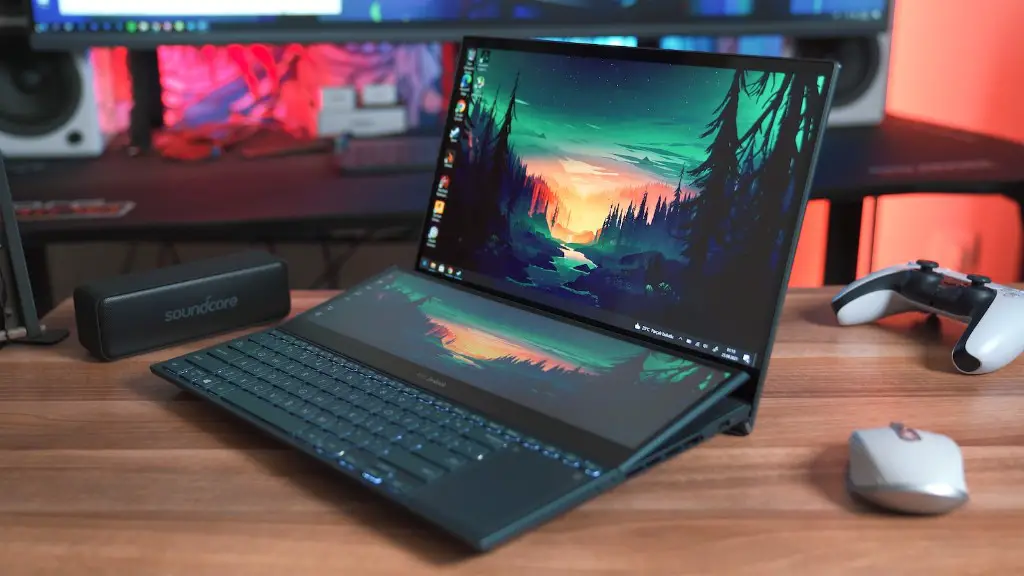
Using a gaming laptop for video editing offers several advantages. As gaming laptops have powerful hardware components, users don’t have to worry about the laptop being unable to handle the video editing program. Also, gaming laptops typically have high-resolution displays, which are ideal for editing videos as it is easier to see the details of the video. Additionally, gaming laptops tend to be more durable than regular laptops, as they are designed to withstand the pressure from intense gaming sessions.
On the other hand, using a gaming laptop for video editing also has some disadvantages. For one, gaming laptops tend to be more expensive than regular laptops, meaning that users would be paying more for a laptop that won’t be used for gaming. Furthermore, gaming laptops are usually heavier and bulkier than regular laptops due to their hardware requirements. Lastly, as gaming laptops have high-performance hardware components, they consume more power and tend to have shorter battery life.
How to Use Gaming Laptop to Edit Videos
The process of using a gaming laptop to edit videos is the same as with any other laptop. First, users have to install the video editing software of their choice. Once the software is installed, users can begin editing the video. It’s important to note that gaming laptops are able to take advantage of the powerful hardware components to render videos faster and maintain higher image quality.
What Factors to Consider When Choosing a Gaming Laptop for Video Editing
When choosing a gaming laptop for video editing, there are several factors to consider. Firstly, it is important to make sure that the laptop has enough RAM and storage capacity for the video editing software. Additionally, users should consider the laptop’s processor, specifically how many cores it has and how fast it can run without producing heat. Finally, users should also consider the graphics card, as this is important for rendering the videos quickly and maintaining high image quality.
Game Developers and Video Editing
Game developers often use video editing software to produce promotional or cinematic videos of their games. This is because video editing software allows developers to easily create videos with effects, transitions and other elements. Furthermore, video editing software allows developers to quickly and easily create high-quality videos that convey their ideas effectively.
Overall Performance of Gaming Laptop for Video Editing
The overall performance of a gaming laptop for video editing depends on the laptop’s hardware specifications. If the laptop has a powerful processor and enough RAM and storage, it will be capable of running the video editing software with ease. Additionally, the laptop must have a dedicated graphics card and a high-resolution display to ensure that the videos are rendered quickly and have high image quality.
Options for Video Editors with Limited Budgets
For video editors who are on a budget, there are several options available. For those who don’t have access to a gaming laptop, there are regular laptops that are capable of running video editing software. Additionally, users can choose to build their own computers, which are often cheaper than buying a pre-built gaming laptop. Lastly, users could also opt for a used gaming laptop as they are often much cheaper than a new one.
What Features to Look for in Video Editing Software
When selecting video editing software, it is important to look for certain features and tools. Firstly, the software should have the basic tools for editing videos and the ability to add effects and transitions. Secondly, it should also have the capability to export videos in a variety of formats and resolutions. Finally, users should look for software that has advanced tools such as color correction, sound mixing and audio editing.
Cloud Computing for Video Editing
Cloud computing is gaining popularity among video editors due to the cost savings and convenience it offers. Video editors can now run video editing software directly from the cloud, which eliminates the need to invest in expensive hardware. Furthermore, cloud computing also allows video editors to collaborate and share large files with ease.
Audio Editing Features of Video Editing Software
Video editing software now offers powerful audio editing features, allowing users to manipulate sound in numerous ways. Most video editing software provide a wide range of audio editing tools, including the ability to add effects, change the pitch, add background music and sound effects, and even apply noise reduction. This allows editors to create engaging and high-quality videos.
