
Issues in Replacing a CPU of an Asus Gaming Laptop
It is a known fact that the processor present in a computer can greatly determine its performance. CPUs, short for Central Processing Unit, are the component responsible for controlling the operations in computers. Asus, being one of the leading brands in gaming laptops, offers great performance for hardcore gamers.
Recently, various people have reported issues with regard to their Asus gaming laptop’s CPU performance. For example, some of these laptops have been found to have slow acceleration rates, while others had unexpected shutdowns while playing heavy-graphic games.
Considering these common issues, the concept of replacing the CPU of Asus gaming laptops holds a high priority in talks among professionals. Even though the user manual suggests that the laptop should not be opened, some people have done it anyway.

When replacing a CPU in an Asus gaming laptop, the foremost thing to keep in mind is compatibility. It must be borne in mind that the new processor needs to be compatible with the laptop dated year and only then should a CPU be replaced. Professionals are of the opinion that replacing the CPU can be challenging and tedious.
It is recommended by the professionals to obtain information before sticking to any option. Firstly, one must obtain the correct specifications of the old CPU, like socket size, socket model and processor family, in order to select the right replacement CPU. Then, the process of installation begins with the actual replacement of the motherboard, after which a third-party software is used to check the compatibility of the new processor.
After doing the mentioned procedure, after several hours of work, the process is completed. Specialists then highly recommend to perform a factory reset before using the laptop. This is mainly done to completely delete any kind of junk from the system and free extra memory.
The main advice professionals provide is that even though the concept of self-replacing the CPU of an Asus gaming laptop is possible, to avoid any potential damages, it is highly advisable that the user contacts a well-trained specialist for the job.
Cheap Alternatives of Replacing a CPU of an Asus Gaming Laptop

Due to the cost involved in replacing the CPU of an Asus gaming laptop, some users may opt for cheaper alternatives. One notable alternative is anti-dust cooling fans, which are usually installed outside the case. These fans remove dust, ensure proper air flow and prevent the laptop from throttling.
Alternatively, setting up a good heat sink is also a cheap option. This part can be installed outside or inside the laptop to cool down the CPU. They are made up of aluminum and are connected to the CPU by a metal plate and thermal paste. Once in place, these sinks cool down the processor, allowing them to run better.
Another solution that can be implemented for a smoother performance is to replace the hard disk with an SSD. This is the most cost-effective option available today, as it only requires to be plugged and you are ready to go. An SSD handler high-speed data transfer and helps in improving the performance of the Asus gaming laptop.
Professionals believe that in order to obtain maximum performance from an Asus gaming laptop, it is essential to invest in other components such as RAM and GPU, too. Specialists are of the opinion that investing in a good motherboard is also pertinent, as this part helps with other aspects of the laptop, such as connecting with other peripherals.
Advantages and Disadvantages of Replacing a CPU of an Asus Gaming Laptop

Generally, replacing a CPU in an Asus gaming laptop can have both benefits and drawbacks. On one side, one can experience an improved laptop performance overall and an increase in computing power and processing speed. Additionally, when opting for a more powerful CPU, this will support running more demanding games at higher settings.
On the other hand, more advantages that users can experience when replacing the CPU of an Asus gaming laptop are longer lasting battery life, less system-heavy usage, improved multitasking performance, better communication speed and less system heating.
On the other hand, professionals are of the opinion that replacing the CPU of an Asus gaming laptops involves some drawbacks, such as lack of compatibility of the new part, potentia lphysical damage due to incorrect installation, incompatible programs and unnecessary RAM consumption. Furthermore, users might also have to face compatibility issues in the future due to the new CPU.
Therefore, it can be determined that replacing a CPU of an Asus gaming laptop can have various pros and cons that should be properly considered. However, with guidance from professionals, one can make sure they make the correct decision.
Overclocking the CPU of an Asus Gaming Laptop
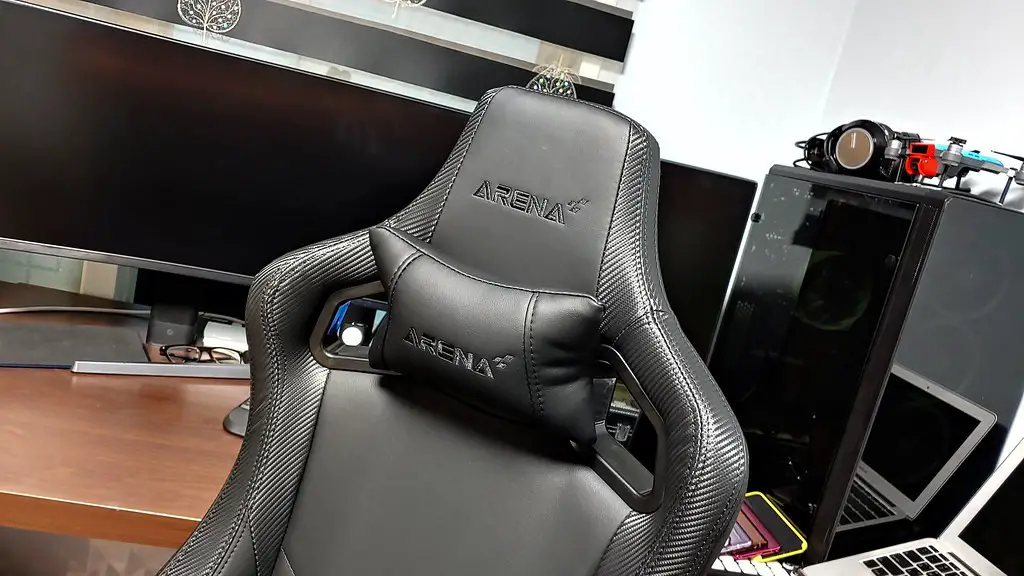
Overclocking the CPU of an Asus gaming laptop may prove to be an effective approach for users who tend to play heavy games. It is important to note that overclocking can only be done on devices that support the activity. This includes gaming laptops. For example, for Asus ROG laptops, the CPU can be overclocked beyond the default speed.
However, it must be borne in mind that there might be some risks involved. Furthermore, understanding the pros and cons of overclocking is deemed necessary. It is generally recommended to approach a professional in order to benefit from their expertise and apply the safe approaches to achieve desired performance results.
Rather than the CPU itself, overclocking is performed on the Turbo Boost which helps with speed. Overclocking done carefully and under expert supervision can reap various benefits without any damages to the laptop. However, it must be anticipated that overclocking will also lead to an increase in the laptop temperature, thus it is important to invest in good cooling systems.
Professionals further suggest that one must follow a planned strategy when trying to overclock an Asus gaming laptop. In addition to this, keeping an eye on both the temperature and performance when overclocking is also reiterated in order to achieve the desired result.
Limitations in Overclocking the CPU of an Asus Gaming Laptop
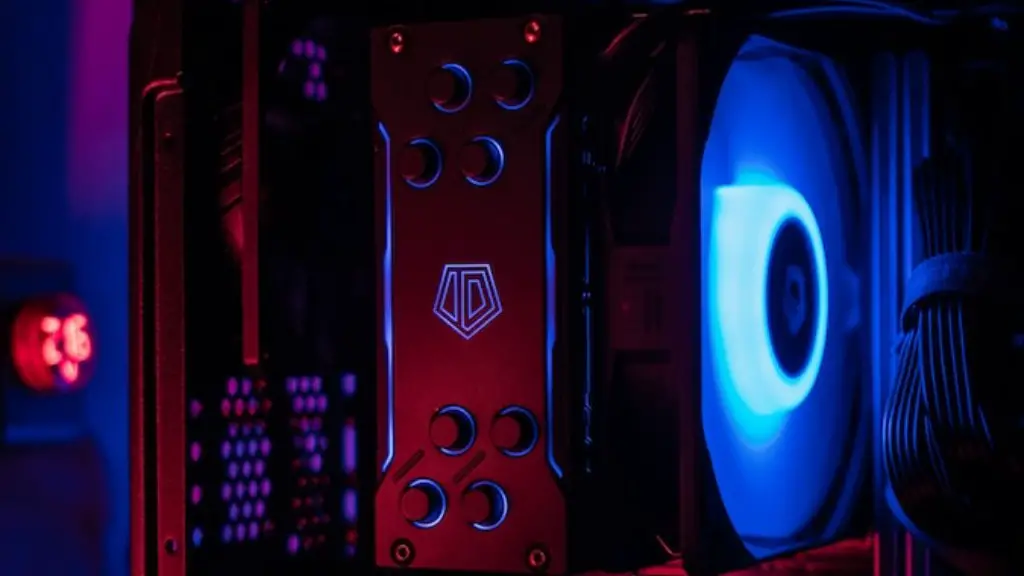
There is no denying that overclocking a CPU of an Asus gaming laptop can provide beneficial results. However, there are some limitations that users should be aware of.
The first limitation is primarily with the laptop itself – budget-bound consumers must be aware that not all laptops are made to handle overclocking, or there is a certain limit to the overclocking speed. This basically means that some of the gaming laptops only have one or two cores that can be overclocked, while users will have no control over the other cores.
The other limitation is the lack of stability. Overclocking leads to an increase in voltage and temperature, which can lead to heightened chances of the laptop being malfunctioned. This is why it is always important to select the correct cooling systems in order to maintain the temperature at an optimum level.
It is thus visible that even though overclocking a CPU of an Asus gaming laptop can prove to provide useful results, it is sensible to consider the limitations, too. It is always safer and more efficient to contact professionals who can help in performing the activity in the correct manner.
Tools Needed to Replace a CPU of an Asus Gaming Laptop
For the successful replacement of a CPU of an Asus gaming laptop, certain tools are required. For performing the procedure safely, an antistatic mat and antistatic gloves are highly recommended. This is to avoid any kind ofelectric charge damage to the electronic components.
Other than this, screw drivers, side cutters, and a Phillips head screwdriver are required. Furthermore, thermal paste and cooling systems are necessary to guarantee proper replacement and cooling of the processor.
Professionals recommend to be extremely careful when handling delicate components like the CPU, as mishandling one may cause severe damage and potential loss. In cases when the tools are unaffordable by the user, individuals can contact professional assistance for the job.
In order to ensure complete and safe replacement of the CPU of an Asus gaming laptops, proper research should be done by the user. One may research on the exact kind of components and parts as well as proper installation methods.
It is essential to acknowledge the issue of compatibility when choosing a replacement processor. The user, in order to ensure maximum efficiency and lack of any unnecessary complications, should acquire deep knowledge about the existing motherboard specifications, the faults and a proposed solution, before opting to replace the CPU of an Asus gaming laptop.
