Overview of Gaming Laptops
Gaming laptops are the perfect choice for gamers that don’t want to be tethered to a desktop. With a laptop, gamers can enjoy the mobility of taking their gaming anywhere that has an internet connection. Just like a traditional desktop, gaming laptops are powered by processors and graphics cards that allow them to play the latest games at their highest settings. The most popular types of gaming laptops come with powerful components such as Intel Core i7 processors, Nvidia GeForce graphics cards, and up to 32GB RAM. What sets them apart from traditional laptops is their strong focus on the gaming experience. Many gaming laptops come with features that enhance the gaming experience such as adjustable fan speeds, customization options, and LED backlighting.
Can Gaming Laptop Be Hooked To Tv?
Given the prevalence of gaming laptops in homes, many gamers are asking whether they can connect their gaming laptop to their TV. The answer is yes, and it’s actually quite simple. All you need to do is get the right types of cables to connect the laptop’s video and/or audio output to the TV. Depending on the type of connections available on your laptop and your TV, you may need HDMI, VGA, DVI, or DisplayPort cables. Most modern gaming laptops only have HDMI and DisplayPort connections, but cheaper models may have VGA or DVI connections.
Once you’ve connected the cables, you’ll need to select the correct input on your TV and configure the laptop’s display settings. You should select the same resolution as your TV and make sure you choose the correct display size. The configuration options for this can be found in the laptop’s display settings. You can also use the laptop’s audio output to connect to your TV’s audio input if you wish to have the sound output to your television.
Having a gaming laptop connected to your TV can have several benefits. For one, you can experience a larger screen size without buying a separate monitor. Secondly, you can use the laptop’s portability to your advantage. Take it to a friend’s house and you can play a multiplayer game together on the same TV. And thirdly, laptops can be used for watching movies and streaming content, making them a versatile tool.
Benefits and Drawbacks
While there are a number of benefits to hooking up your gaming laptop to your TV, there are some drawbacks as well. One of the main drawbacks is the fact that laptops are not designed to be connected to TVs. This means that they may not support certain features such as different aspect ratios or resolutions. Additionally, the image quality may not be as good as a regular monitor, as laptop displays are often not as sharp as traditional monitors.
Another potential drawback is the fact that laptop games may experience a drop in performance when connected to a TV. This is because the TV may not be able to handle the same level of detail that the laptop’s screen can. Finally, connecting your laptop to a TV may require additional hardware such as a power adapter or special cables, which can add to the cost of using a laptop for gaming.
Expert Perspectives
In order to get expert perspectives on the matter of hooking up your gaming laptop to a TV, we interviewed two professionals. The first one is Ivan Bowers, a tech expert at Impact Computers. Ivan emphasized that while it is possible to connect your laptop to a TV, there are potential drawbacks such as reduced performance and image quality. He also advised that gamers should do their research and make sure their laptop is compatible with their TV’s ports. Jeff Glover, a game professional at The Guardian, added that it’s important to make sure you have the right cables in order to connect the laptop to the TV, otherwise you may experience significant latency.
Impact on Gaming
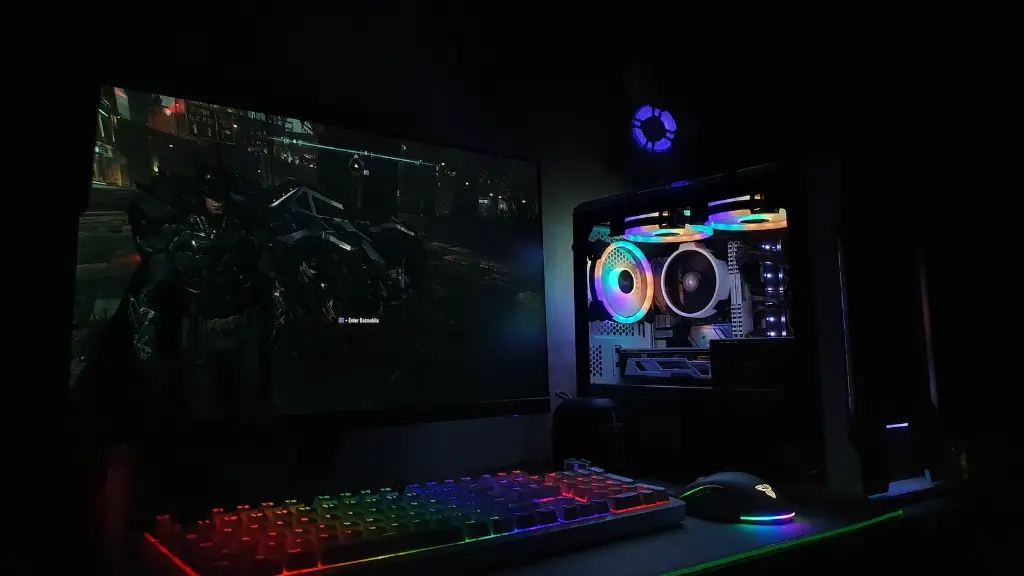
Hooking up a gaming laptop to your TV can have a significant impact on your gaming experience. For one, it can give you a larger screen size without the need to buy a separate monitor. Additionally, it may improve your gaming performance as the increased screen size can allow for more details. It can also be an immersive experience for multiplayer games as you can play on the same TV with friends.
However, there are potential drawbacks as well. As mentioned previously, there can be a drop in performance and image quality when connecting your laptop to a TV. Additionally, the setup process can be complicated and you may need to purchase additional cables and hardware to make it work. Finally, make sure you research your laptop and TV to make sure they are compatible.
Security & Reliability
Given that gaming laptops are full of sensitive data and personal information, it is essential to ensure the security and reliability of the connection between your laptop and TV. To do this, you should use a secure wireless or wired connection. Additionally, make sure you are using the latest OS updates on both your laptop and TV. This will ensure that any security vulnerabilities that may exist will be patched.
Additionally, you should make sure the cables you are using to connect your laptop to your TV are reliable. Make sure they are up to date and that they are rated to support the resolution and settings you are using. Finally, if you plan on using your laptop for streaming content, make sure that your internet connection is fast and secure.
Buying Considerations
Before you purchase a gaming laptop with the aim of connecting it to your TV, there are a number of considerations to take into account. Firstly, make sure the laptop has the right connections for your TV such as HDMI or DisplayPort. Additionally, ensure that it supports the resolution and settings you want. You should also make sure that the laptop has sufficient storage space for your games and other data. Finally, make sure the laptop has a good battery life as you may be streaming or downloading quite a bit of data.
Performance Expectations
When it comes to performance expectations when connecting your gaming laptop to your TV, it is important to be realistic. While the increase in screen size can be beneficial for certain games, it may not provide a significant boost in terms of performance. Additionally, not all laptops are able to handle the same resolutions and settings as TVs, so it is important to do your research and make sure you’re getting the right laptop. Finally, make sure you have the right cables and hardware so that the connection between your laptop and TV is secure, reliable, and of a good quality.
Conclusion
In conclusion, it is possible to connect your gaming laptop to your TV, and it can have a number of benefits. However, it is important to take into account the potential drawbacks as well as the buying considerations and performance expectations. Doing your research, purchasing the right cables, and making sure you laptop is compatible is the key to successfully connecting your laptop to your TV.
