Upgrade the Processor
It is essential to consider upgrading the processor in a laptop to make it a gaming laptop. This involves replacing the existing processor with a higher-powered CPU to ensure that all the games to be played run smoothly and without lag. A good processor needs to be able to handle several threads at the same time and should have a relatively high clock cycle frequency. According to experts, a gaming laptop should have a processor of at least the Intel Core i5 range for performance-intensive gaming, as well as one that has at least four cores. The Intel Core i7 range are also great for more demanding games.
The number of cores and threads that the processor has impacts the level of multitasking capabilities the system will have. This is especially important when playing multiplayer games, which require more system resources to maintain a high frame-rate. When choosing a processor, it is important to consider the amount of cache memory it has and the speed of the integrated graphics, which are essential for visual effects in gaming. It is also important to consider the thermals of the laptop when choosing a processor, as it must be able to run reasonably cool while keeping the fan noise to a minimum.
Upgrade the Graphics Card
Upgrading the graphics card is one of the most essential steps when attempting to make a laptop into a gaming laptop. A good graphics card will be able to handle all types of games, from the most demanding to the less graphically-intensive games. A powerful graphics card will ensure that the games run smoothly and with no lag. It is important to choose a graphics card that is compatible with the laptop and has enough VRAM. VRAM (video random access memory) is the memory required for the graphics card to be able to process the graphics of the game. Experts recommend a graphics card with at least 4GB of VRAM, as this will enable it to process games that have highly detailed 3D graphics.
In addition to choosing a powerful graphics card, it is also important to consider the thermals of the laptop. As graphics cards are often the source of much heat in a laptop, it is essential to choose one that will not heat up the system too much while playing games. Additionally, it is important to ensure that the graphics card is compatible with the laptop’s power supply, as it will require a significant amount of power.
Upgrade the RAM
Increasing the RAM of a laptop is essential for making it a gaming laptop. This involves replacing the existing RAM with one that is more powerful and has more memory. A good gaming laptop should have at least 8GB of RAM in order to be able to handle the memory needs of modern games. This will ensure that the laptop can handle the demanding task of running multiple games at once without any lag. In addition, having extra RAM will make the system more responsive and able to multitask better.
Having more RAM will also decrease the amount of time it takes for the laptop to start up and open applications as more RAM makes the laptop able to process more tasks faster. Additionally, it is important to consider the type of RAM being used as different types have different speeds. The faster the RAM, the faster the laptop will be able to load and respond to programs.
Upgrade the Storage
Upgrading the laptop’s storage is also essential when attempting to make it a gaming laptop. This involves replacing the existing hard drive with a faster and more reliable one, such as an SSD (solid-state drive). SSDs are preferable to HDDs (hard disk drives) as they are much faster, quieter, and more reliable. Additionally, they also consume less power, which is important in a laptop.
Most modern gaming laptops come with a combination of both SSD and HDD storage. This ensures that the laptop has enough storage space for applications, as well as for storing games. Additionally, having both an SSD and an HDD also ensures faster loading times, as the SSD is responsible for storing the operating system and programs, while the HDD stores photos, music, and video content.
Cooling System
Upgrading the cooling system of the laptop is essential for making it a gaming laptop. This involves replacing the existing fans with larger and more powerful ones, as well as adding additional fans to cool the laptop down more easily under load. It is important to choose fans that have a good airflow and will generate enough static pressure to ensure that the laptop stays cool at all times. Additionally, it is also important to consider the noise generated by the fans, as the laptop should remain relatively quiet even during heavy usage.
Having a good cooling system is essential in order to prevent the laptop from overheating while playing games. Additionally, the laptop’s battery should also be upgraded in order to be able to handle the extra workload from the GPU and CPU. Many gaming laptops come with extended batteries that enable them to last longer while gaming.
Monitor
Upgrading the laptop’s monitor is an important step in making it into a gaming laptop. This involves choosing a higher-resolution screen in order to be able to see the games more clearly. A laptop’s screen should have a minimum resolution of 1920×1080 and should ideally include other features such as a Refresh Rate and Response Time. The Refresh Rate or Hz refers to how many times the screen refreshes per second, while the Response Time is the amount of time it takes for a pixel to change from one color to another.
In addition to choosing a higher-resolution screen, it is also important to consider the viewing angles of the screen. This is especially important when playing multiplayer games, as having a wide field of view can allow for better strategizing and quicker reaction times. Lastly, it is important to consider the brightness of the monitor, as well as the color accuracy and vibrancy, as these can make a big difference in the gaming experience.
Sound System
Another important component for making a laptop into a gaming laptop is the sound system. This involves replacing the existing speakers with higher-quality ones that have a more dynamic sound range. This will ensure that the sound effects of the games are clear and crisp. Additionally, the sound system should also come with a good sound card to ensure that all the sound effects are reproduced faithfully and accurately.
Having a good sound system is essential not only for playing games, but also for enjoying music or streaming videos. Additionally, a good sound system also ensures that the games can be heard clearly and that the sound effects are not distorted or muffled.
Peripherals
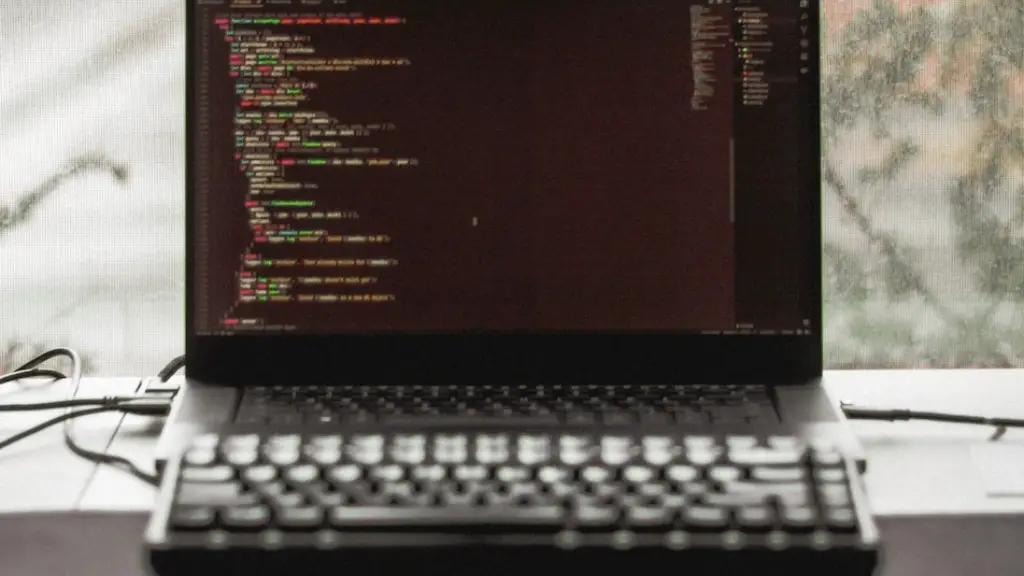
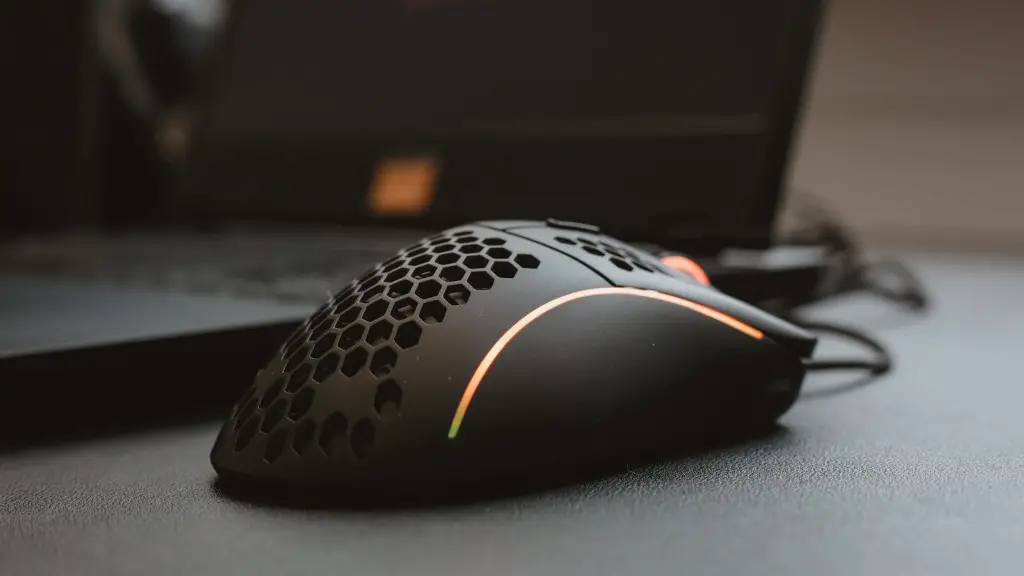
Using the right kind of peripherals is essential for making a laptop into a gaming laptop. This includes a good mouse, keyboard, and headset that are optimized for gaming. A good mouse should be comfortable to use, as well as have adjustable sensitivity, as this is important for successful gaming.
A good keyboard should also be comfortable to use and have adjustable lighting and key mapping, as this is essential for certain types of games. Lastly, a good headset should have a comfortable fit, as well as good sound quality and noise isolation. This is essential for playing multiplayer games, as the headset must be able to accurately reproduce sound and for communicating with other players.
Networking
Upgrading the laptop’s network capabilities is also important when attempting to make it a gaming laptop. This includes replacing the existing network card with one that supports higher speeds and is optimized for gaming. In addition, it is also important to consider the internet connection. The laptop should be able to connect to a reliable Wi-Fi connection, or alternatively, it should be connected to an Ethernet port for a wired connection.
Having a good internet connection is essential for playing online games, as poor connection speeds can lead to lag or disconnections. Additionally, having a good internet connection also enables the laptop to download games and other software quickly and easily.
Power Supply
Upgrading the power supply of the laptop is essential when attempting to make it a gaming laptop. This involves replacing the existing power supply with one that can handle the additional power load from the processor, graphics card, and other components. The new power supply should have higher wattage, as well as more connectors for the different components of the laptop.
A higher wattage will ensure that the laptop is able to supply the required power to all the components without overloading. Additionally, having more connectors will allow the laptop to be able to power more components at the same time, such as USB devices or external hard drives. It is also important to ensure that the power supply is compatible with the laptop before replacing it.
