
What Are External Graphic Cards?
External graphics cards are specialist expansion cards, typically with high-performance graphics capabilities, which can be plugged into a laptop or other compatible external device. They offer the same performance of high-end dedicated graphics cards, but in an external form factor. This makes them especially attractive choices for laptop owners that are looking to improve their gaming performance but do not have the degree of technical expertise or budget to install an internal graphics card.
Benefits Of External Graphic Cards For Laptops
External graphic cards offer several advantages over internal graphics cards, starting with the fact that they are relatively inexpensive. They also provide an additional boost in graphical performance and have better cooling capabilities. Furthermore, they are compatible with most laptop motherboards, making the installation and maintenance process simpler. External graphics cards also allow users to upgrade their laptops’ graphics performance without having to purchase a new machine, allowing them to stay up to date with the latest games.
Drawbacks Of External Graphic Cards
While external graphics cards certainly offer some appeal for laptop gamers looking to boost their machines’ graphics performance, there are some drawbacks. For one, external graphics cards typically require more power than an internal card, so users may need to purchase a separately purchased power adapter or an additional surge protector. Additionally, the installation process for an external graphics card can be more challenging than an internal one, and compatibility issues may arise on certain laptop models. Furthermore, external graphics cards may be more difficult to transport due to their larger size.
The Kinds Of External Graphic Card
The type of external graphic card used depends on the laptop in question. AMD and Nvidia are the two leading manufacturers of graphics cards and have cards specifically designed for certain laptop models. Many AMD graphic cards are compatible with a variety of laptops, while many of Nvidia’s cards are specifically designed for certain laptops. The performance of the card depends on the model and specifications chosen, with higher-end cards offering superior graphical performance than their lower-end counterparts.
How To Install An External Graphic Card?
The installation process for an external graphics card can vary from laptop to laptop. Typically, the first step is to make sure the laptop is compatible with the external graphics card. Then, the card should be connected to the laptop using the appropriate connection cables. Once the card is connected, the laptop’s BIOS settings need to be adjusted. Finally, the relevant drivers should be installed to ensure optimal performance.
Price Of External Graphic Card For Laptops
The price of external graphics cards for laptops varies depending on the model and the specifications chosen. Generally speaking, prices start at around $50 for the most basic models and can exceed $500 for higher-end models. The most important factor is to ensure the compatibility between the laptop and the graphics card in question.
Why External Graphic Card Best Suited For Gaming Laptops?
External graphics cards are an ideal choice for gaming laptops since they can provide an additional boost in graphical performance, allowing for a smoother and more immersive gaming experience. External graphic cards are also relatively easy to install in compatible laptops and can be upgraded without having to buy a brand-new machine. Finally, they are relatively affordable and the price of a card can be balanced against the performance requirements of the user.
Other Peripherals To Enhance The Gaming Experience
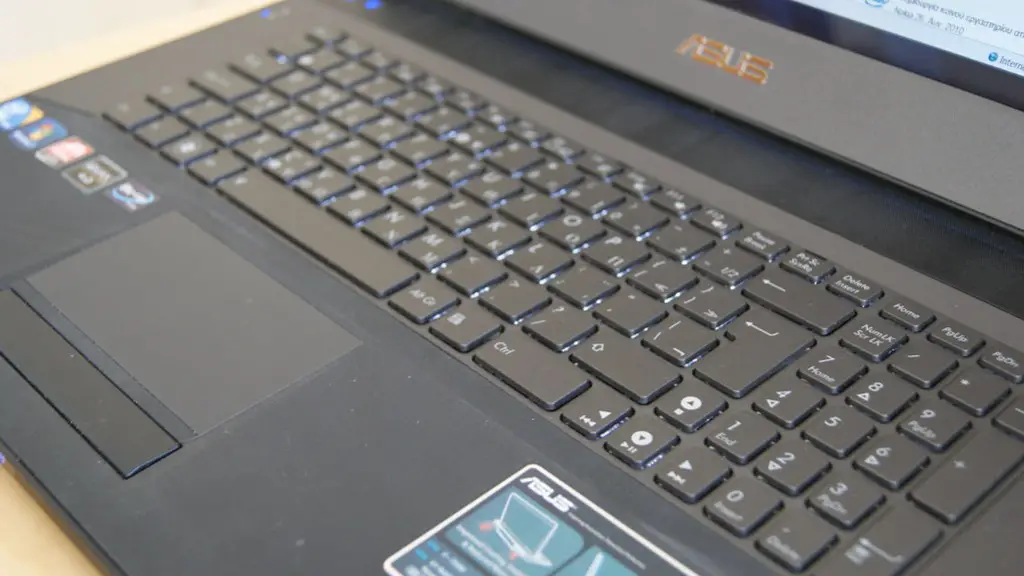
In addition to an external graphics card, there are a number of peripherals that can enhance the gaming experience. High-quality headphones can significantly improve audio performance and help players to better hear their enemies. Gaming mice and keyboards have specialized buttons and hotkeys that can provide gamers with an edge in a variety of games. External monitors can also be used to provide a larger surface area, allowing for more of the game to be visible on one screen, as well as allowing for greater graphical fidelity.
Difference In Internal And External Graphics Cards
The key difference between internal and external graphics cards is that internal cards are built into the laptop and cannot be removed, whereas external cards can be plugged into compatible laptops for improved performance. Internal cards are typically better suited for general usage and do not require any additional cables, whereas external graphics cards need to be connected with the laptop and can require additional power.
Where To Buy External Graphic Cards?
External graphics cards can be purchased from major online and retail stores, as well as directly from the manufacturer. It’s important to ensure the compatibility of the chosen card with the laptop in question, and most manufacturer’s websites will have a section dedicated to listing compatible laptops. Prices may vary depending on the store, but the overall cost of an external graphic card is usually comparable across retailers.
Techniques For External Graphic Card Tuning
Once an external graphics card is installed, there are a few techniques that can be used to squeeze out the best performance. For instance, overclocking can be used to increase the speed of the card, although this should only be done by experienced users. Other practices, such as tweaking the settings of the drivers and adjusting the graphical settings can also help to improve performance. It’s also a good idea to keep the drivers up to date in order to ensure optimal performance and compatibility.
