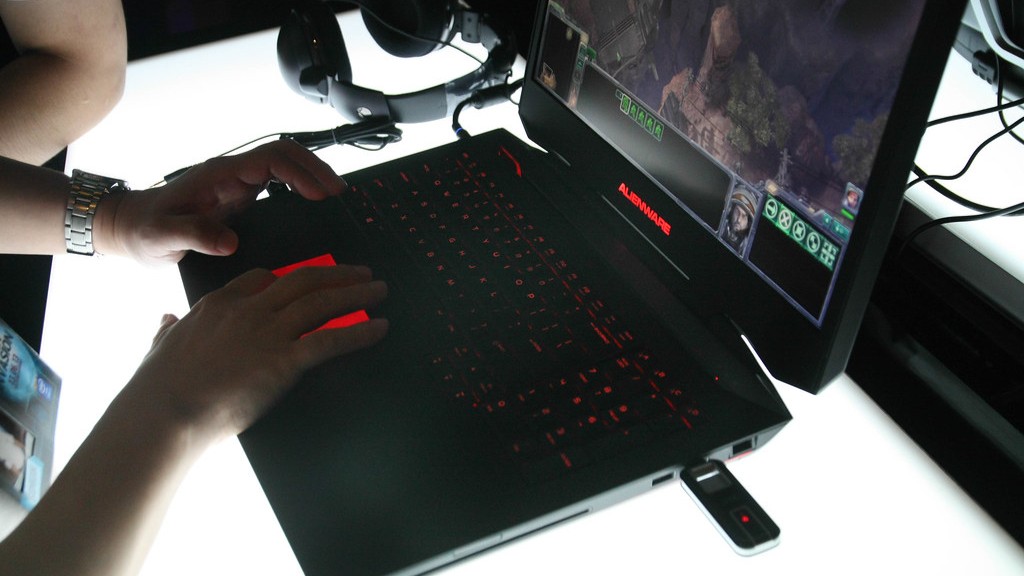
As more professionals join the ranks of gamers, having the best hardware and software matters and the capabilities of different devices are critical. Rust is an upcoming survival game; and like other games, it has specific requirements for hardware and software. Can a gaming laptop run Rust? This article explores that question and looks at what has to be taken into consideration when determining if a gaming laptop is capable of running the game.
What Objectives Does Rust Require?
Rust is a survival game and has specific requirements when it comes to hardware and software. The game itself is highly demanding; and for a successful, uninterrupted gaming experience, it should run without any lag. It’s important to know the specifications of the laptop you want to use to run Rust; and it needs to meet the minimum system requirements this game requires to run with sufficient speed and graphics.
Minimum System Requirements:
Minimum system requirements for running Rust on a gaming laptop are an Intel Core i7-3770 processor, an Nvidia GTX 670, 8GB RAM, 50GB of available storage, and a 64-bit Windows 7 operating system. With these specifications, the laptop should be able to run Rust at 30FPS. Additionally, a good gaming laptop should also have at least 8GB of RAM, 1TB of storage and be powered by sixth-generation Intel processors.
Can a Gaming Laptop Run Rust?
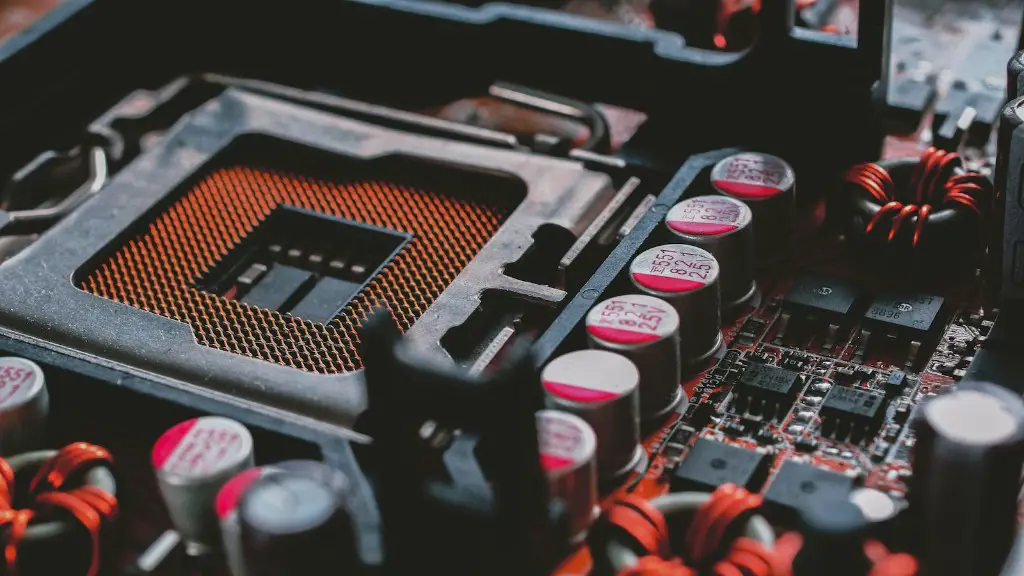
So can a gaming laptop run Rust? The simple answer is yes, however, it depends on the type of gaming laptop. High-end gaming laptops that come with the latest processors can run Rust without any problems. On the other hand, if you have an older laptop with limited specifications, it may not be able to handle the game. The important thing to remember is that Rust is a highly demanding game and it requires high-end hardware to run properly.
What to Look for When Purchasing a Gaming Laptop
When looking for a gaming laptop, it’s important to pay attention to the hardware and software specifications. High-end gaming laptops come with powerful processors, a good amount of RAM and a large storage capacity. The graphics card of the laptop should also be of a high quality to ensure smooth gaming. In addition, the laptop should have a fast wireless connection, a large display and a good battery life.
For those who want to play Rust on their laptops, it’s essential to check the specifications of the laptop before purchasing. Laptops with the right hardware and software will be more capable of running Rust without any issues. Rust isn’t the most demanding game out there but it is still quite intense and requires a good laptop to run without any issues. So make sure your laptop has the right specs and you should be good to go.
Things to Consider When Running Rust on a Laptop
There are several things to consider when running Rust on a gaming laptop. One of the most important aspects is the cooling system. Rust can be quite resource-intensive and it’s important to ensure that the laptop is well-ventilated in order to avoid any overheating issues. It also helps to turn off other applications and programs while gaming in order to maximize the performance of the laptop. Lastly, make sure to update the laptop’s drivers in order to ensure optimal performance and stability.
Pros and Cons of Running Rust on a Laptop
While running Rust on a laptop comes with many advantages, there are also some drawbacks to consider. A gaming laptop will generally provide better performance and visuals compared to a desktop computer, making it ideal for gamers who want to enjoy the game in its fullest. Additionally, laptops are generally more portable than desktops and are perfect for gamers who need to take their gaming on the go. On the other hand, gaming laptops tend to be more expensive than desktops and their hardware is not as upgradeable. Additionally, laptops are also more prone to overheating, especially when running intensive games like Rust.
Tips for Making a Gaming Laptop Last Longer
In order to make a gaming laptop last longer while running Rust, it’s important to maintain the laptop in good condition. This includes regularly cleaning the fans and keeping the laptop well-ventilated. It’s also important to update the drivers regularly and to only run the game at the recommended resolution. Lastly, it’s important to avoid running multiple applications while gaming as this can cause the laptop to overheat and potentially damage it.
Limiting the Impact of Rust on Laptop Performance
Like any game, Rust can have a significant impact on laptop performance, but there are ways to limit its impact. It’s important to keep the graphics settings at the lowest possible level in order to conserve resources and improve overall performance. Additionally, it’s a good idea to lower the resolution and turn off anti-aliasing in order to improve performance. Lastly, it helps to keep the laptop free from dust and other debris in order to prevent any heating or cooling issues.
Alternatives for Running Rust on a Laptop
If you don’t have a gaming laptop, there are other options for running Rust. Many laptops are capable of running the game, albeit at lower settings. Additionally, there are cloud gaming services such as Shadow and GeForce Now that allow users to access a high-performance gaming PC remotely. This way, gamers can enjoy Rust without having to purchase a gaming laptop.
Conclusion

In conclusion, a gaming laptop can run Rust; although it depends on the laptop’s specifications. It’s important to pay attention to the laptop’s hardware and software requirements in order to ensure that it will run without any issues. Additionally, it helps to keep the laptop well-ventilated and regularly update the drivers in order to maximize its performance. For those without access to a gaming laptop, there are other options such as cloud gaming services that can be used to access the game.
