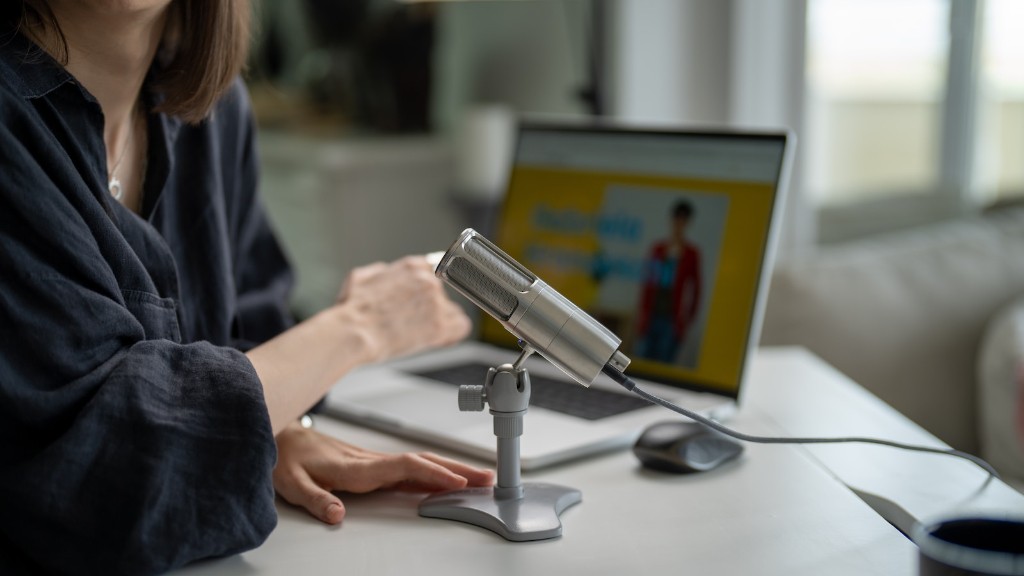
Introduction
Streaming from a gaming laptop has become increasingly popular in recent years. It has become the preferred platform for gamers of all levels to share their gaming experience with others. Streamers can now stream full HD games and can even stream in 4K resolution with the right gaming laptop.
Advantages of Streaming From A Gaming Laptop
The biggest advantage of streaming from a gaming laptop is its portability. Whether commuting to work or going on vacation, people can easily carry their gaming laptops and start streaming games wherever they are. Moreover, gaming laptops come with the latest hardware and software specifications, perfect for streaming high-resolution games.
Another benefit of streaming from a gaming laptop is the powerful software and hardware configuration. Companies that build gaming laptops take into account the extra requirements of streaming, such as powerful graphics cards and processors for smooth output. Moreover, gaming laptops also come with extra cooling technology, managing the additional strain of streaming games.
Graphics Card
When streaming from a gaming laptop, it is very important to choose the right graphics card. You need a powerful graphics card that can handle the intensive resources required for streaming games. Most gaming laptops come with top-tier graphics cards, such as Nvidia’s GeForce GTX series or AMD’s Radeon HD series.
The graphics card should be able to deliver enough computing power to maintain smooth streaming speeds. You should also check if the graphics card supports the latest video encoding formats, as some games have specific encoding requirements.
Processor
Another important component to consider when streaming from a gaming laptop is the processor. The processor should be powerful enough to encode high resolution videos without any lag or stuttering.
Most gaming laptops come with the latest and greatest Intel Core i7 processor or its equivalent from AMD. The processor should also be able to handle multitasking so you can stream games while running other programs simultaneously.
Streaming Software
The most important part of the streaming setup is the streaming software. You need to find a streaming software that suits your needs and is compatible with your gaming laptop. Popular streaming software includes Xsplit, OBS, and Streamlabs OBS.
These streaming software come with great features, such as broadcasting capabilities, video editing, and audio mixing capabilities. You should also check if the software has integrated support for popular streaming platforms, such as Twitch, YouTube Gaming, and Facebook Gaming.
Internet Connection
Having a stable and fast internet connection is key when it comes to streaming from a gaming laptop. You should always test your internet connection speed before streaming, as your gameplay performance will suffer if your connection is slow.
Ideally, you should have a download speed of at least 10 Mbps and an upload speed of at least 5 Mbps. Moreover, if you are streaming games in 4K resolution, you should be able to maintain a consistent internet connection speed of at least 25 Mbps.
Home Network
Finally, you should consider setting up a home network. Having multiple devices connected to the same network can slow down your speeds. To avoid this, invest in a good router, preferably one that supports a good range of frequencies (2.4GHz and 5GHz) and has multiple ports.
If you are streaming from multiple gaming laptops, it is important to get one with multiple Ethernet ports to connect each laptop to. This way, you can distribute the internet connection between each laptop and ensure that every device gets equal access to the internet connection.
Audio
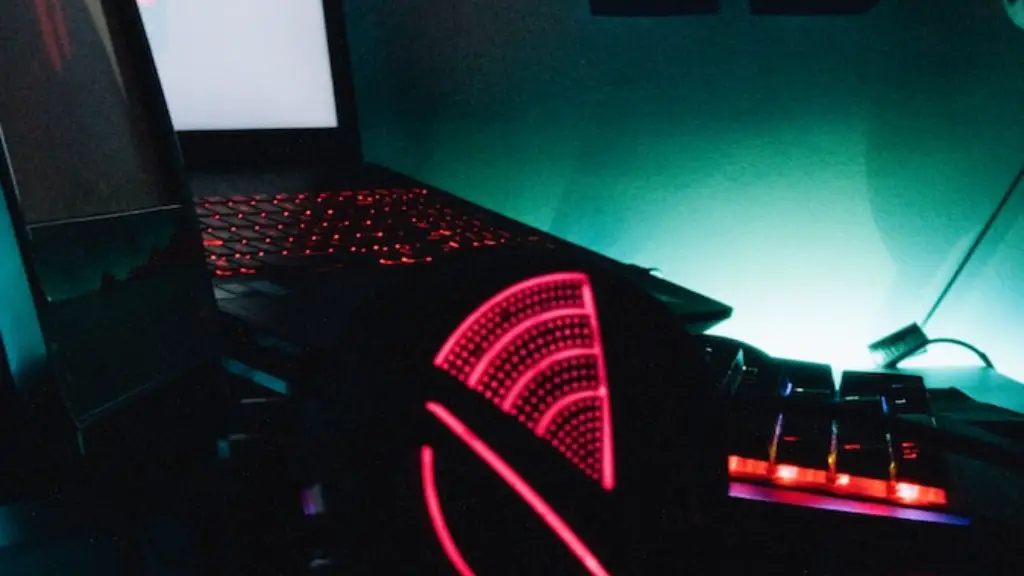
Streaming from a gaming laptop requires an external audio source to capture sound from your game. Without an external audio source, your stream will suffer from poor audio quality that won’t be appreciated by your viewers.
You should consider investing in a good microphone as most gaming laptops lack quality audio input/output. Common choices include USB microphones and studio microphones. You should also get some kind of audio mixer that can balance the sound between the game and the microphone.
Streaming Platform
You also need to select the right streaming platform to broadcast your game. The most popular platforms are Twitch, YouTube Gaming, and Facebook Gaming.
They all have different rules and limitations, so make sure you research them beforehand. Additionally, you should consider investing in a good webcam and a background to make your stream more attractive to viewers.
Paid Streaming Services
There are also paid streaming services that can be used to stream from a gaming laptop. These services offer additional features and benefits that free streaming platforms lack.
For example, paid streaming services allow you to record and store your streams to watch later. Additionally, they also have better streaming quality and allow you to stream in higher resolutions.
Conclusion
Streaming from a gaming laptop is a great way to share your gaming experience with other gamers. It is a very affordable option, as you only need to invest in a powerful gaming laptop and a few additional accessories.
However, it is important to choose the right hardware and streaming platform to ensure a smooth and enjoyable streaming experience. By following the tips mentioned in this article, you can easily stream from a gaming laptop with minimal fuss.
