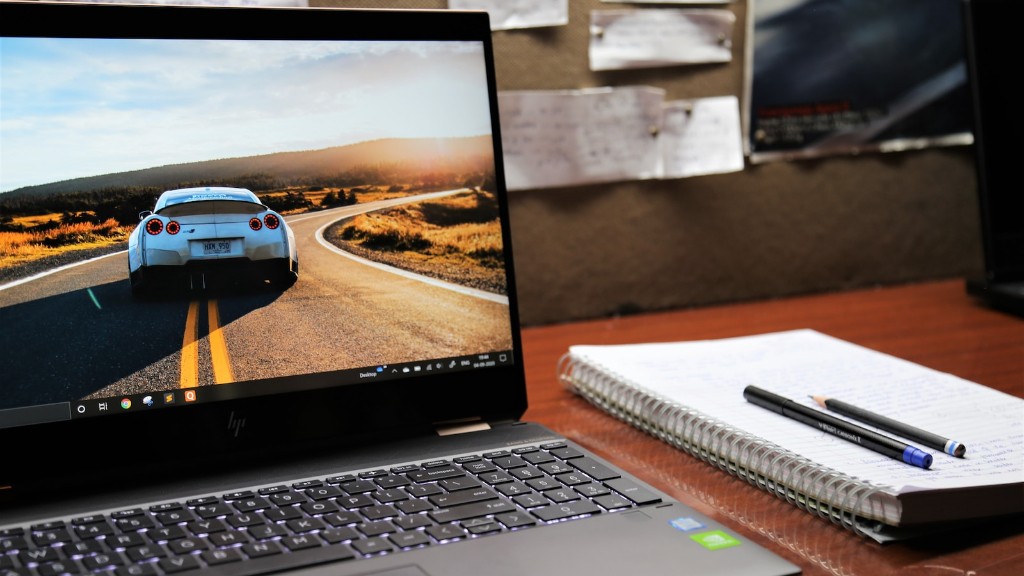
It’s important to have a gaming laptop that offers good performance and should be able to provide enough power in order to run all of the games you wish to play. But what happens when that laptop can’t keep up with your demands? What causes a gaming laptop to die so quickly and why is it so common?
When investing in a gaming laptop, it’s important to consider the internals of the laptop, such as the power and processor, to provide an enjoyable experience with the games you will be playing. The powerful parts inside the laptop generate heat, and if it’s not managed properly, it can directly affect the main parts like the graphics card, processor, and RAM.
In most cases, improper maintenance causes a gaming laptop to die so quickly. The main issue that causes overheating is clogged ventilation. Thus, when buying a laptop, it’s best to get one with good ventilation and cooling systems, such as a laptop with large, centralized fans or multiple vents.
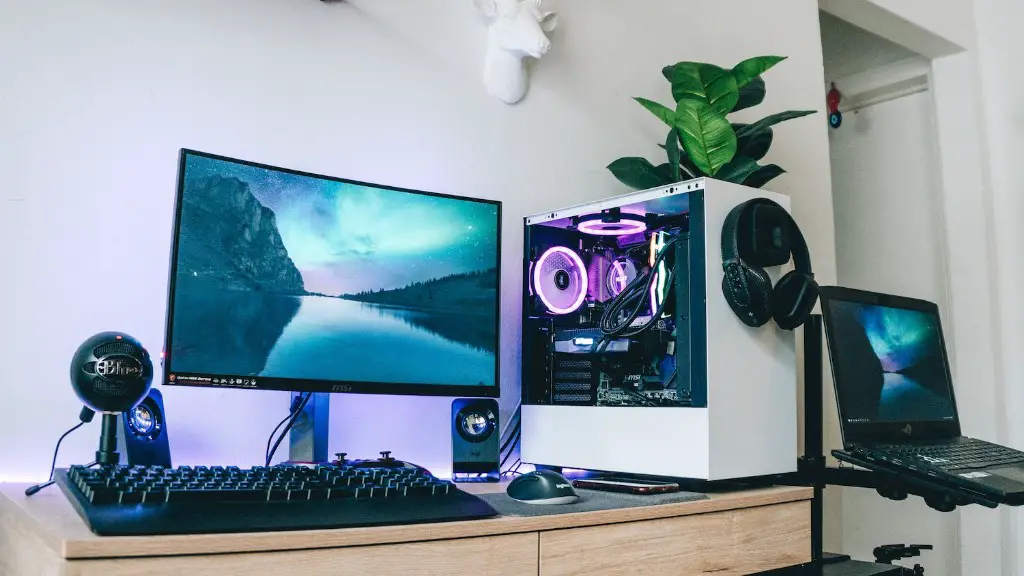
It is also important to take care of the laptop for it to last for an extensive amount of time.
Experts in the gaming field suggest that when playing any game with the laptop, reduce the brightness of the screen, clean the laptop’s dust out, and ensure that the environment is cool and ventilated.
Aside from inadequate cooling, hardware regarding internal freezing is also a major factor. Internal freezing can occur when drivers don’t perform as they should and as a result, freezes the gaming laptop. To prevent this, it is recommended to keep the drivers, OS, BIOS and other related components up to date.
Poor battery life can also be another factor resulting in the laptop’s erratic behavior while gaming. High demand set by the games can drain the battery too quickly. Furthermore, playing on battery power instead of a power cord will eventually damage the laptop’s components in the long run.
One should also take into account malicious software and hacking. One comes across a number of gaming websites and links in the gaming world, each with its own malicious intentions. Malware, worms and other malicious software can enter into the gaming laptop if proper safety protocols are not used or if basic security is ignored.
Specs Matter
It is important to consider specs when investing in a gaming laptop. It is paramount to choose a model that matches the gadgets with the type of games that will be played. Picking a laptop with the bare minimum specs will make it difficult to play the latest games. Also, making sure to opt for a laptop with a good processor, graphics card, and RAM would provide the best gaming experience.
Quick Reboot
A common helpful remedy that most gamers use when faced with these situations is to restart the laptop. Rebooting the laptop helps with power cycles and helps bring the laptop up to speed. On the other hand, an overheated laptop can experience random shutdowns which can affect games in progress. In that case, it is better to restart the laptop, as it will allow the laptop’s internal temperature to cool and reset any power problems.
Installation Management
Sometimes the games might be causing the laptop to die so quickly. It is essential to take the necessary steps to limit the fragmentation in the hard drive, as it can cause games to lag. To have good gaming performance one should install games properly on the hard drive in order to run correctly. Furthermore, to protect the system’s RAM steer clear of installing more than one game at a time and keep the ones that are installed updated as most games provide bug fixes in their updates that can improve game performance.
Cleaning Up

Another factor adding to the laptop dying quickly is the unnecessary clutter and junk files present in the system. Over time clutter and junk can pile up in the laptop and take up space in the RAM, processer, and graphics card. Cleaning up the system from all the unnecessary clutter will help in improving the gaming performance significantly and enhance the laptop’s lifespan.
Annual Checkups
It is highly recommended to take the laptop for regular checkups with a technician to make sure everything is running smoothly. Some gaming laptops don’t have a longer lifespan to begin with, and annual maintenance is essential in order to have good performance.
