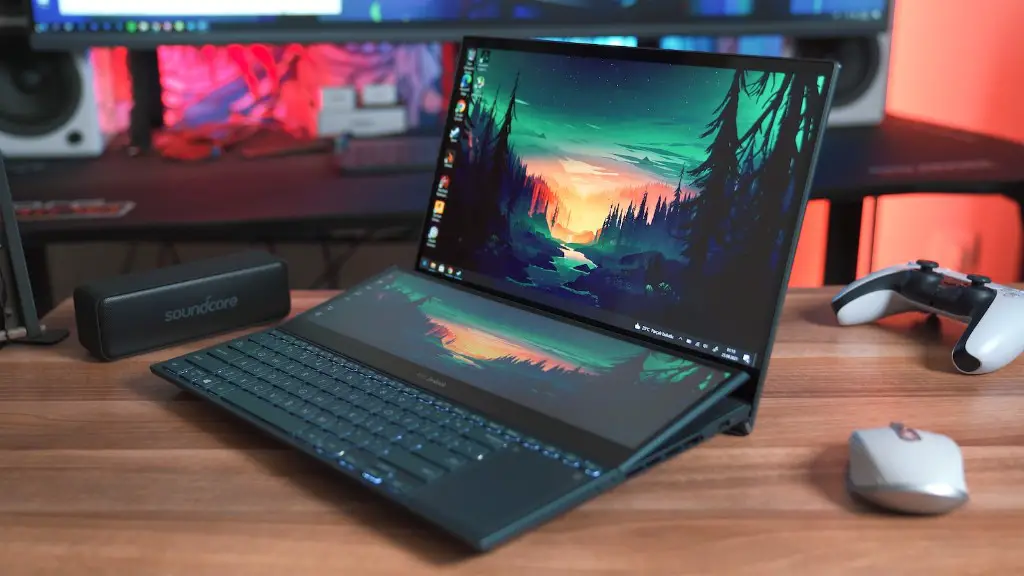
For gamers, the concept of being fully immersed in a game world is something that has been unthinkable until recently. Although virtual reality technology has been around for quite some time, advancements in hardware have made it much more accessible and affordable for gamers. This presents a unique opportunity for players to explore a new kind of game experience – but is a gaming laptop the right hardware for the job?
The importance of hardware power is huge for VR gaming. In order to get the most out of VR, a gaming laptop needs to be able to meet certain specifications. Generally speaking, a gaming laptop needs to have powerful processing power, at least 8 GB of RAM, and a dedicated graphics card. This can be a lot to ask of a gaming laptop, as they usually have limited processing power and RAM compared to desktops. Furthermore, gaming laptops may not have the cooling capabilities required for long gaming sessions.
However, gaming laptop manufacturers have been stepping up their game when it comes to VR gaming. The latest laptops are designed with advanced cooling systems and powerful processors that are able to handle demanding VR experiences. That being said, some of the more demanding games can still push a laptop to its limits, meaning that for peak performance it may be necessary to run the game on low settings.
When it comes to choosing the right laptop, it is important to research the models and hardware available. Many gaming laptop manufacturers offer models that come with pre-installed VR support, and these can be a great option for those who are just starting out with VR gaming. However, for more experienced gamers who want to get the best performance out of their hardware, it may be worth considering investing in an aftermarket VR-capable laptop with higher specifications.
Another factor to consider is whether or not a laptop can handle the cables and headset required by a VR setup. Many gaming laptops come with built-in USB ports and HDMI ports that are suitable for connecting and powering a VR system. However, some laptops may not have enough ports depending on the headset, so it is always a good idea to double check the specifications before making a purchase.
Overall, the answer to the question of whether or not a gaming laptop can handle VR gaming is a definite ‘yes’. However, it is important to remember that different laptops may require different hardware for optimal performance. Furthermore, some more demanding virtual reality games may require lower graphical settings in order to run smoothly.
How to Boost Performance
In order to get the most out of a gaming laptop’s VR capabilities, it’s important to make sure the hardware is up to par. Even high-spec gaming laptops may require a few tweaks in order to achieve optimal performance. Here are some tips for getting the best out of a gaming laptop’s VR experience.
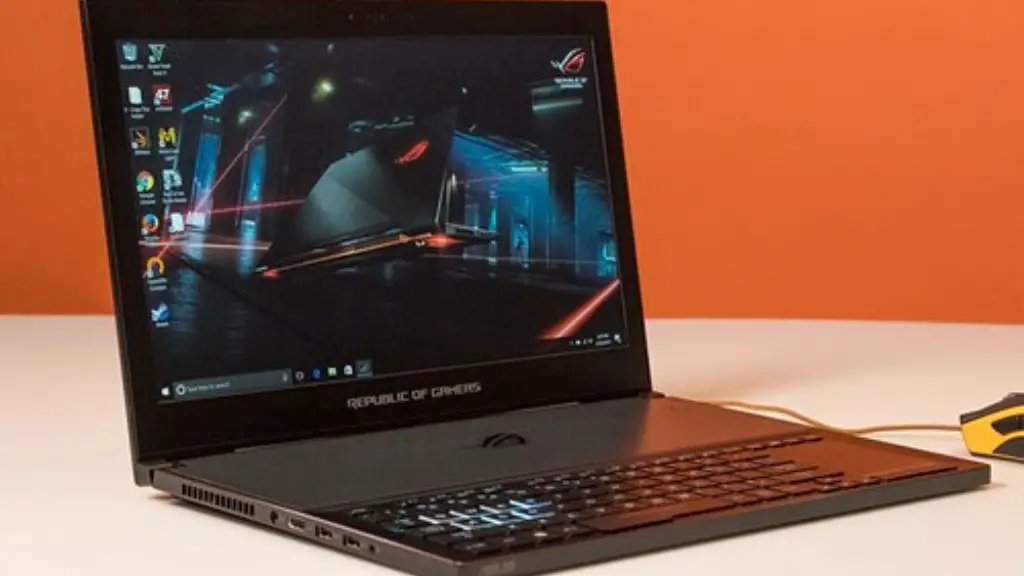
The most important factor in ensuring a smooth VR experience is to make sure the laptop is not running into any thermal issues. Overheating can cause a laptop to lag and stutter, so it’s important to check the temperature of the laptop before starting a VR gaming session.
It’s also important to make sure the laptop is equipped with sufficient RAM and the right ports for a VR headset. Adding more RAM to a laptop can make a huge difference in performance, and having enough ports will ensure that the headset is able to draw power and data from the laptop.
Finally, it’s worth experimenting with different graphical settings in order to find the balance between performance and visuals. Lowering the resolution and graphical settings can help to reduce the strain on the hardware and improve performance, even on the most hardware-heavy VR games.
How to Extend Battery Life
Although gaming laptops are designed to be powerful machines, they are still limited in battery life. Thankfully, there are some steps that gamers can take in order to maximize the amount of time they get out of a gaming laptop’s battery before having to plug in.

One of the easiest and most effective ways to increase battery life is to dim the laptop’s display. Reducing the brightness of the screen can significantly reduce the strain on the hardware and increase the amount of available juice. It’s also worth turning off any unused features such as Bluetooth or Wi-Fi as these can take up a lot of power.
Another tip for extending battery life when playing VR games is to reduce the graphical settings. Lowering the resolution and graphical settings can help to reduce the strain on the hardware and allow the battery to last longer.
Finally, it’s worth unplugging any unnecessary USB devices or headsets when not in use. Connected devices can draw power even when not actively being used, so making sure they are disconnected can extend a gaming laptop’s battery life.
What to Look for in a VR-ready Gaming Laptop
When shopping for a gaming laptop that can handle VR games, there are a few key factors to consider. For starters, it’s important to make sure the laptop has enough power to run the games. A laptop with at least 8 GB of RAM and a dedicated graphics card is ideal for VR gaming.
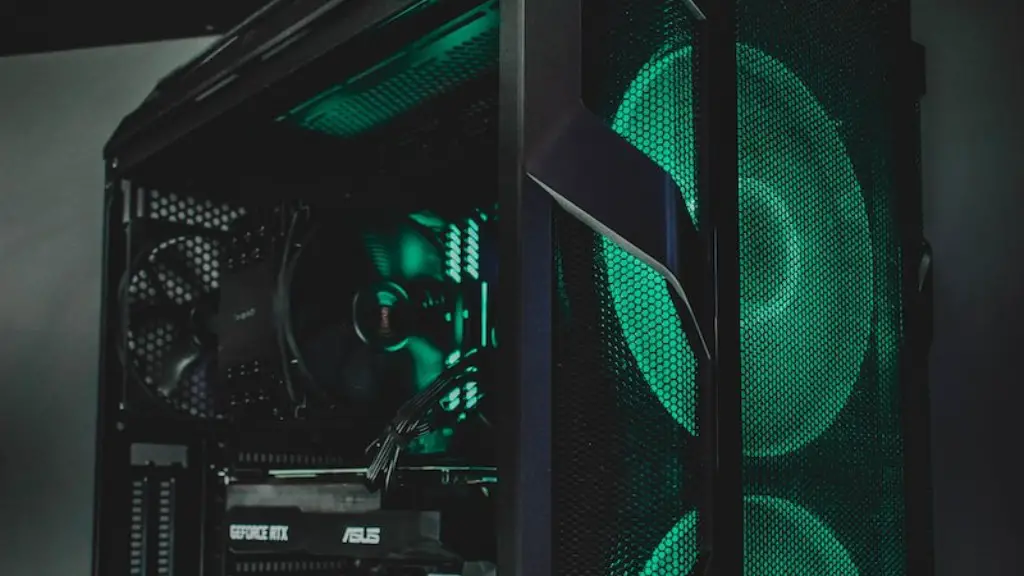
It’s also important to make sure that the laptop has enough ports and connectors for a VR headset. Many gaming laptops come with pre-installed cables and ports for powering and connecting to a VR system, but it’s always a good idea to double check before making a purchase.
Finally, some gaming laptops come with additional features that can improve the VR experience. Features such as integrated cooling systems, additional USB ports, and extra RAM slots can all help to boost a laptop’s VR performance.
Maintenance and Upgrades
It’s important to remember that gaming laptops will eventually need maintenance and upgrades in order to keep up with the demands of VR gaming. Periodic cleanings and updates to hardware and software can help to ensure that the laptop is always running optimally.
It’s also a good idea to consider upgrading the laptop with additional RAM, a better cooling system, or a faster processor. These upgrades can help to extend the life of the laptop and ensure that it is able to handle the most demanding VR titles.
Finally, gamers should be aware of the importance of keeping their gaming laptops up to date with the latest software and drivers. Installing the latest patches can help to ensure that a laptop is always running optimally and can help to avoid any compatibility issues when playing VR titles.
Common VR Issues & Solutions
VR gaming can be a great experience, but it can also be plagued by technical issues. Thankfully, many of these issues can be solved with some basic troubleshooting. Here are some of the most common issues encountered when playing VR games and some tips for solving them.
The most common issue is inadequate graphics and frame rates when gaming. This can be caused by a lack of RAM or a low-spec graphics card. To prevent this from happening, make sure that the laptop meets the minimum system requirements for the game.
Another common problem is poor tracking when using a VR headset. This can be caused by software or hardware issues. First, check to make sure that the headset is compatible with the laptop. If that doesn’t solve the issue, try running the game in windowed mode or check to make sure the sensors are correctly connected.
Finally, some gamers may experience blurry visuals when gaming in VR. This can often be caused by an inadequate graphics card. To prevent this from happening, make sure that the laptop is equipped with a dedicated graphics card. If that doesn’t work, try lowering the resolution and graphical settings in order to reduce the strain on the hardware.
