Can You Change The SSD of a Gaming Laptop?
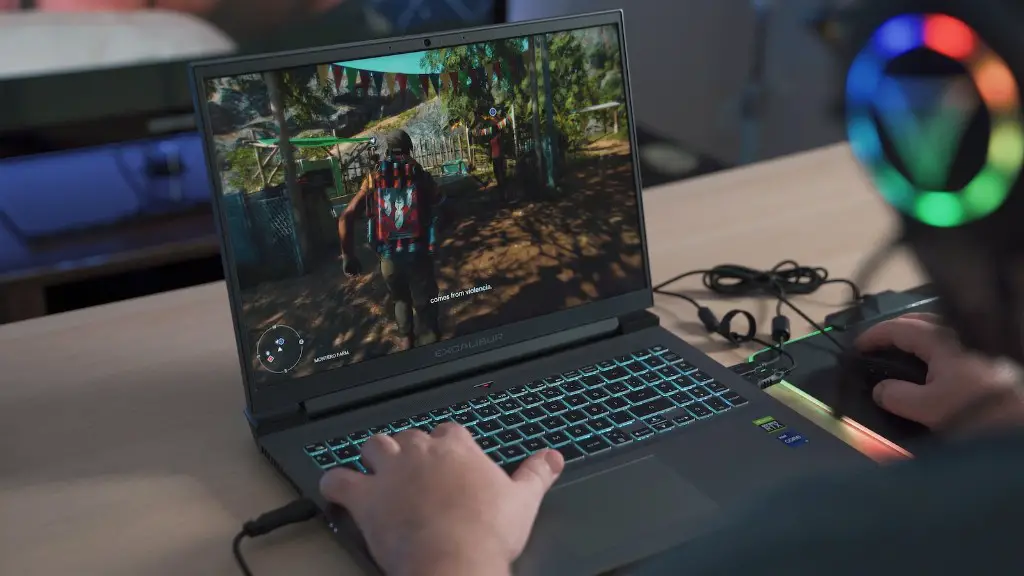
For avid gamers, having a laptop powerful enough to run all their favorite pc games is an absolute necessity. But what about when the laptop’s storage capabilities aren’t quite up to scratch? Can you change the SSD of a gaming laptop, and how does this work? This article will attempt to answer these questions and explore the pros and cons of upgrading a gaming laptop.
One of the most important components in any gaming laptop is the storage drive, and for gaming purposes, an SSD (solid-state drive) is typically preferred. This is because an SSD is much faster than its HDD (hard disk drive) equivalent and also longer-lasting as it is less prone to breaking down.
The answer to the question of whether you can change the SSD of a gaming laptop is a resounding yes. Many laptops come equipped with the necessary components and connectors to allow users to make upgrades to their laptop storage, with various SSDs available on the market.
It is important to point out that in order to make this change, the laptop must have an available drive connection. If there is no connection at all, then the SSD will not be able to be attached and the upgrade will not be possible. Fortunately, many laptops have drive connections, so this should not be a problem.
So, what are the advantages and disadvantages of upgrading your gaming laptop’s SSD? One of the biggest advantages of upgrading the SSD is the performance increase. Any game you play will run significantly faster and smoother on an upgraded SSD, giving you an advantage over other players. Additionally, SSDs can last much longer than HDDs, meaning you don’t have to replace them as frequently.
On the other hand, the cost of adding an SSD to a laptop can be quite prohibitive. Additionally, it is important to note that if you do not have the necessary technical knowledge and skills to upgrade the SSD yourself, you may need to seek the help of a professional. This can add to the cost of the upgrade.
Finally, it is important to remember that not all SSDs are created equal. It is vital to research the market and make sure you buy an SSD that is suitable for your laptop and your gaming needs.
Backup Options
In the event of any malfunctions or corruptions, it is important to have a good backup option in place. Fortunately, this doesn’t mean you need a separate physical drive; you can create a backup on a cloud storage service such as Google Drive or Dropbox.
The process of backing-up data can vary depending on the laptop and operating system you are using, but fortunately, it has been made much simpler in recent years. For the most part, it involves just a few simple steps – such as saving the data to a secure external storage, or saving to a cloud service. It is also important to regularly check that the backup is up to date.
Additionally, by keeping backups in the cloud, you will be able to access it from almost anywhere, and if you ever need to restore data, it will be much faster and easier than if you had to dig out a physical hard drive.
In summary, it is definitely possible to upgrade the SSD on your gaming laptop. It can be done relatively easily if you have the necessary technical knowledge and skills, although it can be quite costly. Therefore, it is important to consider the pros and cons before moving forward.
Researching the Model
Before purchasing an SSD for your gaming laptop, it is important to do as much research as possible. It is worth checking out tech reviews, reading product specifications and researching the different models out there. This can help you narrow down your options, and ensure you are selecting the best model for your laptop and gaming needs.
In addition to researching the different models, it is also advisable to check the compatibility of your laptop with the SSD you intend to purchase. Not all SSDs are compatible with all laptops, so it is important to do this before spending any money. This can save you a lot of time and hassle in the long run.
A useful way to do this is to consult the manufacturer’s website and look for specific details about the compatibility of the laptop and the SSD model. Alternatively, if you need more help, you can always reach out to customer support for assistance.
Finally, it is important to check the warranty of the SSD to make sure that it is covered for any technical issues or malfunctions. This can be a great peace of mind, and will make sure that your laptop is in safe hands if something goes wrong with the drive.
Finding a Professional
For those who do not possess the technical knowledge or skills to upgrade the SSD themselves, it may be worth enlisting the help of a professional. A professional can ensure that the process is quick and efficient, as well as providing advice on the best model to buy and the best places to buy it.
It can be quite difficult to find a reliable professional, but it is worth spending some time researching. Word of mouth is often a great way to find a good technician, or you can check local listings. You can also research online and look for reviews of local technicians and businesses.
It is important to get a range of quotes and compare different professionals, based on their rates, experience and customer feedback. This will help you make an informed decision, and ultimately find a professional who can do the job quickly, efficiently and at the best price.
Getting the Most Out of Your Gaming Setup
Having an SSD in your gaming laptop is a great way to get the most out of your gaming experience. By having an SSD, and combining it with other high-performance components such as a powerful processor, plenty of RAM and a good quality graphics card, you will be able to enjoy an optimal gaming experience.
It is important to note that while an SSD will improve gaming performance, there are other factors to consider. For instance, an SSD on its own will not make a huge difference if your processor is outdated or if you don’t have enough RAM. Therefore it is important to consider all components of your laptop when upgrading to ensure you achieve the best performance possible.
Finally, it is important to remember that an SSD is only as good as the drive connection it is attached to. If the connection is slow or prone to errors, then your SSD will not provide the desired performance boost. Therefore, it is worth investing in a fast and reliable connection, if necessary.
Managing Your Budget and Expectations
Upgrading your laptop’s SSD can be an expensive endeavor, and it is important to manage your budget and expectations accordingly. While an SSD can provide a significant boost to overall performance, it is not a silver bullet. You should also consider other components of your laptop and ensure that they are all up to the required standard.
It is also important to consider the cost of the upgrade, and depending on your budget you may want to consider other more affordable options such as purchasing a new laptop or just buying more RAM. Additionally, if you don’t feel confident to do the upgrade, it is worth consulting a professional and getting quotes to see if it is cost-effective for you.
Finally, it is important to take into account all the pros and cons before committing to an SSD upgrade, and make sure that you buy a model that is suitable for your laptop and gaming needs.
Conclusion
So, can you change the SSD of a gaming laptop? As we have seen, the answer is yes, and provided you have the technical knowledge and skills, the process can be relatively straightforward. However, it is important to consider the cost, as well as the different models available on the market, before buying.
Additionally, it is important to bear in mind that while an SSD upgrade can dramatically improve gaming performance, it is not a silver bullet. You also need to consider other components of the laptop, as well as the cost of the upgrade, before making any final decisions.
