
What Is Video Processing?
Video processing is the conversion of an analog video signal into a digital signal that can be played on a display device, such as a television or computer monitor. The goal of video processing is to improve the quality of the signal, allowing it to be seen more clearly, providing a better viewing experience. This can be done by reducing noise, aliasing, and adding image sharpening. Video processing must be done prior to displaying or recording the video signal.
What Is A Gaming Laptop?
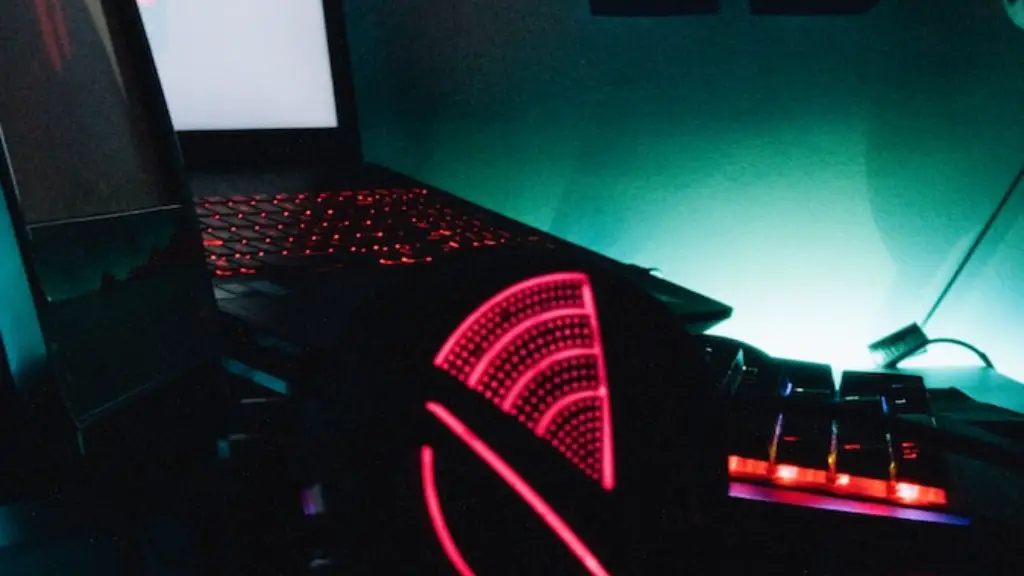
A gaming laptop is a laptop specifically designed for playing video games. They typically have faster processors, higher-end graphics cards, and larger displays than most other laptops. While they are designed for gaming, they are also capable of running most other general computing tasks, such as word processing, web browsing, and more.
Do I Need A Gaming Laptop To Do Video Processing?
The short answer to this question is that, no, you do not need a gaming laptop to do video processing. While gaming laptops are powerful and capable of running most software related to video processing, you do not necessarily need to purchase a gaming laptop for this purpose.
If you are looking for a laptop to do video processing, then it is important to determine what type of video processing you will be doing. If you are just looking to convert analog video signals into digital signals, then you can use any laptop with a good processor and adequate RAM. However, if you are looking to do more extensive video editing, then you may need a laptop with more powerful hardware, such as a gaming laptop.
It is also important to consider the type of software you will be using to do the video processing. If you are using more intensive software, such as Adobe Premiere Pro or Final Cut Pro, then you may need a laptop with a more powerful processor, higher-end graphics cards, and more RAM. A gaming laptop would likely be the best choice for these types of tasks.
Advantages Of A Gaming Laptop For Video Processing

The primary advantage of purchasing a gaming laptop for video processing is that it will provide you with more power than a standard laptop. Gaming laptops are packed with powerful components that are designed to handle the high graphical demands of gaming. This includes faster processors, higher-end graphics cards, and more RAM. With this extra power, you will be able to run software more efficiently, allowing you to do more intensive tasks with minimal slowdowns.
Disadvantages Of A Gaming Laptop For Video Processing
One of the primary disadvantages of using a gaming laptop for video processing is the cost. Gaming laptops come with a higher price tag than standard laptops, and are typically much more expensive. Additionally, gaming laptops can often be bulky, making them less portable than their standard laptop counterparts.
Alternatives To A Gaming Laptop For Video Processing
If you are looking to do video processing but are not interested in purchasing a gaming laptop, then there are some alternatives. If you are just looking to convert analog video signals into digital signals, then you can use any laptop with a good processor and adequate RAM. Additionally, if you are looking to do more intensive video editing tasks, such as creating special effects, you can purchase a desktop computer with a powerful processor and graphics card. This will provide you with a lot more power for a much lower price than a gaming laptop.
Advantages of Desktop For Video Processing
The primary advantage of a desktop computer for video processing is the price. Desktops are much more affordable than gaming laptops and can provide a lot more power for a fraction of the price. Additionally, desktops tend to come with a larger variety of hardware components and are more easily upgradable than laptops, making them a great choice for those looking to expand their video processing capabilities.
Disadvantages of Desktop For Video Processing
The primary disadvantage of using a desktop computer for video processing is its lack of portability. As desktops are larger and heavier than laptops, they cannot be easily transported. Additionally, laptop components tend to be more expensive than desktop components, making them a less economical option than desktops.
Conclusion
Whether or not you need to purchase a gaming laptop for video processing depends on what type of video processing you will be doing and the type of software you will be using. While gaming laptops are powerful and capable of running most software related to video processing, they are also expensive and are not as portable as standard laptops. Alternatives to gaming laptops include using a standard laptop or a desktop computer. Desktops are more affordable and can provide more power for a fraction of the cost. Ultimately, it is up to you to decide which type of machine best suits your video processing needs.
