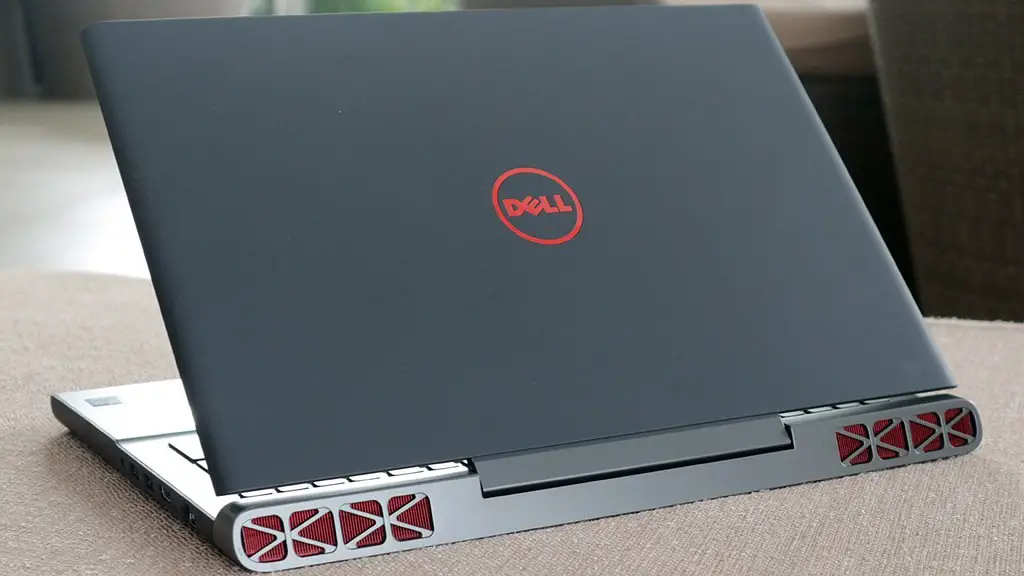
Recently there has been a growing fascination with gaming laptops. Many people want to know if it is possible to upgrade such laptops and how to go about it. As technology advances, so do the possibilities. This article aims to provide the critical information you need on whether you can upgrade a gaming laptop and the considerations you should keep in mind.
Laptops, in general, are not suited well to hardware upgrades, unlike desktop computers. This is because laptops have limited space, which means there is less opportunity to install new hardware. In particular, gaming laptops have an even more limited ability to be upgraded.
Depending on the type of laptop, some components can be replaced more easily than others. For example, RAM and storage drives can often be upgraded. This is especially true on certain Asus gaming models. Other components such as graphics cards and the CPU are usually not upgradable.

It is important to read reviews to assess the suitability of your laptop for upgrades prior to any changes. Even if your laptop has upgradable components, it is not always possible to replace them. It is important to understand how to disassemble the laptop and install the new parts. This may involve removing other components from the laptop so the upgrades can be completed.
Be mindful that even when upgrades are successful, the laptop might not perform as expected. There is always a risk that components of the laptop may not be compatible with the new parts, which can cause problems. It is also worth noting that upgrading laptop components can be expensive, and often it is more cost-effective to purchase a new laptop.
It is also important to be mindful of warranty conditions when performing any type of hardware upgrade. The laptop will be void of the warranty if any of the components are not covered in the warranty. Therefore, always check the warranty before attempting any hardware upgrades.
The key consideration when thinking of updating a gaming laptop is understanding the limitations of the laptop. It is important to look at reviews to assess whether the laptop is suitable for upgradable components, and whether you understand the process for performing the upgrades. Furthermore, considering the warranty and potential cost savings is important. Weighing up these considerations will give you a better understanding of whether you should upgrade your gaming laptop.
Platforms for upgradable gaming laptops
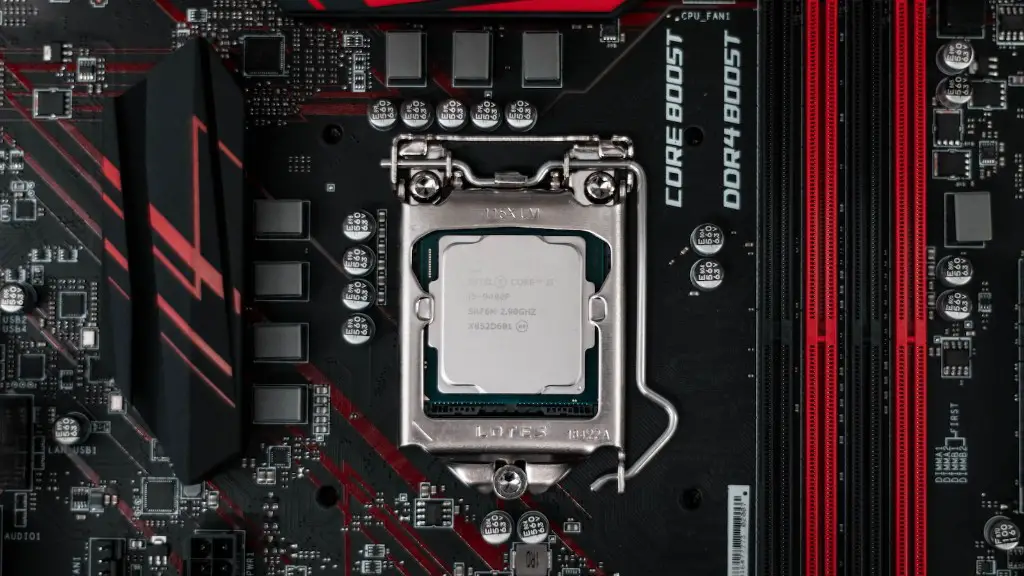
There are various platforms available for gaming laptops that can be upgraded. Platforms such as Sager, Gigabyte, and Razer all provide upgradable components, so you can customise the laptop to your preferences. For example, you may want to increase the RAM, or perhaps add a graphics card. Many of these platforms provide the option to choose your own components for the laptops, which you can then upgrade at a later date.
Another option is to buy a regular laptop and upgrade it yourself. This is a great option if you want to customise the laptop to your gaming needs and you are comfortable with knowing how to do the upgrades yourself. It is also a lot cheaper, as you won’t have to buy a specialised gaming laptop.
If you opt for this route, you should be aware that gaming laptops may be better outfitted for gaming than regular laptops. These laptops are designed specifically for gamers and are more likely to meet the needs of a more demanding user. Furthermore, it may be difficult to find parts that fit the laptop, so research is essential.
Finally, before making any modifications, be sure to review the manufacturer’s warranty. This can help ensure you are not voiding the warranty on your laptop by making any changes.
Cost-benefit analysis of upgrading a gaming laptop

When determining whether or not to upgrade a gaming laptop, it is important to consider the cost-benefit analysis. Upgrading a laptop can be expensive, and often times it is more cost-effective to purchase a new laptop. It is also important to read reviews to assess the suitability of your laptop for upgrades prior to any changes.
It is important to consider the type of upgrade you want to do and whether or not it is worth the price. For example, RAM upgrades are much cheaper than a new graphics card, and can increase the performance of the laptop. In comparison, a CPU or graphics card upgrade may be more expensive, but can also give you better performance.
Finally, it is crucial to consider the warranty of your laptop. Upgrading the laptop will void any manufacturer’s warranties, so it is essential to check with the manufacturer beforehand. In addition, it is worth noting that some components may not be compatible with the laptop, so you should consider this prior to any upgrades.
Tips on how to upgrade gaming laptops
Upgrading laptop components can be a daunting task, so it is important to understand the process beforehand. Following the manufacturer’s instructions is essential, as is understanding the compatibility of the parts you are looking to install. It is also important to have the right tools and to be aware that you may need to remove other components to access certain parts.
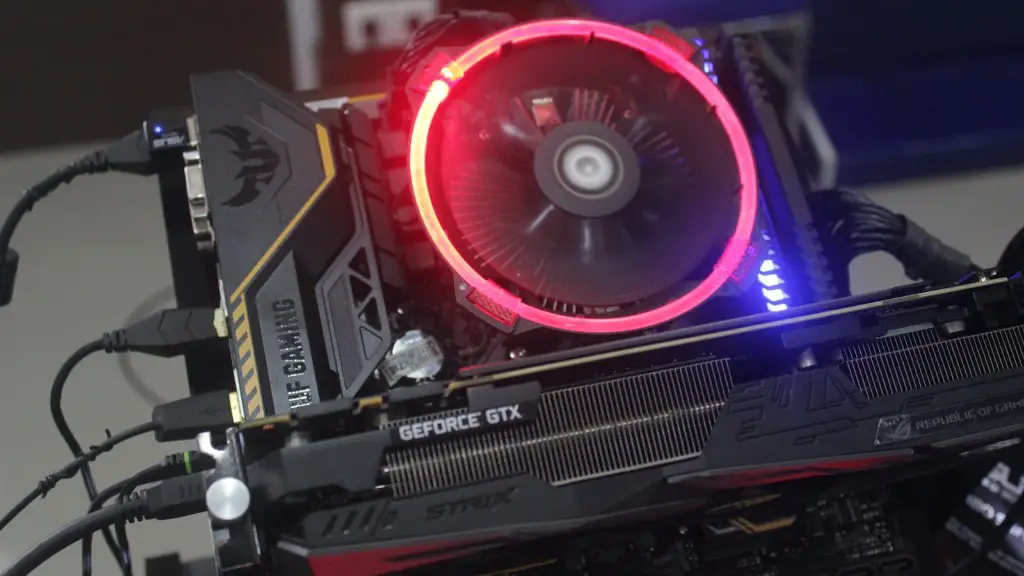
It is also pertinent to research the parts you are looking to install to ensure that they are compatible with the laptop. Different laptops have different chipset and power requirements, so it is essential to be aware of this before attempting any upgrades. It is also a good idea to buy the right parts for your specific laptop model. Furthermore, make sure the parts are of good quality, as this can make all the difference when it comes to performance.
It is always a good idea to back up any important data prior to making any changes. This will give you peace of mind and is an important safety measure to take should any data be damaged during the upgrade process. It is also important to revisit your warranty status as some components may be covered.
Finally, always research the installation process and make sure you understand what you are doing before attempting any upgrades. This will help to ensure the process is successful and that any potential problems can be avoided.
Hardware compatibility of gaming laptops
When upgrading gaming laptops, it is important to consider the compatibility of the components. Different types of laptops may have different power requirements and chipset capabilities, which can affect the performance of the laptop. It is essential to be conscious of these factors and ensure that the components you are looking to install are compatible with the laptop.
It is also important to ensure that the components are of the right quality. Cheaper components may not be as reliable and can cause problems with the laptop. This can lead to hardware issues, as well as suboptimal performance. Therefore, always make sure to research the components and any reviews of them prior to making any changes.
Finally, it is also important to be mindful of the warranty. Some components may not be covered in the warranty and therefore any changes may void it. Be sure to check with the manufacturer beforehand to make sure that you are not voiding the warranty on your laptop.
Software updates on gaming laptops
Software updates are essential to ensure the performance of your laptop is optimised. With gaming laptops, it is important to be aware of any new updates so you can get the best experience. You should regularly check for software updates and make sure the laptop is up to date.
It is also important to check for any BIOS updates. A BIOS update can be used to fix any hardware related issues and can be done through the manufacturer’s website. Furthermore, make sure to install any necessary Windows updates as these can also improve performance and address any security loopholes.
Finally, be sure to check for any driver updates. Drivers can often help optimise the performance of the laptop and make sure it is running as smoothly as possible. Driver updates can usually be found on the manufacturer’s website. However, be mindful that some updates may not be available, so make sure to research the website thoroughly.
Conclusion
Upgrading gaming laptops can be a complex process and is often best left to professionals. It is important to be mindful of the compatibility of the components and the effect it can have on the performance of the laptop. Furthermore, research is essential to ensure the parts you are looking to install are compatible with your laptop.
Also, it is essential to be aware of any warranties on the laptop and the potential cost savings. Weighing up these considerations is key to understanding whether upgrading a gaming laptop is the right choice for you.
