Can you watch movies on a gaming monitor? It’s a question that avid gamers, movie fanatics and tech enthusiasts have debated for years. It is possible, with careful selection of the gaming monitor model. However, the functionality of the gaming monitor in question must be considered when deciding whether to purchase it for movie viewing. To answer this question, let’s take a closer look at the various factors of performance and compatibility will come into play.
Aspect ratios and resolution must be taken into consideration when watching movies on a gaming monitor. Most modern games utilise a 16:9 aspect ratio and a consistent 1080p resolution, whereas movies tend to utilise wider aspect ratios in order to replicate the appearance of a movie theater screen. A gaming monitor that offers a higher native resolution than 1080p, such as 4K UHD, will provide a clearer and more vivid picture than a 1080p monitor. As such, one should understand their gaming monitor’s native resolution before making a purchase.
The display type is the next factor to determine whether movies can be watched on a gaming monitor. TN panels, while economical and popular, are not ideal for movie viewing due to their shallow viewing angles and generally inferior colour accuracy when compared to IPS and VA panels. IPS and VA panels provide better colour accuracy and wider viewing angles, making them ideal for watching movies on a gaming monitor. Make sure to double-check the monitor specifications before committing to a purchase.

Lastly, bear in mind that the response time of a monitor plays a major role in determining if movies can be watched on it. The response time of a monitor determines how fast the pixels can be changed, which impacts the quality of the display. Monitors with a low response time will produce a ‘tearing’ effect, where the displayed images and videos jump and stutter onscreen. To avoid this, ensure the monitor’s response time is seven milliseconds or higher for smooth and stutter-free viewing.
Hardware Specifications
To ensure an optimal experience when watching movies on a gaming monitor, one must consider the hardware specifications. The input lag, a measure of how fast the signal is displayed onscreen, is a key factor when watching movies. A monitor with a low input lag will provide a buffer-free experience, ensuring that the signal being sent to your monitor is displayed as quickly as possible on the screen. Furthermore, a gaming monitor should have a backlight strobe feature, which increases viewing comfort by reducing motion blur and ghosting.
When searching for a gaming monitor for movie viewing, one should also keep an eye out for features such as pre-calibrated picture modes, HDR support and even G-SYNC or FreeSync compatibility. These features can all enhance the viewing experience for certain types of content, such as HDR-compatible movies and videos. Furthermore, ensure that the gaming monitor’s ports are compatible with the device used for movie playback.
Finally, vast connectivity options such as DisplayPort, HDMI and USB are important for a gaming monitor used for movies. DisplayPort is generally preferred as it offers a more reliable connection, while HDMI is better suited to TVs and projectors due to its capabilities for simultaneous audio and video transmission. USB can be useful for connecting peripherals such as media players and external hard drives, or for charging the devices used for movie playback.
Audio Quality
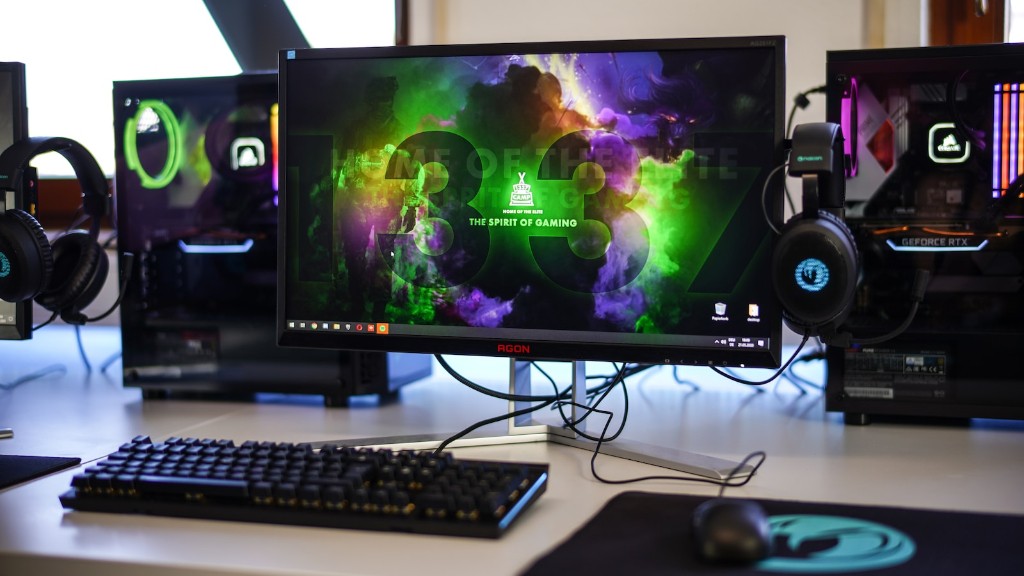
When selecting a gaming monitor for movie watching, audio quality should also be considered. Here, the number of built-in speakers, the rated wattage of the speakers and the audio features on offer are all important considerations. Most gaming monitors feature a couple of speakers with wattages ranging from 7-10 watts. If you want to experience high-quality audio, you might want to invest in a gaming monitor that offers a higher audio wattage. Furthermore, look for gaming monitors with audio-specific features such as bass boost, surround sound and multi-channel mode.
Finally, some gaming monitors come with a headphone jack, or a headphone amplifier port. This is beneficial if you prefer to plug in external audio devices such as headphones or speakers. The headphone jack provides a dedicated audio output port and the amplifier port allows you to boost the audio level to the desired volume.
Price Point
When it comes to selecting a gaming monitor for movie-watching, the price is one of the most important factors. Cinema-quality entertainment may require a more expensive gaming monitor with higher specifications, such as higher resolution, wider aspect ratio and various special features. Low-end prices can start from around 200-300USD, however, one should consider if their needs and budget allows for more expensive products.
Mid-range gaming monitors intended for movie watching typically have higher resolution and a wider selection of features than entry-level gaming monitors. Prices for these generally come to around 500-1000USD, but some models exceed this depending on the brand and specifications on offer. Finally, high-end gaming monitors, which come with up to 4K resolution and advanced features such as G-SYNC, can cost upwards of 1000USD.
Durability
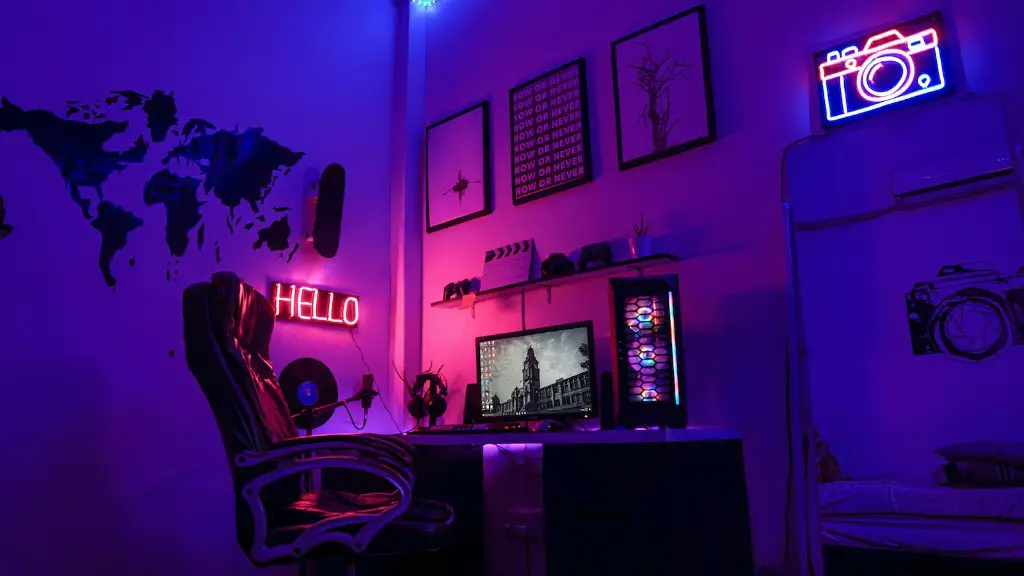
In addition to price, the overall build quality and durability of a gaming monitor should be taken into consideration. Many gaming monitors are designed to take a beating, with tough materials and a sturdy construction, which can come in handy when used for movie viewing. Ensure the gaming monitor is certified for extended usage, as some models may have a maximum usage time.
Furthermore, look for gaming monitors with industry-leading spec features, such as adjustable stands and built-in cable management systems. Adjustable stands can provide a wider range of viewing angles and more ergonomic use, while the cable management system helps reduce clutter and allows for a tidier space when not in use. These features may come in handy and extend the life of your gaming monitor when used for movie watching.
Refresh Rate
Lastly, take the refresh rate into account when selecting a gaming monitor for movie watching. The refresh rate of a gaming monitor determines how many frames can be displayed onscreen per second. While mid- to high-end gaming monitors provide refresh rates of 144 Hz or higher, refresh rates of 60 Hz are perfectly acceptable for movie viewing, although you may find that a higher refresh rate improves the overall viewing experience.
For a serious movie watcher, investing in a gaming monitor with a higher refresh rate and native resolution is highly recommended. This will provide a more immersive experience, with smoother visuals and a better overall picture quality. Similarly, gamers with a higher budget have the option of investing in a gaming monitor with a higher resolution, greater contrast and better colour accuracy for an all-rounded entertainment experience.
