Gone are the days when gamers had to rely on the bulky CRT monitors to have a great gaming experience. Nowadays, gaming monitors come loaded with so many features and come at a variety of prices, it can be quite a challenge to pick the right one for your setup. Let us take a look at some ways to make sure you pick the right gaming monitor for your setup.
First, you need to decide what size of the monitor you need. If you have a limited amount of space, then you may have to restrict yourself to smaller monitors. On the other hand, larger monitors will allow you to get the immersive gaming experience with a wider field of view. So, make sure you pick the right size that fits your game room.
Second, you should also consider the refresh rate of the monitor. It is recommended that you go for a monitor with a higher end refresh rate, at least over 144Hz, if you want the smoothest gaming experience. It is also essential to look at the response time of the monitor. The lower the response time, the less ghosting on screen and you will get clear visuals with no delay.
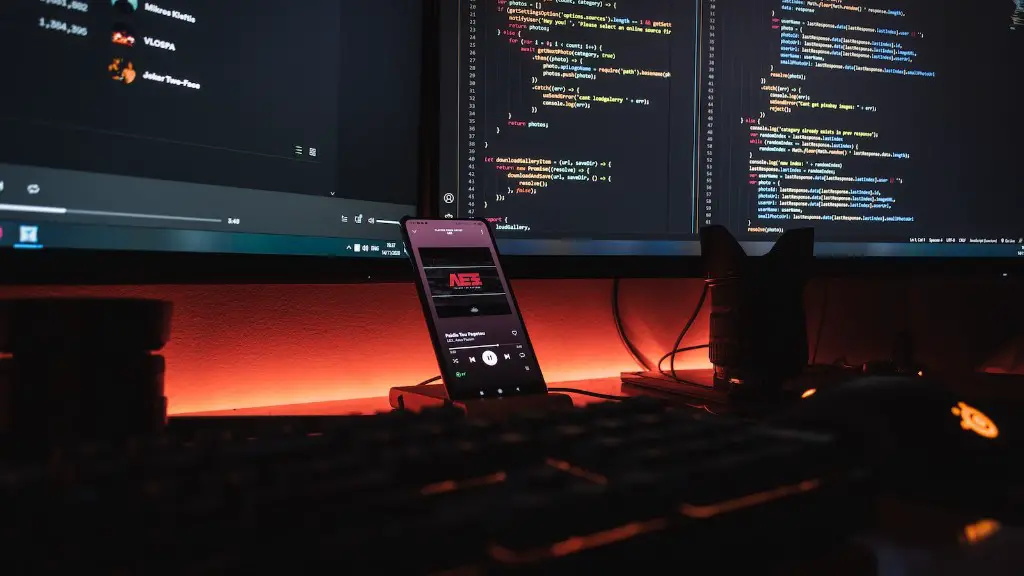
Third, the resolution is obviously another important factor to consider when choosing the right gaming monitor. A higher resolution will give you sharper image quality so you can enjoy the details in your games. If you have the budget to spare, 4k or even 5K monitors are excellent options for a stunning visual experience.
Fourth, you also need to think about if you need any specific features in the monitor. Some newer gaming monitors come with support for HDR, Freesync and G-sync technologies that reduce screen tearing and provide smoother graphics performance. Do some research and see which extra features might help with your gaming experience.
Finally, the price will always be an important factor when it comes to buying a gaming monitor. Monitors come with a vast range of prices, and you don’t always have to pay the highest price to get good quality. Compare the features and specs of various models and then decide which one is the best bang for your buck.
Monitor Resolution
When it comes to monitor resolution, the most popular option is Full HD (1080p), although nowadays many gamers opt for a higher resolution such as WQHD (2560×1440) or UHD (4K). Resolution and the pixel density of your monitor play an important role in determining the graphical detail in your games, and it is important that the solutions you pick are compatible with your GPU and have the desired performance with your system to get the best gaming experience.
Additionally, some more advanced gaming monitors offer multiple resolutions in one screen, known as a Variable Refresh Rate (VRR). This amazing technology allows you to switch between the resolution depending on your gaming needs, and you can get the best visuals no matter what type of game you are playing.
However, it is important to remember that higher resolution monitors come with higher power consumption, so it is important to check the specs and make sure your setup is powerful enough to handle the resolution.
Adaptive Sync Technologies
Adaptive Sync is a technology that keeps the refresh rate in sync with your GPU, and thus eliminating screen tearing and delivering smooth visuals with no lag or stutter. This is an important feature for gamers who want to keep up with the fast paced action and movement in gaming, as it ensures your monitor keeps up with your hardware.
Most modern gaming monitors offer support for G-Sync and FreeSync adaptive sync technologies, so you can pick whichever fits your gaming needs better. G-Sync is proprietary technology developed by Nvidia and comes pre-installed on certain monitors. It costs more, but provides a smoother gaming experience.
On the other hand, FreeSync is an open source technology compatible with both AMD and Nvidia GPUs and tends to cost less. Both G-Sync and FreeSync work great in eliminating screen tearing, so it is best to do some research and pick the one that is compatible with your hardware and GPU.
Panel Type
The panel type you pick for your gaming monitor will have a huge impact on the visuals and performance of your setup. Currently, the most popular panel types for gaming monitors are TN (Twisted Nematic), VA (Vertical Alignment) and IPS (In Plane Switching). Out of those three, TN panels tend to have the fastest response time, with VA offering the best color accuracy and IPS offering the best viewing angles.
So which panel type should you go for? It all depends on what kind of gaming you do, and how important visuals are to you. TN panels are ideal for competitive gaming because of the low input lag and response time, but the color reproduction and viewing angles tend to be lower than the other types. VA and IPS panels usually look better, but they tend to have higher response time, which means they are less suitable for competitive gaming.
It is best to do some research on the different panel types and pick the one that best suits your gaming needs.
Design And Ergonomics
It is important to remember that gaming monitors are often in use for long hours, so the design and ergonomics of the monitor are quite important. Make sure the monitor has a sturdy stand and it can be comfortably adjusted in multiple angles. Additionally, look for features such as flicker-free backlighting, low blue light modes, anti-glare coating, and adjustable brightness to make sure long gaming sessions remain comfortable and strain your eyes less.
Moreover, look for the build quality of the monitor and make sure it is durable and can last for a long time. Some gaming monitors come in a variety of sleek and stylish designs and color options, so pick the one that blends well with your game room.
Conclusion
These are some of the aspects you need to consider when picking the right gaming monitor for your setup. Do some research and compare models by their features, performance and price, and you should be able to find the best gaming monitor for your needs within your budget.
