The question of whether you can hook up a speaker to a gaming monitor is one that has been asked countless times by gamers. The short answer is yes, you can, but the process requires some knowledge of speaker-connectivity and may require some additional equipment. This article will dive deeper into the issue and explain the advantages and disadvantages of setting up a speaker system for gaming.
Generally speaking, setting up a speaker system to your gaming monitor requires a few steps. First, you have to decide what type of monitor you have. Some gaming monitors will have a built-in audio port, while others will require an audio splitter or audio adapter in order to connect the speakers. Next, you’ll need to find out what type of connector is needed for your speaker wire. The most common type is a 3.5mm jack, but it can vary depending on the speaker set.
Once your cables and equipment are set up, it’s time to connect the speaker to the gaming monitor. The process is relatively straightforward. Simply connect one end of the speaker wire to the audio port on the back of the monitor, and the other end to the speaker’s audio port. As long as there’s power, the speaker should start working.
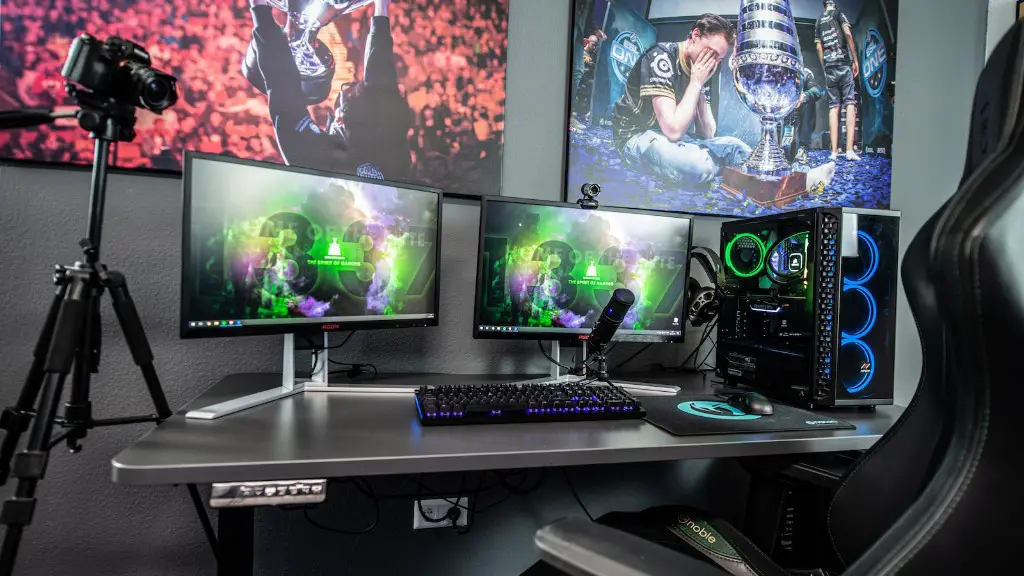
The benefits of hooking up a speaker to a gaming monitor are pretty clear. Not only will you be able to get louder, better-quality sound than with the built-in speakers, but the setup will look much better than the traditional desktop speakers. It can bring a whole new level of immersion to your gaming sessions, as you’ll be able to experience your favorite games with a true surround sound experience.
However, there are some potential drawbacks. Setting up the speaker may be a bit of a hassle for some. If you’re not knowledgeable about audio equipment, you may struggle to get everything connected correctly. Additionally, some gamers may be frustrated by the lack of options when it comes to audio when using a gaming monitor. This can be an issue when using a basic monitor with no audio port.
In conclusion, it is possible to hook up a speaker to a gaming monitor but it does come with its challenges. The setup process can be difficult for some, and there may not be as much flexibility when it comes to audio options.
Advantages
Connecting a speaker to a gaming monitor can bring a host of advantages. For starters, you can get a much higher quality of sound than with most built-in speakers that often struggle to produce clear audio. Not only is the sound quality improved, but having the speaker set up makes your gaming station look more professional, allowing you to completely immerse yourself in the world of gaming.
What’s more, setting up a speaker on your gaming monitor can significantly expand your audio options. With many monitors having limited audio ports, this gives you more choice when it comes to selecting the perfect speakers for your gaming setup. You’ll also be able to make tweaks much more easily, allowing you to tailor your audio for various games and experiences.
Finally, having a dedicated speaker setup for gaming can help further enhance the experience. With properly configured speakers, you can take advantage of different sound effects and subtle audio cues, things that may be lost with a laptop speaker setup. This can bring a whole new level of engagement to your gaming.
Disadvantages
Despite the advantages, connecting a speaker to a gaming monitor can also have some drawbacks. One of these is the time and effort required to set up the speaker in the first place. The process can be quite complicated, as there are many different connection types and varying equipment required, depending on the monitors and speakers being used.
Another issue is compatibility. In some cases, your gaming monitor may not even support a speaker setup. If this is the case, you’ll either need to get a new monitor or invest in an audio splitter or adapter. Additionally, some monitors that do support a speaker connection may have fewer audio options and ports than expected, reducing the versatility of the setup.

Finally, most gaming monitors don’t feature an amplifier—an essential component for higher quality audio. Without an amplifier and the right setup, your gaming sounds will may not be as impactful as desired. Unfortunately, finding the right amplifier to match your speakers and monitor can be a costly and time-consuming endeavor.
Types of Speakers
When setting up a speaker setup for gaming, it’s important to select the right speakers for the job. The type of speaker you choose will depend on a number of factors, such as size, budget, and sound quality.
The most basic form of speaker system for gaming is the traditional desktop speaker. These are great for those looking for an inexpensive way to improve their audio, as they’re generally compact and easy to install. However, they won’t offer as loud or full of a sound as more expensive options.
For a more immersive experience, gamers may want to invest in a surround sound system instead. These are more expensive, but offer the most lifelike audio, with multiple drivers producing deep bass and immersive audio. This type of setup is especially useful for shooters, where the sound of bullets whizzing past your head can create an intense gaming experience.
Finally, you can also opt for a Bluetooth speaker setup. These systems have the added advantage of portability and can be used with any kind of device. This makes them ideal for those who are looking to game with friends and families or take their gaming on the road.
Installation & Set-up
Once you’ve chosen the right speakers for your gaming setup, the next step is to install and set them up correctly. The process can vary from setup to setup, but generally follows a similar pattern.
First, you’ll need to connect the speakers to the gaming monitor. Depending on what type of connector is used, this may require an audio splitter or adapter. Once connected, you’ll need to make sure the correct cables are plugged in. On most gaming monitors, this will be a 3.5mm jack.
Then, you’ll need to configure the speakers in the audio settings. This will give you access to a range of options that can be used to customize the sound to your preferences. You may also have to download and install drivers, depending on the types of speakers you have.
Finally, don’t forget to test the sound once setup is complete. This will give you the chance to make sure everything is working as it should and that the audio quality is up to your standards.
Conclusion
To sum up, it is possible to hook up a speaker to a gaming monitor, but it does come with its own set of challenges. From selecting the right speakers and the correct connection to setting up the audio settings correctly, there are many steps that need to be taken to ensure that your gaming experience is as immersive and enjoyable as possible.
