When it comes to choosing a monitor for gaming, the best Hz for the monitor is an important factor to consider. Hz (Hertz) is the unit that measures refresh rate, which is how often the image on the monitor refreshes per second. The higher the refresh rate, the smoother the gaming experience, which is why it’s so important to select the best Hz for a gaming monitor. There are several Hz to choose from, depending on the type of monitor you prefer.
For example, if you’re a serious gamer who wants to get the most out of their gaming experience, then a monitor with a refresh rate of 144 Hz or higher is the best option. This will provide the smoothest possible gameplay. Other types of gamers may be more interested in monitors that offer a lower refresh rate, such as 60 Hz or 75 Hz. For more casual gamers, these monitors will provide an adequate gaming experience.
The type of monitor also plays a role in determining the best Hz for a gaming monitor. For example, if you’re using a monitor with a TN panel, then a higher refresh rate such as 144 Hz is recommended, as the monitor will provide the clearest and most responsive display. On the other hand, if you’re using a monitor with an IPS panel, then a lower refresh rate such as 60 Hz may be more suitable.
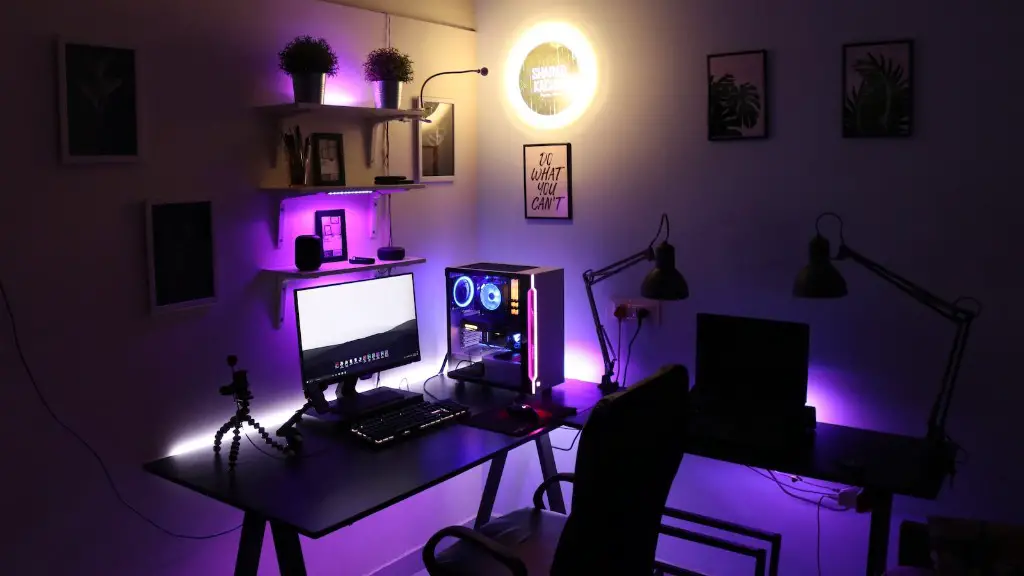
It’s also important to consider the type of graphics card you’re using to power your gaming experience. If you’re using a lower-end card, then a lower Hz monitor can provide a satisfactory gaming experience. However, if you’re looking for the highest quality visuals for gaming, then a high-end card with a monitor featuring a higher refresh rate is recommended.
Another thing to consider when picking a monitor for gaming is the type of connections available. Monitors with DisplayPort connections will provide faster refresh rates than monitors with HDMI connections. This is because DisplayPort connections can transfer data faster than HDMI connections, so they can provide faster and smoother gaming experiences.
Finally, you should consider the size of the monitor. A larger monitor can allow for a higher refresh rate, as it can accommodate more pixels. This will result in faster and smoother gameplay. However, if you prefer smaller monitors, then a lower refresh rate may be more suitable.
What’s The Best Resolution For A Gaming Monitor?
When it comes to choosing a gaming monitor, the resolution of the monitor is another important factor to consider. Resolution is the number of pixels that make up the image on the monitor and it affects the clarity and sharpness of the graphics displayed. There are a few different resolutions to choose from, such as 1080p, 1440p, and 4K.
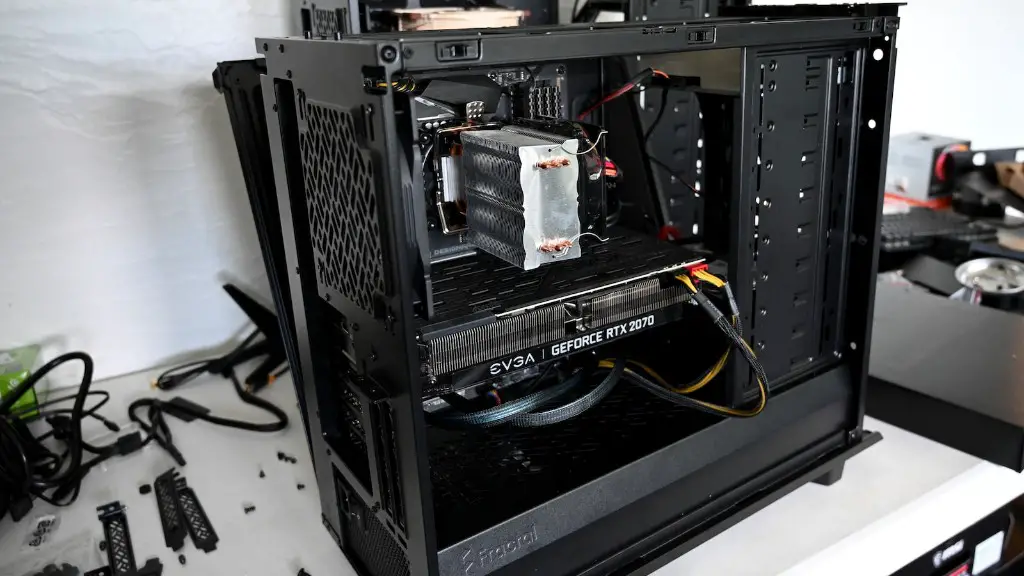
For most gamers, a monitor with a resolution of 1080p is adequate. While it doesn’t provide the most detailed visuals, it’s still a good choice for most gaming scenarios. However, if you’re looking for the highest-quality visuals for gaming, then a monitor with a resolution of 1440p or 4K is the way to go. Although these higher resolution monitors are usually more expensive, they provide the sharpest and clearest images possible.
The size of the monitor also plays a role in the resolution. A larger monitor will be able to display more pixels compared to a smaller monitor, which means that it can provide a higher resolution. So when selecting a monitor for gaming, it’s important to consider the size of the monitor as well as the resolution.
Similarly, the type of graphics card you’re using also affects the resolution. If you’re using a lower-end card, then a lower resolution monitor is recommended, as it won’t provide the highest quality visuals. However, if you’re using a high-end card, then a monitor with a higher resolution such as 1440p or 4K will provide the best visuals for gaming.
Finally, the type of connections available can also play a role in the resolution. Monitors with DisplayPort connections generally provide higher resolutions than those with HDMI connections, as DisplayPort connections can transfer data faster. So if you’re looking for the highest-quality visuals, then a monitor with a DisplayPort connection is recommended.
What’s The Best Response Time For A Gaming Monitor?
When it comes to choosing a gaming monitor, the response time is another important factor to consider. Response time is the time it takes for the monitor to change from showing one image to another and it affects the level of clarity and smoothness of the visuals displayed. There are two types of response times to choose from – GTG (gray-to-gray) and IPS (in-plane switching).
For most gamers, a monitor with a GTG response time of 4ms or lower is recommended. This will provide smooth and clear visuals that enable gamers to get the most out of their gaming experience. If you’re looking for the fastest response time possible, then a monitor with an IPS response time of 1ms or lower is recommended, as this will provide the clearest images and the smoothest gameplay.
The type of graphics card you’re using to power your gaming experience also plays a role in the best response time for a gaming monitor. If you’re using a higher-end card, then a monitor with a lower response time such as 1ms is recommended, as this will provide the clearest and most responsive visuals. However, if you’re using a lower-end card, then a monitor with a higher response time such as 4ms will still provide a satisfactory gaming experience.
Similarly, the type of connections available can also affect the response time. Monitors with DisplayPort connections will provide faster response times than monitors with HDMI connections, as DisplayPort connections can transfer data faster. So if you’re looking for the clearest and most responsive visuals, then a monitor with a DisplayPort connection is recommended.
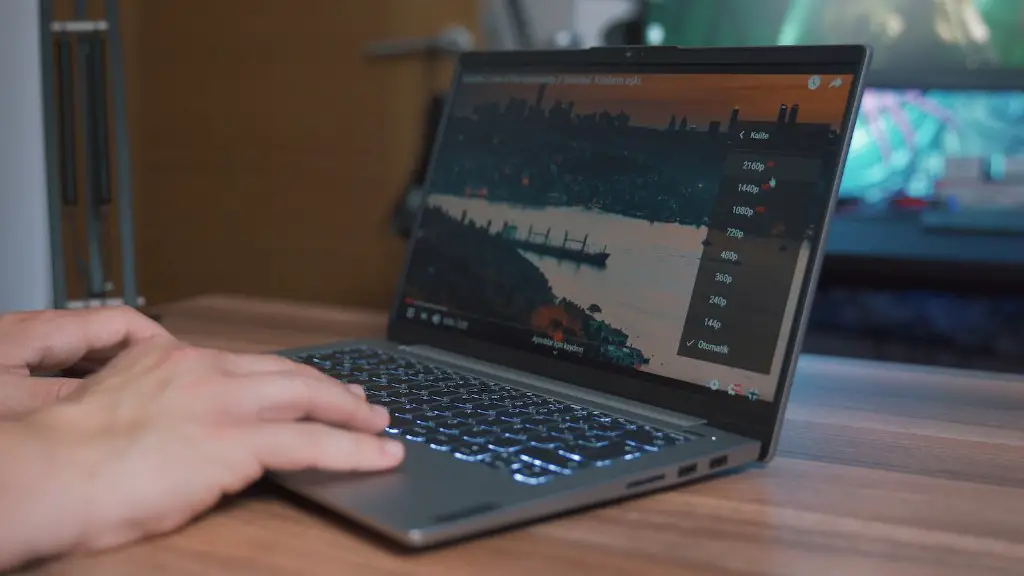
Finally, the size of the monitor also plays a role in the response time. A larger monitor can accommodate more pixels, which means it can provide a faster response time. So when selecting a monitor for gaming, it’s important to consider the size of the monitor as well as the response time.
What’s The Best Brightness For A Gaming Monitor?
When it comes to choosing a monitor for gaming, the brightness of the monitor is another important factor to consider. Brightness is measured in nits and it affects the amount of light that the display emits, which in turn affects the contrast of the images displayed. Monitors with higher brightness levels will provide a better and crisper image, which is why it’s important to select the best brightness for a gaming monitor.
Most gaming monitors range from 150 to 400 nits, with 300 nits being the usual recommendation for most gamers. Monitors with a brightness of 300 nits are generally considered the ideal level for gaming, as they provide a good balance of brightness and contrast. However, gamers who play in darker environments may prefer a monitor with a lower brightness level, such as 150 nits, as this will provide a better viewing experience.
The type of graphics card you’re using to power your gaming also affects the brightness. If you’re using a higher-end card, then a brighter monitor will provide the clearest and most vivid visuals. On the other hand, if you’re using a lower-end card, then a lower brightness monitor may be more suitable.
Similarly, the type of connections available can also play a role in the brightness. Monitors with DisplayPort connections will generally provide brighter images than those with HDMI connections, as DisplayPort connections can transfer data faster. So if you’re looking for the brightest and most accurate visuals, then a monitor with a DisplayPort connection is recommended.
Finally, the size of the monitor also plays a role in the brightness level. A larger monitor can accommodate more pixels, which means it can provide a brighter display. So when selecting a monitor for gaming, it’s important to consider the size of the monitor as well as the brightness.
What’s The Best Color Gamut For A Gaming Monitor?
When it comes to choosing a gaming monitor, the color gamut of the monitor is another important factor to consider. Color gamut is the range of colors that the monitor can display and it affects the accuracy and vibrancy of the images displayed. Monitors with a wide color gamut will provide more accurate and vibrant colors, which is why it’s important to select the best color gamut for a gaming monitor.
There are two main types of color gamuts to choose from – sRGB and AdobeRGB. Monitors with an sRGB color gamut will provide more than enough colors to provide vibrant and accurate visuals for the majority of gamers. However, if you’re looking for the most accurate and detailed visuals possible, then a monitor with an AdobeRGB color gamut is recommended.
The type of graphics card you’re using to power your gaming experience also affects the color gamut. If you’re using a higher-end card, then a monitor with a wide gamut such as AdobeRGB is recommended, as this will provide the most accurate and vivid colors. On the other hand, if you’re using a lower-end card, then a monitor with an sRGB color gamut will provide satisfactory visuals.
The type of connections available can also play a role in the color gamut. Monitors with DisplayPort connections will generally provide a wider color gamut than those with HDMI connections, as DisplayPort connections can transfer data faster. So if you’re looking for the most accurate and vivid colors, then a monitor with a DisplayPort connection is recommended.
Finally, the size of the monitor also plays a role in the color gamut. A larger monitor can accommodate more pixels, which means it can provide a wider color gamut. So when selecting a monitor for gaming, it’s important to consider the size of the monitor as well as the color gamut.
