Choosing a good gaming monitor for a PC requires careful consideration. Certain features are essential for gaming, and it’s important to pay attention to the size, refresh rate, and resolution of any monitor. Monitor size will determine the field of view (FOV) of the game, and the refresh rate affects the responsiveness and smoothness of the gaming experience. Resolution will determine the clarity and sharpness of the image. There are many other factors to consider when selecting a gaming monitor, such as compatibility, build quality, and power consumption.
The main considerations when purchasing a gaming monitor are size, refresh rate, and resolution. Size is a key factor because it determines the monitor’s field of view. In general, a larger monitor will allow you to see further distances, making it easier to spot enemies or explore environments. Refresh rate is also important and is measured in Hertz (Hz). Monitors with higher refresh rates will respond and render images quicker, providing a smoother gaming experience. Finally, a higher resolution will give sharper images and more precise detail.
It’s also important to consider compatibility. For example, if you plan to use a VR headset, you’ll need to make sure the gaming monitor is compatible with the headset’s connectors. Lastly, build quality should be taken into account, as gaming monitors are generally more expensive than regular monitors and therefore need to be durable. Additionally, power consumption can be a factor, as some monitors use more electricity than others.
When choosing a monitor for gaming, it’s important to look at all the options available and take into account the size, refresh rate, resolution, compatibility, build quality, and power consumption. Finding the right monitor will make all the difference in your gaming experience. With the right gaming monitor, you can enjoy a sharp, responsive, and immersive gaming experience.
Connectivity
The connectivity of the gaming monitor is an important factor to consider. Some monitors may have only one input port, and this will limit the number of devices that can be connected to the monitor at once. Gaming monitors usually have multiple ports for connecting devices, including DisplayPort and HDMI. DisplayPort is preferred for connecting to a gaming PC, and HDMI is typically used for connecting consoles, Blu-ray players, and other media devices. Additionally, certain monitors may also come with USB ports and audio jacks, which can be used to hook up headsets, speakers, and other gaming peripherals.
Ergonomics
Ergonomics refer to how the monitor fits in with the user’s viewing position. In order to get the most out of a gaming experience, it’s important to make sure the monitor is angled at a comfortable distance and height. Looking at a monitor that is too close or too far away can cause eye strain, headaches, and discomfort. Adjustable stands can make it easier to move the monitor around and find the ideal viewing position. Modern gaming monitors usually come with adjustable stands that can elevate, swivel, and pivot for more flexibility.
Refresh Rate
The refresh rate of a gaming monitor refers to the speed at which the screen refreshes its image. The higher the refresh rate, the smoother the gaming experience. The types of games that you play will also influence the type of refresh rate you need. FPS (First Person Shooter) games usually require higher refresh rates for optimal performance, while RPG (Role Playing Games) can usually get away with lower refresh rates. When choosing a gaming monitor, it’s important to make sure it has the right refresh rate for the type of games you play.
Panel Technology
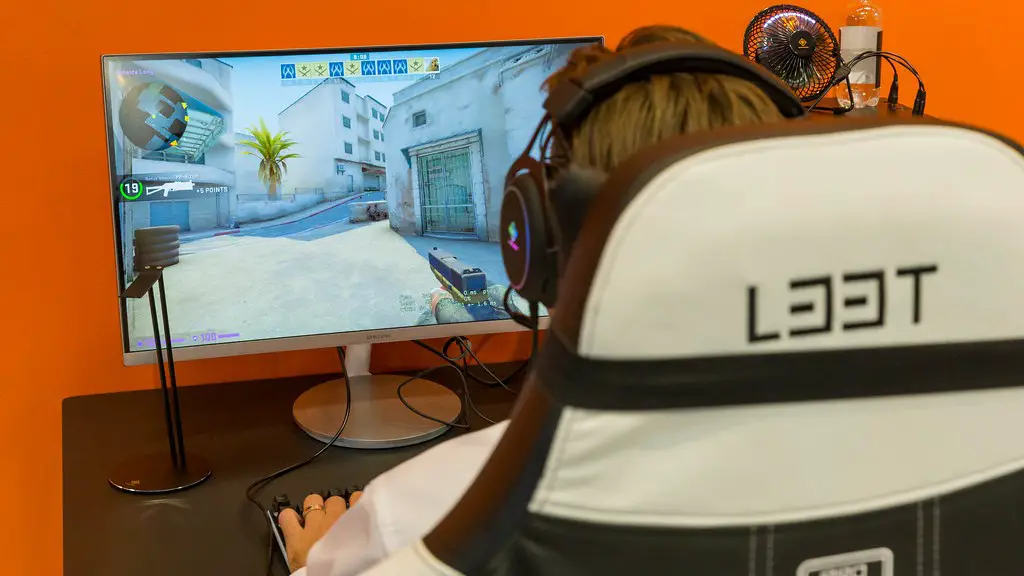
The panel technology of a gaming monitor also affects the quality of the image. Different technologies use different methods of producing the image on the screen, and this affects the brightness, contrast, color accuracy, and response time of the image. The most popular technologies are TN (Twisted Nematic) and IPS (In-Plane Switching), but there are other types available as well. TN monitors usually have the fastest response times, but IPS panels offer more accurate colors and better viewing angles.
Display Modes
Many gaming monitors come with different display modes, which allow the user to adjust the image to their preference. The most common display mode is gaming mode, which sets the screen to a high refresh rate and low latency mode to optimize gaming performance. There may also be different modes for movie viewing, web browsing, and other activities, which may make the experience more enjoyable. It’s important to make sure your gaming monitor has the display modes you need for the different activities you may be doing.
G-Sync and FreeSync
G-Sync and FreeSync are two popular technologies that help to reduce screen tearing and stuttering in gaming. These technologies synchronize the refresh rate of the monitor with the GPU of the gaming PC, which prevents the image from tearing or stuttering under load. If you plan to play graphics-intensive games, it’s important to make sure your gaming monitor has either G-Sync or FreeSync, as this can help to improve the gaming experience.
