Are you planning to build a gaming PC, but unsure whether you need a gaming monitor? It is a common question that many gamers have. Gamers that build gaming PCs need to make sure their setup is right, and this includes choosing the right monitor. In this blog, we’ll discuss if a gaming monitor is needed for gaming PCs or not.
To start with, it’s important to know the difference between a standard monitor and a gaming monitor. A gaming monitor typically has a higher refresh rate, lower response time, adjustable settings, and a better image quality. This adds to the overall gaming experience and can even give gamers an edge. That being said, the need for a gaming monitor really depends on the type of gaming experience the player wants.
If you’re a serious gamer looking for the most immersive gaming experience, then a gaming monitor will be a great addition to your gaming PC setup. A gaming monitor can offer better visuals and a smoother gaming experience than a standard monitor. For example, if you’re playing a shooter game, the higher refresh rate, low response time, and adjustable settings can make a big difference in your performance.
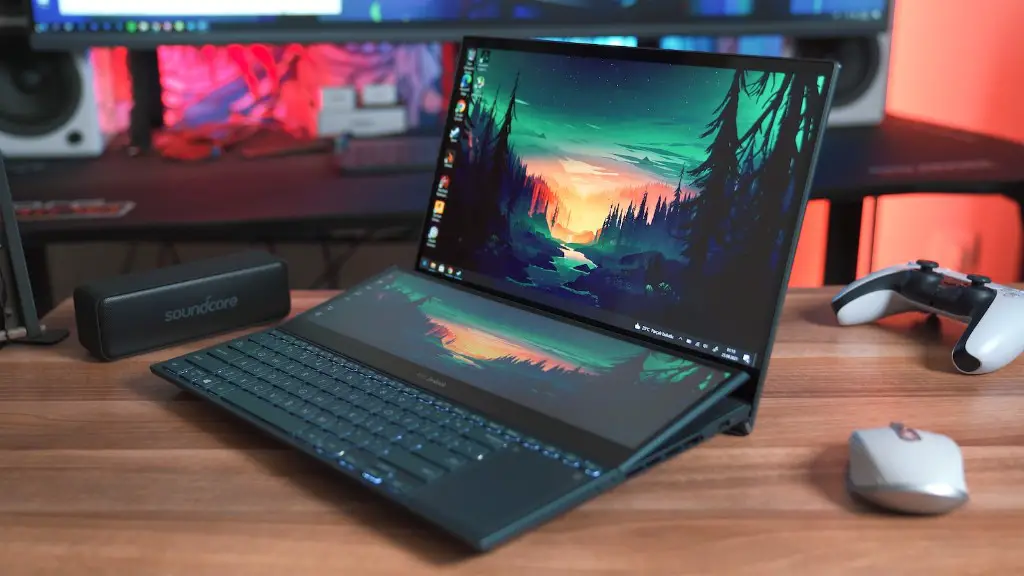
On the other hand, if you’re a casual gamer who is playing games mostly for fun and don’t need the most advanced gaming experience, then a standard monitor may be enough. A standard monitor will still give you a great gaming experience, but won’t provide the same crisp visuals and gaming response time that a gaming monitor offers.
In conclusion, it really depends on your gaming needs whether you need a gaming monitor or not. If you’re a serious gamer who needs a competitive advantage or a more immersive gaming experience, then a gaming monitor will be the better choice. However, if you’re mostly a casual gamer who is just looking for fun, then a standard monitor may be enough for you.
Screen Size & Resolution
When shopping for a monitor, it’s important to pay attention to the screen size and resolution if you’re getting a gaming monitor. Screen size is important because you may want to be able to watch more at once, such as view additional monitors when playing multiple games. Higher resolution will also help create a sharper image, though note that not all gaming monitors have 4K capabilities.
When it comes to the aspect ratios, most gaming monitors come with the traditional 16:9 and 21:9. If you want game titles to be displayed in the most realistic way, then you should consider a monitor with a 21:9 aspect ratio. It’s also advised to get a large monitor for gaming because it can make gaming a lot more enjoyable.
Refresh Rate and Response Time
The refresh rate and response time are two important features to consider when choosing a gaming monitor. A high refresh rate (usually around 60 or 144 Hz) will ensure the smoothest frame rate. For response time, it’s important to get a monitor with a low response time (around 1ms) for minimal ghosting and tearing.
High refresh rate and response time are especially important for competitive gaming since they can give you a significant advantage over your opponents. Therefore, if you’re considering a gaming monitor, you should make sure it has a high refresh rate and low response time.
AMD FreeSync & NVIDIA G-Sync
Another important feature to consider when getting a gaming monitor is AMD FreeSync and NVIDIA G-Sync technology. These technologies are designed to reduce screen tearing, stuttering, and input lag during gaming. To get the best gaming experience possible, you should make sure your gaming monitor is FreeSync or G-Sync compatible.
Connectivity & Price
When selecting a gaming monitor, it’s important to pay attention to connectivity. You want to make sure the monitor has enough ports to connect all your gaming devices and peripherals. You should also consider the price of the gaming monitor. While there are a lot of high-end gaming monitors out there, there are also some good gaming monitors at an affordable price.
Visual Quality & Performance
Lastly, you should take into consideration the visual quality and performance of the gaming monitor. RGB lighting and advanced software settings can be helpful for achieving the best image quality. Also, look at reviews of the monitors before purchasing to get an idea of the performance and reliability of the monitor.
