Gaming monitors are one of the most important components of any serious gaming setup. A good gaming monitor can significantly improve your gaming performance, giving you a better experience, with sharper visuals and responsive gameplay. But the vast majority of gaming monitors on the market today are expensive, and many budget-conscious gamers find themselves asking: what is a good budget gaming monitor? Fortunately, there are plenty of high-quality budget gaming monitors available that provide excellent performance and features, without breaking the bank.
When looking for a budget gaming monitor, it’s important to consider some key factors like size, resolution and refresh rate. Generally, for gaming, a larger size, higher resolution and a higher refresh rate are all beneficial. A 24-inch 1920 x 1080 resolution with a refresh rate of 60Hz or higher is a good starting point. This size, resolution and refresh rate combination is great for most gaming genres and won’t break the bank.
In addition to size, resolution, and refresh rate, other important features to consider in a budget gaming monitor are input lag and response time. Input lag is the time it takes for a monitor to process the command from your mouse or gamepad, and the lower the input lag the better. Similarly, response time is the time it takes for the monitor to process a single frame of data and the lower the better. Both of these values should be as low as possible, however for most gamers a response time of 5ms or less will be more than sufficient.
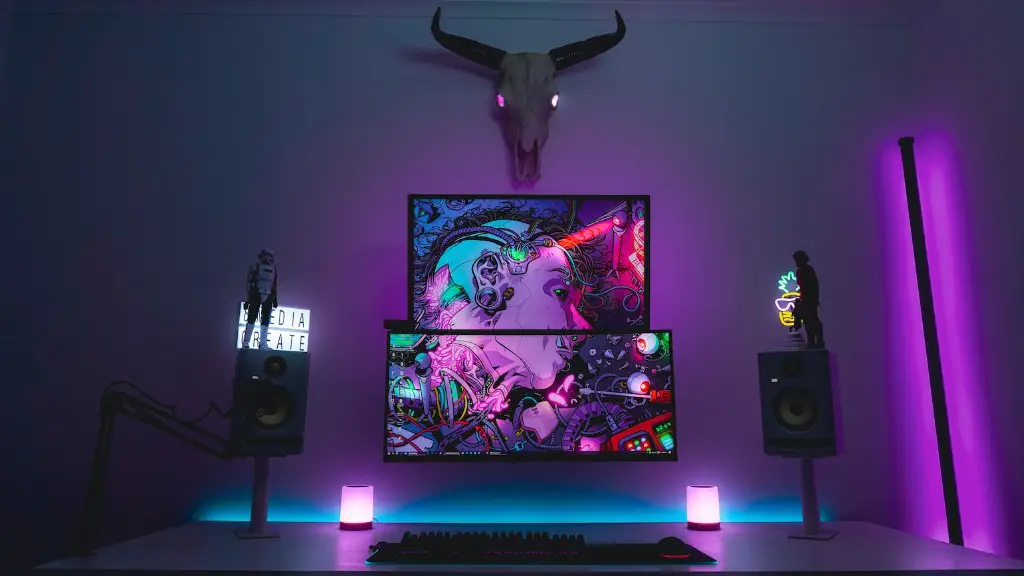
Finally, in order to get the most out of your budget gaming monitor, it’s important to consider the type of connections that the monitor offers. Most gaming monitors today offer HDMI and DisplayPort connections, but they may also offer additional connections such as DVI, VGA, and USB-C. Generally, HDMI and DisplayPort offer the best quality, but other connections such as DVI and VGA can still provide good performance.
A budget gaming monitor can be an excellent choice for gamers who want to get a good gaming experience without breaking the bank. By carefully considering size, resolution, refresh rate, input lag, response time, and connection types, you can find a budget gaming monitor that offers great performance and features without sacrificing on quality.
Size and Resolution
For the best gaming experience, it’s important to consider the size and resolution of the monitor. Larger monitors of 24 inches and above tend to give the most immersive experience. Higher resolutions, meanwhile, will provide sharper image quality. While higher resolutions such as 4K are now available, this still can be expensive. As such, a resolution of 1920×1080 is more than adequate for most gamers.
Refresh Rate
Refresh rate is also an important factor when considering a budget gaming monitor. Higher refresh rates are beneficial as they can significantly improve the overall gaming experience. Most gaming monitors today offer a minimum refresh rate of 60Hz, but some monitors can offer higher rates of up to 144Hz or even 240Hz. As such, it’s important to consider the refresh rate of the monitor to ensure that you get the best gaming experience possible.
Input Lag and Response Time
Input lag and response time are important factors in determining the overall performance of a gaming monitor. Both should be kept as low as possible for the best gaming performance. Input lag is the amount of time it takes the monitor to process the command from your mouse or gamepad, while response time is the amount of time it takes the monitor to process a single frame of data. Typically, gaming monitors with a response time of 5ms or less will provide more than enough performance for most gamers.
Connection Types
The type of connection offered by a budget gaming monitor should also be taken into account. HDMI and DisplayPort connections offer the best performance, but some monitors may also include other connection options such as DVI, VGA, and USB-C. It is important to look at the type of connection offered by the monitor to ensure that it can support the type of gaming device you have.
Additional Features
Finally, it is important to consider any additional features that a budget gaming monitor may have. Many gaming monitors today have additional features such as AMD FreeSync or NVIDIA G-Sync, which can further improve the gaming experience by reducing screen tearing and providing smoother gaming performance. Furthermore, some gaming monitors may offer additional features such as built-in speakers, adjustable stands, and even built-in light sensors.
Conclusion
When choosing a budget gaming monitor, it is important to consider size, resolution, refresh rate, input lag and response time, connection types, and additional features. With careful consideration, it is possible to find a budget gaming monitor that offers great performance and features without breaking the bank.
