There is no denying the fact that having the right gaming monitor can be a game-changer for your gaming experience.
It is important to consider certain things such as size, resolution, panel type, refresh rate, response time, and adaptive-sync technology before you buy a gaming monitor.
Size of the monitor is an important factor. Generally, bigger monitors offer a better visual experience. 32 inches and above monitors are generally considered suitable for gamers.
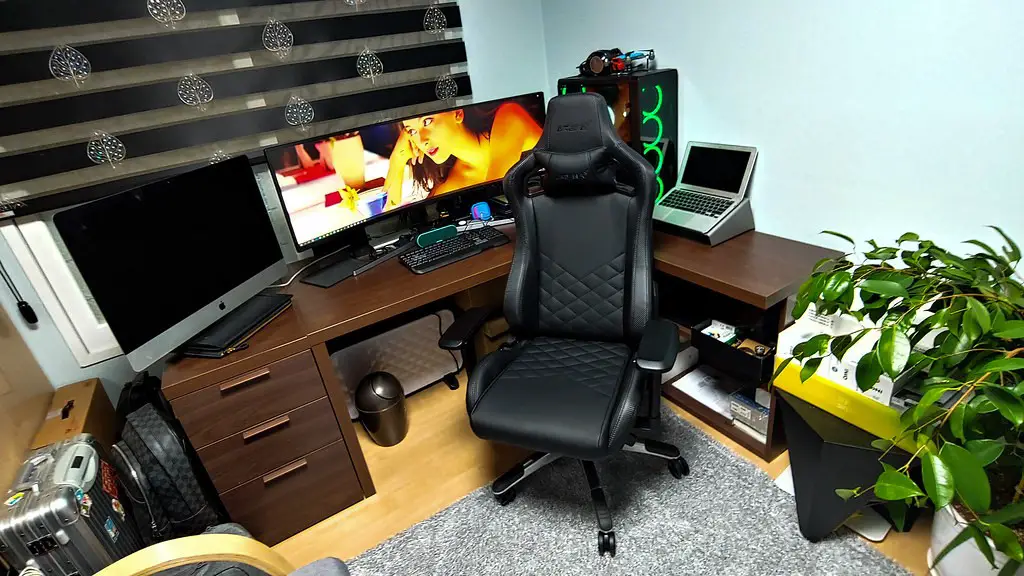
The resolution of the monitor should be taken into account when purchasing one. The higher the resolution, the better the picture quality. 1080P, 1440P, and 4K are the most common resolutions available in the market.
There are two types of monitor panel technology- TN and IPS. TN panels are cheaper and have lower response time whereas IPS panels have higher response time but offer better colour accuracy and viewing angles.
Refresh rate is the frequency of the refresh cycle that happens in a second which is represented in Hertz (Hz). Most of the gaming monitors come with a refresh rate of 60Hz, 120Hz, 144Hz, or even higher. Higher refresh rate results in improved gaming experience.
Adaptive-sync technology is also called variable refresh rate (VRR). It synchronizes the refresh rate of the monitor with the FPS rate of the graphics card. This technology ensures that the monitor is able to display the frames rates of the graphic card at their intended rate.
Size and Resolution
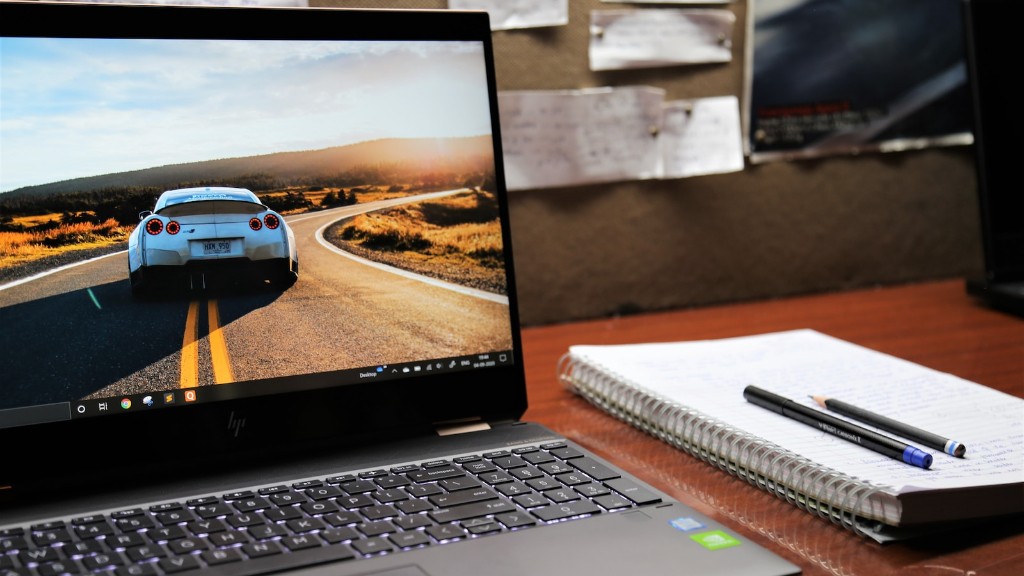
Size and resolution of the monitor are the two most important factors to be considered when it comes to gaming monitors. Generally, bigger monitors offer a better visual experience. 32 inches and above monitors are generally considered suitable for gamers. The resolution of the monitor should be taken into account when purchasing one. The higher the resolution, the better the picture quality. 1080P, 1440P, and 4K are the most common resolutions available in the market.
It is important to note that the size and resolution of the monitor determine the level of detail you will be able to see while gaming. So, it is recommended to opt for the highest resolution available in the size of the monitor of your choice.
A higher resolution monitor can also benefit those who wish to multitask or watch videos as it enhances the visual experience.
It should also be noted that most of the gaming monitors come with some type of anti-aliasing technology, which helps reduce the jagged edges and makes the picture smoother.
Finally, depending on the type of gaming you do, you may want to invest in a multi-monitor setup, which allows gamers to increase their field of view and make multitasking a lot easier.
Panel Type and Refresh Rate
The type of panel technology and the refresh rate of the monitor are also important factors to consider when buying a gaming monitor. There are two types of monitor panel technology- TN and IPS. TN panels are cheaper and have lower response time whereas IPS panels have higher response time but offer better colour accuracy and viewing angles.
Refresh rate is the frequency of the refresh cycle that happens in a second which is represented in Hertz (Hz). Most of the gaming monitors come with a refresh rate of 60Hz, 120Hz, 144Hz, or even higher. Higher refresh rate results in improved gaming experience.
It should also be noted that a higher refresh rate helps to reduce screen tearing and eliminates stuttering, which can improve your gaming experience drastically.
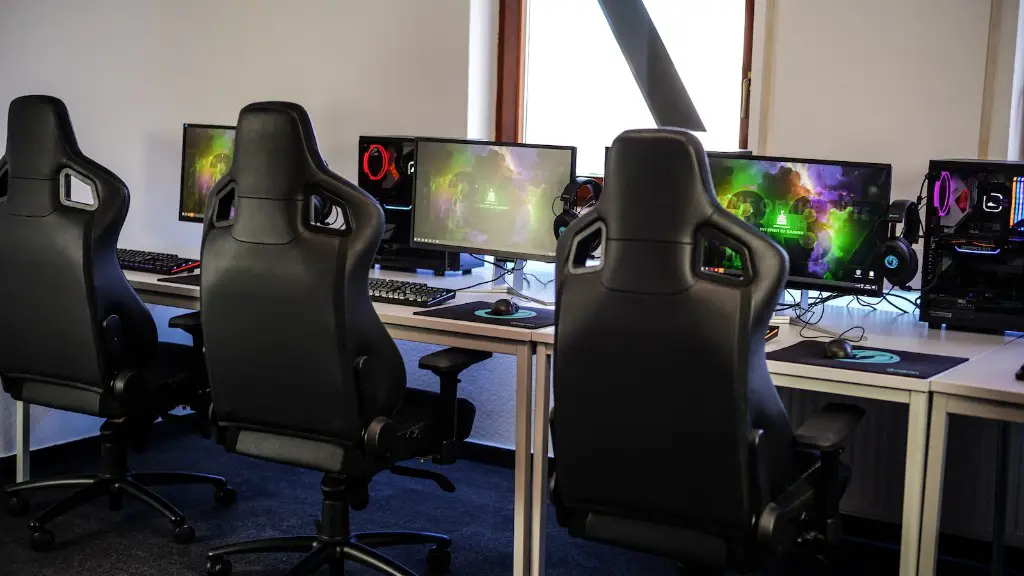
When selecting a gaming monitor, it is important to bear in mind the type of games you usually play. If you mostly play fast-paced games like shooter or racing games, then you should opt for a monitor with a higher refresh rate and a fast response time.
On the other hand, if you play mostly RPG or strategy games, then a monitor with a lower refresh rate may be adequate. So, depending on your gaming needs, it is important to choose the right monitor.
Adaptive Sync Technology
Adaptive-sync technology, also known as variable refresh rate (VRR) is an important feature to consider when choosing a gaming monitor. It synchronizes the refresh rate of the monitor with the frames per second (FPS) rate of the graphics card. This technology ensures that the monitor is able to display the frames per second rate of the graphic card at their intended rate.
Adaptive-sync technology helps to reduce screen tearing, stuttering and input lag. This technology is particularly beneficial for gamers who often experience lag while playing games. Alternatively, gamers can also opt for FreeSync or G-SYNC enabled monitors.
However, it should be noted that you need to have a compatible graphics card in order to take advantage of these technologies. If you do not have one, then it is recommended to opt for a monitor that offers a higher refresh rate.
Furthermore, some monitors also come with a built-in overclocking feature, allowing gamers to increase the refresh rate of the monitor to accommodate high-quality graphics.
Lastly, some gaming monitors also come with additional features like built-in speakers, remote control, and USB ports for added convenience.
AMD Radeon FreeSync
AMD Radeon FreeSync is a variable refresh rate (VRR) technology designed to reduce screen tearing and stuttering while gaming. It synchronizes the refresh rate of the monitor with the frame rate of the graphics card. This helps to eliminate tearing, stuttering, and input lag, providing gamers with a more enjoyable gaming experience.
Unlike G-SYNC, AMD Radeon FreeSync is an open-source technology, which means that it can be implemented on monitors from multiple manufacturers. Additionally, it does not require any additional hardware to take advantage of this technology.
AMD Radeon FreeSync is also compatible with certain AMD GPU’s, so it is important to check the compatibility of your GPU with this technology before opting for a FreeSync monitor.
It should also be noted that AMD Radeon FreeSync is not available on all monitors. Many of the latest gaming monitors come with built-in support for this technology. However, in case your monitor does not come with this technology, you may have to buy an AMD FreeSync-compatible monitor.
If you are a serious gamer, then investing in a gaming monitor with AMD Radeon FreeSync support is well worth it.
G-SYNC
G-SYNC is NVIDIA’s proprietary variable refresh rate technology designed to reduce screen tearing, stuttering, and input lag. It synchronizes the refresh rate of the monitor with the frames per second rate of the graphics card. This helps to reduce the amount of tearing, stuttering, and input lag and provides gamers with a smoother gaming experience.
Unlike AMD Radeon FreeSync, G-SYNC requires additional hardware in order to take advantage of this technology. This hardware is built into the monitor and is capable of synchronizing the refresh rate of the monitor with the frames per second rate of the graphics card.
The G-SYNC technology is available on certain monitors from select manufacturers. It is important to check the compatibility of your GPU with this technology before opting for a G-SYNC compatible monitor.
G-SYNC is generally more expensive than AMD Radeon FreeSync, but it is worth the extra money, especially if you are a professional or avid gamer.
It is important to note that some monitors come with both G-SYNC and AMD Radeon FreeSync capabilities, allowing gamers to experience the best of both worlds.
