Is a TV suitable for gaming? Yes, it can be a great way to get the most out of your gaming experience. TVs have a larger screen size than most computer monitors, which can provide a better viewing experience. TVs can also provide a more immersive experience due to their built-in speakers and possibility of connecting to a surround sound system. But it all depends on your budget and the type of games you’re playing.
The picture quality of a TV is an important factor when playing video games. A good quality TV will have a high refresh rate, low input lag and good contrast ratio. If you’re solely playing casual games, such as puzzle or board games, these factors may not be as important. But if you’re playing games like first-person shooters and need split-second reflexes, you’ll want a TV with a low input lag.
Be sure to think about the types of connections you’ll need. Most gaming PCs will require a monitor with an HDMI port and possibly a DisplayPort. If your PC has multiple graphics cards, you may need a TV with multiple HDMI ports. There are also a variety of ports designed for gaming consoles, such as DVI, RGB and component or composite.
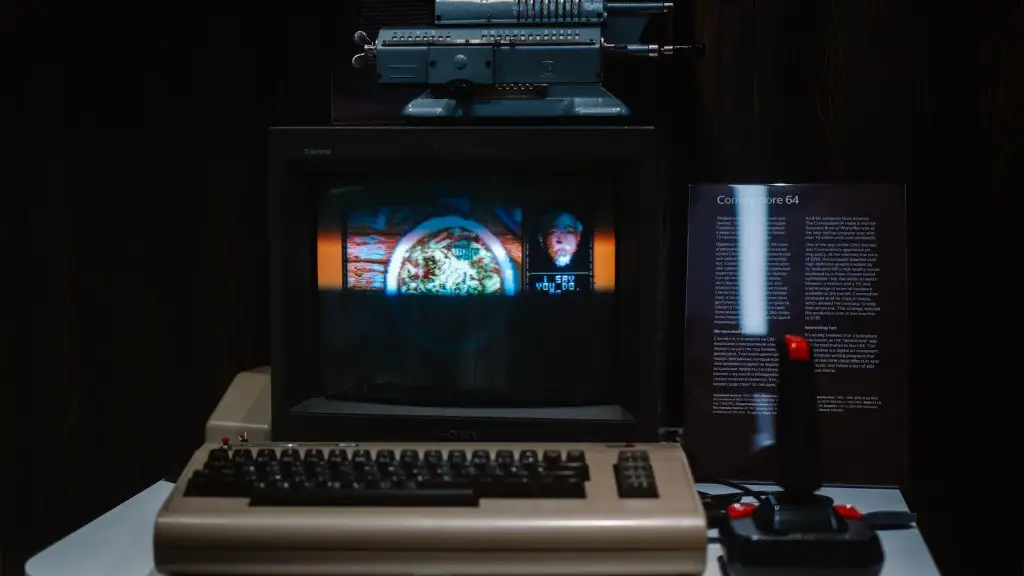
Motion blur is a major concern for the best gaming experience. Look for a TV with a low response time and backlight scanning, such as a Sony Triluminous model. OLED TVs have very little motion blur, but they are more expensive. It’s also important to choose a TV with a low display lag – this is the time it takes for the TV output to match what’s shown in the game.
Ultimately, you’ll need to decide whether a gaming monitor or a TV is right for you. TVs tend to be more expensive than monitors, but they provide a larger viewing area and more immersive experience. Consider your budget, picture quality and the types of games you play before making your decision.
Size of the TV
When it comes to using a TV for gaming, size does matter. If you want to get the most out of your gaming experience, it’s best to use a large screen. A larger screen makes it easier to see objects that may be in the background of the game, such as enemies, obstacles or power-ups. This can be a major advantage when playing first person shooters or sports games.
Bigger TVs can be more expensive, but you’ll get more for your money. A larger TV will have more pixels and a higher resolution, which can provide a clearer and sharper image. Bigger TVs also come with more ports, which makes them more versatile.
If you have the space, getting a larger TV can be a great investment. But if you don’t have the space or budget to buy a larger TV, there are other ways to improve your gaming experience on a smaller TV.
One way is to sit close to the TV. The closer you sit, the less noticeable objects in the background become. You can also connect your TV to a sound system, which will make the audio and music more immersive.
Finally, be sure to choose a TV with a low input lag, as this will help reduce motion blur and make sure your input is received as quickly as possible.
Connection Type
When considering a TV for gaming, the type of connection is an important factor. TVs usually feature either HDMI or VGA connectors, and some may have DisplayPort or DVI connectors. You’ll need to choose the one that works well with your gaming system.
The majority of gaming systems, such as PCs, require an HDMI connection. This connection sends video and audio signals over a single cable. It’s also capable of transferring data at much higher bitrates than VGA, which makes it ideal for gaming.
If you’re connecting your gaming system to a monitor, you may need to check your system specifications to find out the type of connection you require. Generally, gaming PCs require a monitor with an HDMI port and possibly a DisplayPort. If your PC has multiple graphics cards, you may need a TV with multiple HDMI ports.
You should also consider the type of sound system you’ll be using. Most TVs support stereo or surround sound, but some come with built-in soundbars and subwoofers. If you plan on using a sound system, make sure the TV you choose supports it.
Finally, make sure that the ports you need are available on the TV you’re considering. There are a variety of ports available on modern TVs, such as component or composite, which are designed for gaming consoles.
Refresh Rate

The refresh rate is an important factor to consider when using a TV for gaming. The refresh rate is the number of times a TV can update the picture on its screen in a single second. Generally, a higher refresh rate will result in a smoother and higher quality picture.
Most TVs feature a refresh rate of 60Hz, which is fine for casual gaming. If you want a more immersive experience, you can opt for a TV with a faster refresh rate, such as 240Hz. This will provide a much smoother picture, which can make your gaming experience more enjoyable.
When shopping for a gaming TV, look for models that feature a fast response time and backlight scanning, such as a Sony Triluminous model. OLED TVs have very little motion blur, but they can be more expensive. Also check to make sure the TV you purchase has a low display lag, as this will make sure your input is received as quickly as possible.
Finally, make sure to check the size of the TV you’re considering. Bigger TVs can be more expensive, but they can provide a larger viewing area and a higher resolution, making them a great choice for gaming.
User Interface
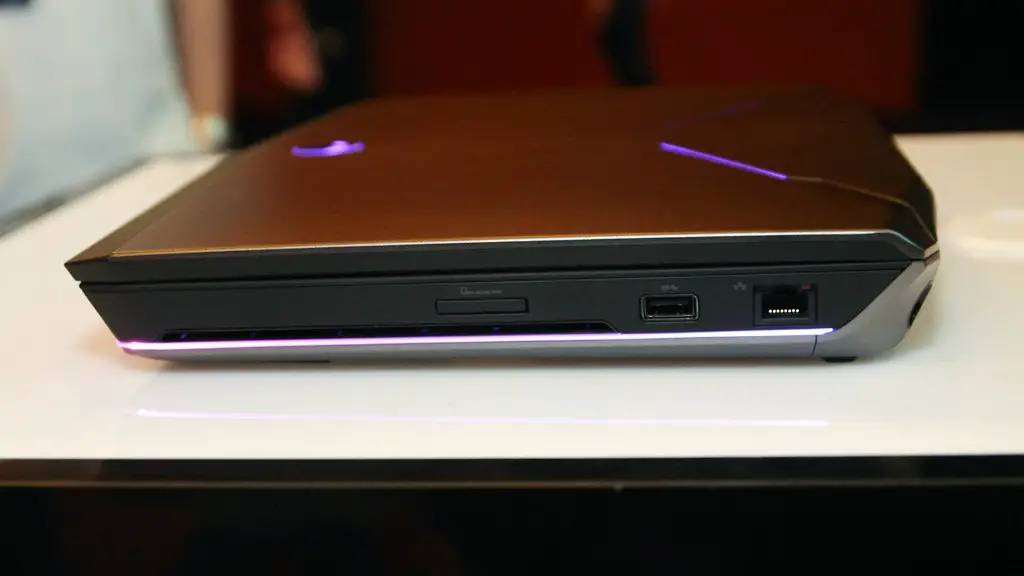
The user interface of a TV is a major factor when using a TV for gaming. Generally, TVs come with their own operating systems or user interfaces. Some TVs, such as LG and Samsung Smart TVs, feature their own dedicated app stores, which makes it easier to find and download compatible games.
Smart TVs also come with many features that can enhance your gaming experience, such as motion sensing technology, voice control and screen mirroring. This can make it easier to control your games and play them on a larger screen.
Another way to improve your gaming experience is to connect your TV to an external gaming console, such as an Xbox or PlayStation. This will give you access to many more games and allow you to play online with your friends. It also makes it easier to keep your progress up to date.
When shopping for a gaming TV, look for one with a user interface that’s compatible with your system and easy to use. Check to see what features the TV offers and which games are available. This will help you make sure you choose the best TV for your gaming experience.
Value for Money
Finally, when choosing a TV for gaming, you’ll want to make sure you get value for your money. Look for a TV that has good picture quality and features such as a low response time and backlight scanning. OLED TVs have very little motion blur and usually give a better picture, but they’re more expensive.
Check to make sure the TV you’re considering has all the ports you need, such as HDMI or VGA. Also consider the sound system you want and make sure the TV you choose supports it. Make sure the TV you choose has a low input lag and a fast refresh rate. Bigger TVs can be more expensive, but they provide a larger viewing area and more immersive experience.
When purchasing a TV for gaming, make sure you do your research and compare prices. There are many different types of TVs on the market, and it’s important to choose one that will suit your gaming needs and budget.
