Video gamers often ask whether they can use a television as a gaming monitor. The simple answer is yes; indeed, Smart TVs have been used as gaming monitors even before external gaming monitors were widely available. However, there are several points to consider when making the switch to a television screen.
First, it is important to understand that the image quality of a television is generally inferior to what one might expect from a dedicated gaming monitor. While modern LCD and OLED TVs generally feature enhanced refresh rates, higher resolutions, and low latency, the degree of quality control on television production is lower than on monitors from major electronics manufacturers.
Second, the physical size of a television can be both beneficial and detrimental. Large sizes such as 55-inch models offer a wider field of view than a typical gaming monitor, but small sizes such as 40-inch models may not provide enough space for a pleasant gaming experience. Also, consider the physical space in the room to accommodate a TV.
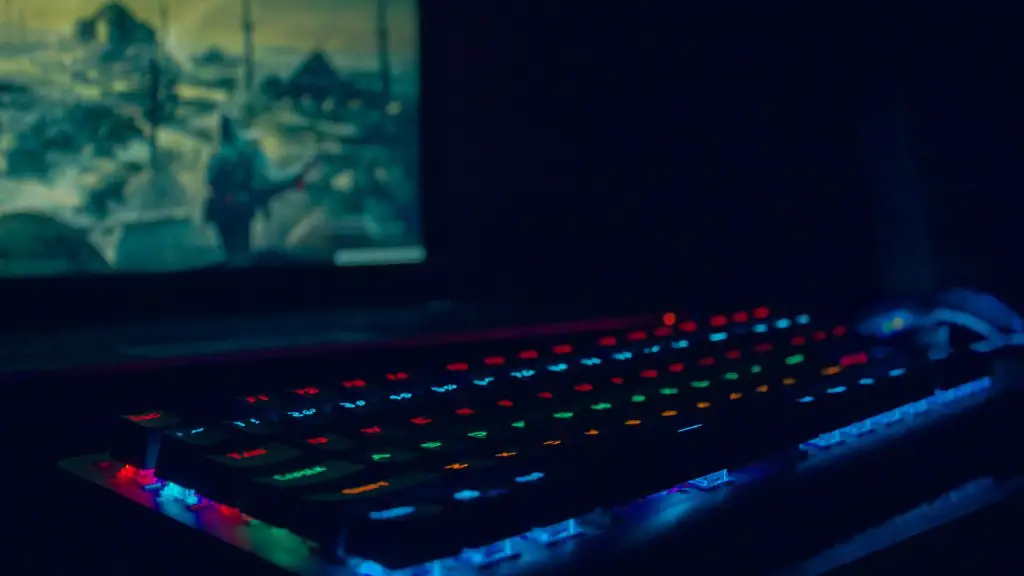
Third, look for televisions with an option to switch between native display modes, or better yet, a “game mode” that is specifically designed for gaming. Many TVs have settings such as motion smoothing, motion interpolation, or auto-detect to improve smoothness. Bear in mind that these settings can reduce overall picture quality, so it’s best to experiment to find the best settings for the game and TV used.
Lastly, for gamers seeking even better image resolution and responsiveness, there are a number of higher-end gaming displays, each offering different solutions to the question of whether to use a television as a gaming monitor. Whether considering a dedicated gaming monitor or a “smart” TV, gamers will want to consider factors such as viewing angle, response time, and refresh rate in order to determine the best solution.
Gaming TV Resolution
When it comes to gaming TVs, the primary consideration is resolution. High-definition “1080p” TV sets generally offer adequate resolution for most gaming purposes, although those who want to take advantage of the latest 4K technology may want to invest in something higher-end. Those with a console or PC that supports higher resolutions should try to opt for a 4K-capable TV, as this will help to ensure that games look their best.
In addition, gamers should look for TVs with input lag and response time measurements that are suitable for gaming. Input lag, which measures the time it takes for the TV to process a signal, is an important part of any gaming experience, as it determines the responsiveness of the TV. A lower input lag will result in a more responsive gaming experience, while a higher measure will lag behind and cause input delays.

Similarly, response time measurements indicate the speed at which individual pixels on the screen can adjust their brightness. A lower response time will enable games to look sharper and clearer, with faster response times making it easier to track fast-moving objects on the screen.
Another factor to consider is refresh rate. Generally speaking, the higher the refresh rate, the smoother the game will look. Most TVs support refresh rates up to 60 Hz (which is equivalent to 60 frames per second), but some higher-end gaming TVs can support even higher refresh rates that can help to make the gaming experience even smoother.
Finally, having access to the latest gaming features and updates can also be important. Smart TVs are ‘connected’ devices and often feature access to popular gaming streaming services such as Netflix and YouTube, in addition to access to the latest gaming consoles, including the Sony PlayStation 4, Microsoft Xbox One, and Nintendo Switch.
Gaming TV Price
Buying a gaming TV can be a costly investment. Prices can range from as little as a few hundred dollars to thousands of dollars, depending on the size of the TV, the features it offers, and the brand. Large TVs such as those with 60 or 70-inch screens will generally be more expensive than smaller models, as will TVs with superior image quality, additional features, and advanced gaming-specific features.
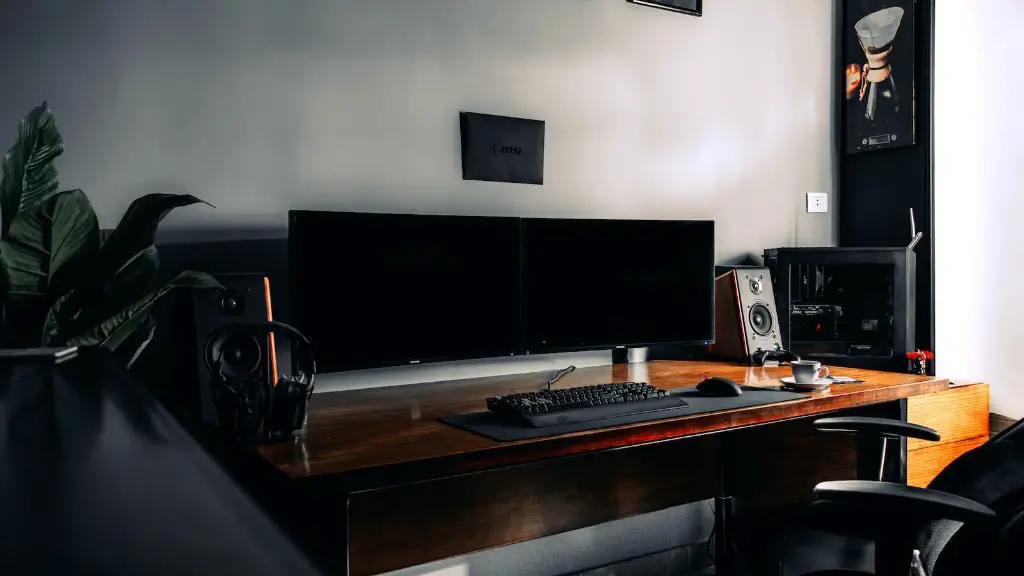
The good news is that there are gaming TVs available for a variety of budgets. Budget conscious gamers may want to consider lower-cost 1080p models, while those looking for the best gaming experience possible may want to invest in a high-end model with 4K resolution, HDR, and other advanced features.
In addition, it is important to consider the cost of accessories. If a gaming monitor is purchased, gamers will need to purchase an appropriate power supply and HDMI cable, and may need to purchase additional cables for connecting to consoles if the TV does not come bundled with them. All of these accessories add to the cost of the gaming monitor.
Finally, additional accessories such as gaming headsets, controllers, joysticks, and other gaming-related items will all increase the cost of a gaming setup. It is important to research all of these items ahead of time to determine whether they are necessary.
Other Considerations
In addition to the considerations discussed above, there are a few other factors that gamers should take into account before making a decision about whether to use a TV as a gaming monitor. Some gamers may benefit from a multi-monitor setup, which allows for multiple displays to be used at the same time, while some TVs may offer special features such as 3D support or special gaming modes.
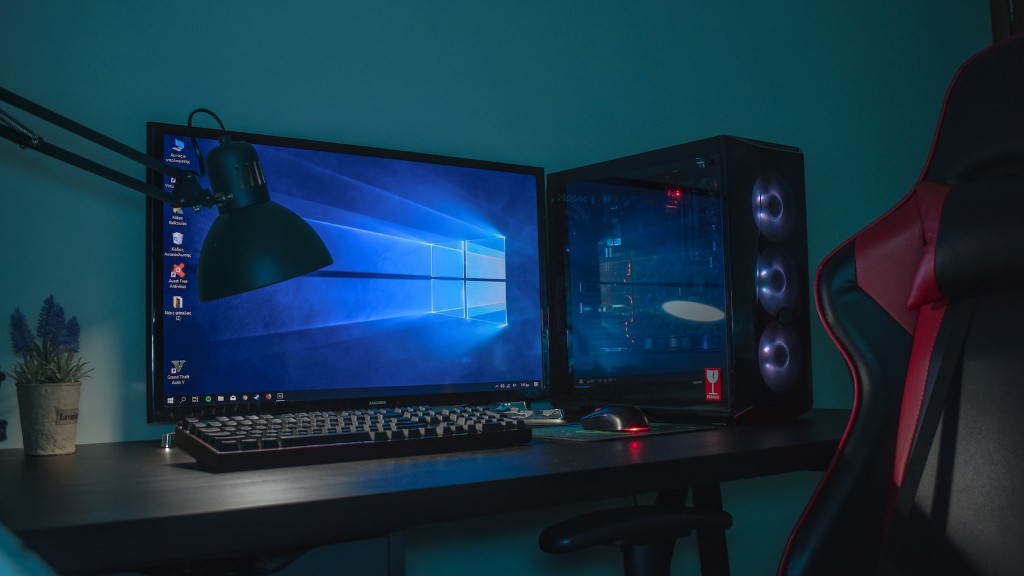
Also, gaming TVs may come with additional features such as integrated speakers or voice recognition, or they may be equipped with Bluetooth or Wi-Fi connectivity to allow users to stream audio and video wirelessly.
Gamers should also consider the cost of mounting or wall-mounting a TV, as well as the cost of additional TV stands or gaming chairs. This is particularly important for larger TVs, as the additional space required may leave little room for seating or other gaming gear. Additionally, those who intend to wall-mount their TV may incur additional costs for mounting hardware and the wall bracket itself.
Ultimately, whether a gamer should choose a TV or a gaming monitor depends on their budget, the type of game they want to play, and the features that are important to them. By researching all of these factors and considering them carefully, gamers will be able to find a gaming solution that meets their needs and preferences.
Gaming TV Pros and Cons
Using a gaming TV comes with both pros and cons. On one hand, TVs usually come with an array of useful features that are absent from most gaming monitors, such as 4K resolution, Dolby Vision, or OLED displays. On the other hand, TVs can be larger and more expensive than the average gaming monitor, and the lack of standardized quality control can lead to noticeable differences in image quality between TV sets.
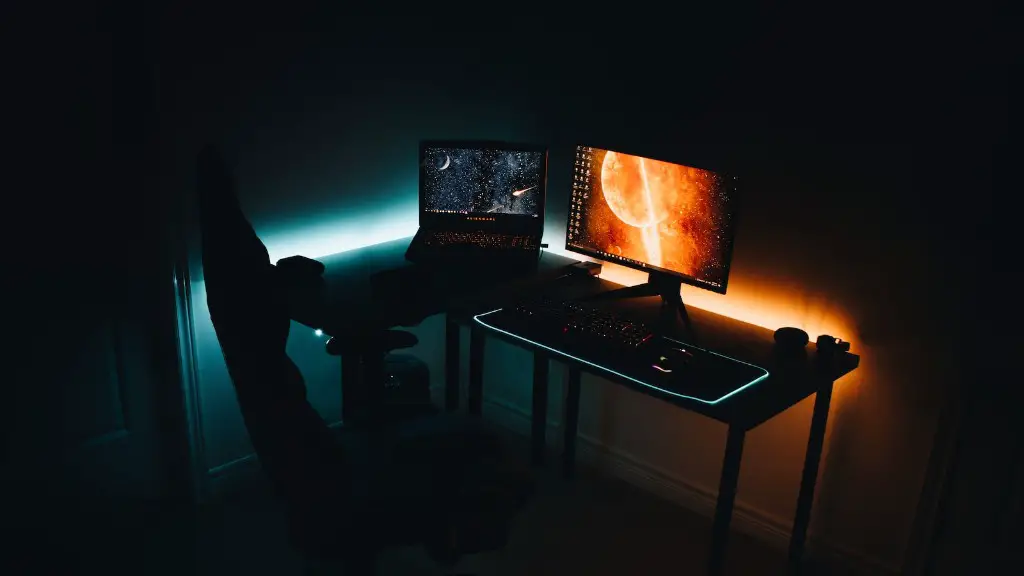
Additionally, gamers may encounter input lag problems with certain TVs, some TVs may be limited in terms of brightness or color accuracy, and there may be issues with multi-tasking with multiple displays. Gamers should also consider the size and weight of a TV, as this can make setup and relocation more difficult.
Finally, gaming TVs may be more difficult to upgrade. While gaming monitors can often be upgraded more easily with a new graphics card, gamers who purchase a gaming TV may be stuck with their initial purchase for some time. Gamers should take all of these factors into consideration when weighing the pros and cons of using a gaming TV.
Using a TV as a PC Monitor
Using a TV as a PC monitor is a popular option for PC gamers. Most TVs support HDMI inputs, which can be used with a graphics card to connect the PC to the TV. Additionally, most TVs feature built-in audio support and may include additional ports such as USB or optical audio, which allow for easy connection to external sound systems.
However, gamers should be aware that there can be image quality issues associated with using a TV as a PC monitor. For example, certain types of TVs may be limited in terms of their refresh rate or color accuracy. Additionally, the maximum resolution of a TV may be lower than what is offered by some gaming monitors. As with gaming consoles, gamers should research their options carefully before making a purchase decision.
Despite potential drawbacks, using a TV as a PC monitor can be an excellent choice for gamers who want to take advantage of the features available on modern TVs, such as built-in audio support, wireless streaming, and a variety of ports. PC gamers should consider all of the factors discussed above when deciding whether a TV or a gaming monitor is the best option for their gaming needs.
